Motorola Razr 70 Ultra review
Motorola launched three new handsets at the end of April: the Razr 70, the Razr 70 Plus and the Razr 70 Ultra. The Ultra is the most interesting of the three. Last year, we were impressed by the build quality and the cover screen of the Razr 60 Ultra (review). This year, the main question is whether Motorola has made enough improvements, as the RRP has risen by a hundred euros. Time to take a closer look at this new flip phone!
Unboxing
Inside the Razr 70 Ultra box, you’ll find the handset itself, a matching case and a USB-C cable. As is now common with many brands, you won’t find a charger in the box. The case is colour-coordinated with the handset – it’s nice that Motorola does include a bit of protection for those who like to use one.
Design and interface
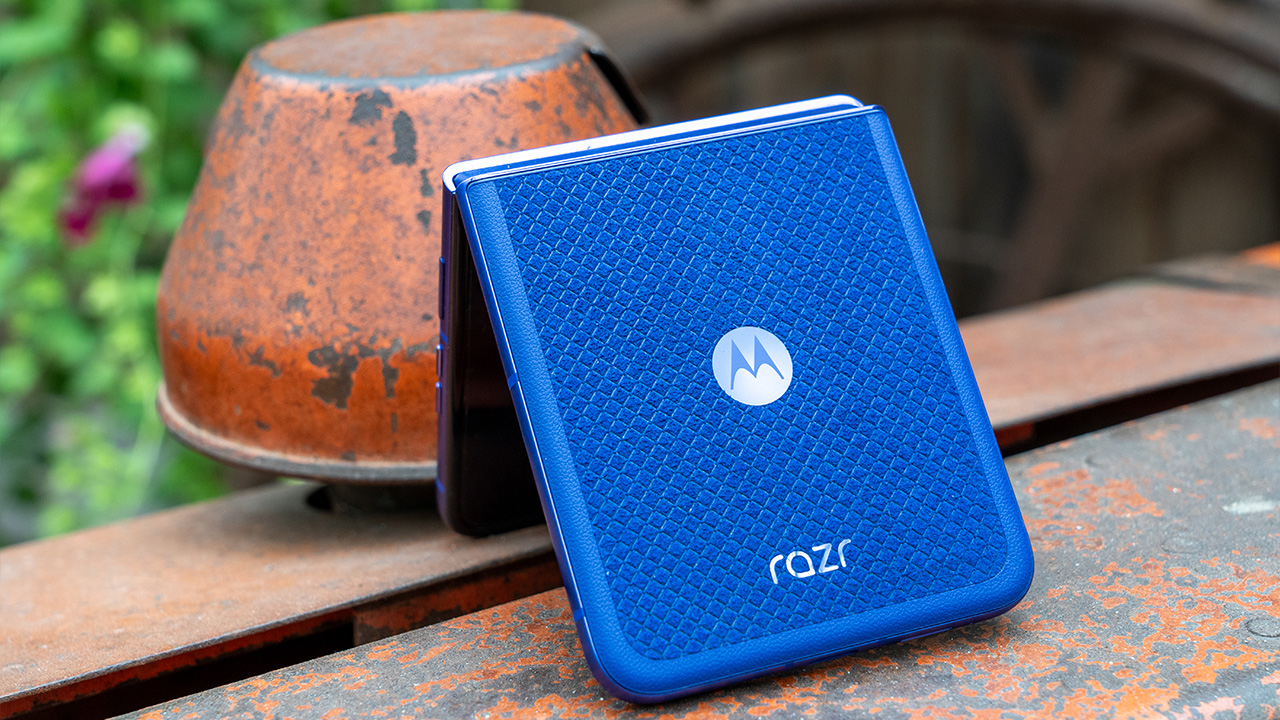
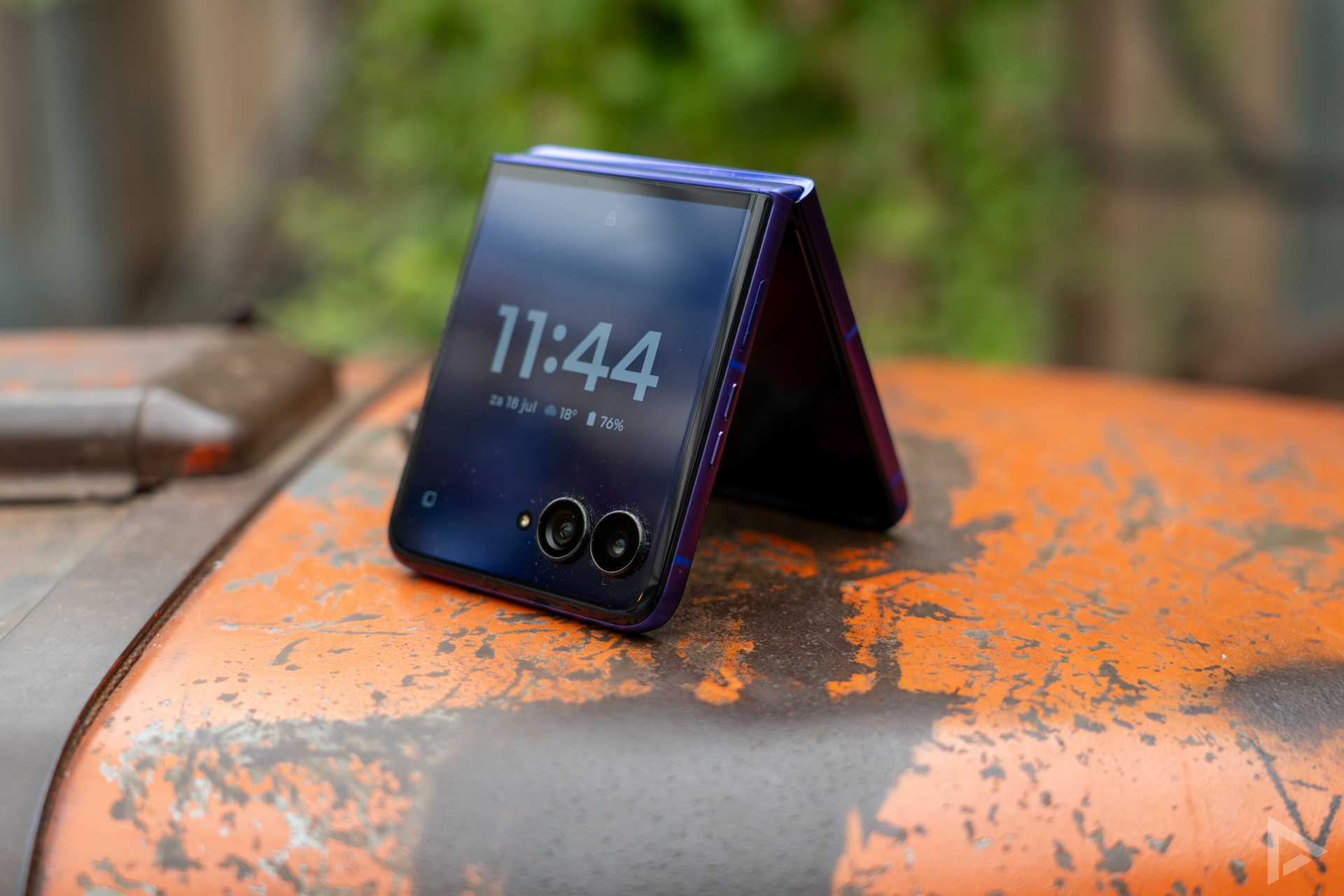
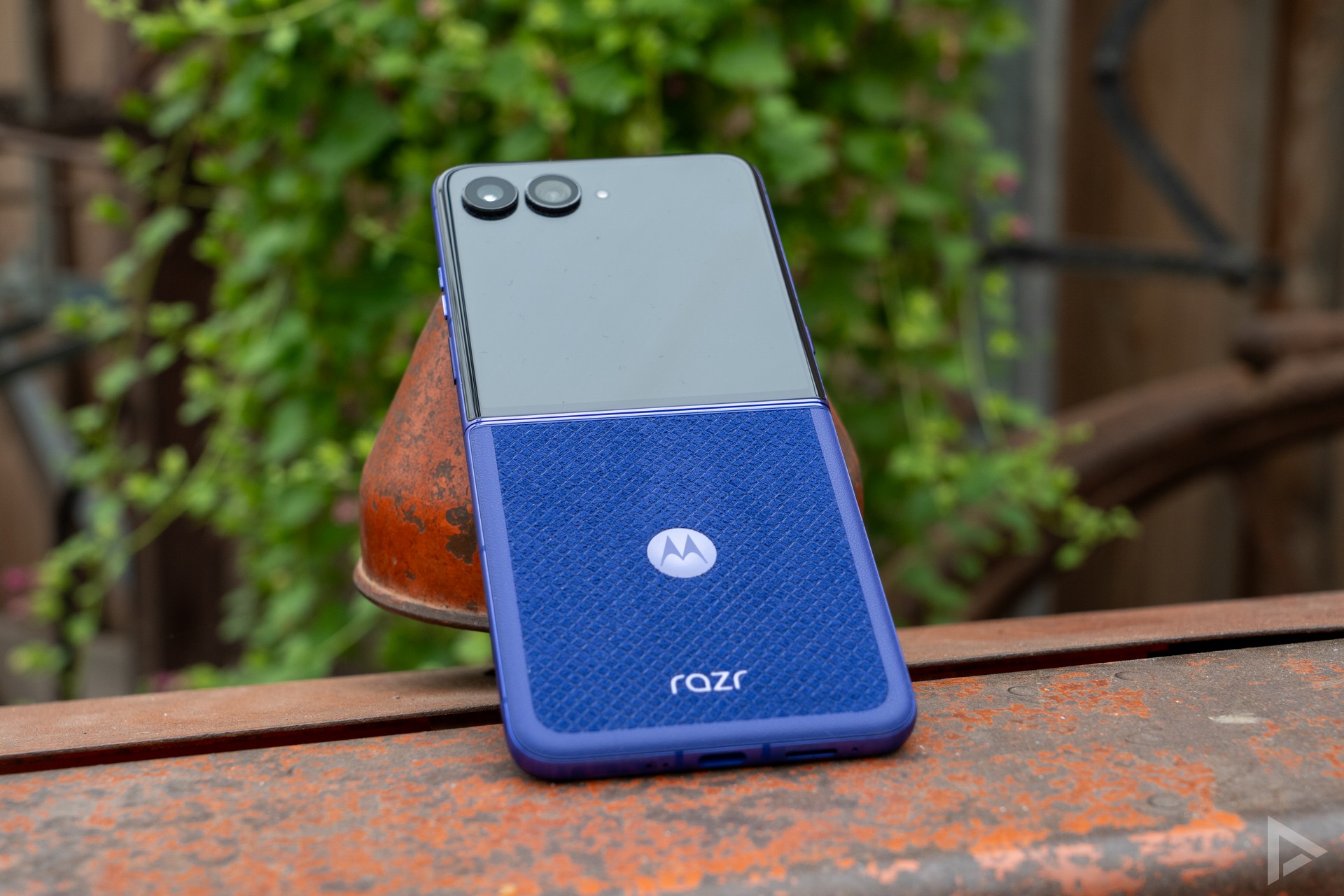
The Razr 70 Ultra is available in two finishes: a Pantone Cocoa version with a wooden back and a Pantone Orient Blue variant with Alcantara. We tested the Alcantara version. It feels soft and almost velvety in the hand, a nice contrast to the smooth glass back of most smartphones. However, this finish is a real dust magnet – our Razr 60 Ultra in the wooden finish certainly isn’t. After just an afternoon in our trouser pocket, we already found a layer of lint around the camera rings and some cat hair on the Alcantara
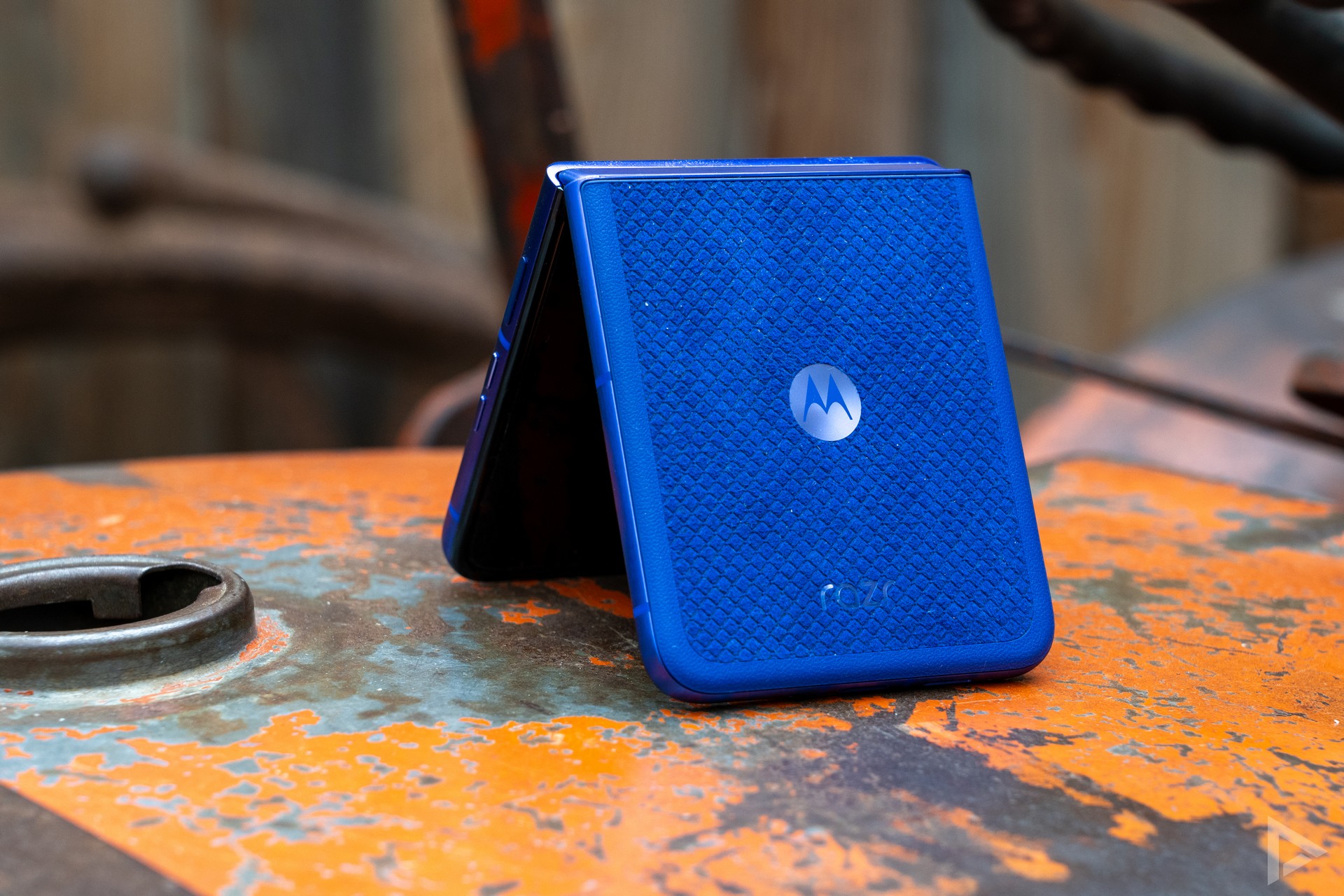
The device weighs 199 grams and is 15.7 millimetres thick when folded shut. This means it slips effortlessly into your trouser pocket or bag. The hinge feels incredibly sturdy and holds up well even in a half-open position, which is handy if you want to use the phone as a small tabletop screen during a video call. Motorola uses titanium in the frame and the phone has an IP48 rating. So it can cope with a rain shower, but the Razr 70 Ultra isn’t completely dustproof.
On the side, you’ll find the volume buttons and a power button with a fingerprint scanner that works quickly and reliably. On the other side is the familiar AI button, which still cannot be assigned to any other function. Would you prefer to launch Gemini with a single press of the button? Unfortunately, that’s not possible; it’s still the Moto AI assistant that helps you.
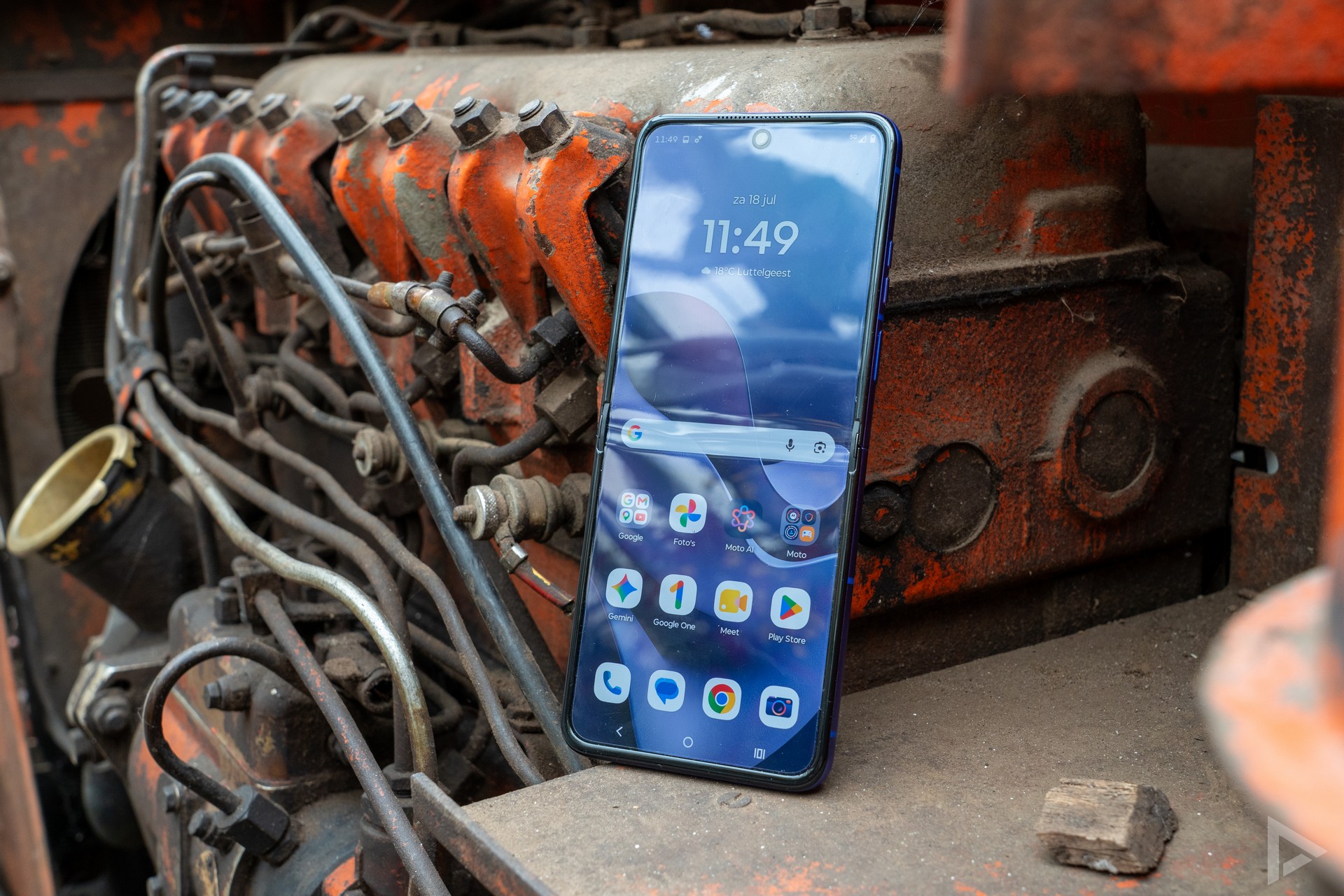
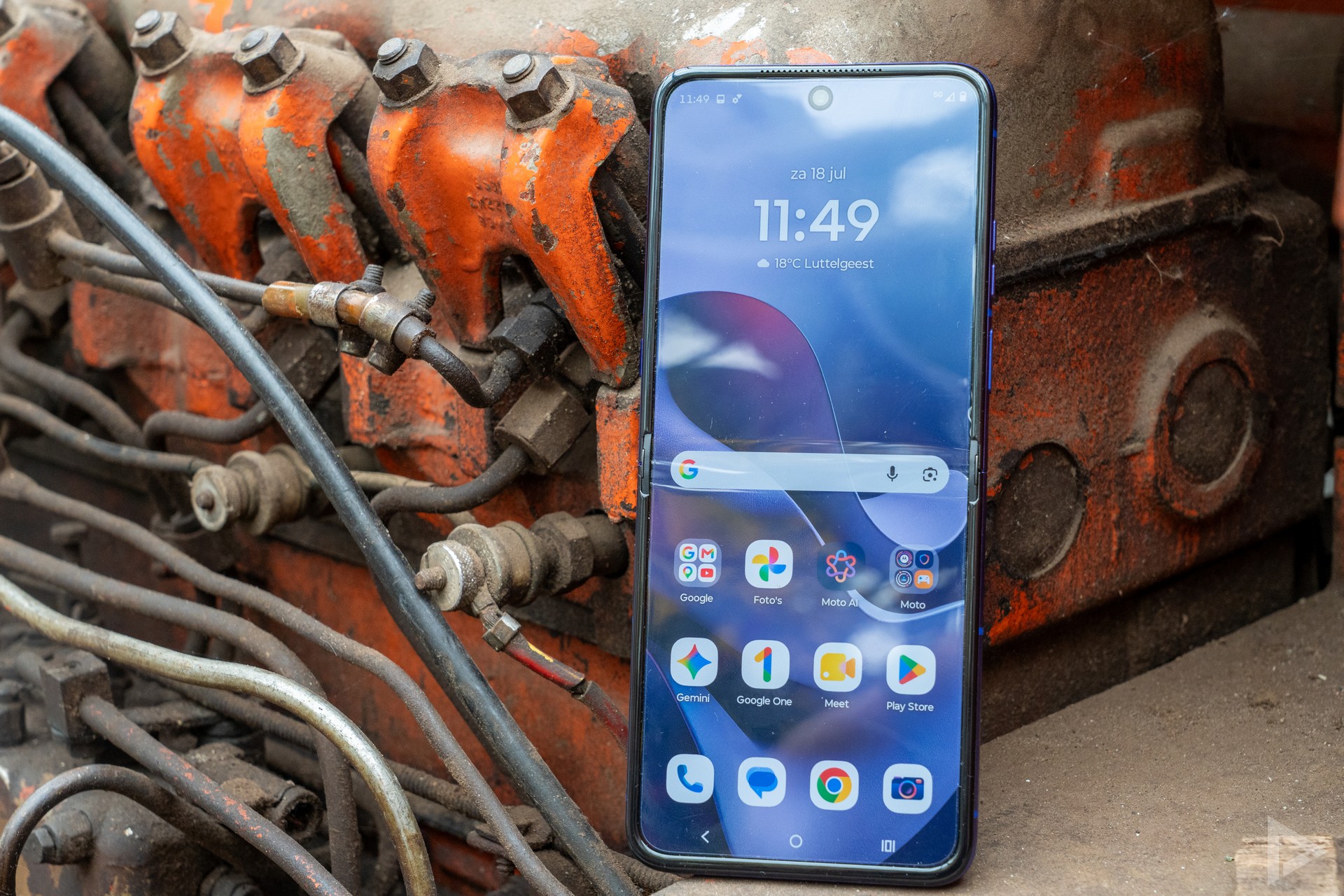
When unfolded, you’ll find a 6.96-inch AMOLED screen with a resolution of 1224 by 2992 pixels and a refresh rate of up to 165Hz. In practice, you’ll hardly notice that 165Hz. During normal use, the screen reverts to 120Hz; the highest refresh rate is reserved for a selection of games. The Razr’s 22:9 aspect ratio makes the screen quite narrow, which is nice for scrolling but less ideal for watching videos in landscape mode. The crease in the screen is partly visible and noticeable to the touch, especially in bright light.
Cover screen
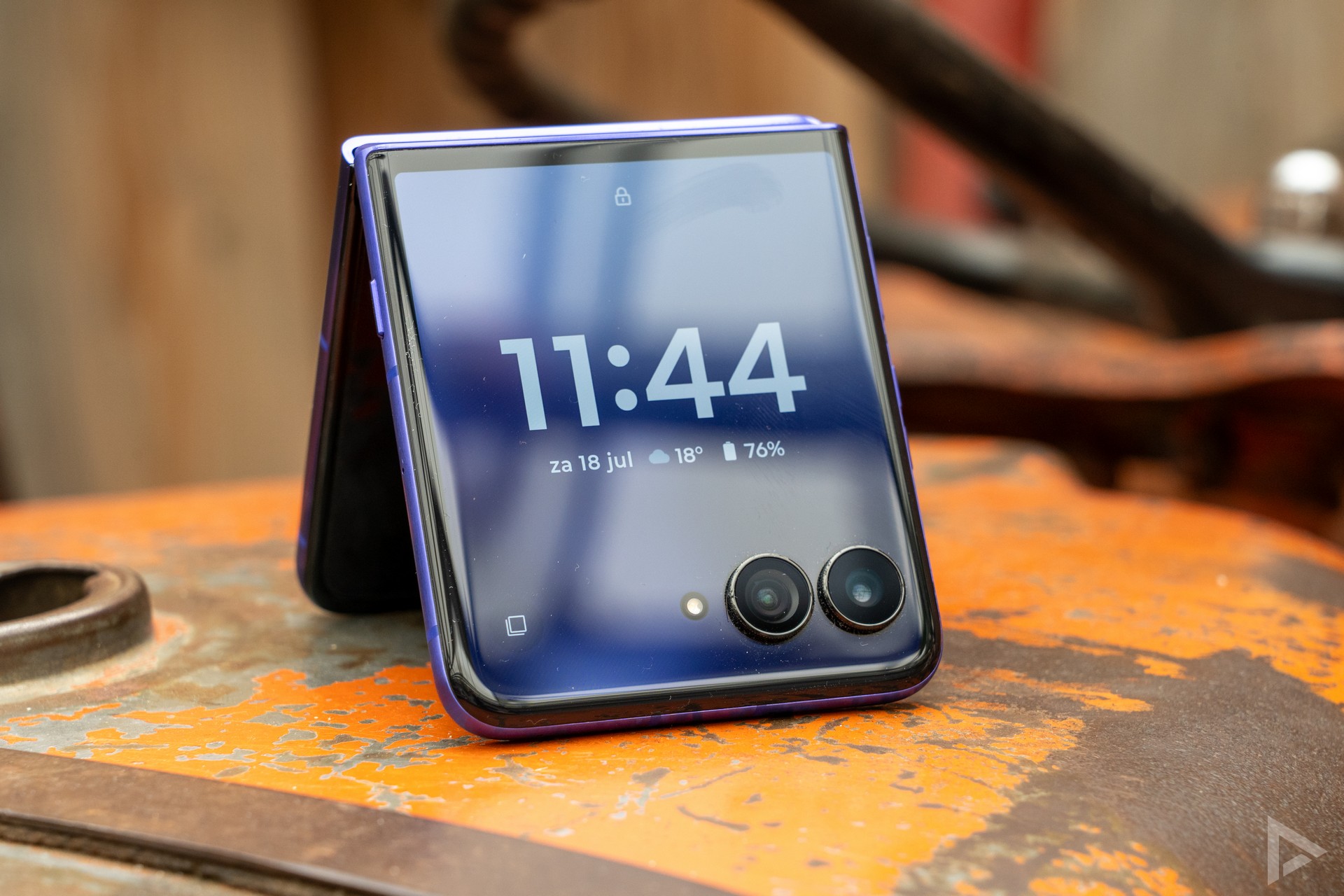
In our view, the 4-inch cover screen remains the Razr 70 Ultra’s strongest feature. You can open virtually any app on it, from replying to messages to navigating with Google Maps and checking your Spotify playlist. During our test period, we regularly used the cover screen with Google Maps. The screen is bright, colourful and responsive. By holding down the bottom section, you can effortlessly switch between a small and a full-screen view. Not much has changed compared to the Razr 60 Ultra. Nor does it need to, as it already worked brilliantly last year.
Communication and multimedia
When it comes to communication, we can’t really find anything negative to say about the Razr 70 Ultra. Calls sound clear, thanks to multiple microphones that effectively filter out background noise. The device features stereo speakers with Dolby Atmos support. There’s plenty of volume for a quick film, though you’ll probably prefer to use headphones for music.
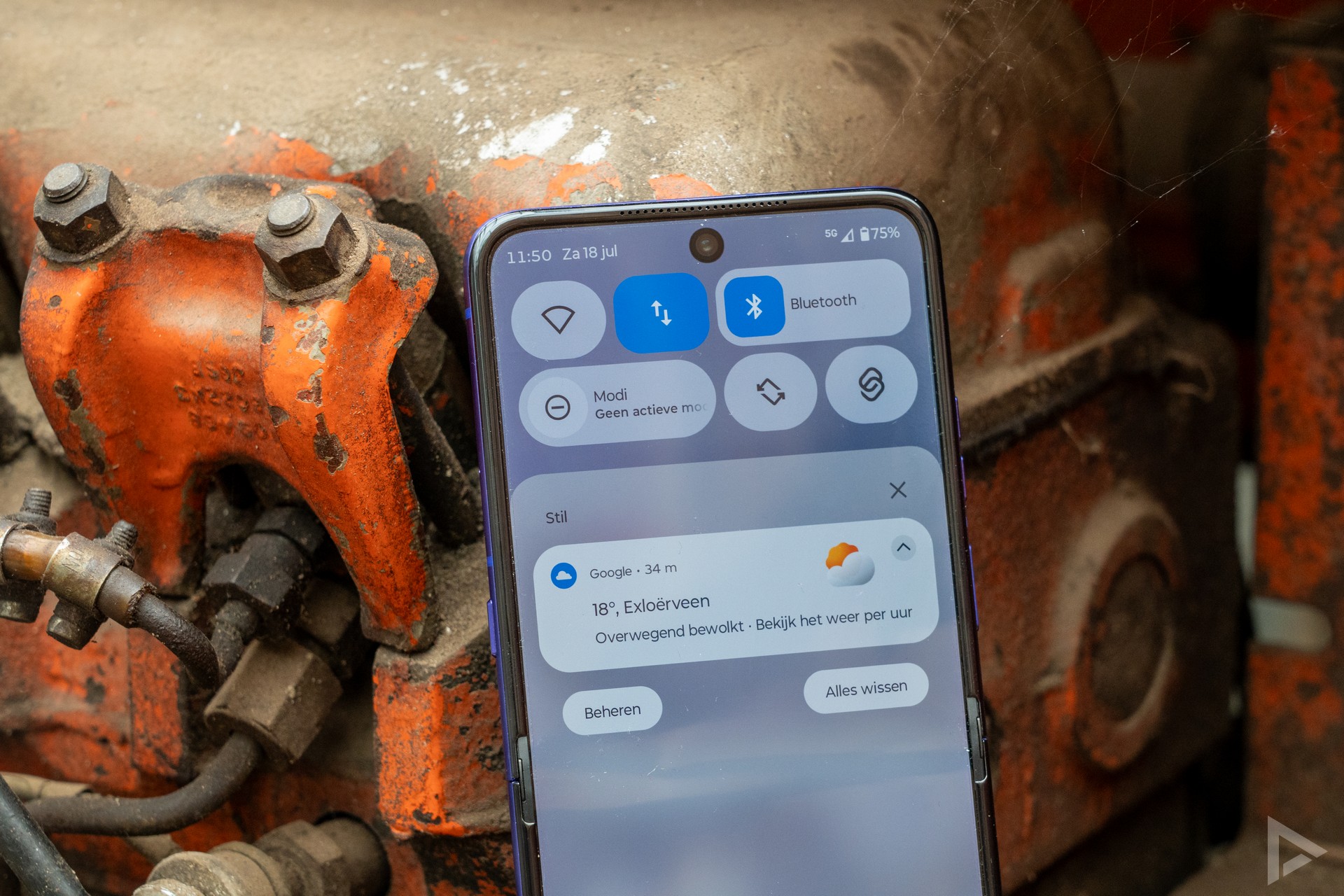
Motorola runs Android 16 with Hello UI on top, a skin that’s very close to stock Android. Unfortunately, the apps drawer contains a news feed full of unnecessary suggestions and bloatware. Fortunately, you can turn that off with a few taps. Motorola is also going all out on Moto AI, with a whole range of smart features. For example, with Style Sync, you can turn a photo of your outfit into a matching wallpaper, and the device recognises what’s important via smart notifications.
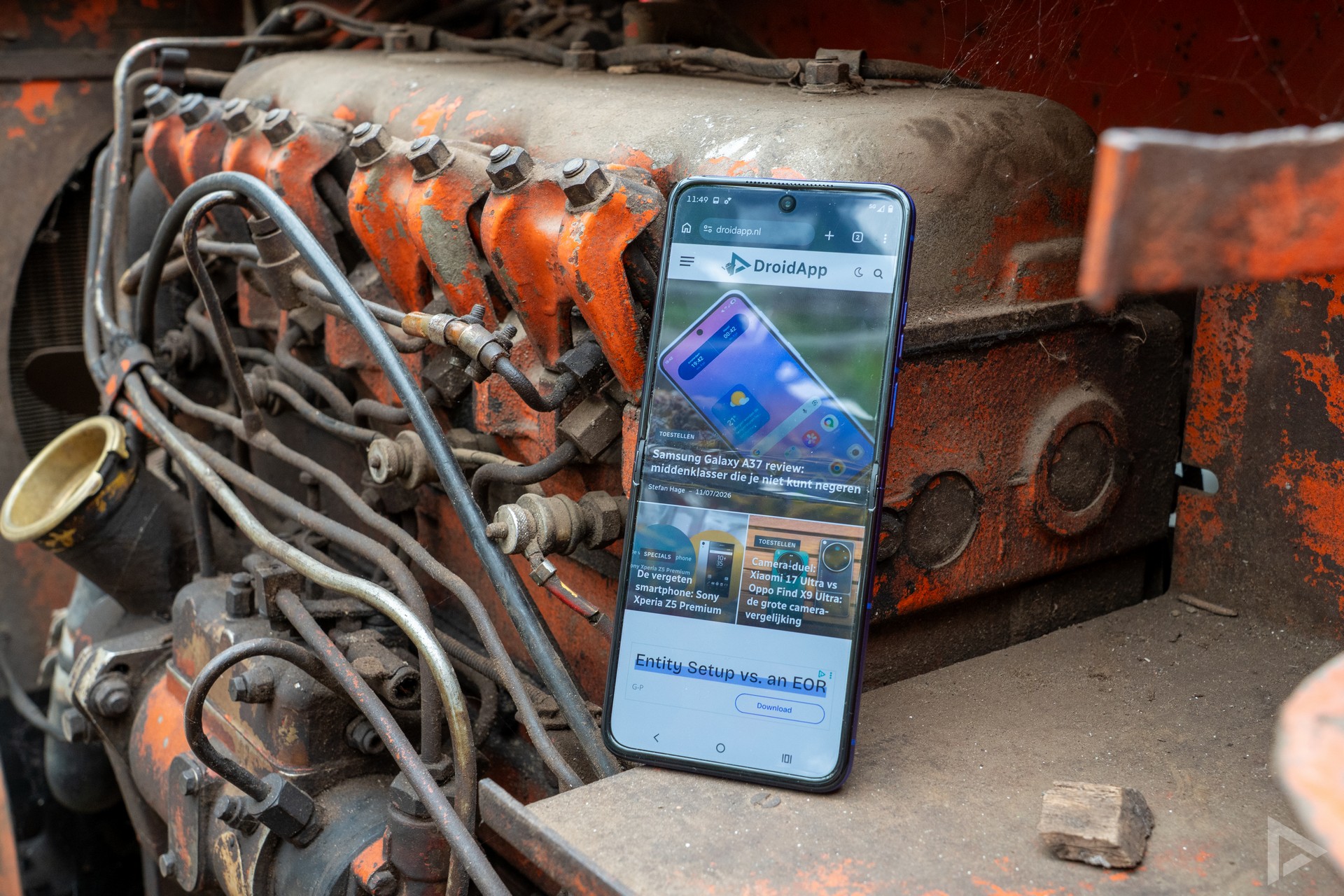
It’s nice to see that Motorola is still committed to physical gestures. Shaking the phone twice turns on the torch, and a double twist of your wrist launches the camera. These little conveniences make everyday use just that bit more pleasant – it really can be that simple.
Camera
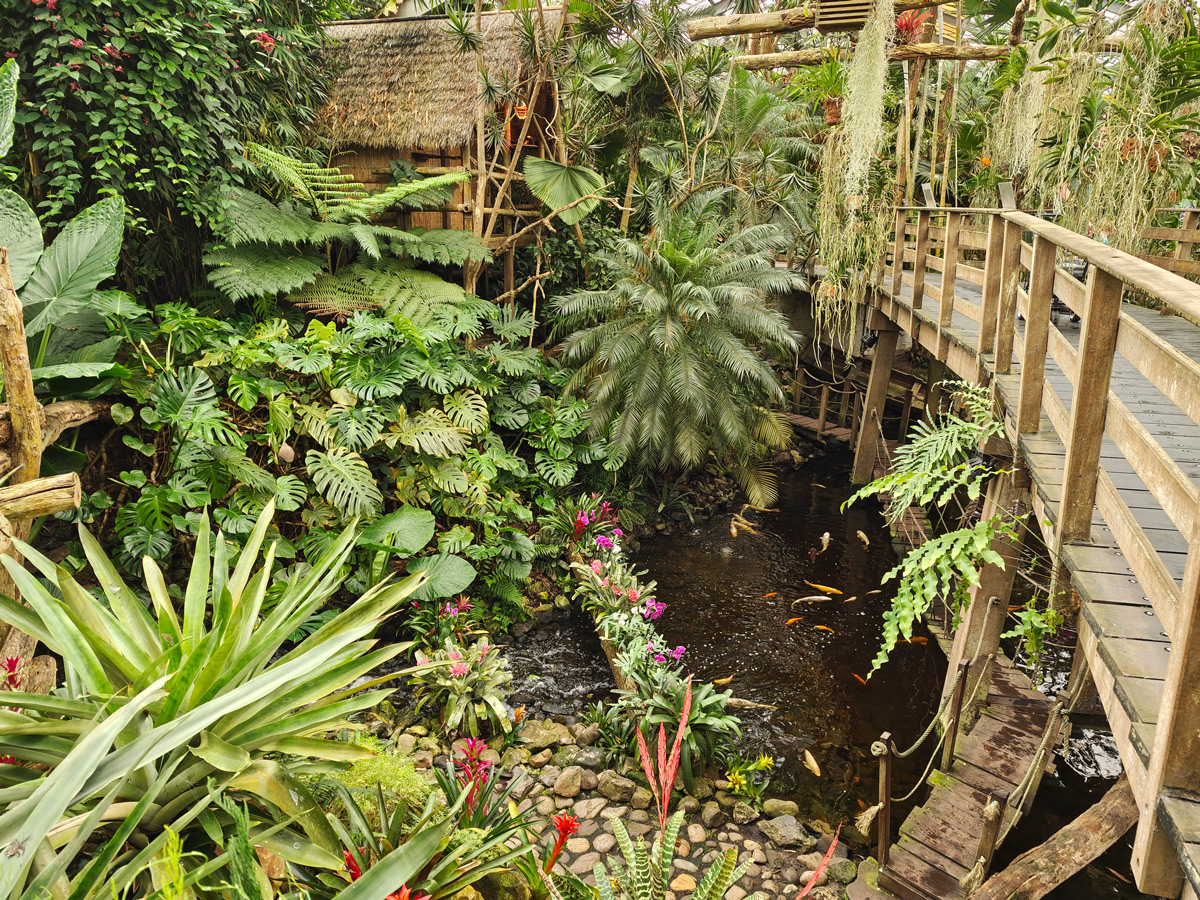
The main innovation in the Razr 70 Ultra lies in the main camera. Motorola uses a new 50-megapixel sensor with LOFIC technology, which is designed to deliver a significantly better dynamic range. You really do notice the difference. During the day, this produces beautiful, colourful photos with a pleasantly warm colour rendition. Even in backlit conditions, the shadows remain nicely dark, rather than everything being washed out – for example, on a sun-drenched beach. The ultra-wide-angle lens, also 50 megapixels, performs well during the day but clearly struggles in darker environments.
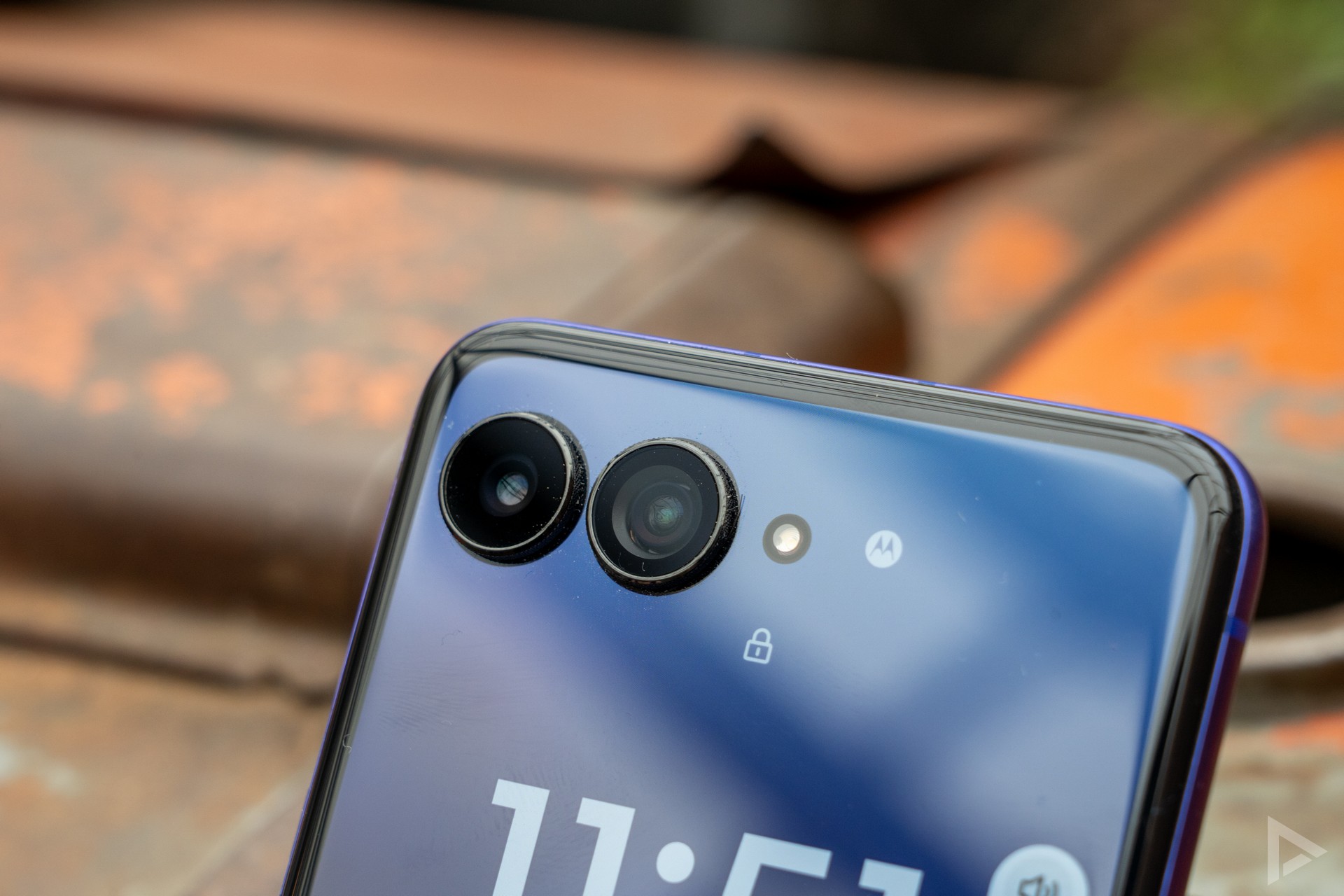
We wouldn’t recommend zooming in further than 2x. Beyond that, the AI works hard to enhance the image. The result: photos that quickly start to look a bit blurry and painted. The selfie camera, also 50 megapixels, is fine for video calls.
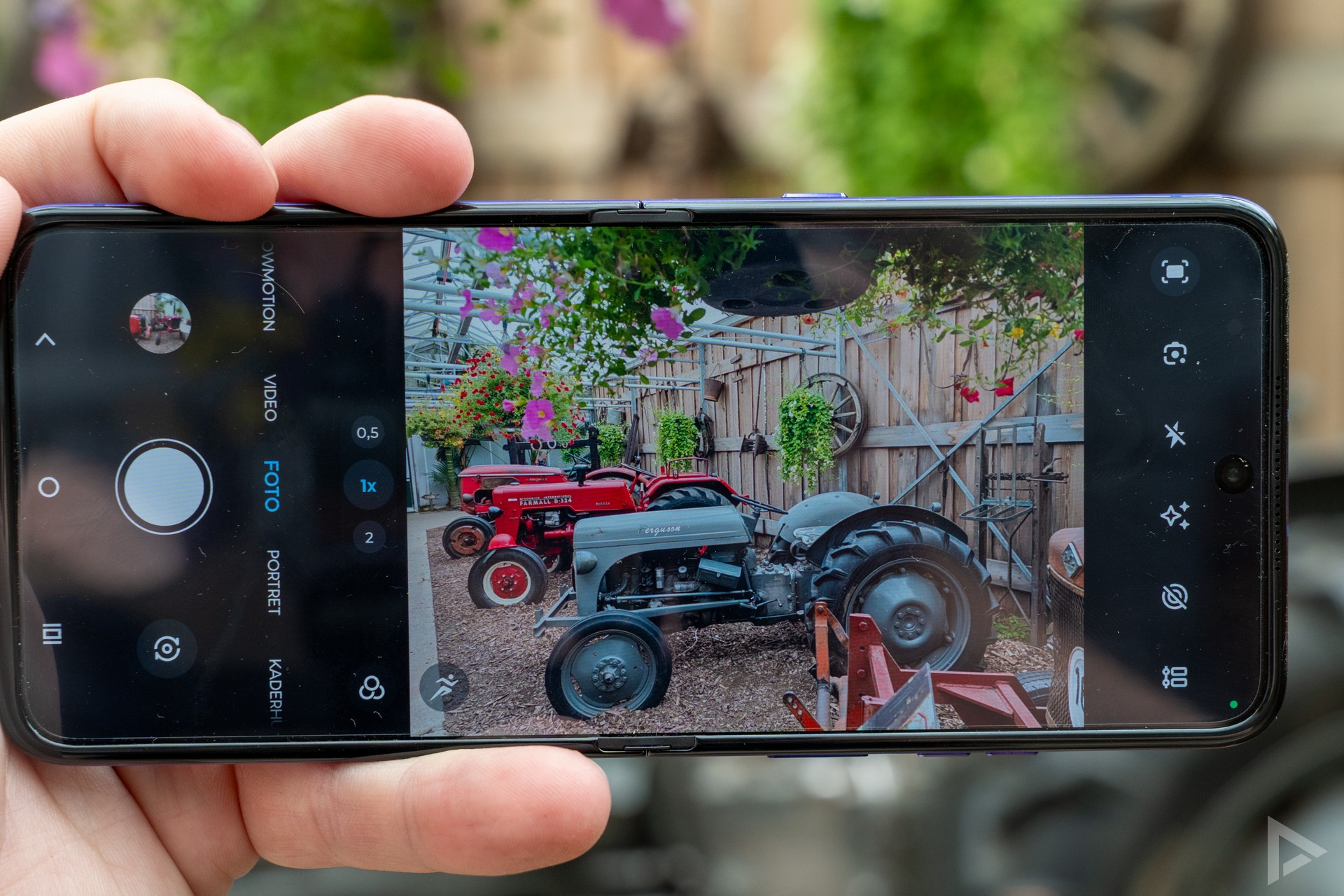
A nice addition is Frame Match, a feature that ensures you’ll come home with better holiday photos. If you want a photo of yourself with a specific background, you first take a photo of that background. Then someone else takes over the phone and aligns the image precisely on the cover screen before taking the photo with you in it. So no more guessing what the photo will look like.
If you’re curious about all the photos we’ve taken with the Motorola Razr 70 Ultra, have a look at the photo album.
Video
You can film up to 8K at 30 frames per second, and with Dolby Vision you can film up to 4K at 30 frames per second. The high-contrast image of Dolby Vision really stands out when you watch it on a compatible screen. The camcorder mode is back again this year, where you fold the screen halfway and hold the device like an old-fashioned camcorder, complete with zooming via a twisting motion. A fun gimmick that we saw last year too, but no less entertaining for that.
Performance and battery life
Under the bonnet is the same Snapdragon 8 Elite chipset as in the Razr 60 Ultra, complemented by 16GB of RAM and 512GB of storage. Day-to-day use is smooth and seamless. Apps open instantly and gaming is smooth too. During prolonged heavy use, we did notice that the device heats up quite quickly, after which performance drops slightly.
Motorola has fitted a 5000 mAh battery, a slight improvement on the 4700 mAh battery in the Razr 60 Ultra. This should see you through a full day. With more moderate use, it might even last two days. Charging is via 68W fast charging, which tops up half the battery in about twenty minutes and fully charges it in just over three-quarters of an hour. 30W wireless charging is also an option, although you’ll need to purchase a specific Motorola charger for this.
Please note that the Razr 70 Ultra manages background apps quite aggressively to conserve battery life. In practice, this can mean that notifications from apps such as WhatsApp arrive with a slight delay. If you’d prefer to avoid this, you can manually set the relevant apps to ‘unrestricted battery usage’ in the settings.
Update policy
Motorola promises three years of Android updates and five years of security updates for the Razr 70 Ultra. This is an improvement on previous Razr models. Updates from Motorola are, even with the Razr 60 Ultra, rather sparse. Given the price you pay for these devices, Motorola really ought to make a bit more of an effort to keep its customers’ security up to date.
Verdict
The Motorola Razr 70 Ultra remains one of the best flip phones you can buy, with a lovely cover screen, decent battery life and a camera that performs just that little bit better thanks to the new sensor. However, it’s hard to pinpoint what has actually improved compared to the Razr 60 Ultra. The same chipset, a similar screen and virtually the same design make the higher RRP difficult to justify when you can still pick up its predecessor for less.
The handset has a recommended retail price of 1,399 euros, compared to 1,299 euros for last year’s Razr 60 Ultra, but it’s already available for considerably less at various retailers. Fancy trying the handset out for yourself? You can find the Motorola Razr 70 Ultra at Belsimpel.
- Attractive and functional cover screen
- Generous battery capacity with fast charging
- Improved camera sensor with good dynamic range
- Good build quality
- Hardly any improvement on the Razr 60 Ultra
- Software update policy could be better adhered to
- Zooming beyond 2x produces poor results
- Higher price than last year
- AI button cannot be personalised
- Alcantara proves to be a dust magnet