Samsung Galaxy Watch 9: what’s it like using the new smartwatch?
At the end of July, the big moment arrived: Samsung Galaxy Unpacked, featuring the announcement of new foldables (such as the Galaxy Z Fold 8 with its revamped design) and the unveiling of new smartwatches. Alongside the Galaxy Watch Ultra 2, the South Korean manufacturer also unveiled the Galaxy Watch 9 to the public.
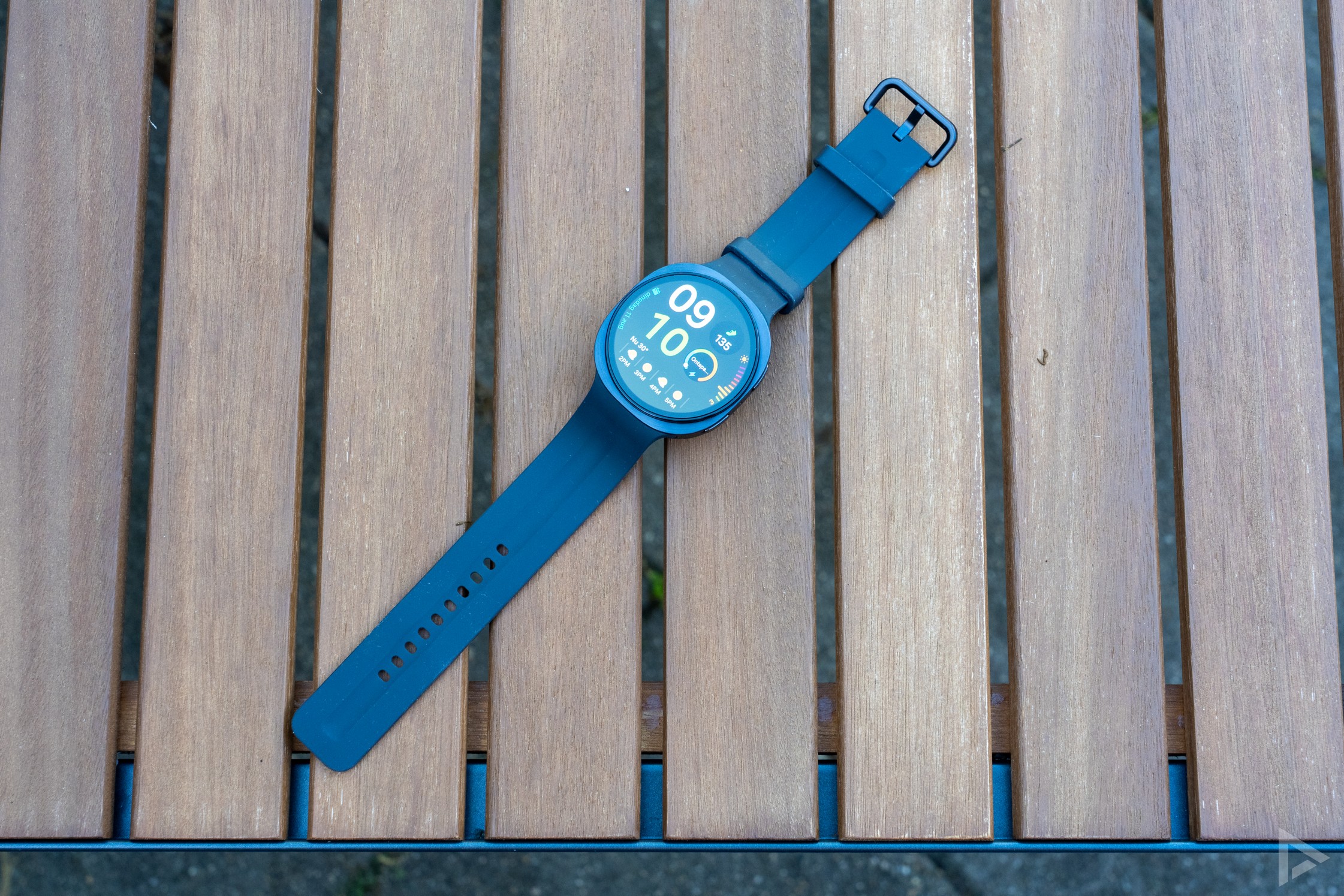
At first glance, the Galaxy Watch 9 has hardly changed from the Watch 8. The most significant updates are therefore not in the design, but in the processor, battery and new health features. We’re putting the watch through its paces in our Samsung Galaxy Watch 9 review.
In the box
The Galaxy Watch 9 comes in a rectangular box, and you can easily attach the straps to the case yourself. The charging cradle is included, but you’ll need to provide your own adapter. You’ll also find some paperwork in the box.
Once you’ve taken the new smartwatch out of the box, you can start setting it up. And with this device, that requires more attention than with other smartwatches. First of all, you’ll need to download several additional apps. You’ll need to download the Galaxy Wearable app, after which you’ll also need to install an additional ‘Watch Manager’ plugin. You’ll then have to go through a whole series of terms and conditions, grant numerous permissions and log in with a Samsung account. For your health data, you’ll also need to download the Samsung Health app. This could have been a bit more user-friendly, although – unfortunately – this has been the case with Samsung for years.
Another useful tip: when using the app for the first time, don’t forget to specify straight away in the Galaxy Wearable app which apps you want to receive notifications from. By default, only a handful of apps are ticked, so you’re bound to be one of many who miss out on a lot of notifications at the start.
Design
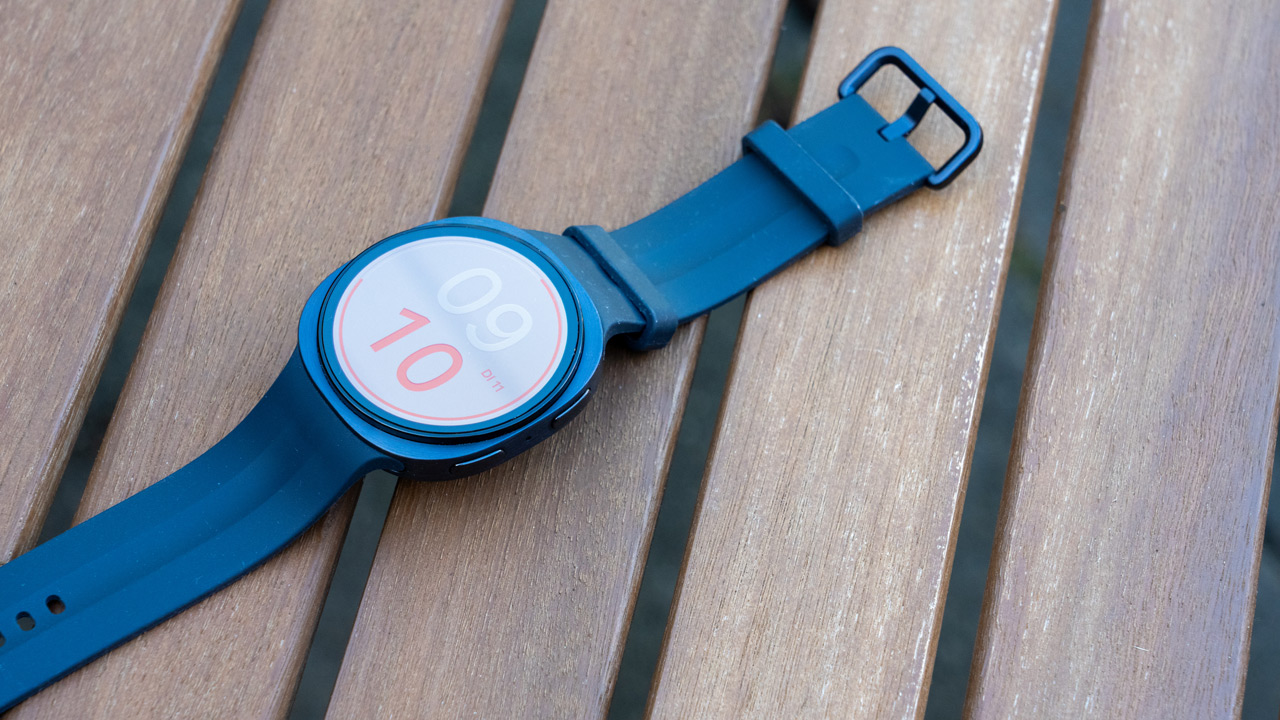
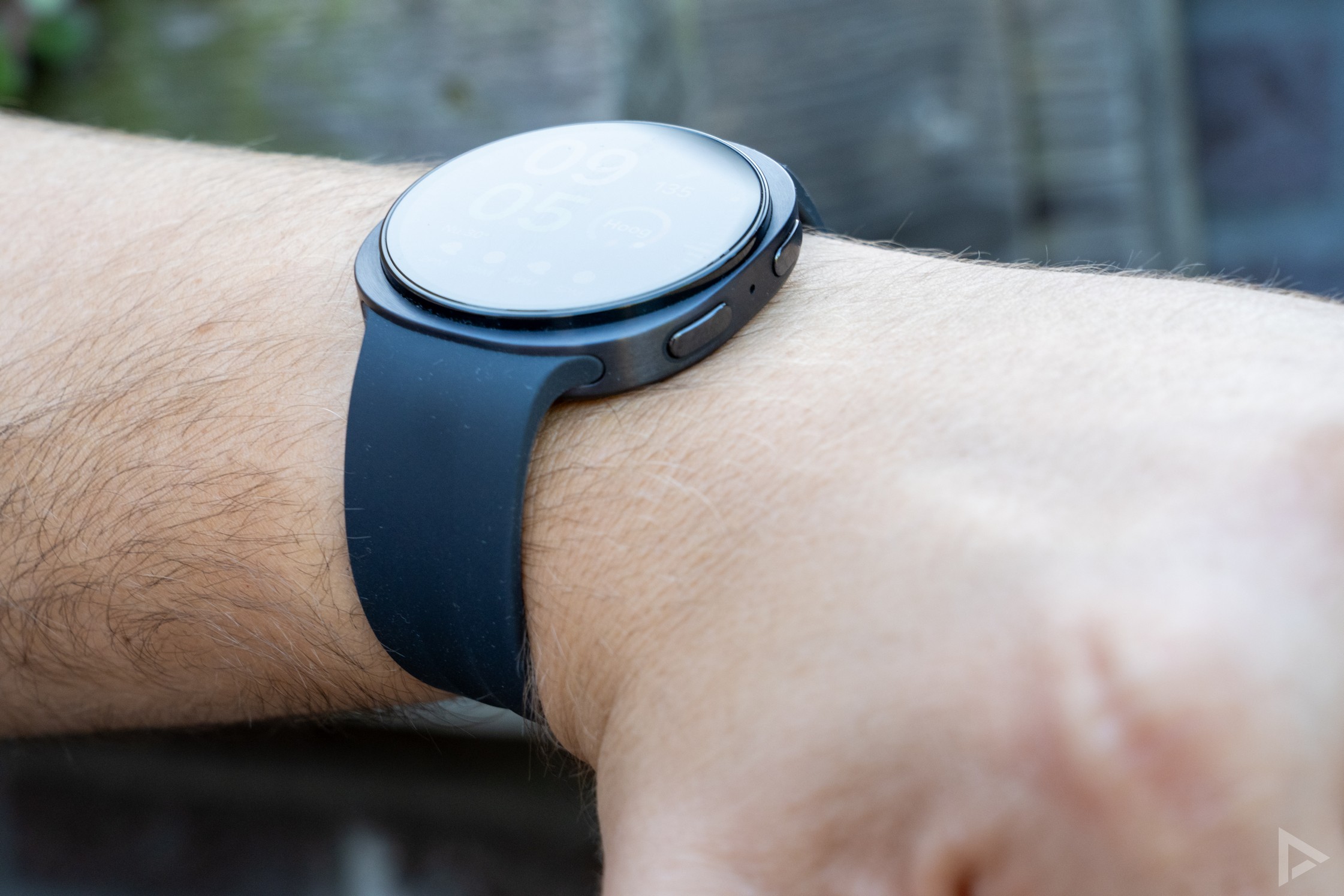
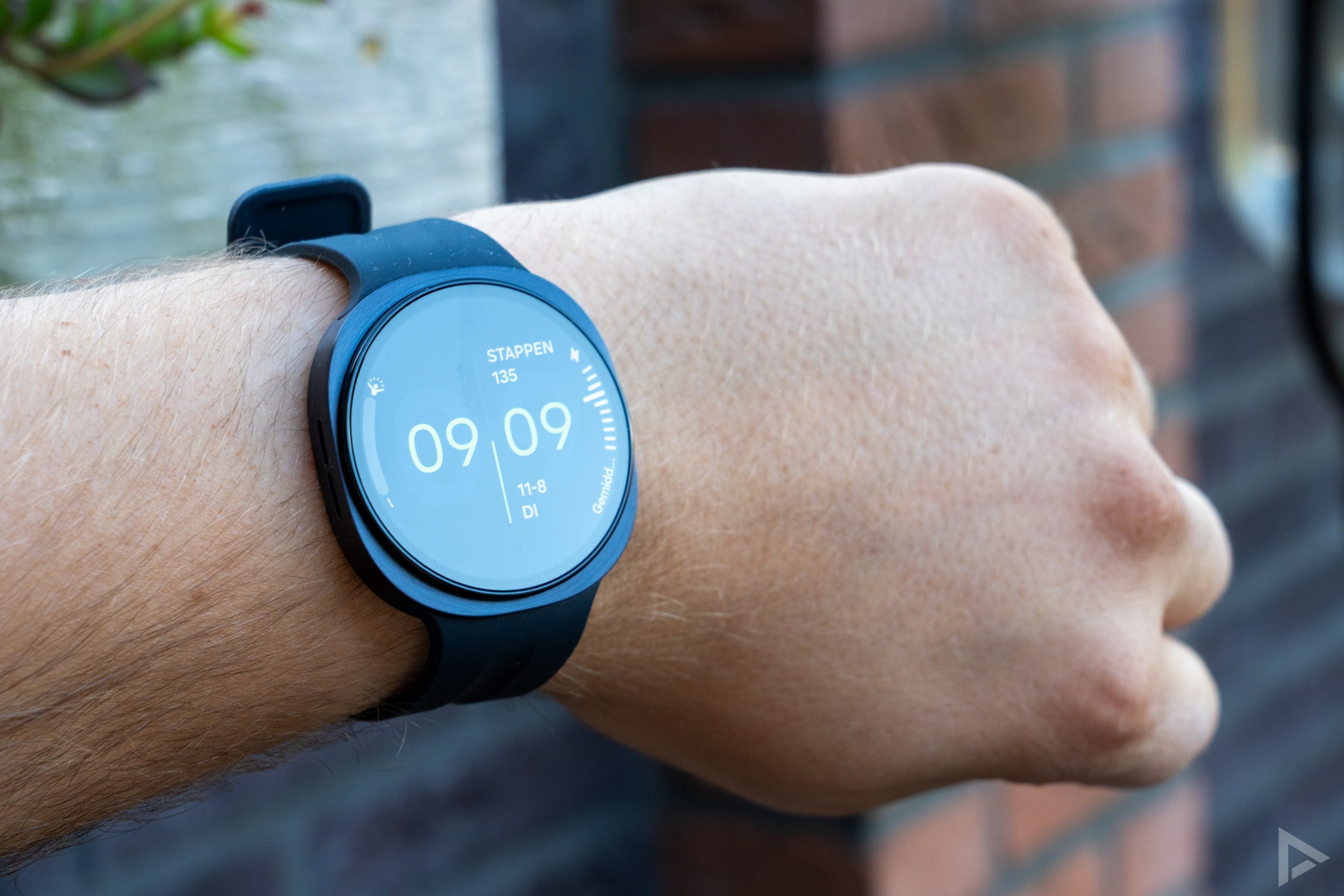
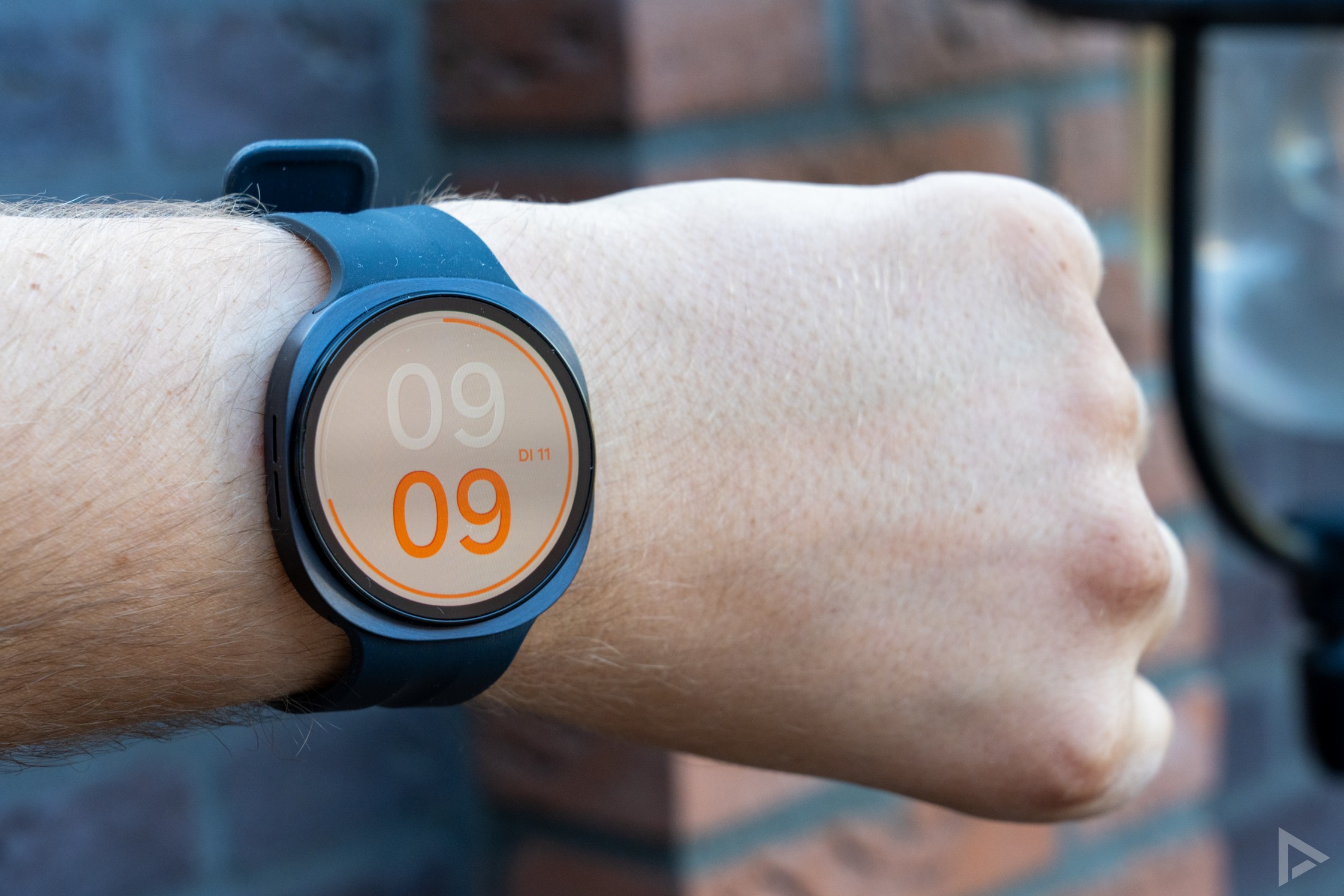
The watch’s design is no different from its predecessor. But that’s no disaster, as the Galaxy Watch 9 looks sleek. For this review, we’re using the 44 mm version in Graphite. If you’d prefer a slightly smaller model, you can opt for the 40 mm version. The speaker is on the left-hand side of the watch, whilst the two buttons are on the right. The screen is framed by an oval bezel, which gives the watch a stylish look.
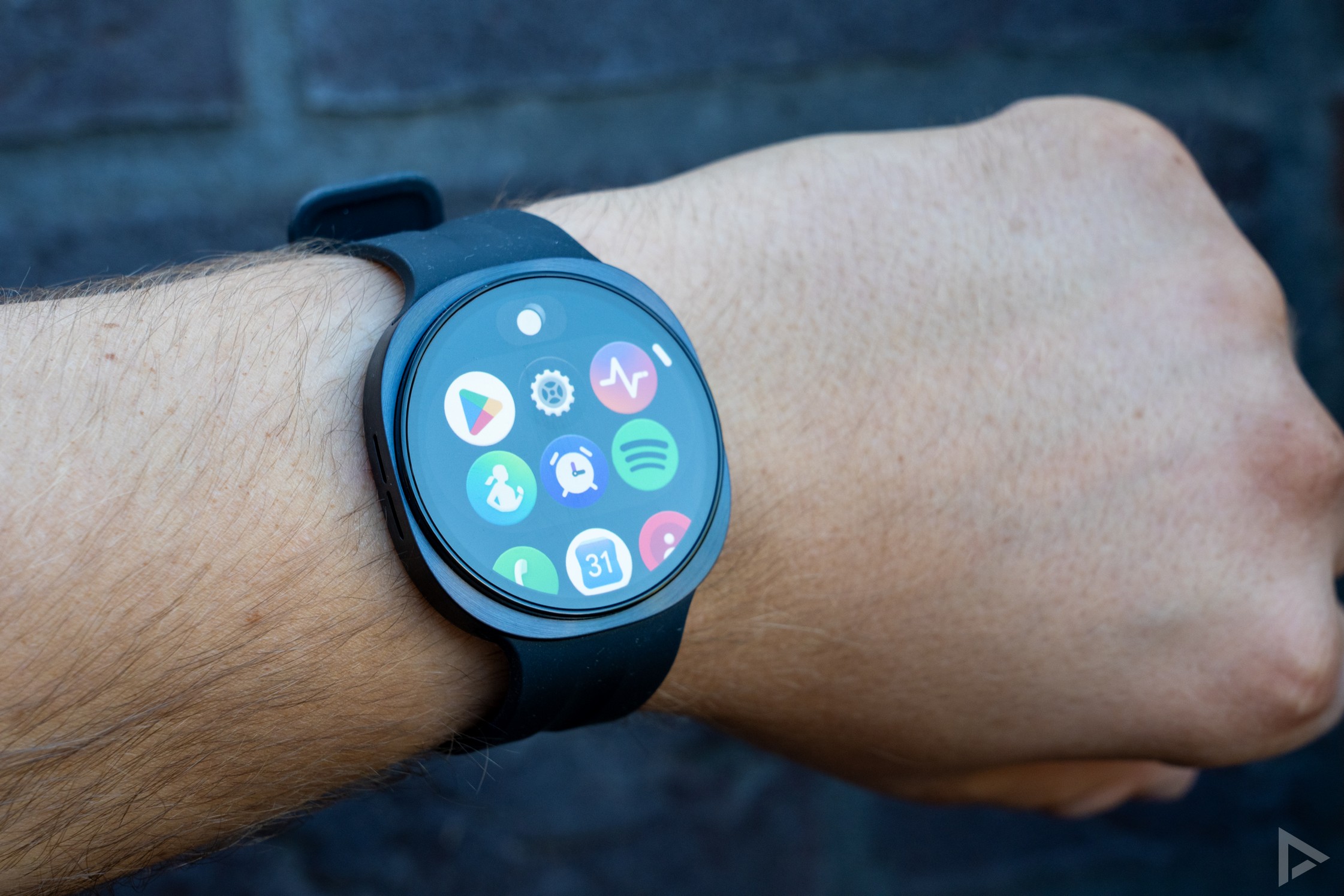
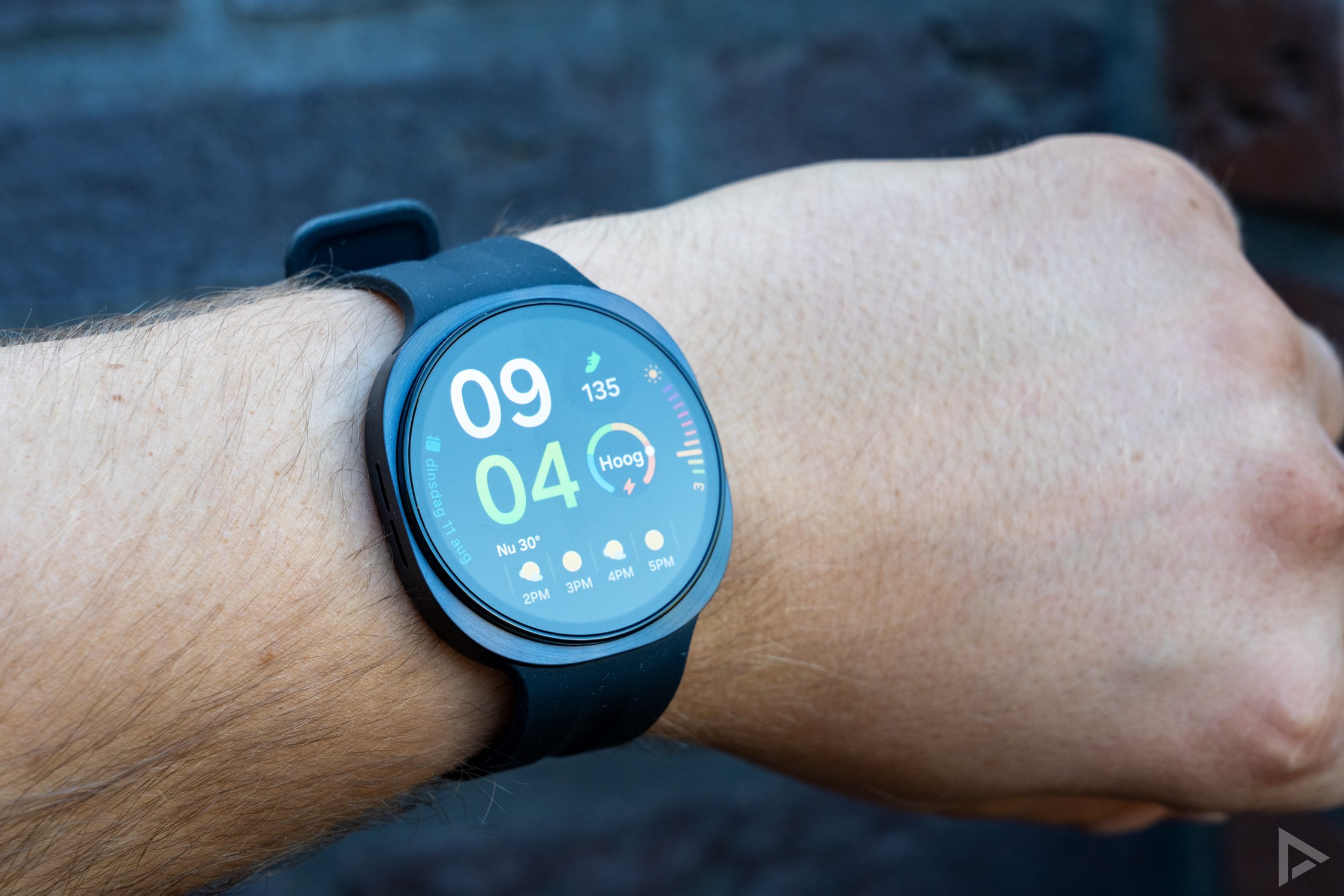
The 44 mm model has a 1.5-inch AMOLED screen with a resolution of 480 x 480 pixels. The screen responds well to touch and, thanks to its high brightness, is easy to read on sunny days. You can also use the two buttons on the side, which you can personalise. For example, you can use them to quickly access Gemini or any app you want to access straight away. Gemini on the smartwatch is very handy, as you can look something up straight away or create a task for yourself with a reminder.
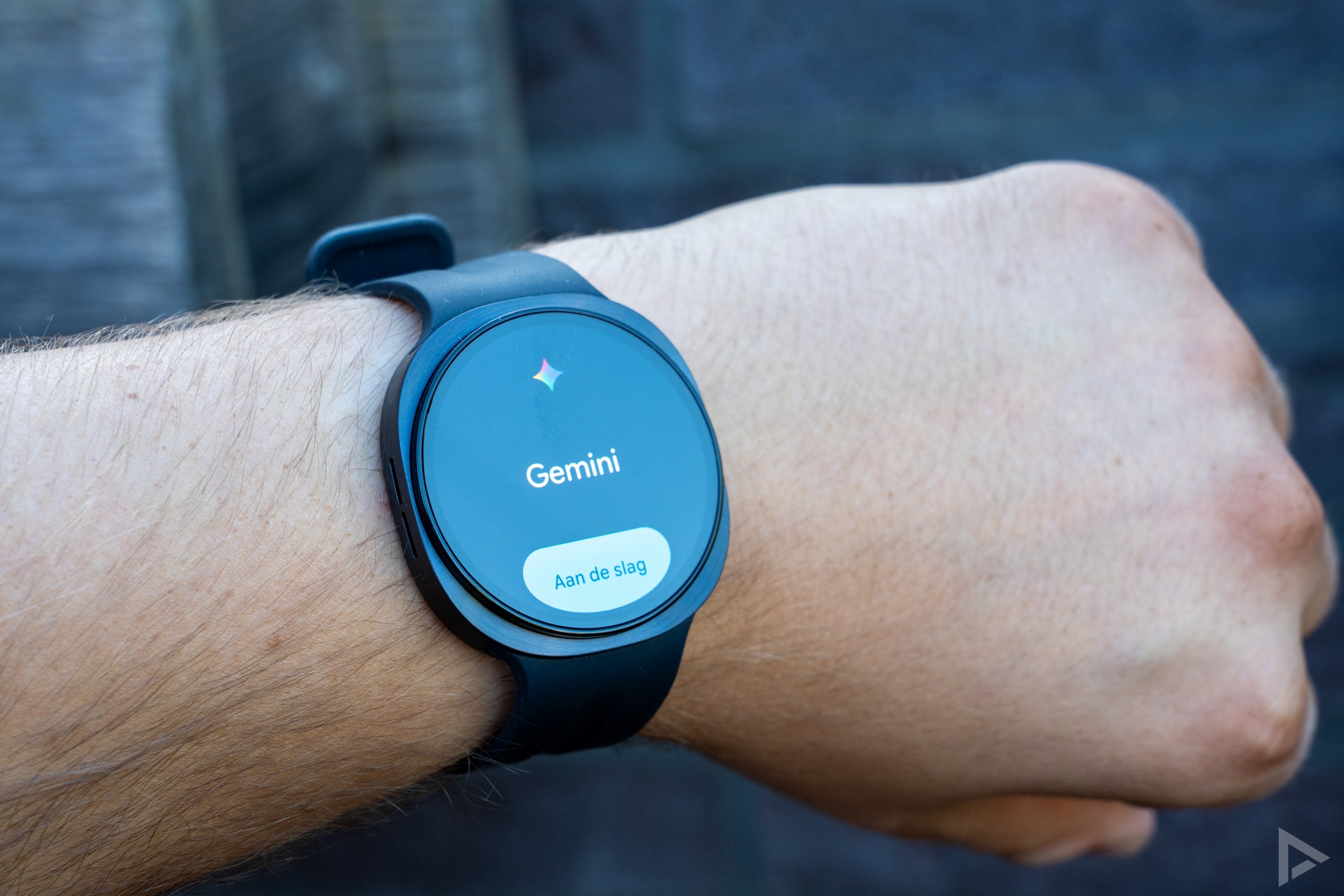
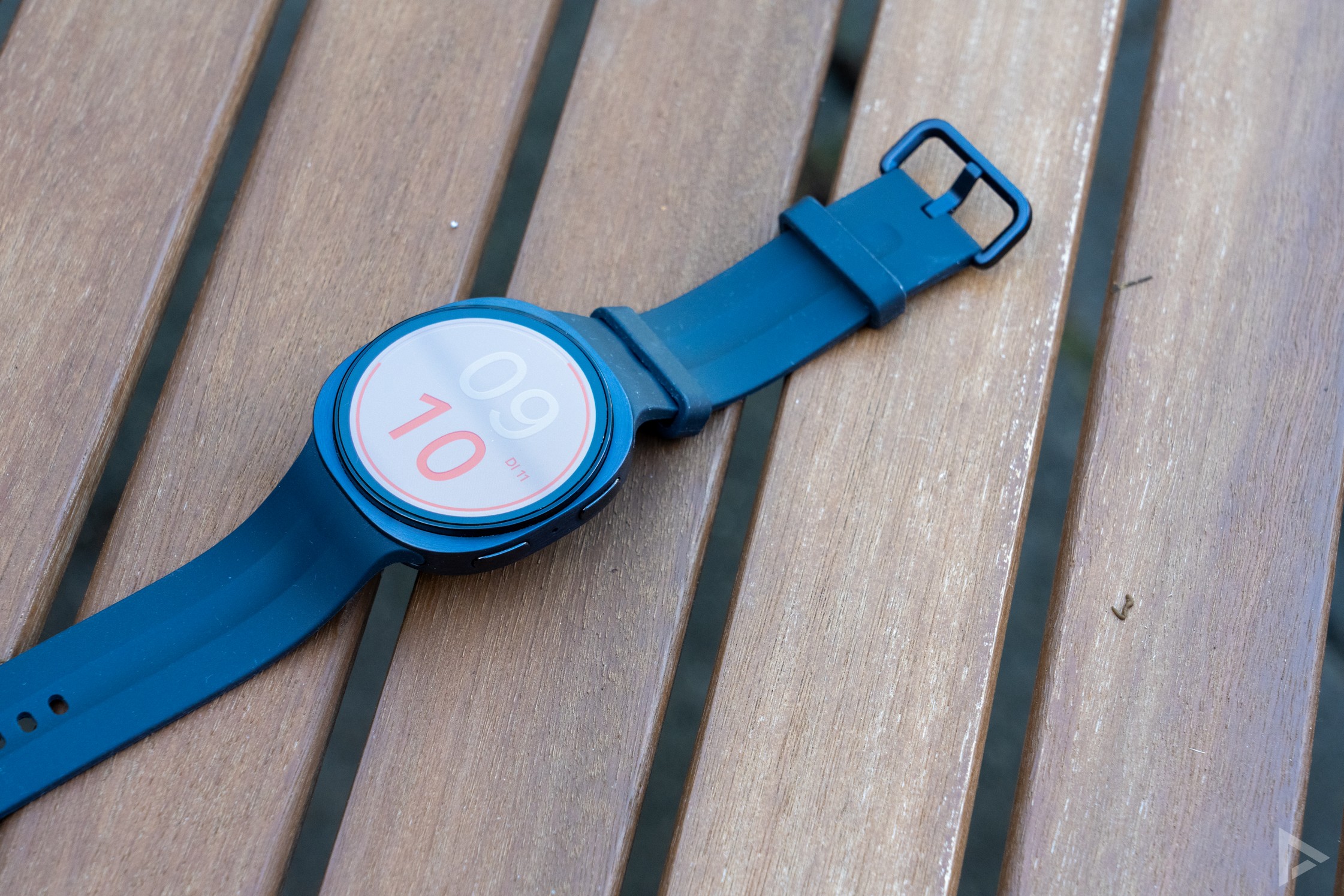
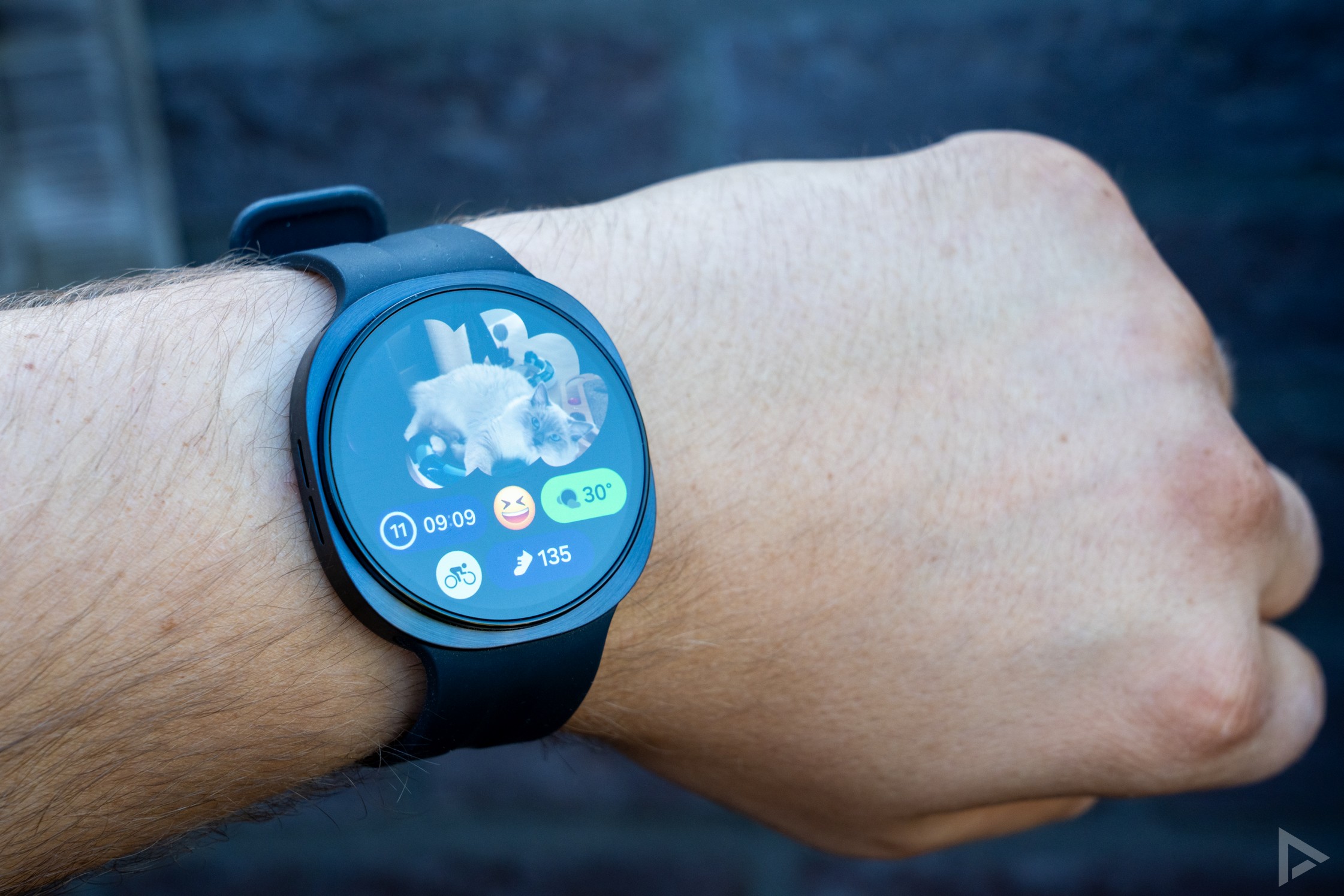
Of course, a smartwatch needs a stylish watch face. Samsung offers a range of watch faces for this, which you can also customise in terms of the information displayed and the colour scheme. You can easily choose the watch face you want directly on the watch. But if you’d like even more choice, there’s the Galaxy Wearable app, where you can find lots more watch faces. You can also download and buy various watch faces via the Google Play Store. But whichever watch face you choose, the current temperature is always shown as 30 degrees. A bit of a nuisance.
What is noticeable, however, is that the watch doesn’t always respond very well when you’re wearing it on your wrist and you receive a notification. Normally, you’d simply rotate your wrist slightly to make the notification visible. But this clearly works better on other smartwatches than on the Galaxy Watch 9.
Software: Wear OS and One UI Watch
The Samsung Galaxy Watch 9 runs on Google’s Wear OS, so it can rightly be called a smartwatch. You can download various apps from the Google Play Store, and you also have more options when it comes to notifications and the like than with a watch from, say, Garmin.
However, where Garmin’s top-of-the-range models really excel is the ability to plan a walking route (using Komoot, for example) and follow it as a navigation map on the watch. Wear OS doesn’t offer this, and we still find that a shortcoming. You can, for example, follow your car route in Google Maps.
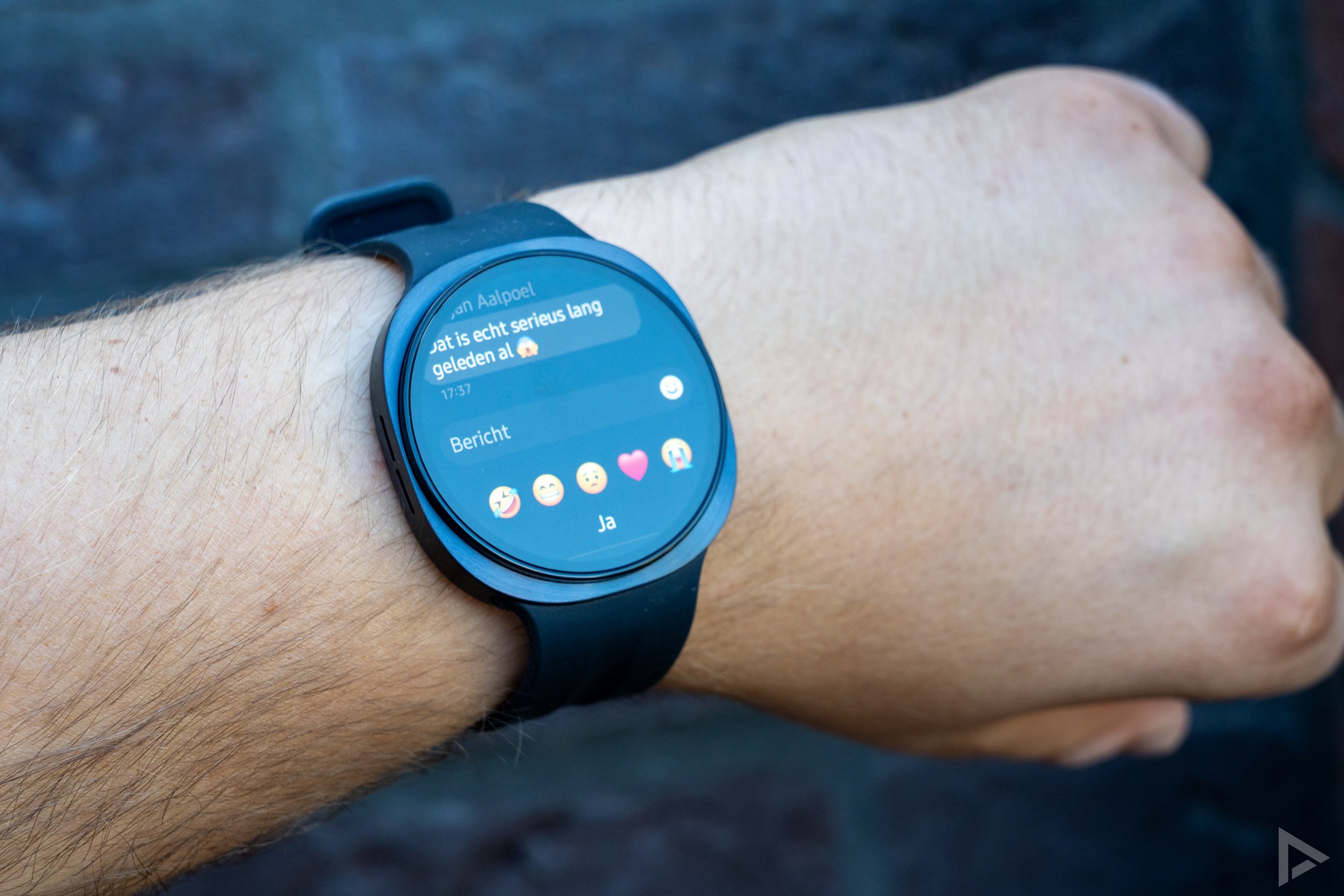
Unlike, for example, Google’s Pixel Watch, you cannot reply to messages using speech-to-text. I used to do this a lot whilst out and about with the Pixel Watch 4, where the text you speak is converted into text. With Samsung, this only works in English. You can, however, write letters in Dutch and, of course, type, but speaking is often much easier, especially when you’re on the move.
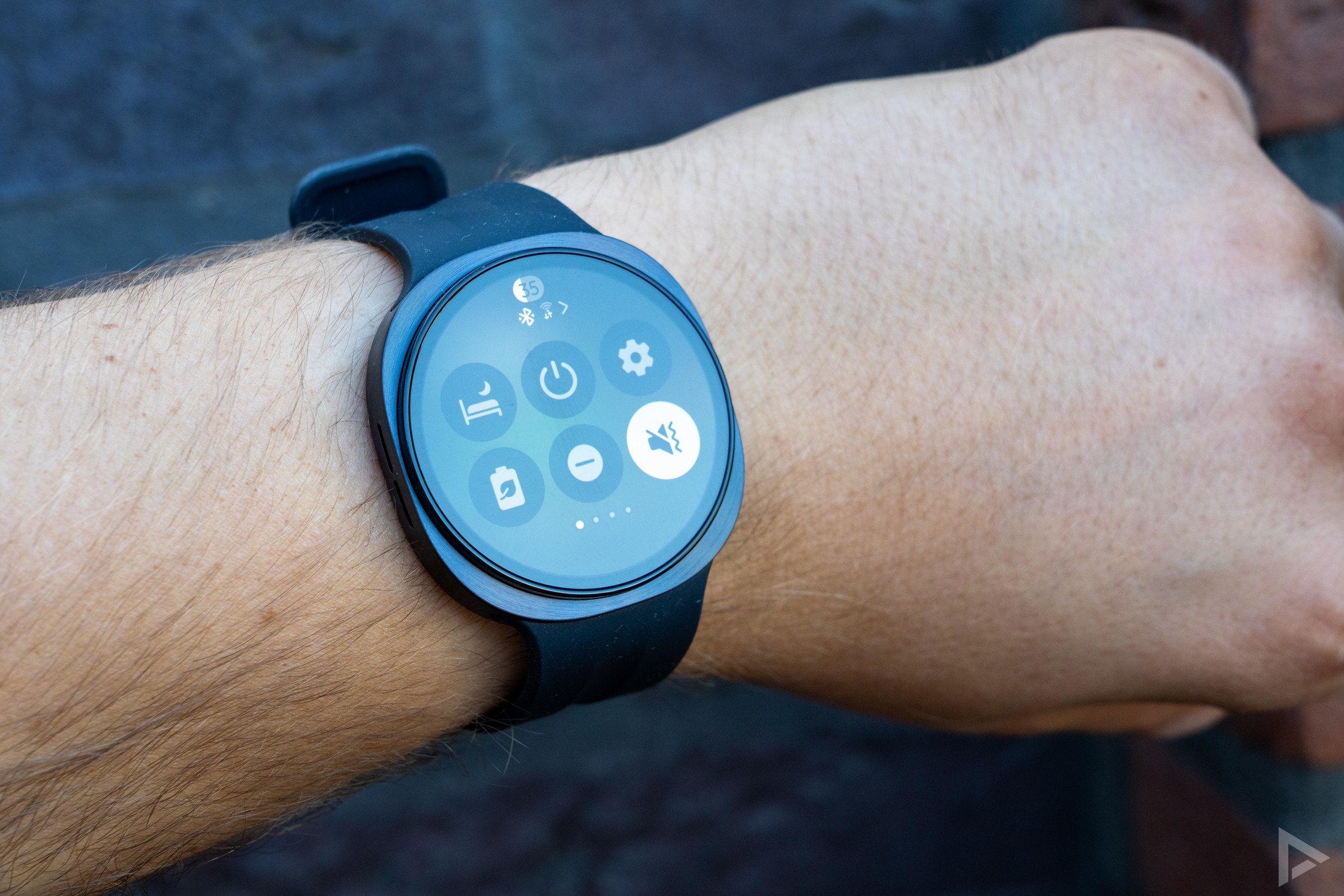
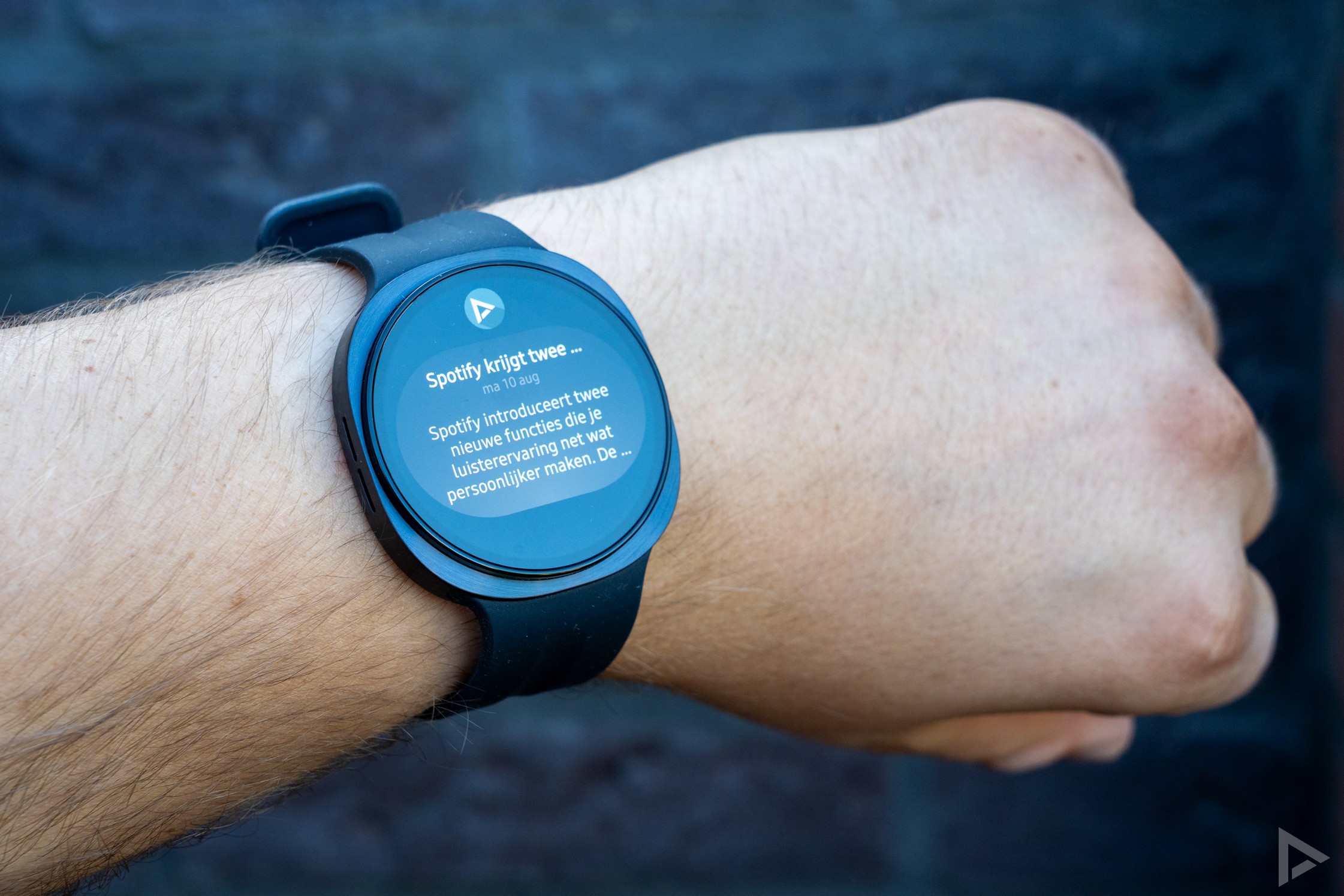
Furthermore, the software is well designed. The apps you’ve installed are displayed in a vertical list. Just like on your smartphone, you can swipe down from the top to access quick settings. You can conveniently access notifications with a horizontal swipe. Notifications are categorised by app, which means this works differently from, for example, a Pixel Watch. If, for instance, you have several different notifications from an app such as Polarsteps or WhatsApp, you can scroll through them vertically. Samsung’s approach does provide a clearer overview, although you sometimes have to keep scrolling to see all your notifications.
Health, sleep and activity
You can track many different types of activities and workouts with the Galaxy Watch 9. In addition, some activities are automatically recognised, such as cycling and walking. This works surprisingly well. Although this automatic recognition doesn’t track your location on the map, the workouts are saved separately. If you do want to save the location for your activity, you’ll need to start the activity manually at the beginning. Activity tracking works well on the smartwatch.
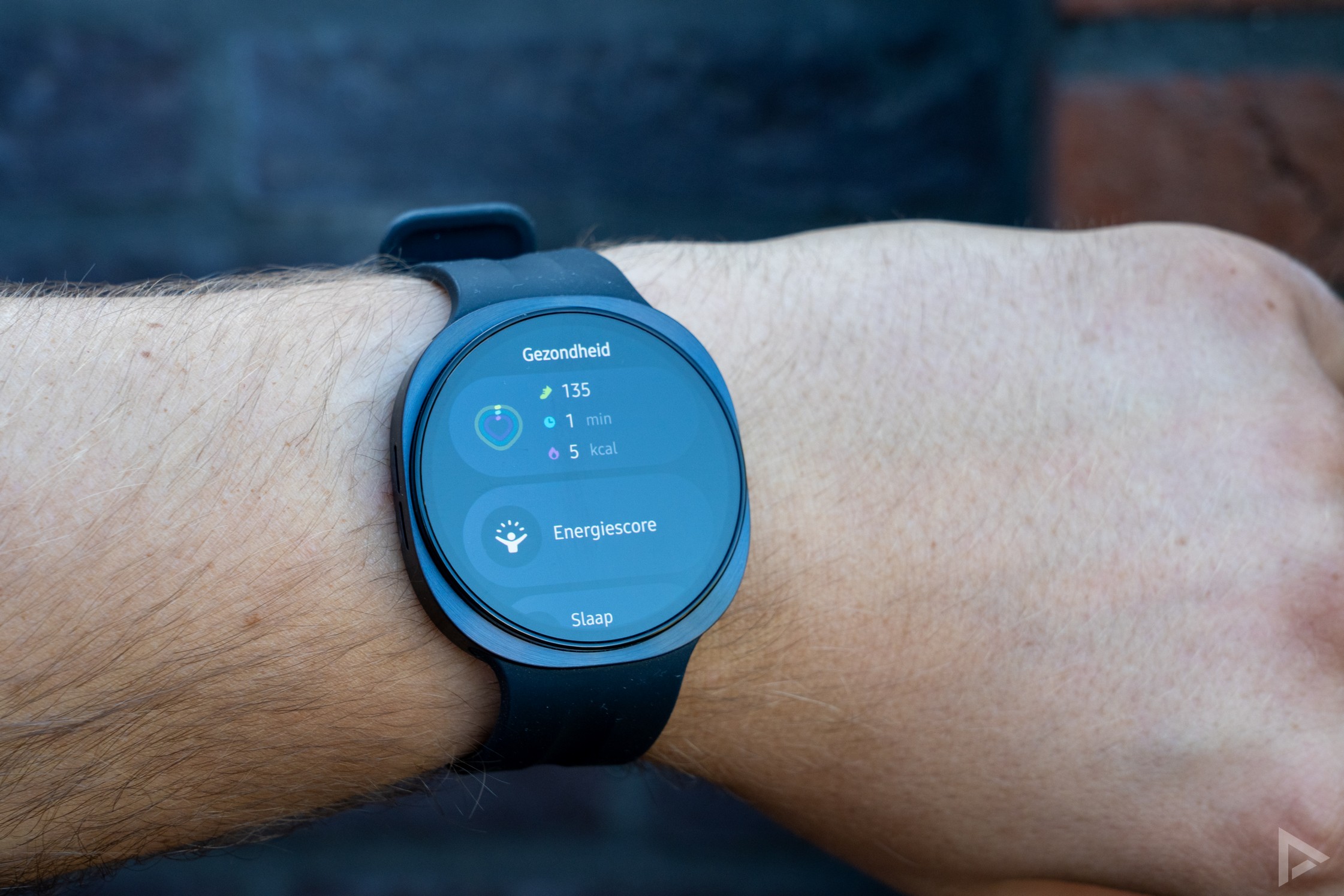
You can also track your sleep by continuing to wear the watch at night. This worked reasonably well during the review period, but not as accurately as the Garmin or the Pixel Watch 4. Every night, it incorrectly records that I’ve been awake during the night, even though I’m certain this isn’t the case. Based on your sleep history and similar data, you’ll also receive tips on how to sleep better.
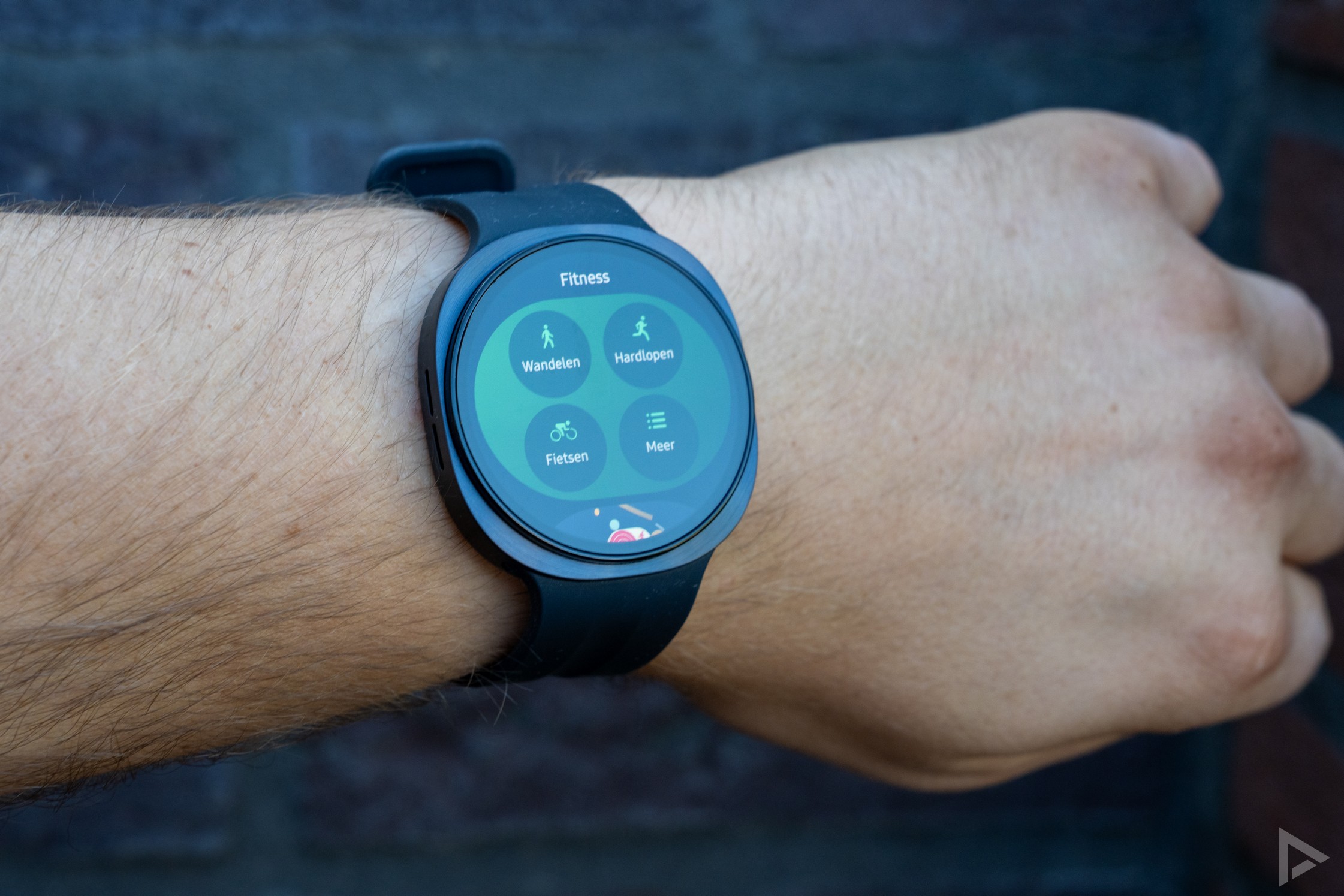
We’ve also noticed the occasional discrepancy with the step counter. It’s not uncommon for the Galaxy Watch 9 to be very optimistic about the number of steps you take. Even when you’re sitting still, the Galaxy seems more prone to recording ‘false steps’ than other smartwatches.
Where Samsung really falls short is still down to one annoying feature. Although the smartwatch works excellently with other Android devices, not all features work straight away. Features such as the ECG, sleep apnoea monitoring and blood pressure measurement only work when the smartwatch is connected to a Samsung device. This is in contrast to other smartwatches, which make no such distinction at all.
New health features
Samsung has also equipped the Galaxy Watch 9 with several new health features. These latest health features give you greater insight into your daily health and recovery. The Heart Health Score gives you an insight into your cardiovascular health – essentially your daily fitness percentage – whilst Daily Cardio Load helps you plan your workouts and recovery. The Fitness Index allows you to track your overall fitness, whilst Vitals monitors key vital signs whilst you sleep and alerts you to any notable abnormalities. In addition, Hearing alerts you to harmful noise levels, and the existing Sleep Apnoea feature has been enhanced with AI to detect potential breathing problems whilst you sleep, although this feature is only available in selected countries.
Processor and battery life
You’ll notice the new processor most of all in day-to-day use. The interface generally responds smoothly, although we did encounter the odd slight delay whilst using it. In practice, however, we didn’t notice any major difference compared to the Watch 8.
Samsung has equipped the Galaxy Watch 9 with a 445 mAh battery. Samsung promises a battery life of 30 hours with the screen always on. This is a fairly realistic scenario. In our practical test, the watch ran out of power after a day and a half of 40 minutes’ running, 30 minutes’ cycling and a 20-minute walk. This included the screen being on at all times and notifications. A battery life of one and a half days isn’t exactly groundbreaking. It’s a shame that this is the case for many smartwatches running Wear OS, although brands such as OnePlus and Xiaomi, amongst others, have shown that it is possible.
Verdict
The Samsung Galaxy Watch 9 isn’t a major upgrade, but it doesn’t necessarily need to be. If you’re in the market for a new smartwatch, the Galaxy Watch 9 is an excellent choice. The watch is packed with features. That is, provided you also have a Samsung device. Without a Samsung device, you’ll have to make significant compromises on functionality. A missed opportunity. The software, running Wear OS and One UI Watch, is well put together and runs smoothly enough. Activity tracking works well too, and Samsung Health offers a wide range of features. The Watch 9 also boasts a lovely screen and a stylish design.
Does this make it the best smartwatch? We can easily say no to that question, but if you’re already part of the Samsung ecosystem, it’s above all a logical choice.
You can buy the Samsung Galaxy Watch 9 from: Samsung itself, Coolblue, Bol.com, MediaMarkt and Belsimpel.
- Attractive, comfortable design
- Bright screen
- Lots of features thanks to Wear OS
- Comprehensive health features...
- ... but some are only available with a Samsung device
- Set-up could be easier
- Sleep and step tracking not always accurate
- Speech-to-text not available in Dutch