Our experiences with the Samsung Galaxy A37
Samsung has a smartphone to suit virtually every budget. If you’re looking for an affordable mid-range model, the Galaxy A37 is likely to be one of your top choices. We’ve been testing it extensively over the past few weeks. Is this the best Samsung under 300 euros, or would you be better off saving up for the A57?
Unboxing
As for the contents of the box this mid-range model comes in, it’s nothing to write home about. Inside the box, we find the phone, the SIM ejector pin and some paperwork. Apart from that, there’s just a short USB cable in the box. A case or a pre-applied screen protector – as we often see with Chinese competitors – is missing from the Samsung’s package.
Design and interface
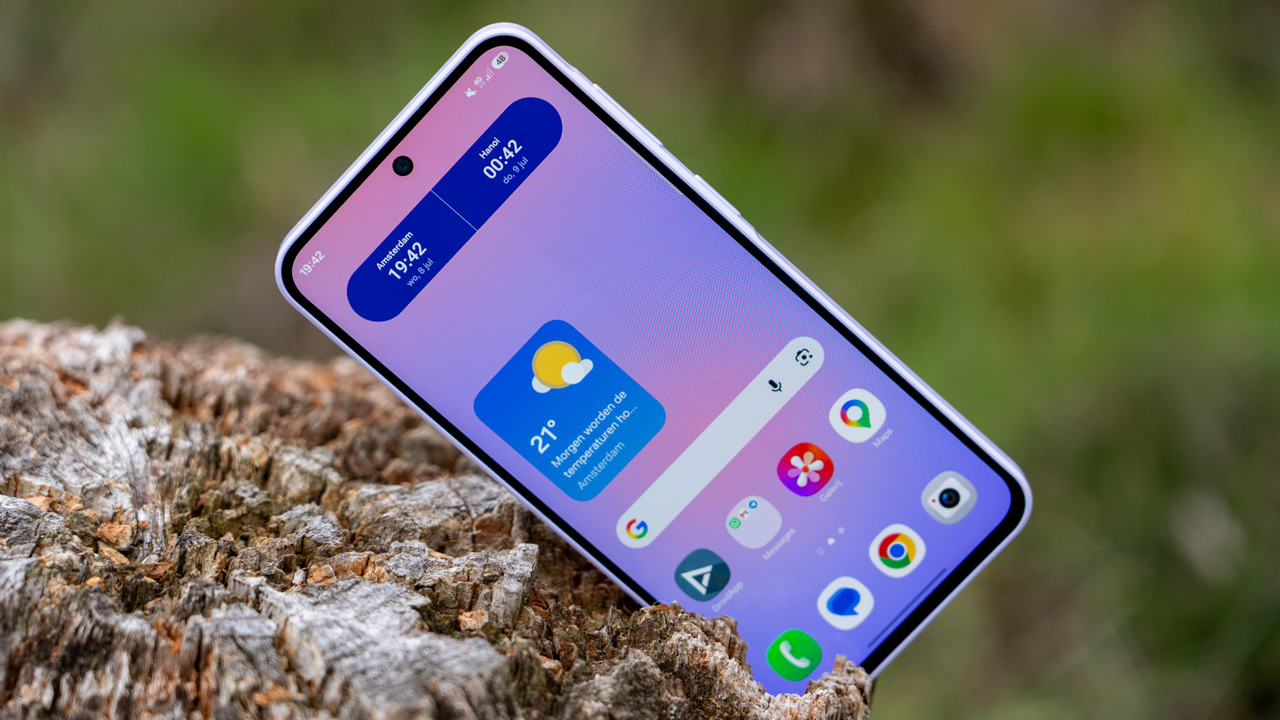
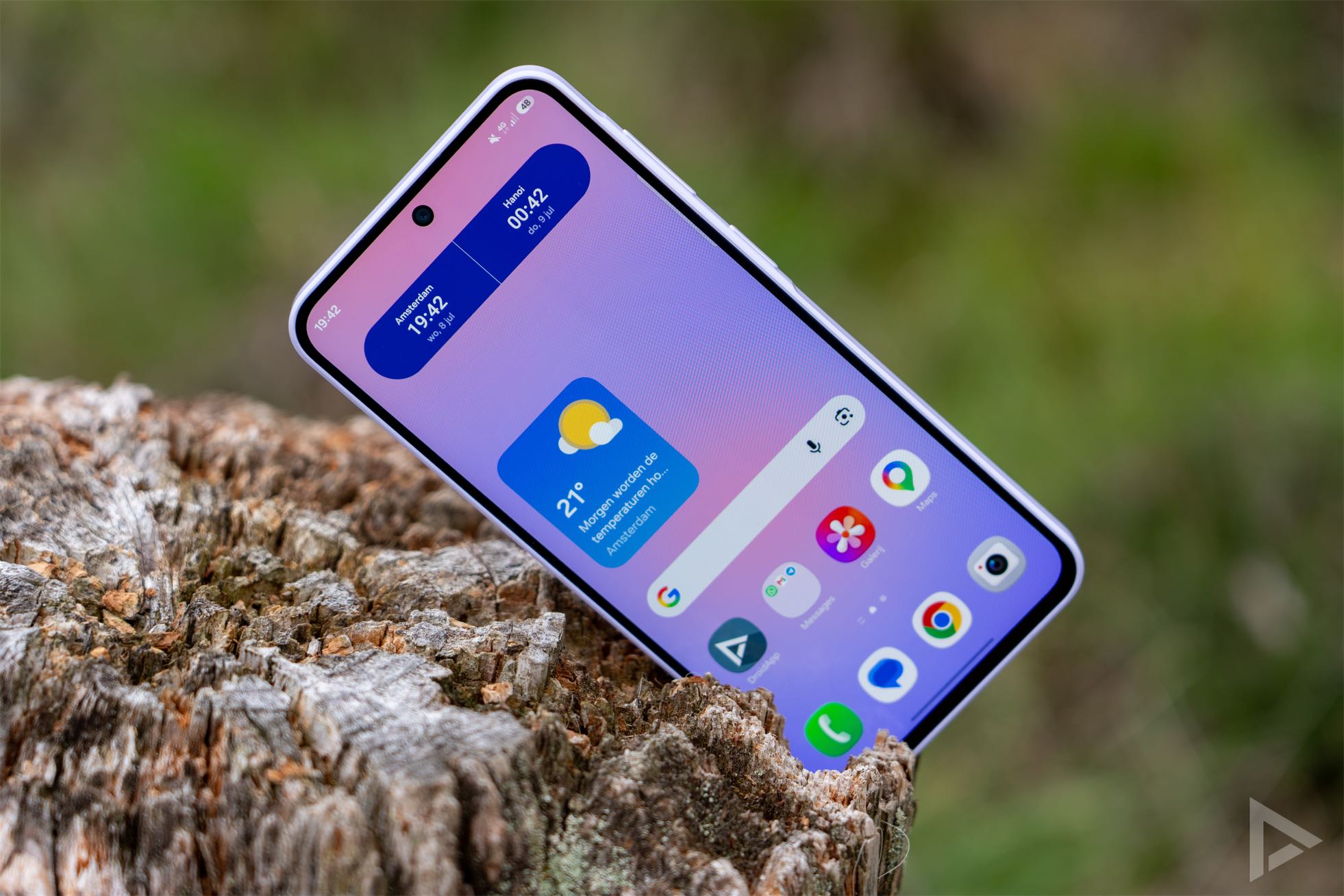
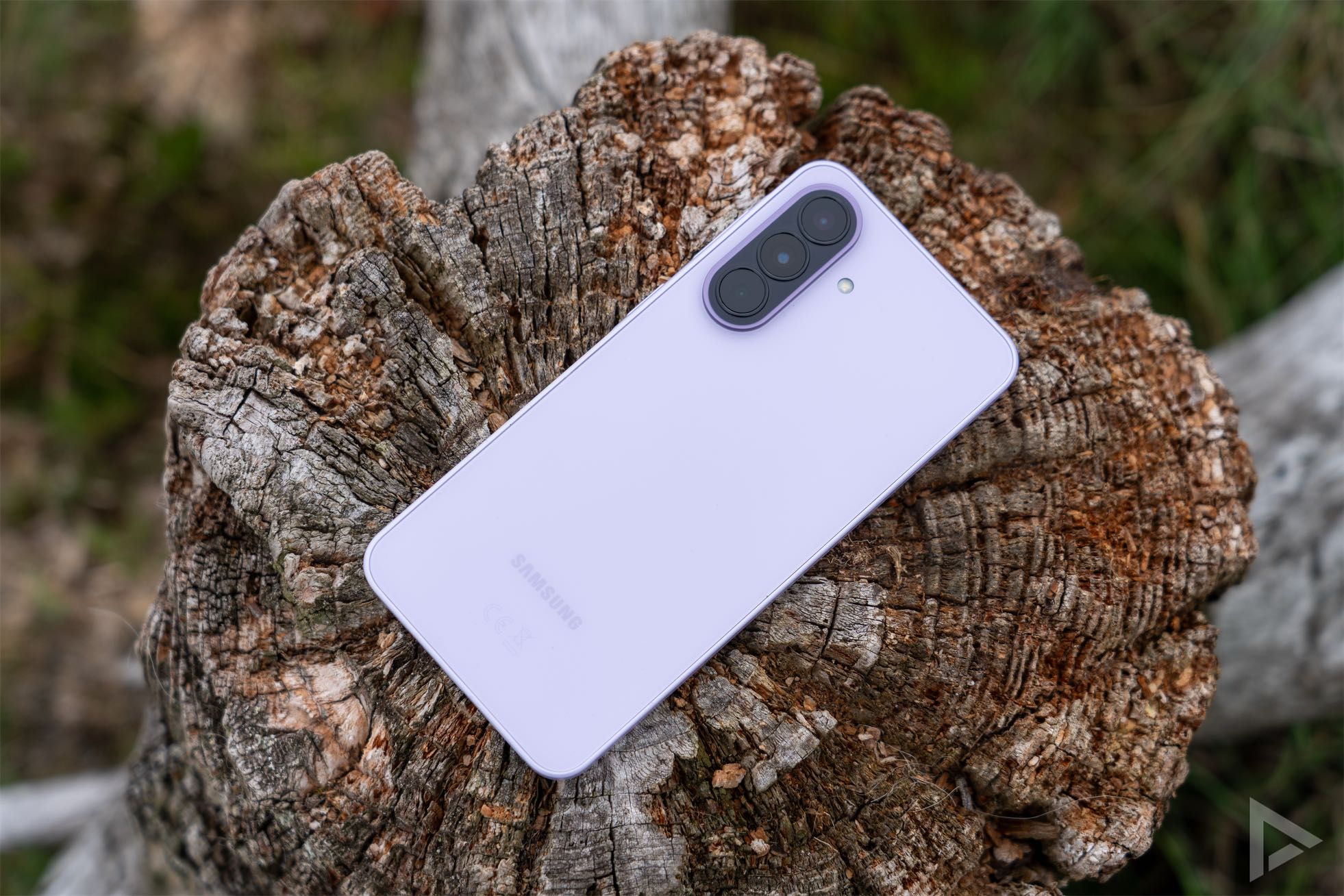
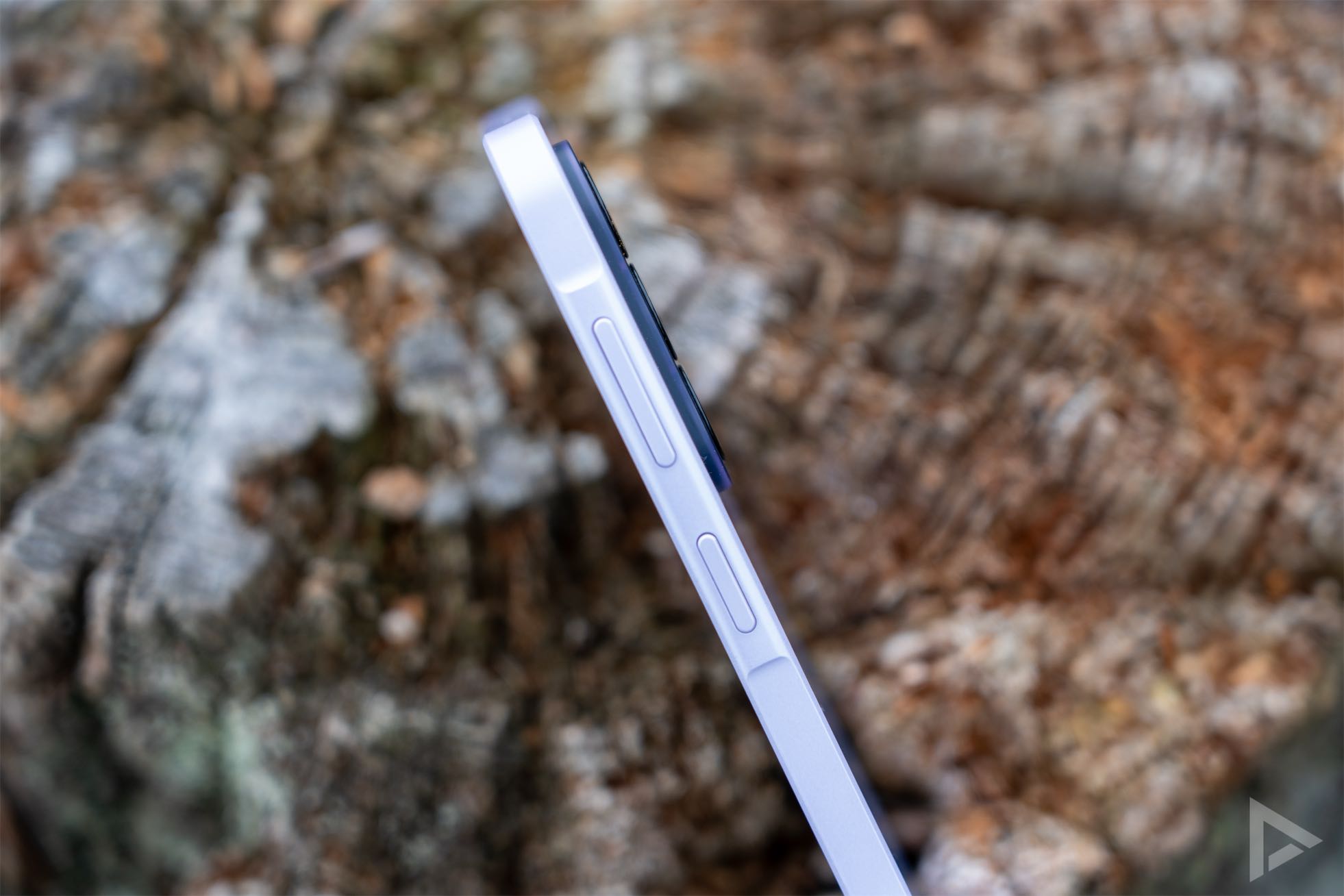
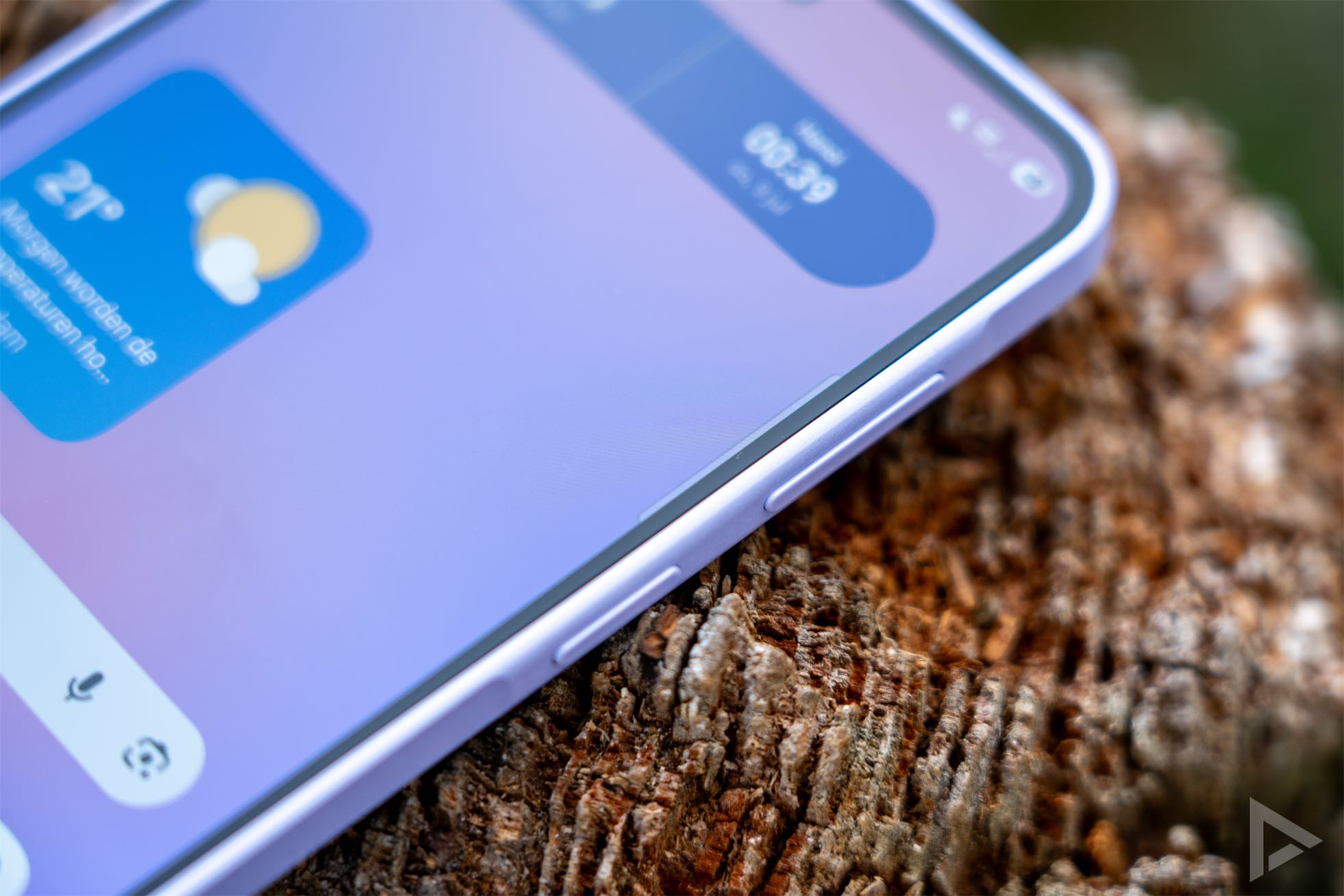
The design of the Samsung Galaxy A37 has remained the same for some time now and is similar to its predecessors. The rear camera module is arranged vertically, whilst the front-facing camera is housed in a punch-hole. For the last few generations, the side buttons have been located in what’s known as the ‘Key Island’. Here, the side is slightly thicker, giving the impression that the buttons are set on a small island. This mid-range phone feels solid and well-finished.
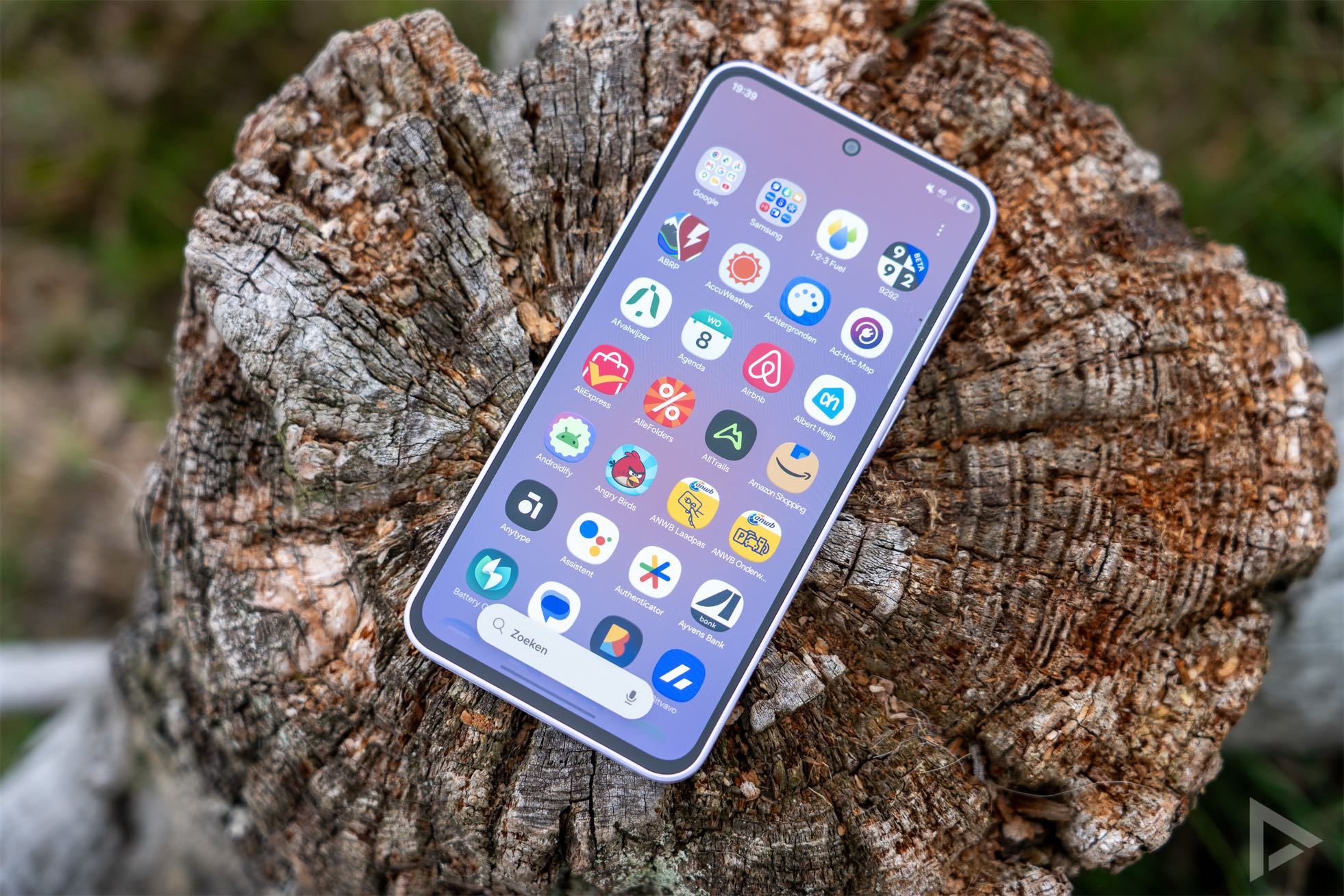
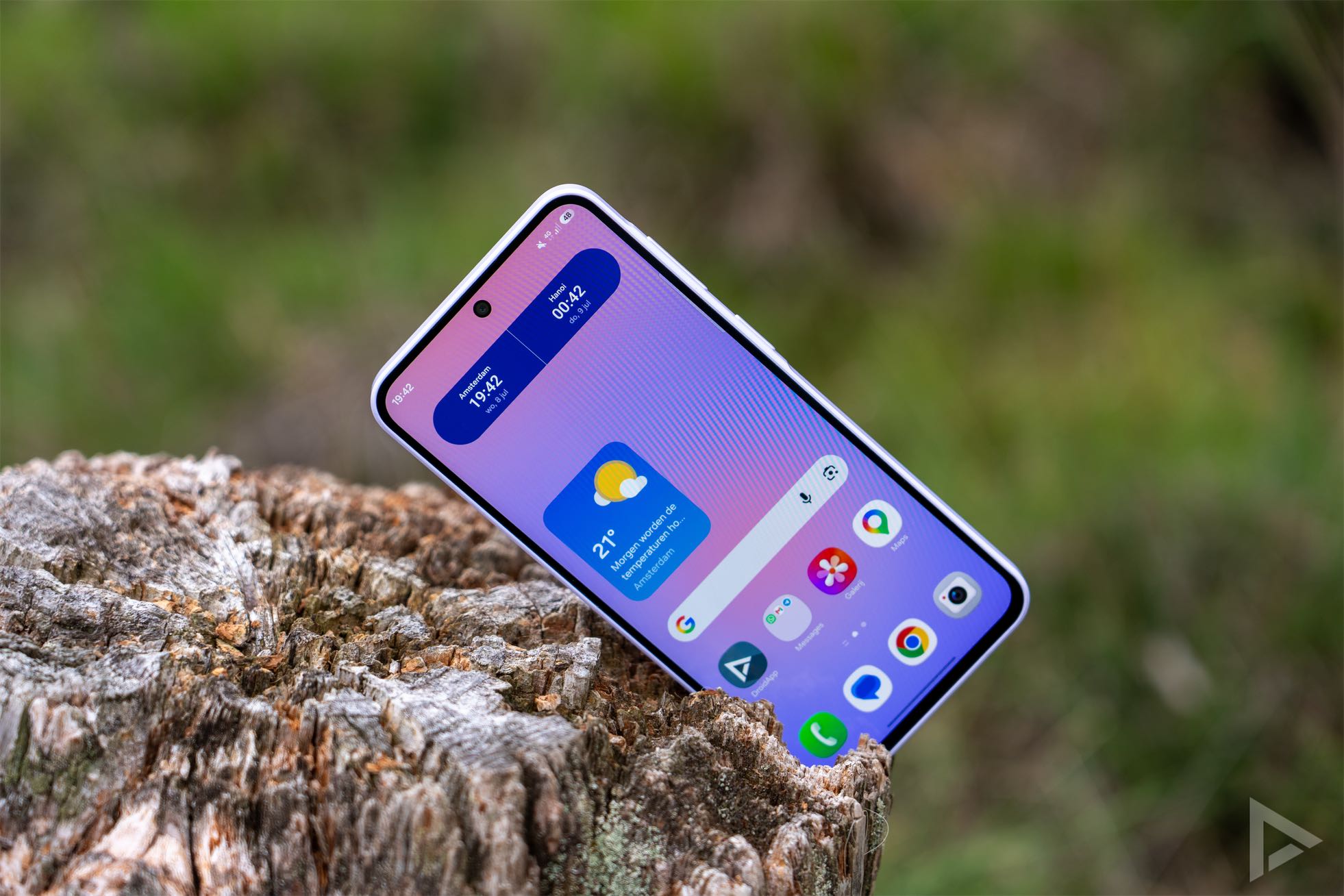
The smartphone features a good screen that’s sufficiently legible. In direct sunlight, it could have been a touch brighter, but for this price range, the performance is excellent. The screen measures 6.7 inches. It’s a so-called Super AMOLED display, with a refresh rate of 120Hz.
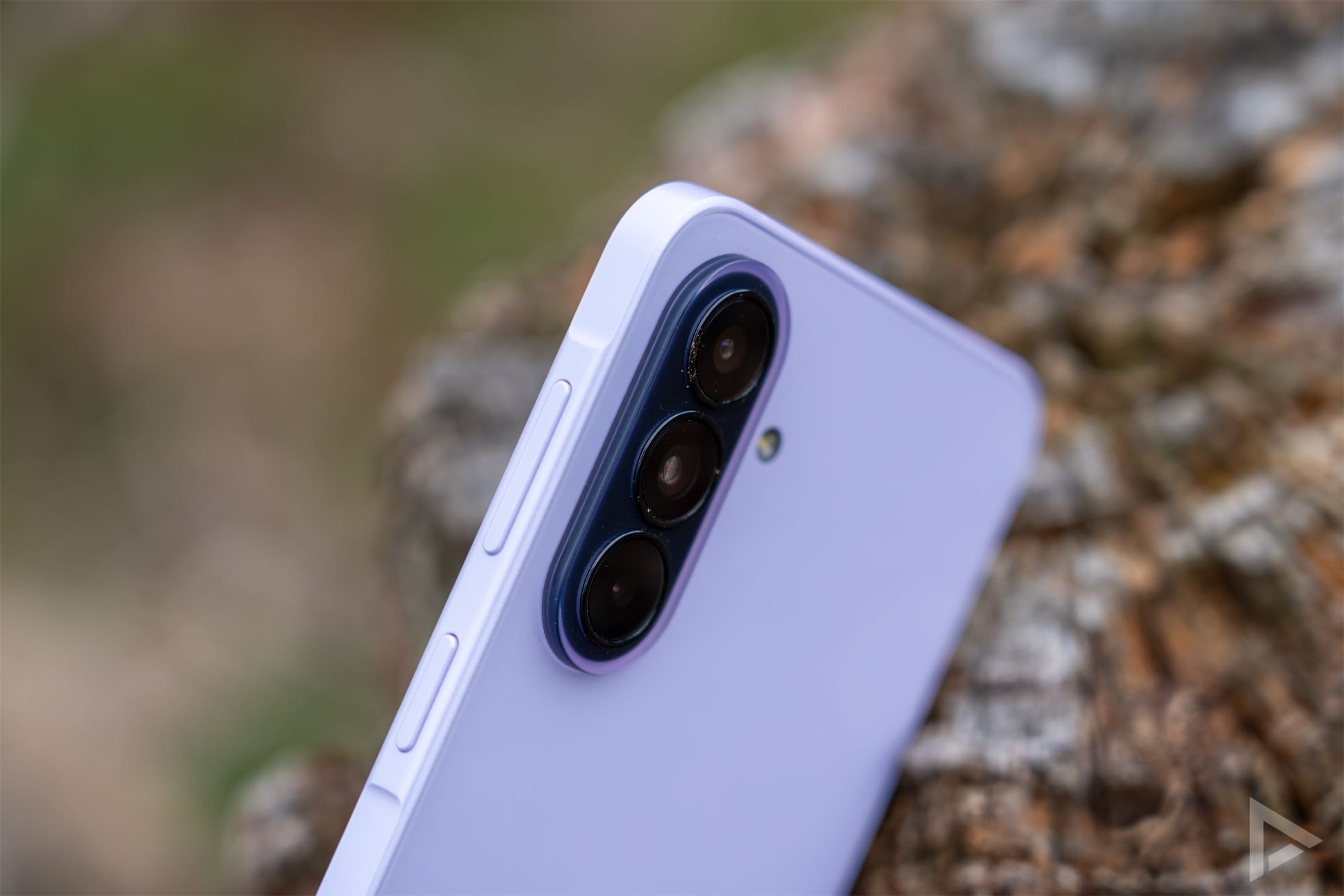
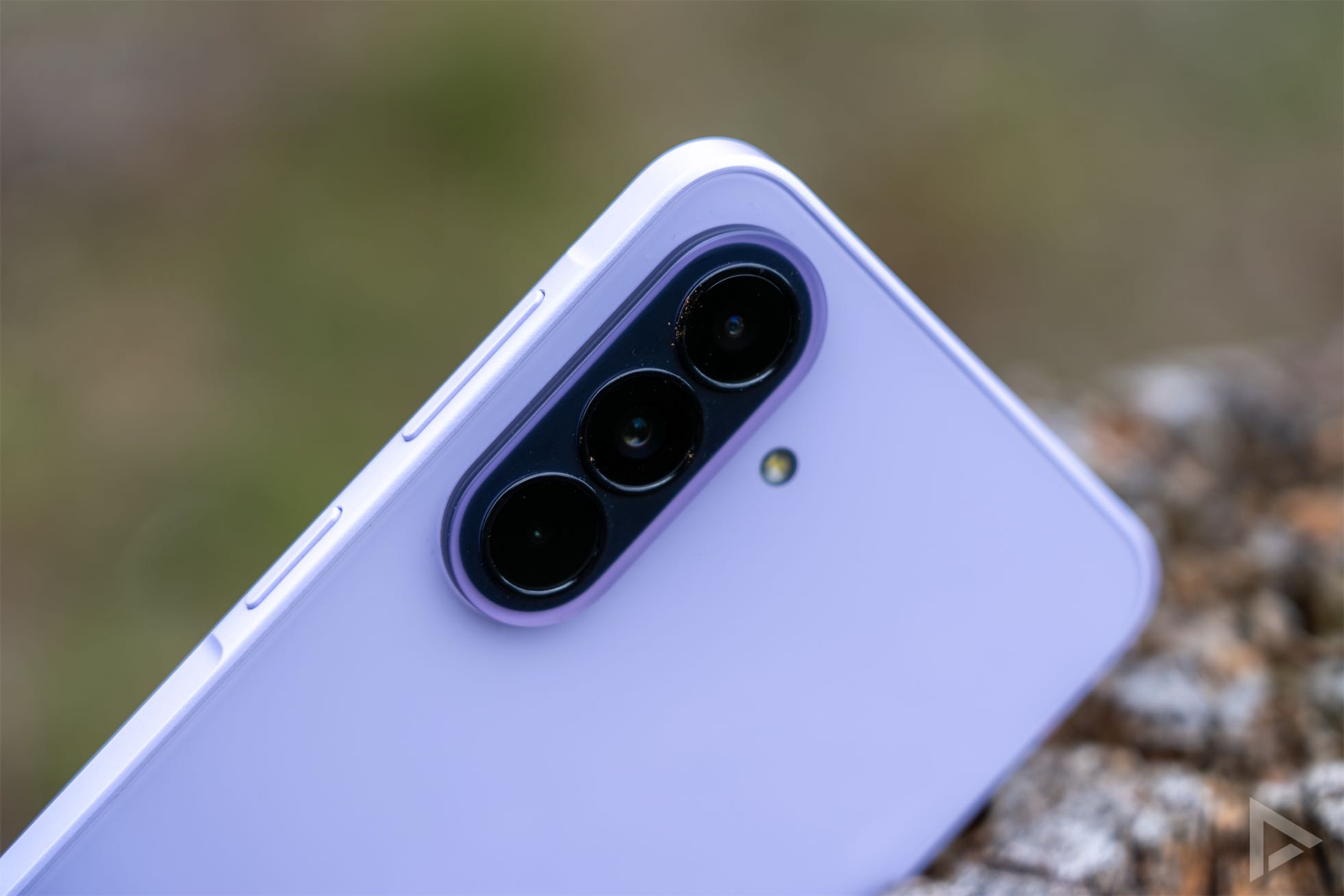
On the back, the camera module immediately catches the eye. It has a slightly different colour effect, which makes it literally stand out. In our case, it’s purple/pink. To the right of the camera module is the LED flash. Just like on the Galaxy A57, the fingerprint scanner is embedded in the screen. Unfortunately, it’s a bit on the slow side and isn’t always very accurate.
Interface
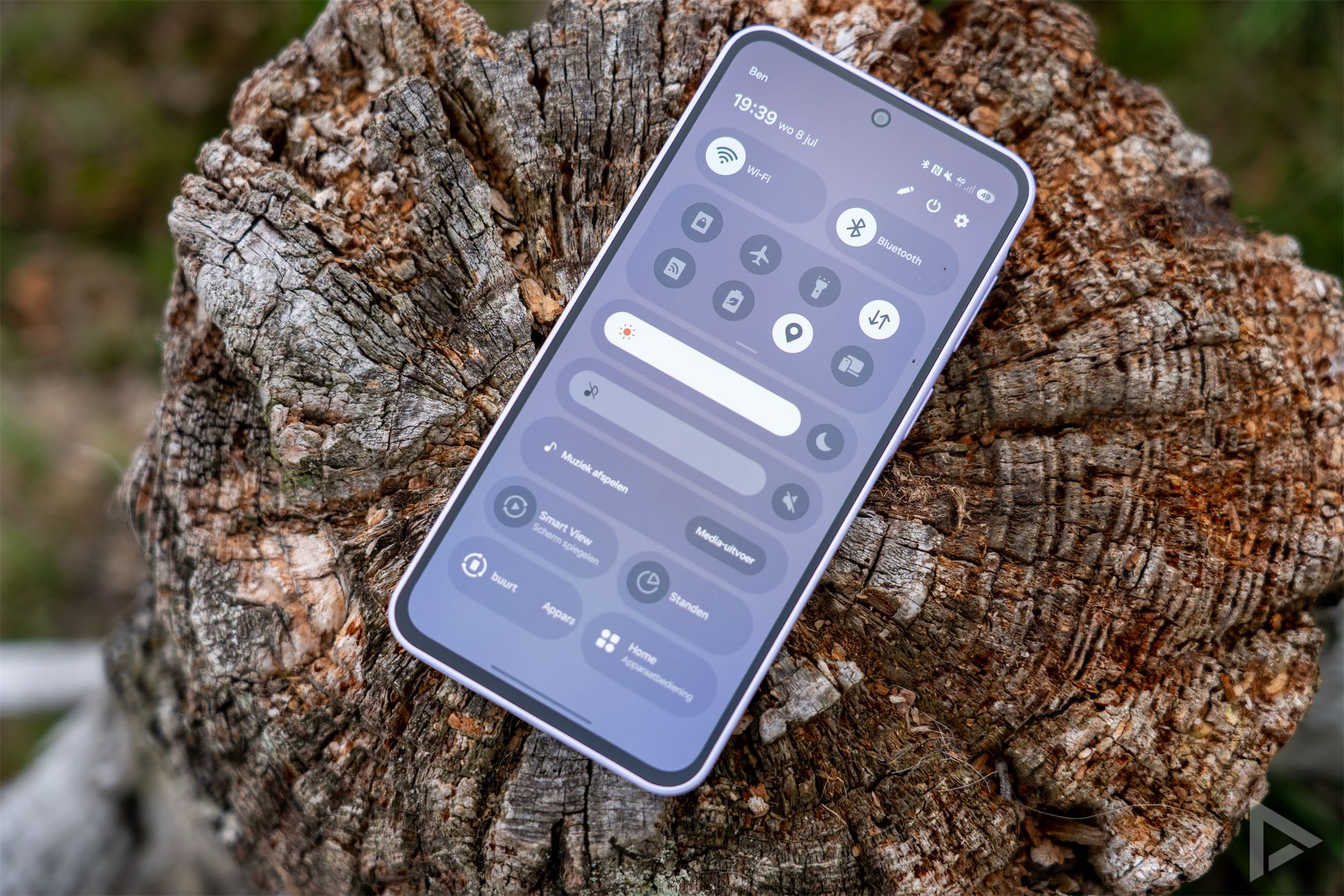
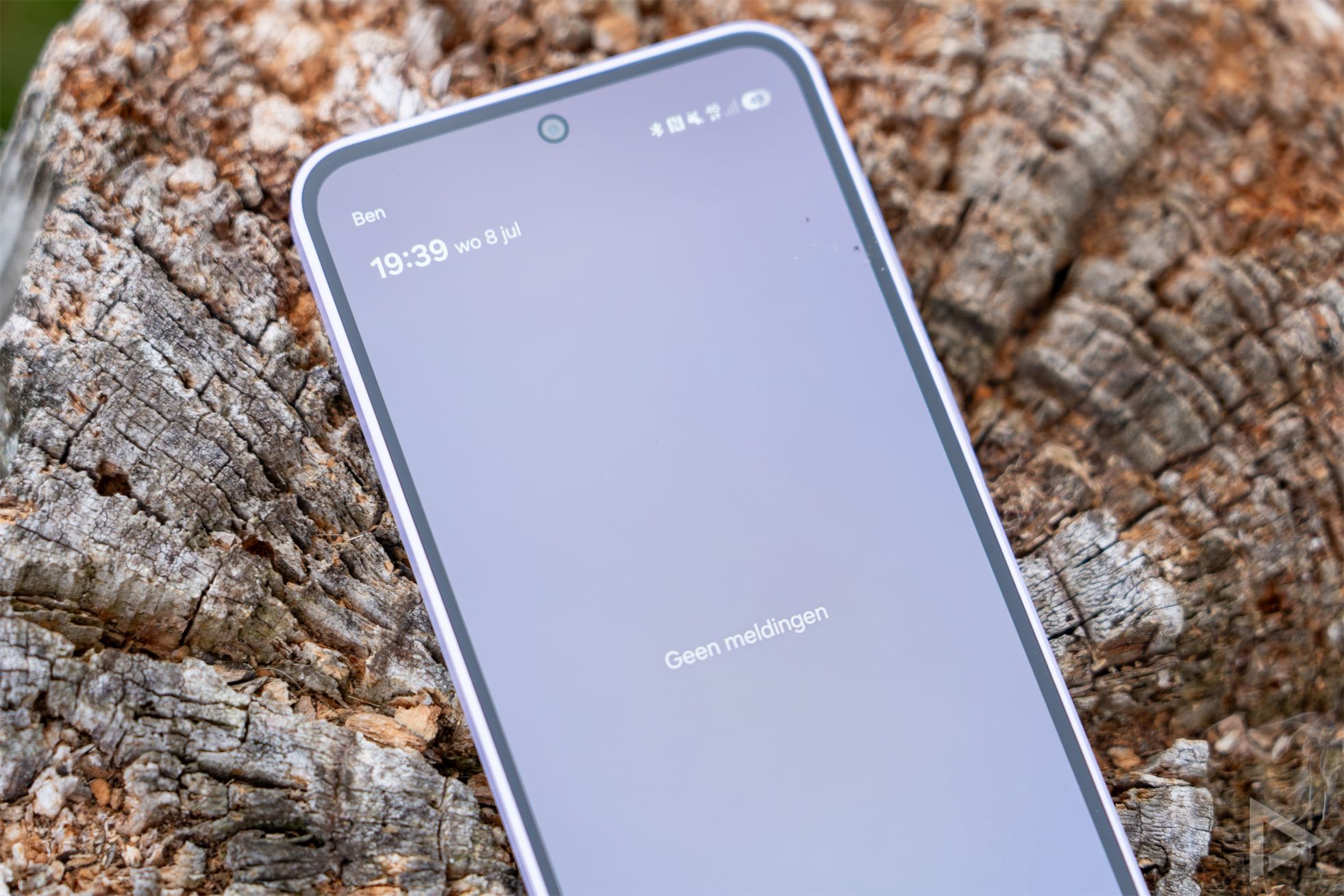
With One UI, Samsung adds its own twist to the Android interface. As a Samsung user, there’ll be few surprises, but if you’re switching from another brand, it’ll take a bit of getting used to. You can access notifications by swiping down from the top, just like the quick settings. Swiping from the bottom up opens the menu. Initially, this displays all your apps in a jumbled list. Fortunately, you can also sort them alphabetically. If you do that, you’ll scroll vertically through the app list rather than horizontally. The Samsung also offers further features such as Edge Windows and the Always On Display.
Communication and multimedia
The phone has space for two SIM cards. You can also add an eSIM, which is handy not only in the Netherlands but also, for example, when going on holiday outside Europe. Call quality is excellent and we haven’t noticed any annoying quirks. For calls and text messages, you use the relevant Google apps. Browsing the internet is done via the Samsung Internet browser, although you can also use Chrome for this. The A37 supports Wi-Fi 6, 5G, Bluetooth, NFC and, of course, GPS positioning.
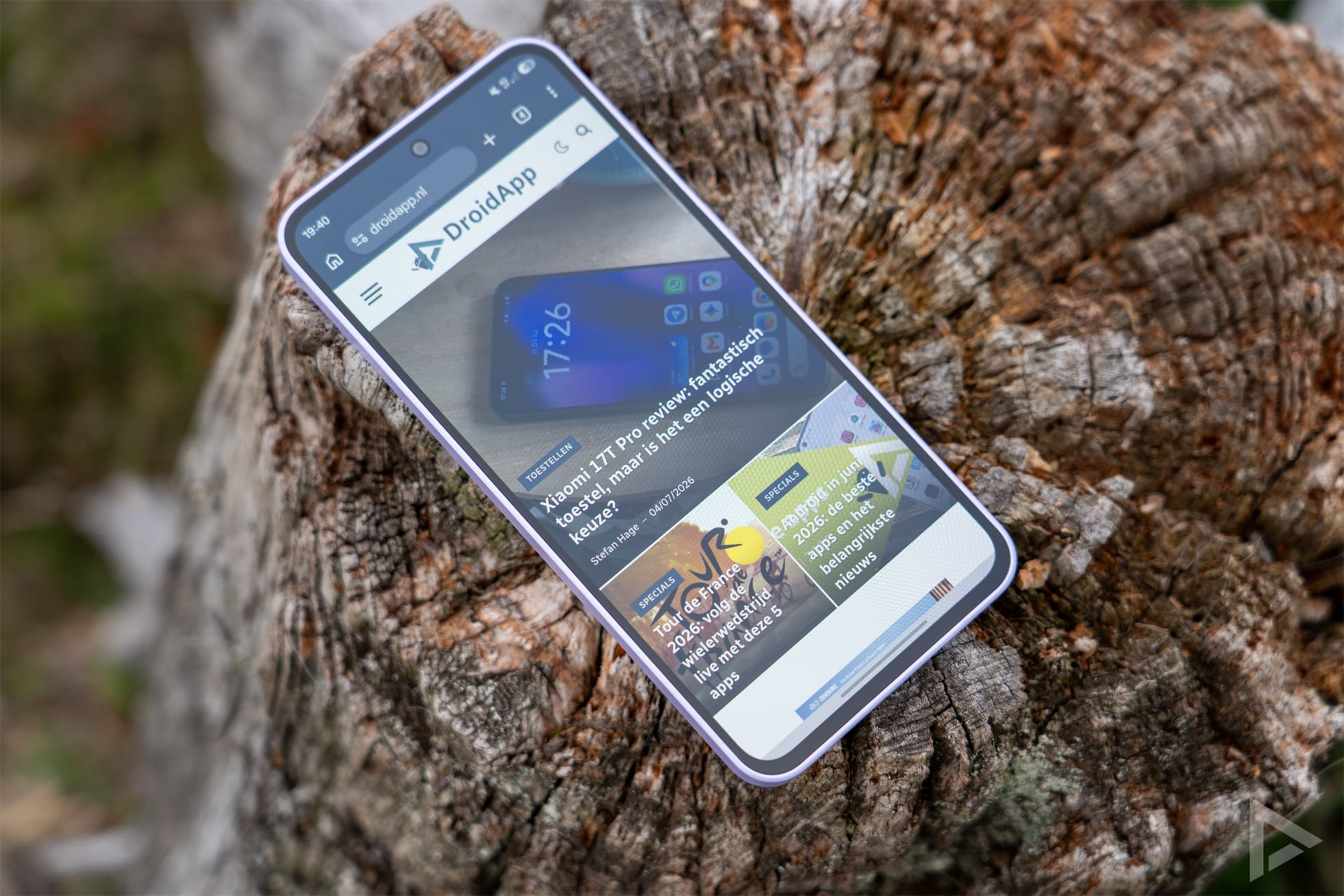
When it comes to multimedia, the Galaxy A37 has an excellent display. That wasn’t always the case in this price range. As for the speakers, they produce a decent amount of sound for a device in this class. The speakers perform surprisingly well for this segment. However, at maximum volume, the sound can sometimes verge on being a bit shrill. If you prefer earbuds, these work just fine, of course.
Camera
Samsung has equipped the Galaxy A37 with three lenses: a 50-megapixel main camera, an 8-megapixel wide-angle lens and a 5-megapixel macro lens. As is often the case, the macro lens adds little value in a smartphone, particularly due to its low resolution. The camera app on the Samsung is intuitive and offers a good range of features. You can use night mode, adjust manual settings, or take a slow-motion video, a food photo or a panorama.
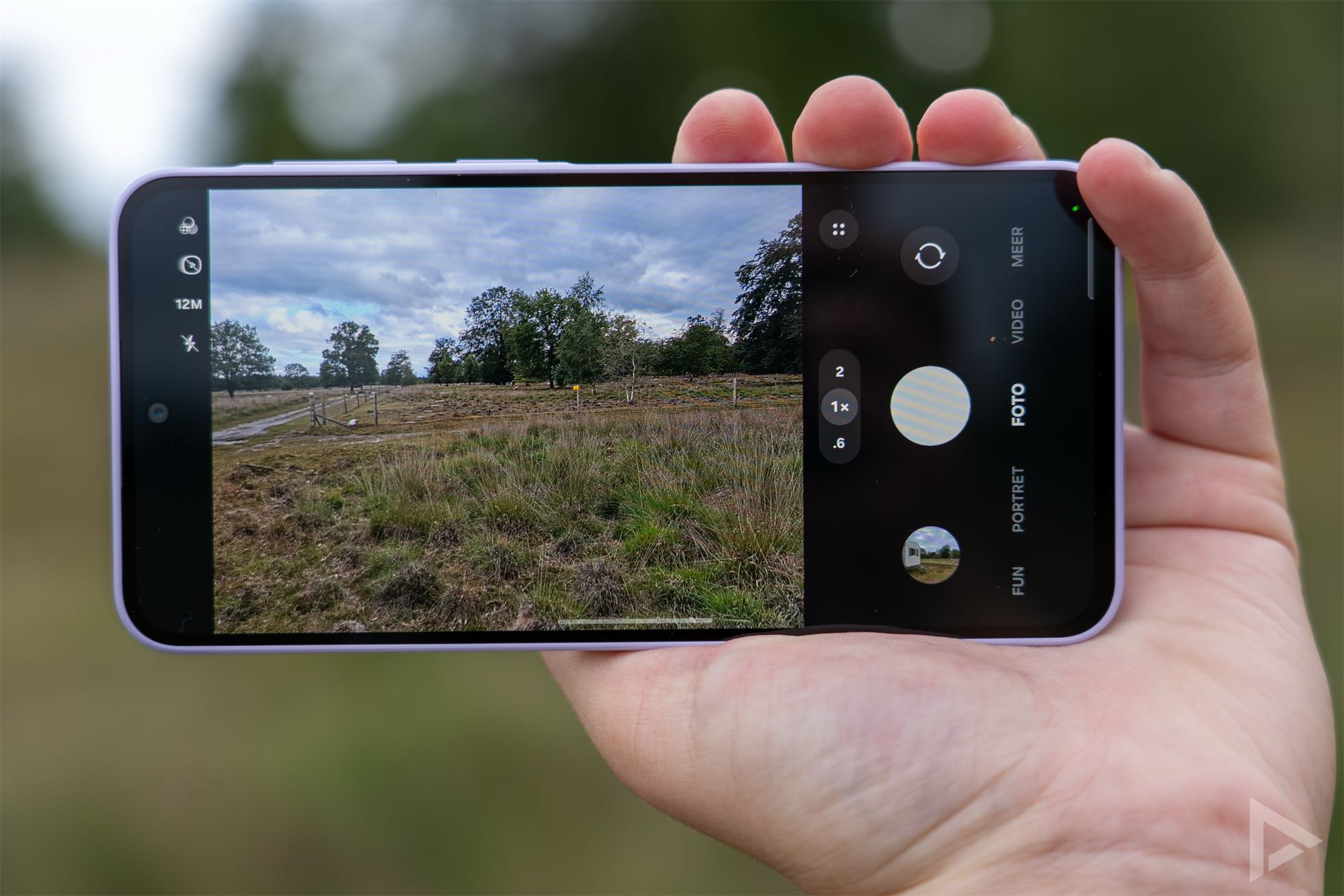
We’ve tested the Samsung’s camera under various conditions. Over recent years, we’ve seen little difference in camera quality compared with its predecessors. With this year’s A37, it’s noticeable that the quality is comparable to that of its predecessor, as discussed in the Samsung Galaxy A36 review. That means the photos are generally sharp and usable. Occasionally, the autofocus misses the mark and you need to give it a bit of a nudge, and the resulting image can turn out a bit washed-out. These are minor points to bear in mind, but all in all, the A37 certainly takes excellent photos. For example, when taking photos in a woodland area, we found some lovely shots amongst them.
In the camera app, you have the option to zoom. As the smartphone doesn’t have a telephoto lens, this involves cropping the image from the main camera, which doesn’t always benefit the quality. The wide-angle lens performs reasonably well, but quickly lacks detail. You can view the photos we took with this Galaxy in the digital photo album.

Video camera
The device’s video camera allows you to film in UHD at 30fps or in Full HD at 60fps, or at a lower quality. For its price, the video camera performs well, although you do need to help the device focus whilst filming if, for example, you want a smaller subject (such as a leaf on a tree) to be in focus. On a windy day, the microphone is very sensitive to the wind.
Performance and battery life
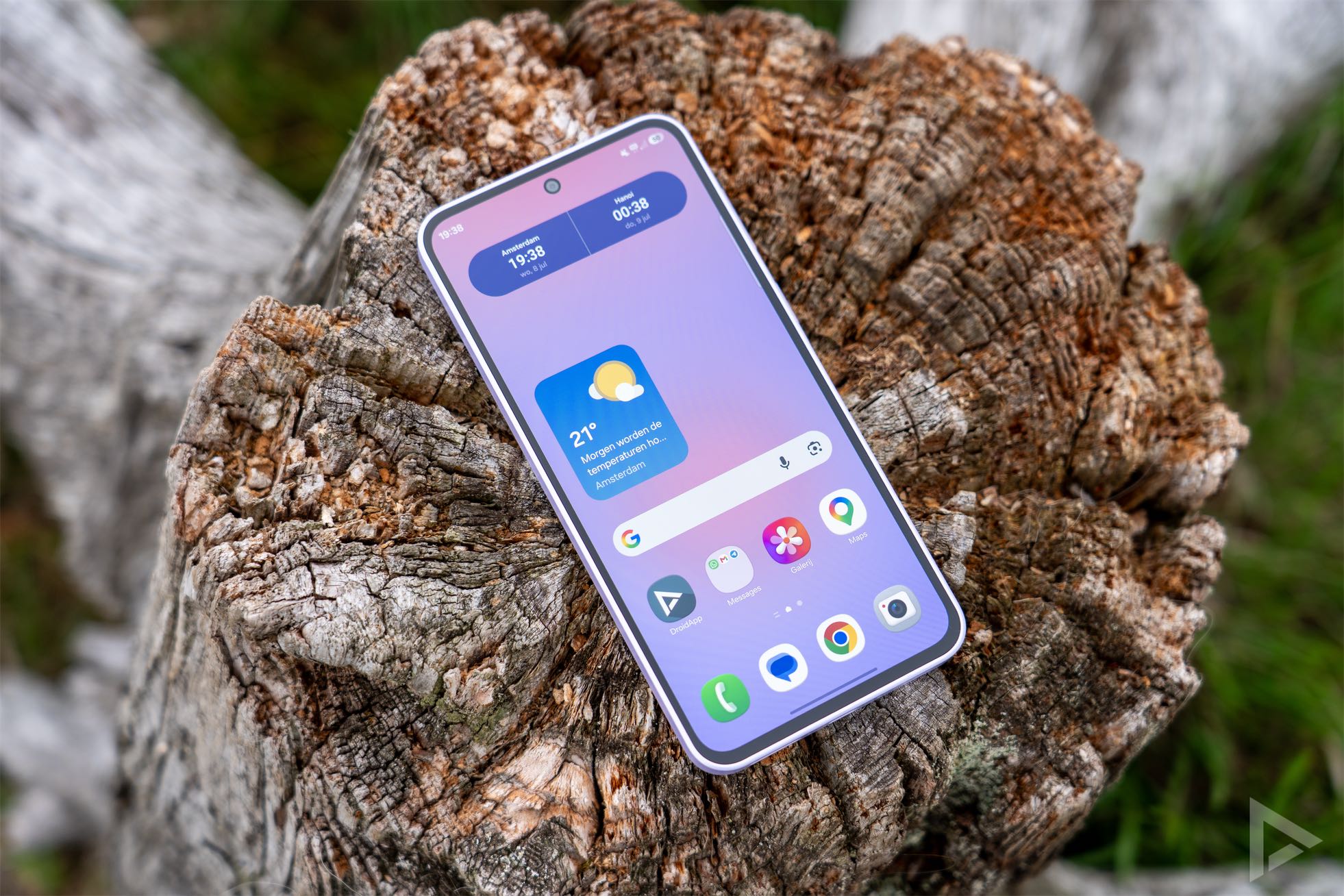
The Exynos 1480, manufactured in-house by Samsung, is the chipset in the device. This is noteworthy, as the previous model still used a Qualcomm processor. The phone is also supported by 6GB of RAM. The internal storage capacity is 128GB, although you can also opt for a 256GB version, which comes with 8GB of RAM. There is no slot for a memory card in the device. The speed is adequate for its price, but this device is by no means a speed demon. You’ll notice this, for example, when you open the notification panel – there’s a slight delay. It’s not earth-shattering, but it is noticeable.
Battery
The battery capacity in this series has been 5000 mAh for years, and that’s also the case for the Galaxy A37. If you spend most of the day on the mobile network, you’ll get around 4–5 hours of screen-on time. If you’re on Wi-Fi more often, you’ll get a longer screen-on time. Battery life is therefore average and not particularly impressive. For charging, there’s support for 45W fast charging, which is faster than before. However, you’ll need to buy a suitable charger yourself.
Update policy
Samsung has built a strong reputation over the years when it comes to updates. The South Korean manufacturer has once again done an excellent job here, as the Galaxy A37 will receive updates for six years. This applies to both security updates and Android updates. This means you’ll receive updates right up until spring 2032.
Verdict
If you’re looking for a reliable smartphone for around 250 euros, the Galaxy A37 is still an excellent choice. Its attractive AMOLED screen, good software support and solid camera are particularly appealing. However, the slow fingerprint scanner and the limited performance improvement compared to its predecessor mean it doesn’t quite win us over.
If you’d like to try out the Samsung Galaxy A37 for yourself, you can order it directly from Samsung’s own online shop. You can also buy it from Belsimpel, Coolblue, Bol.com, Mobiel and MediaMarkt. The A37 is also available from mobile network operators Hollandsnieuwe, Ben, Simyo, Odido, Vodafone and KPN.
- Update policy
- Decent camera
- Great value for money
- Good speakers
- Fingerprint scanner is slow
- Battery life is average