Smartphones in summer
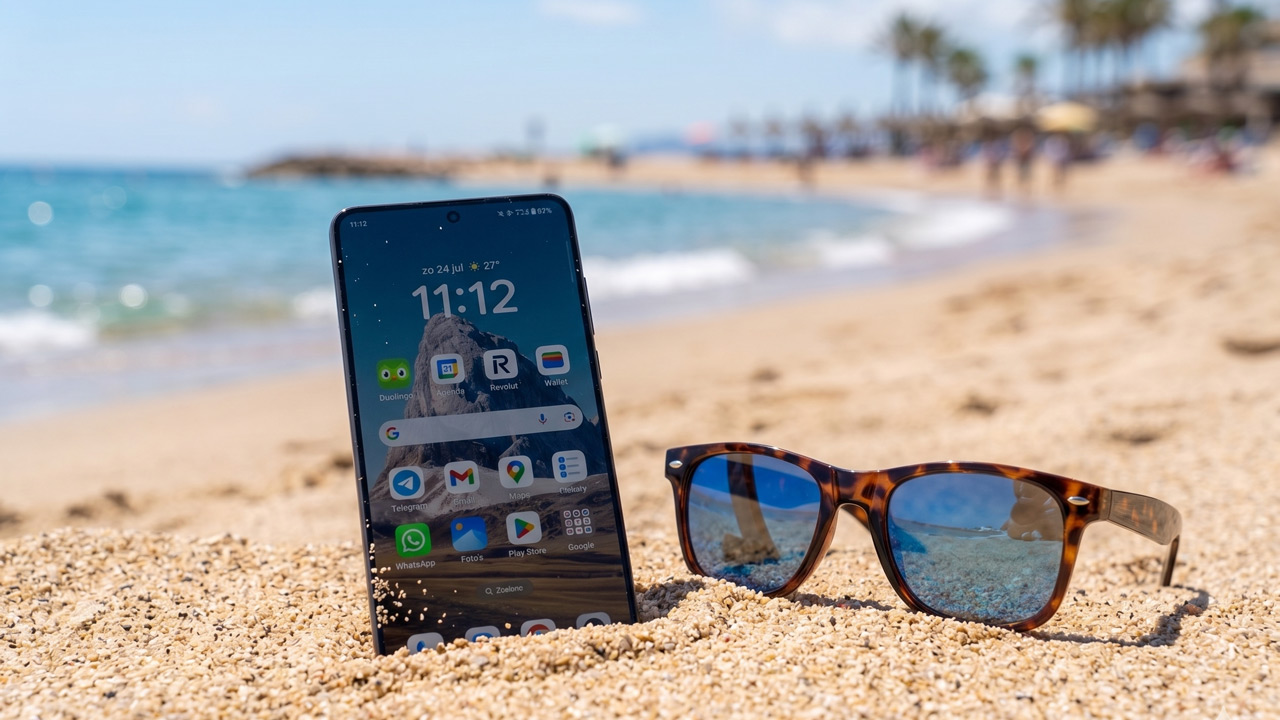
You take your smartphone everywhere with you – on the go, to the beach and on holiday. With these very hot days, your smartphone can overheat; these devices are very sensitive to the ambient temperature. For example, on a winter’s day, your phone is cold. On a sunny day, the temperature can rise quite a bit.
The heat and the sun can cause your phone to overheat, leading it to switch itself off. In some cases, a phone may warn you that it needs to be kept in the shade by displaying a notification, although this isn’t the case with every device. A computer can also get hot, but has the advantage of having a fan. This ensures that the hot air can escape.
In most cases, a smartphone can protect itself against overheating. This is because manufacturers have put various safety measures in place. Charging slows down or stops, and the device ensures that less energy is consumed – for example, by slowing down the processor or reducing the screen brightness.
Overheating
The measures described above kick in before the device actually overheats. However, once it has switched off automatically, you do need to let the phone cool down by placing it in the shade.
Overheating isn’t directly harmful, but it can affect certain components of your smartphone. Your device’s battery may suffer from the heat, causing it to lose capacity more quickly. In exceptional cases, it may catch fire, although this is rare.
Solutions and tips
Of course, you’ll want to enjoy using your smartphone on summer days too. So how do you deal with this? How can you protect your smartphone from the summer heat? Here are a few tips that are sure to come in handy this summer.
- Charging: charging a device in the sun can be disastrous for an electronic device. It generates even more heat when it’s already so hot. If possible, delay charging or charge it in the shade.
- Usage: Do you notice your smartphone starting to get hot? If so, adjust how you use it. It’s best not to use it at all for a while. If that’s not possible, it’s advisable to use it as little as possible. Playing games and using resource-intensive apps are the least advisable activities at such times. The same applies to prolonged use of the camera, which also has a significant impact on heat build-up.
- Sun and heat: onsummer days, it’s advisable to keep your device out of the sun. When driving, this can also happen if the sun shines through the windscreen onto your trouser pocket, where your smartphone is tucked away. This can also become uncomfortable. Also bear your smartphone in mind when using sat-nav in the car. In a car mount, the device can quickly become scorching hot with the sun shining on the back of the phone. Perhaps you could reposition the car mount? Place the phone in the shade, or use a fan if necessary. Never put your phone in the fridge. This is very harmful to your smartphone and can cause irreparable damage to your device. Don’t leave your phone in a sweltering car. Even when not in use, your smartphone can get hot whilst sitting on a terrace.
- Cases and protection: Althougha case, bumper or cover ensures that your valuable device is protected, this might not be the best idea on sunny days. The case prevents a smartphone from dissipating its heat (properly).
- Disabling features:Youmaynot need all your smartphone’s features, but they’re often left on by default for convenience. You can choose to disable any unnecessary features, such as GPS, NFC, Bluetooth, Wi-Fi or other options. Although the heat generated by these features will be minimal, it can make just that difference. If you don’t need it at all for the time being, you can choose to put it in aeroplane mode or switch the mobile phone off completely.
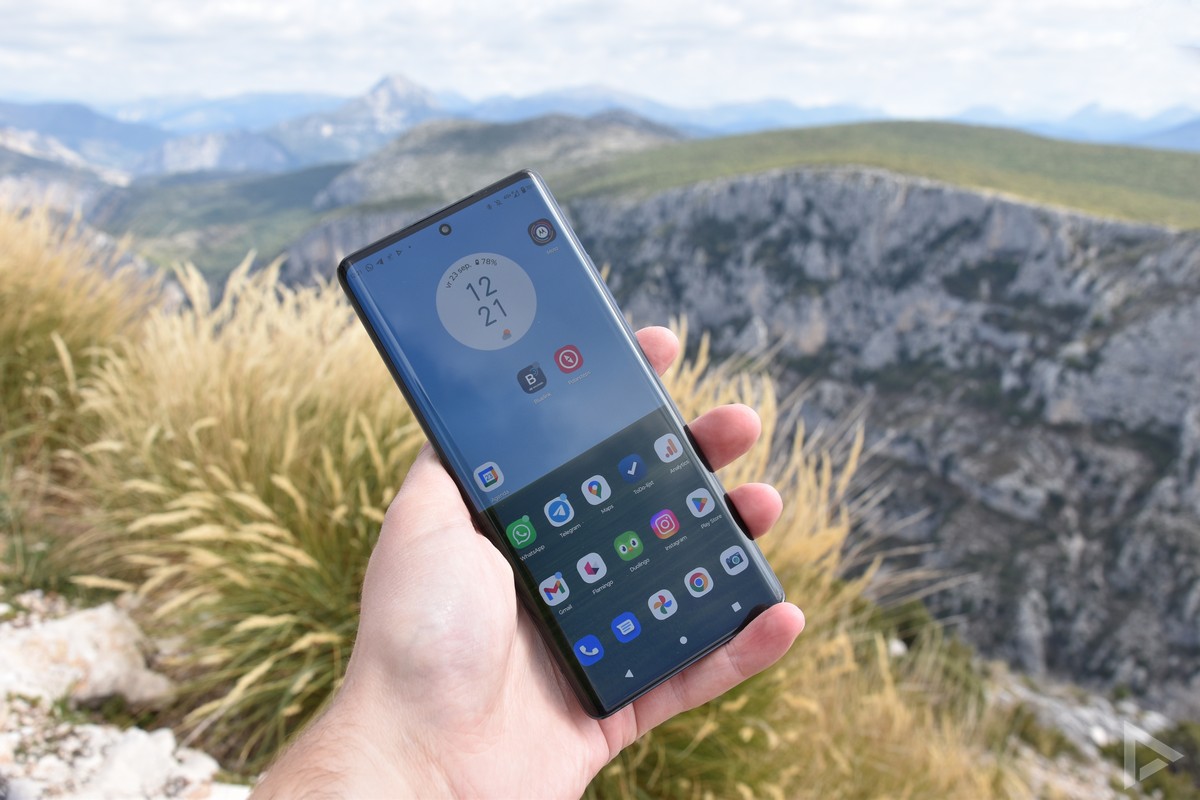
If you really can’t leave your smartphone alone, perhaps this smartphone fan (also available from Bol ) could help cool your device down a bit.
Recommended reading:
- Weather app review: thisis the best weather app
- Ready for summer? Now it’s your smartphone’s turn!