Motorola Razr Fold review
Motorola has already released several impressive devices in the Razr range. Recently, with devices such as the Razr 60 Ultra, but also ‘back in the day’ with the Razr V3, amongst others. Earlier this year, Motorola announced it was taking a new direction with this series, in the form of a booklet: the Razr Fold was born. During our first encounter at an exclusive event in Barcelona, we were secretly excited about the smartphone. The Motorola Razr Fold looked sleek and, on paper, the specifications are top-notch. But how does this rather expensive device perform in practice? We’ve been using the Razr Fold as our daily driver for the past three weeks. You can read about our experiences in this Motorola Razr Fold review.
Unboxing
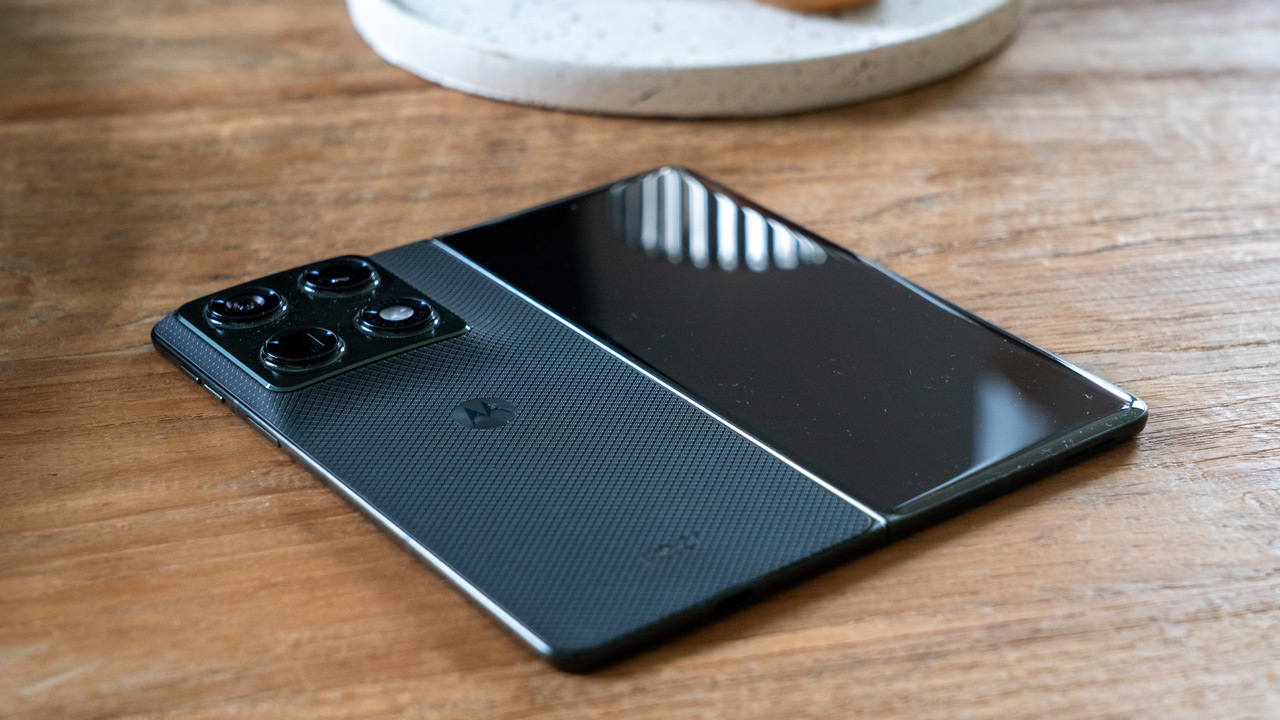
The Motorola Razr Fold comes in slightly larger packaging than what other devices are typically packed in these days. The Fold is right there in front of you as soon as you open it. It comes with some paperwork, the SIM ejector pin and the Moto Pen Ultra stylus. We’ll come back to this later in the Motorola Razr Fold review. A screen protector is stuck to the inner screen; this must not be removed under any circumstances. No protection has been applied to the front screen. After three weeks of normal use, we haven’t noticed any damage here (fortunately). In the retail version, Motorola includes a case, which makes the device a bit bulkier. This also makes the already small buttons even more awkward to use.
Design and interface
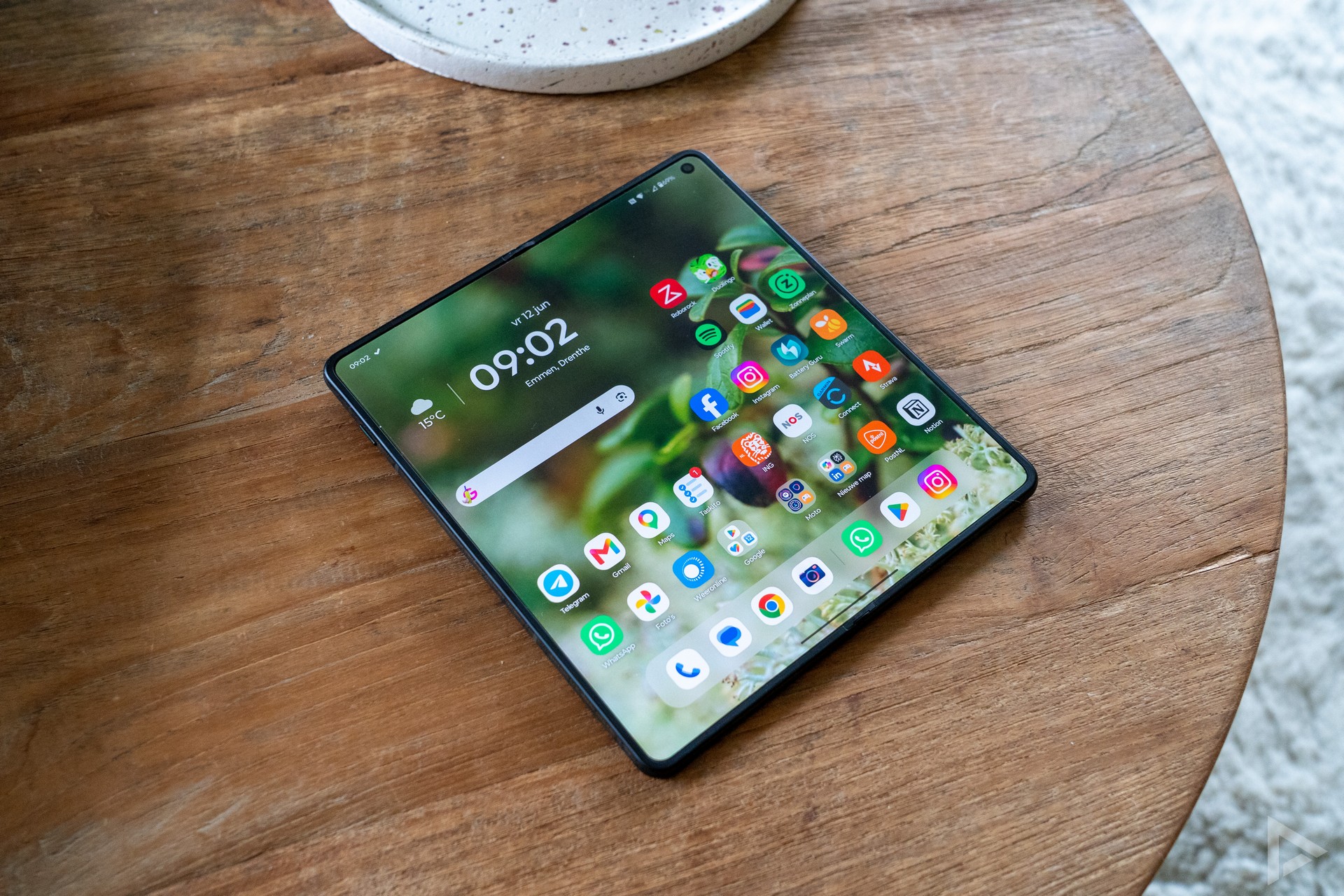
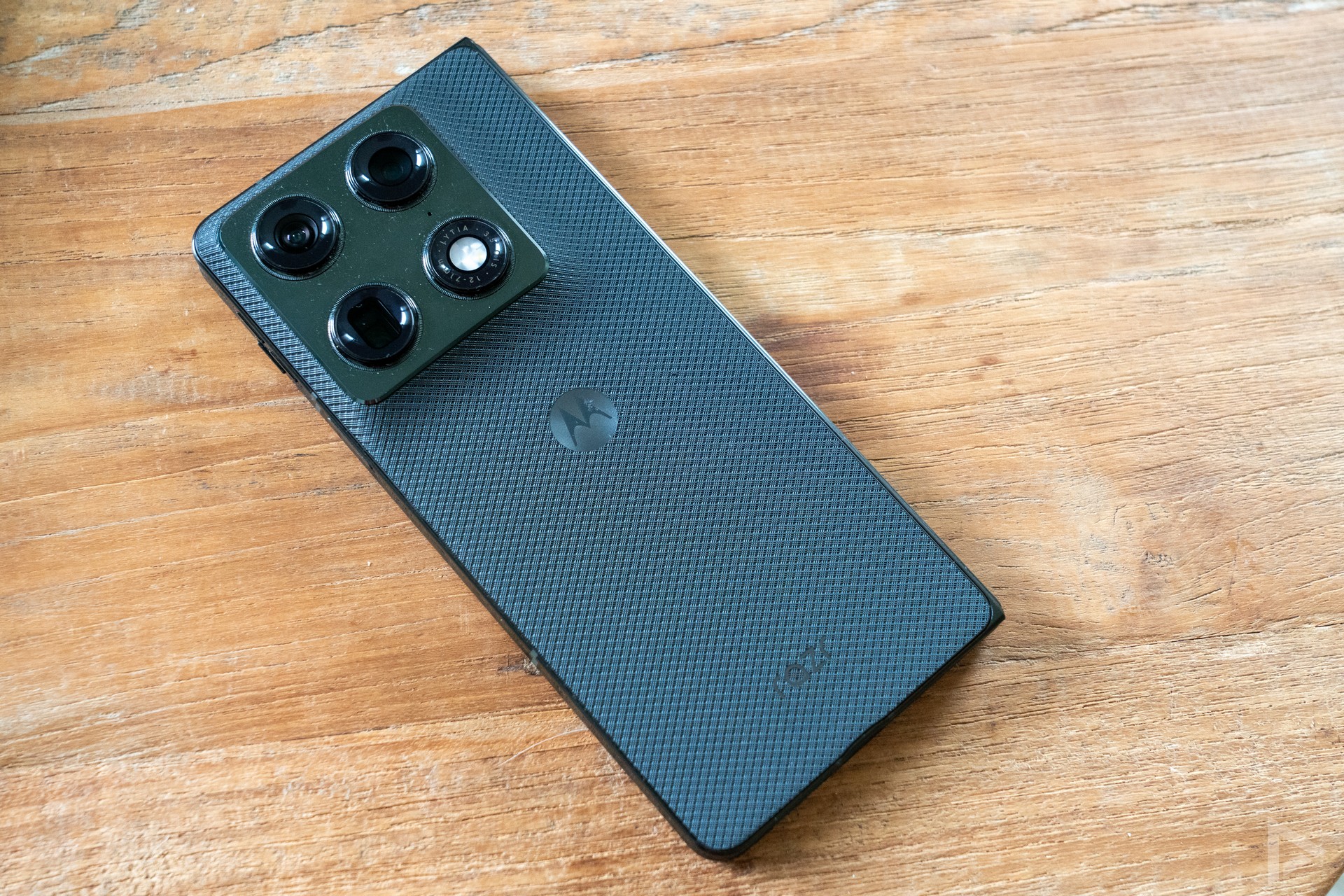
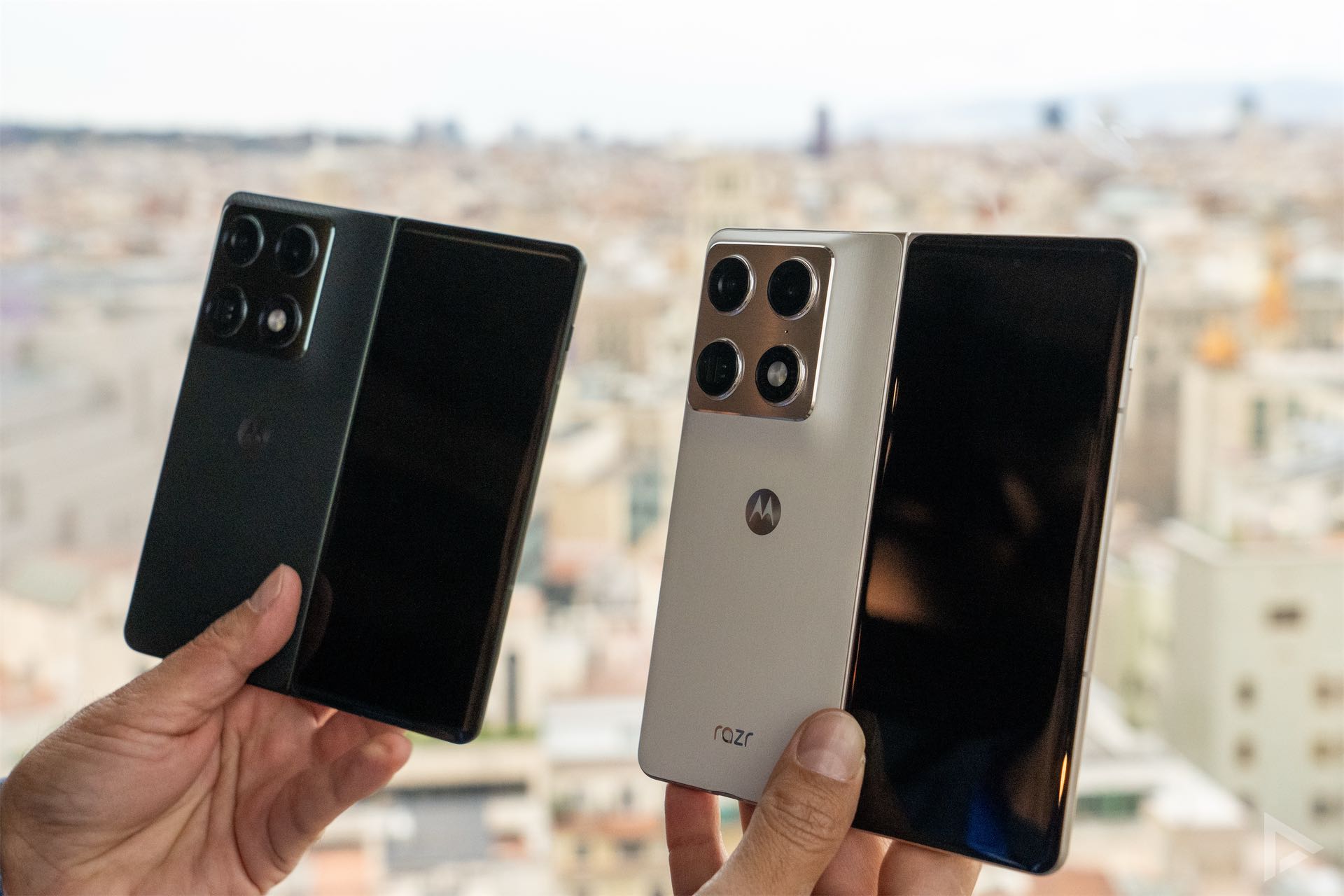
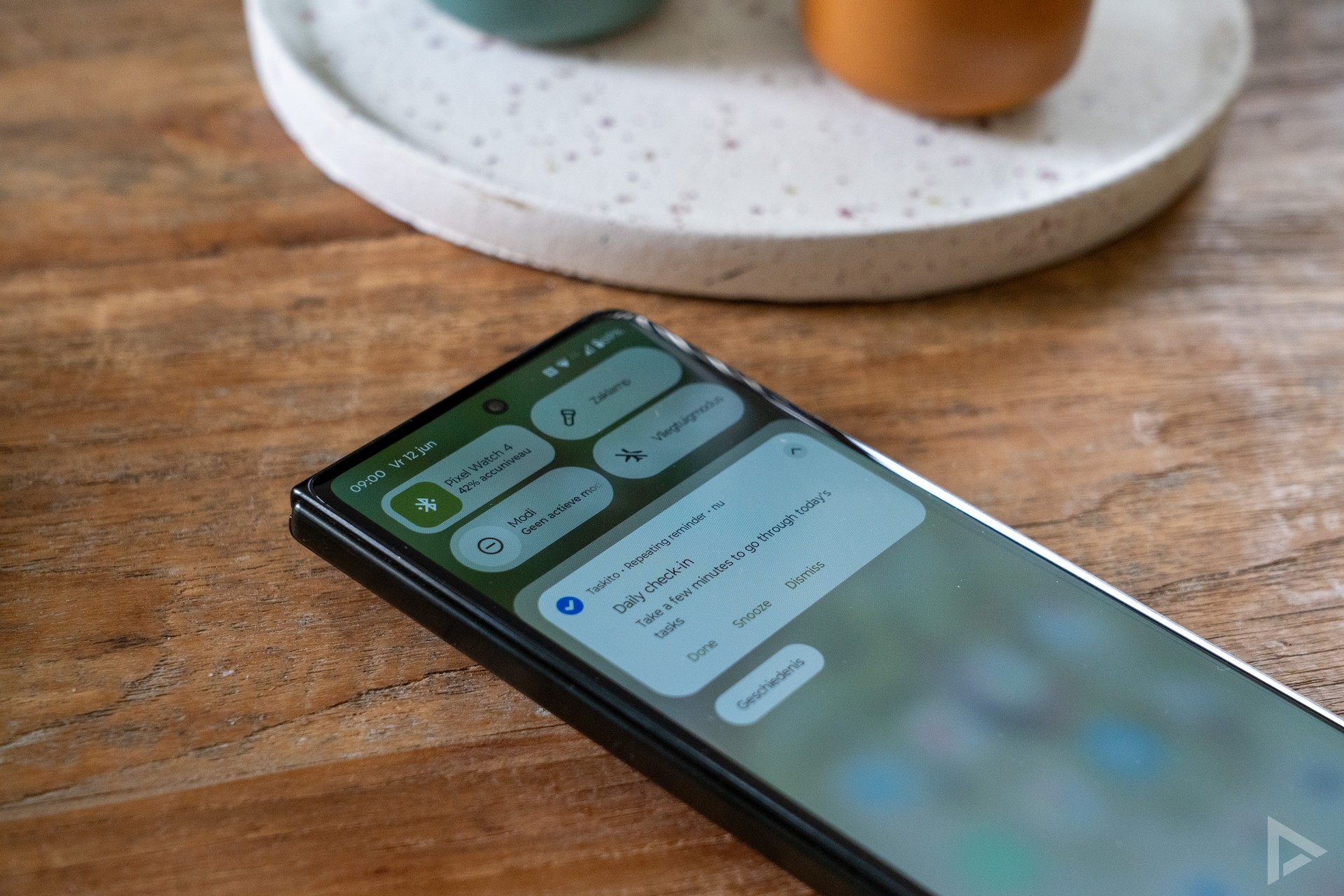
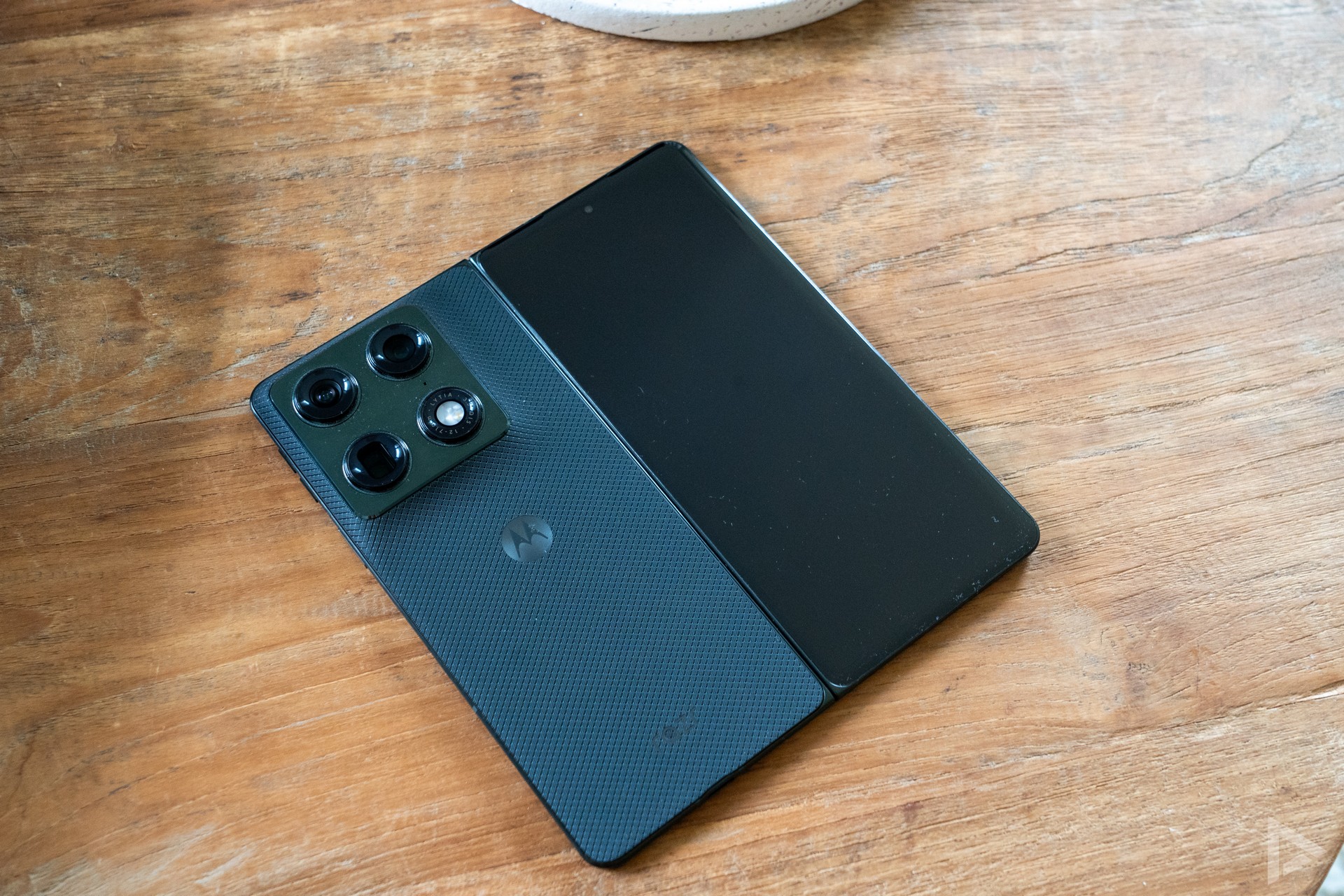
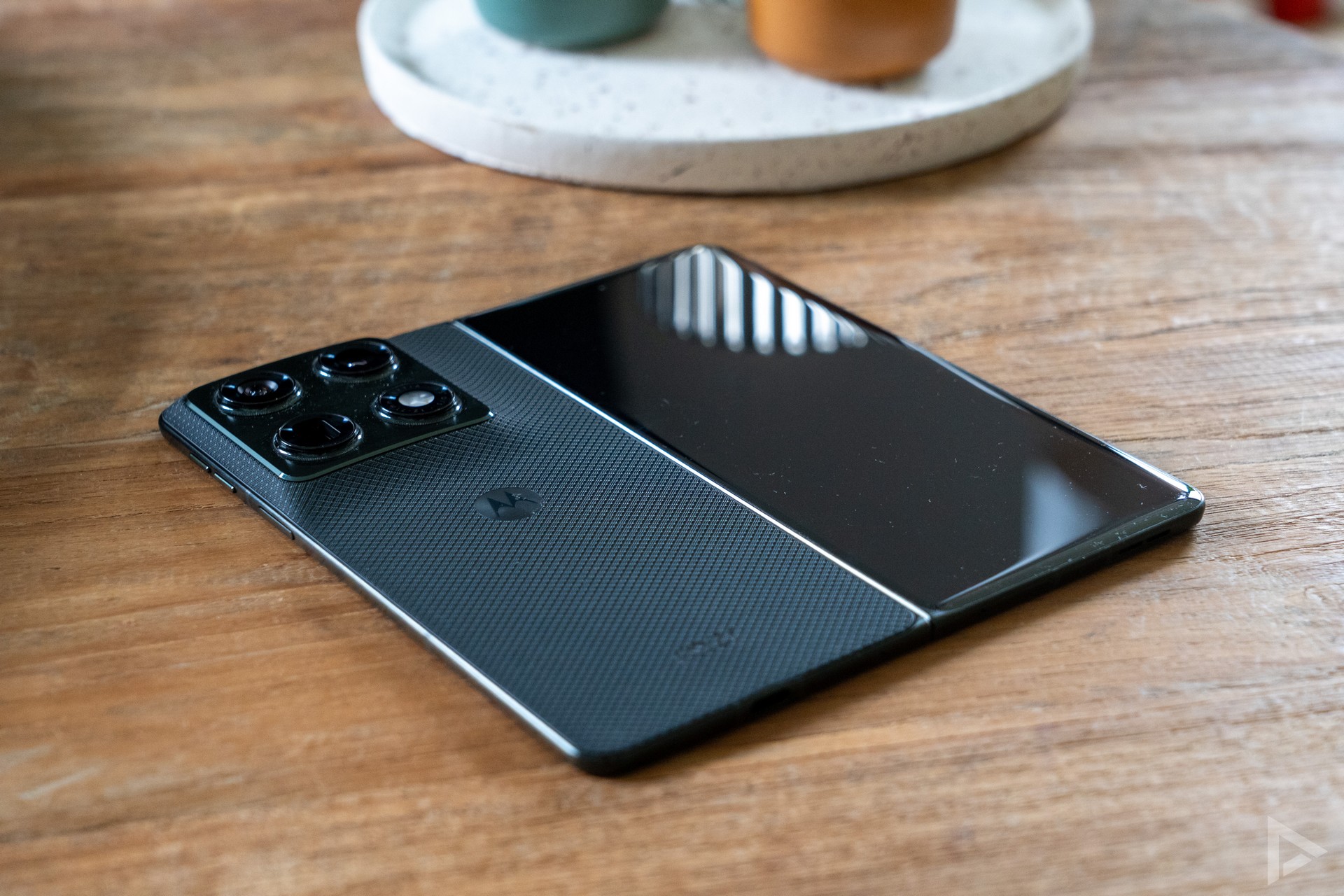
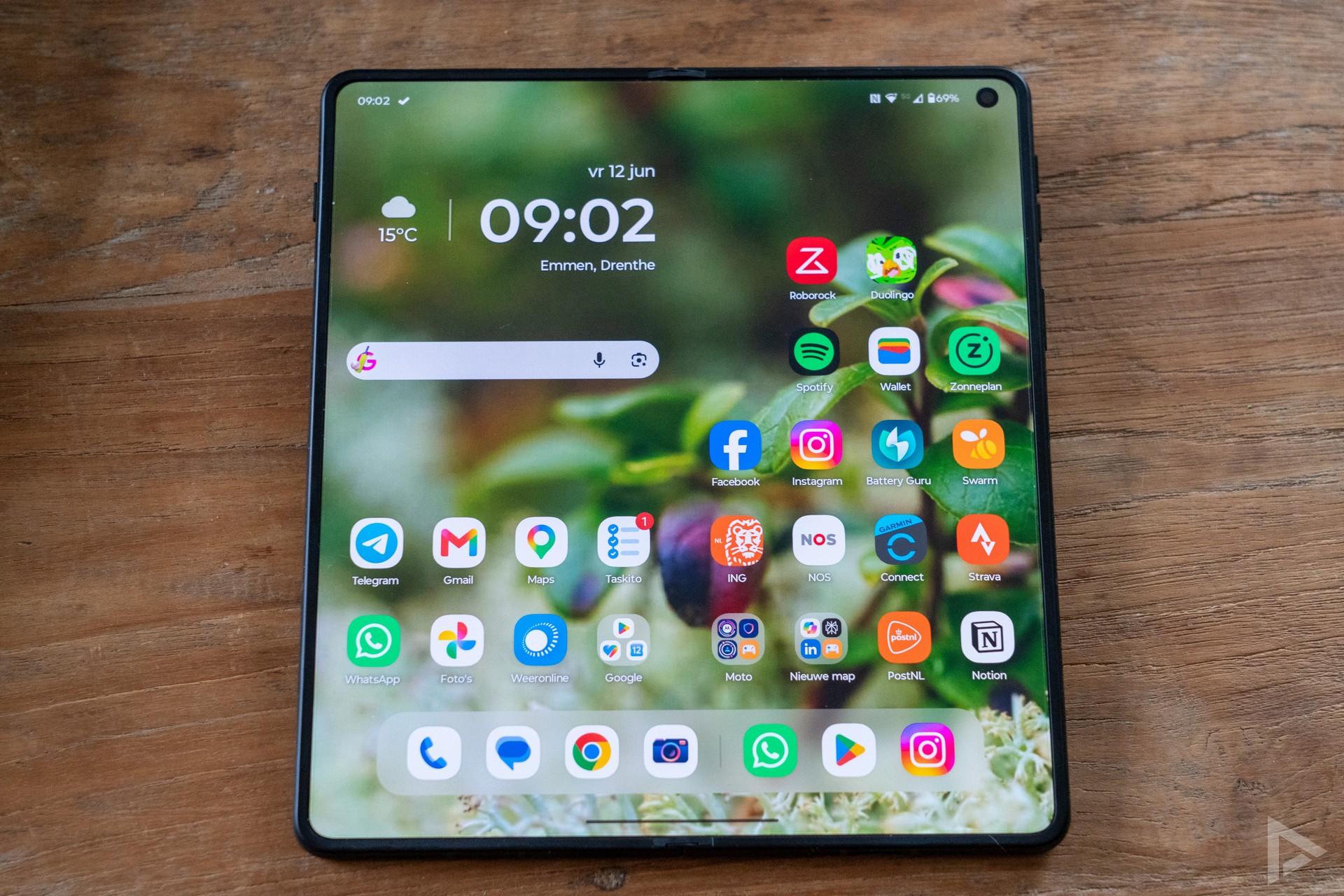
The Motorola Razr Fold is a very stylish phone, which looks significantly less clunky than the Google Pixel 10 Pro Fold. The screen bezels are quite thin, and the hinge and construction feel very solid and sturdy. On the front, you have the 6.6-inch cover screen. This OLED panel has a resolution of 2520 x 1080 pixels and a refresh rate of up to 165Hz. When unfolded, there is the 8.1-inch screen with a resolution of 2484 x 2232 pixels and a 120Hz refresh rate. Motorola claims a peak brightness of 6200 nits, though on really sunny days we’ve noticed that there are displays that are easier to read. This may also be due to the screen’s reflection. Incidentally, you needn’t worry that you won’t be able to see anything on the screen on a summer’s day, as that isn’t the case, thankfully.
You can adjust various options in the display settings. For example, you can adjust the vibrancy of colours or opt for a natural look. You can also use the ‘colour picker’ to adjust the colour temperature yourself. As with any foldable, you can feel the crease in the middle of the screen, though you won’t see it during normal use.
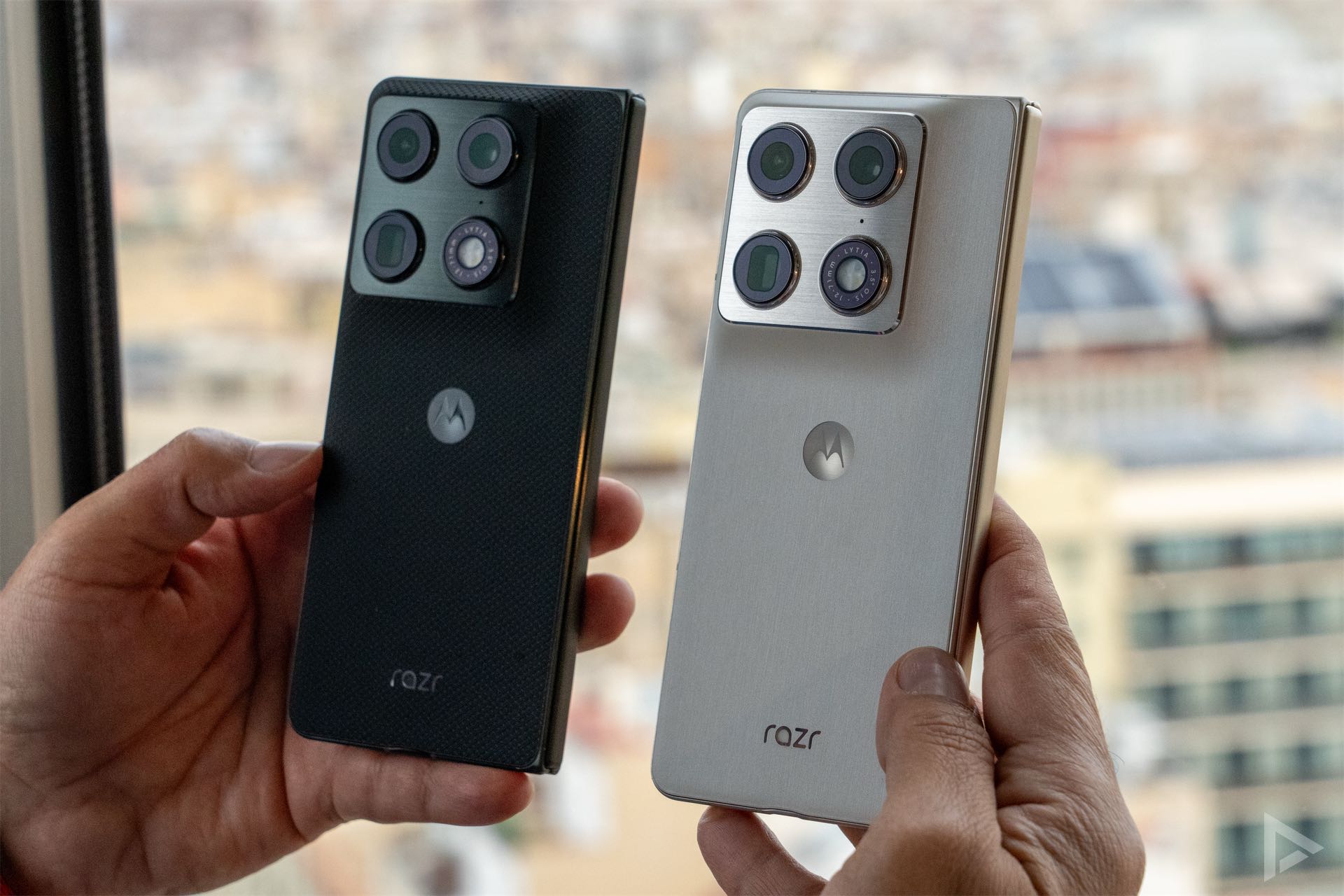
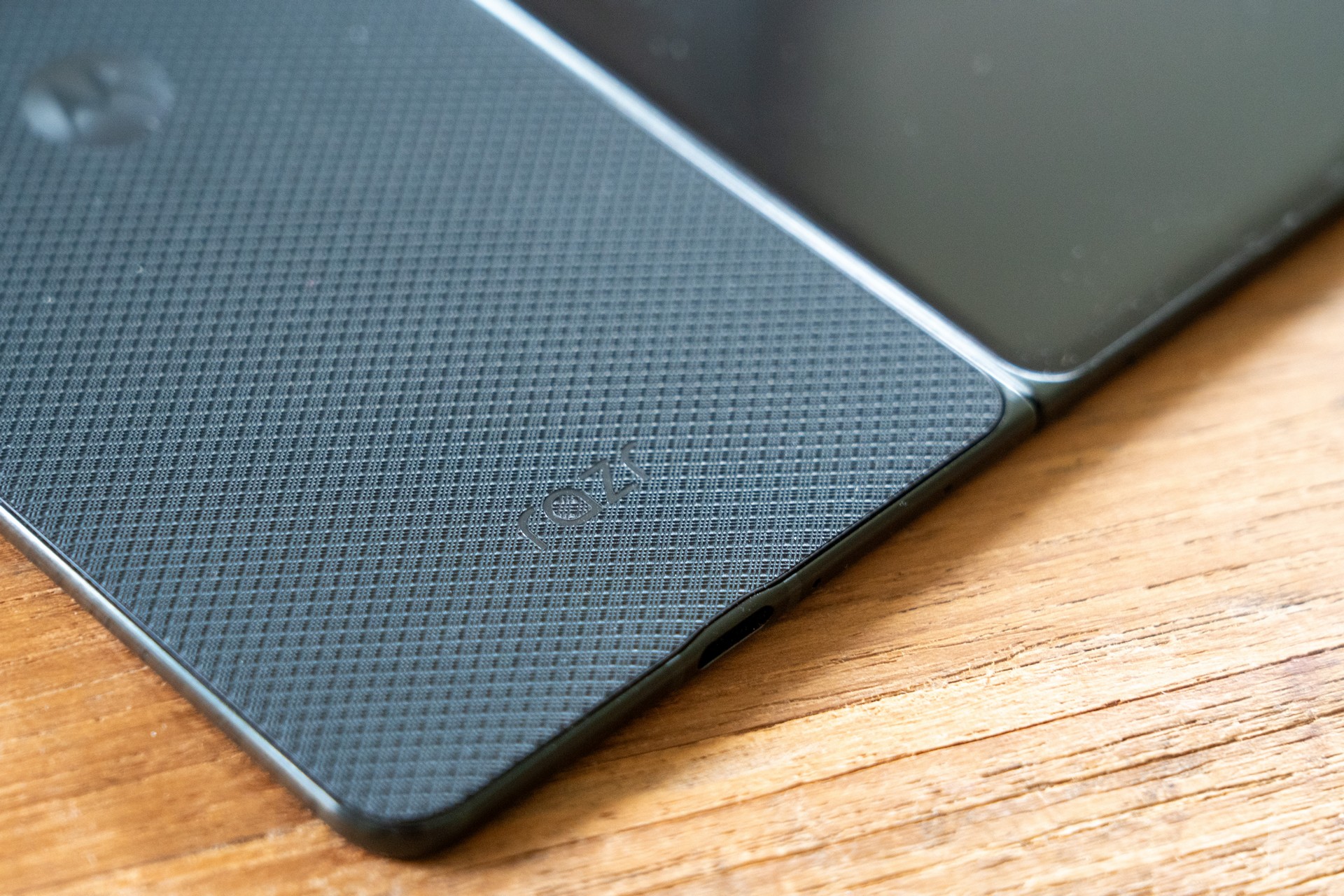
We’ve had both the black Motorola Razr Fold and the white Pantone version in our hands. The black one feels slightly more grippy, whereas the white one is a bit smoother. You can also feel the edges more clearly on the white one, something I personally found less pleasant. Both models look premium, although they are sometimes a bit prone to dust. We can see this in the fold line (on the internal screen) and the speaker grille has also collected quite a bit of dirt and dust.
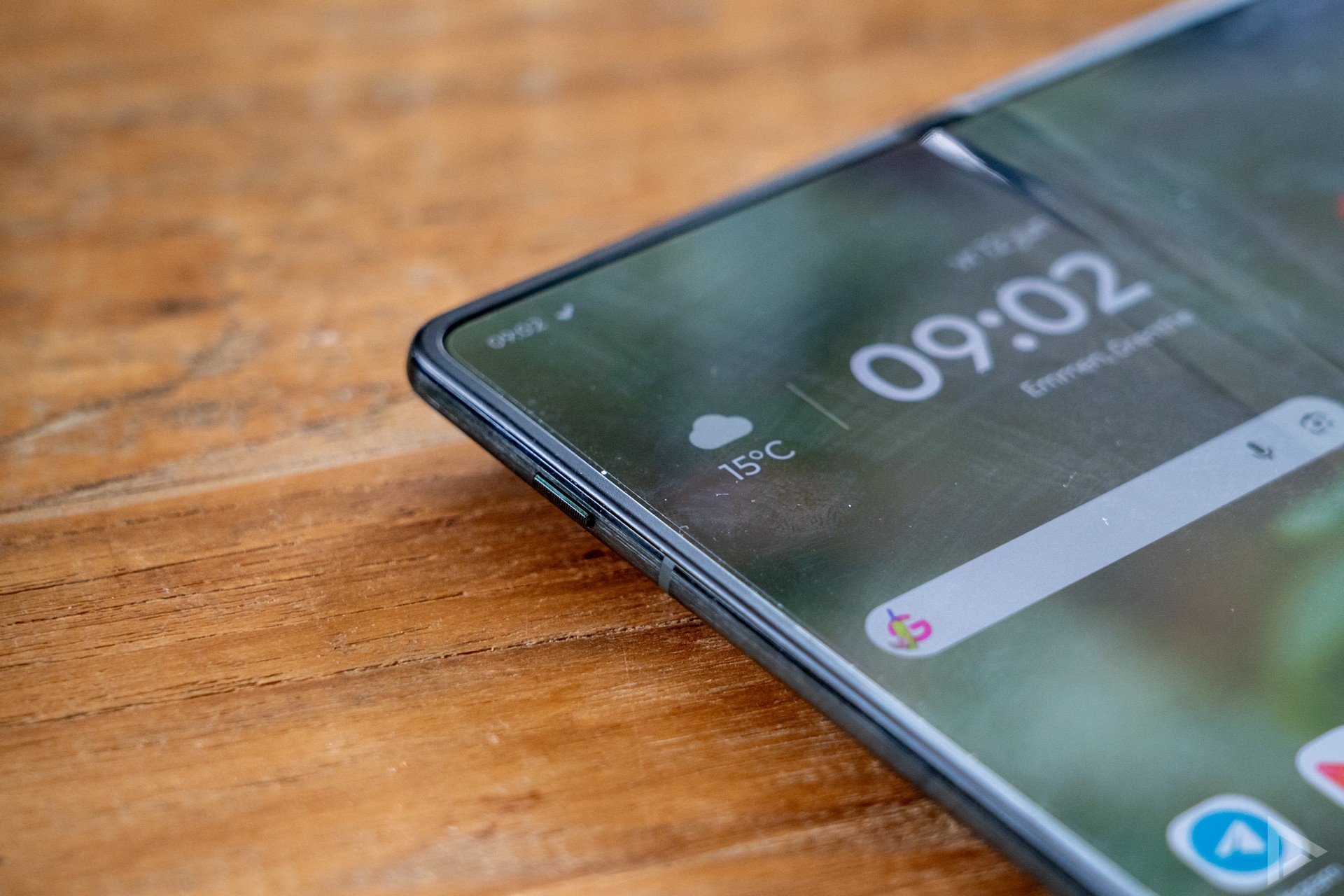
On the side, we find the necessary buttons. For instance, when unfolded, the AI button is located on the left-hand side. Holding this button down activates Moto AI. We’ll come back to this later. You can disable this button, but you can’t customise it further. The home button, however, can be customised, which is brilliant. During the review period, it was set to launch Google Wallet for mobile payments by double-tapping this button.
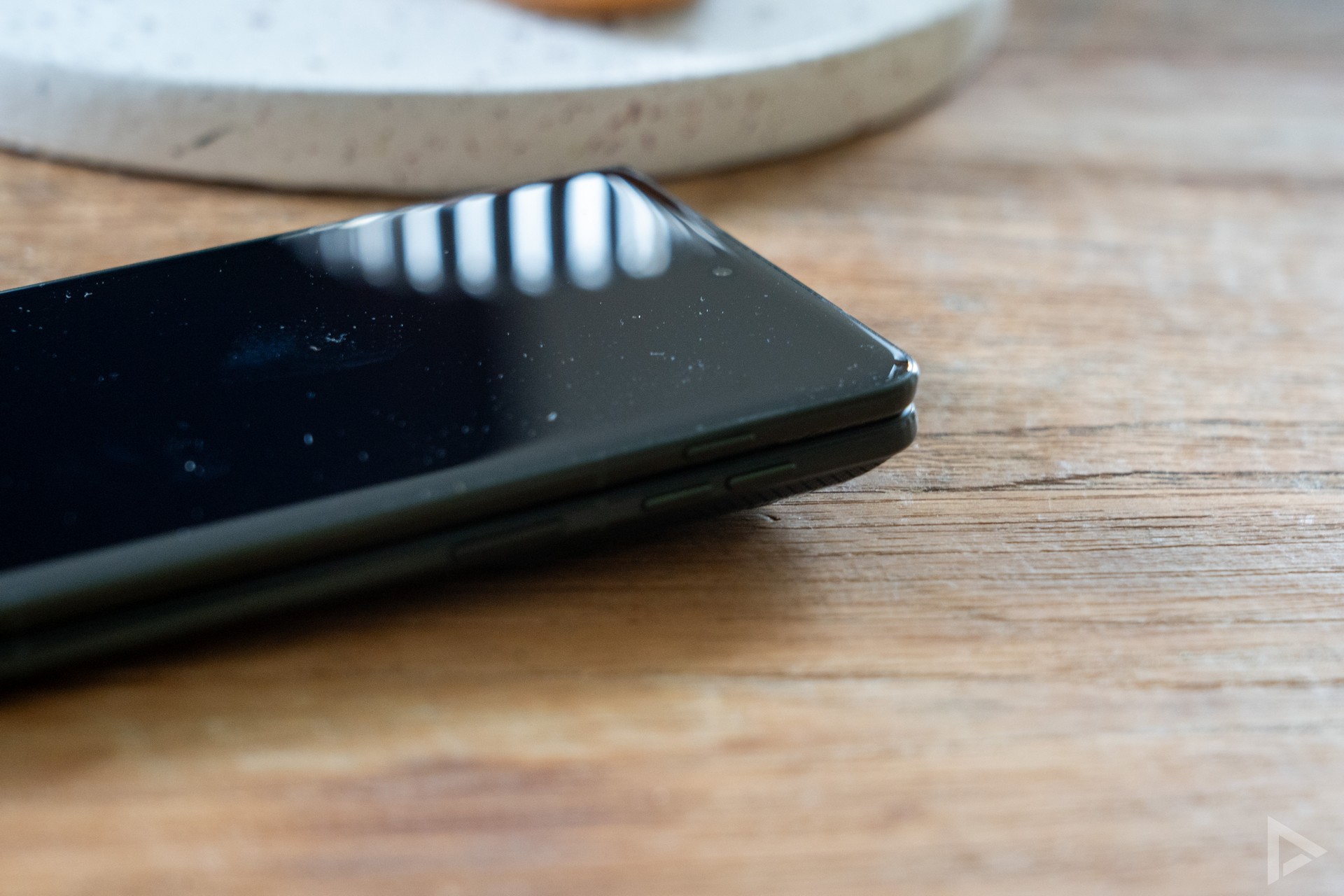
On the right-hand side are the two volume buttons and the power button. However, these are very small, and even after three weeks I still regularly struggled to press the right button without looking. The Pixel 10 Pro Fold handles this better. Another plus point for the Motorola is that there is another (hidden) option. You can also launch an app or perform an action by tapping the back of the phone three times. This allows you, for example, to open the camera or an app of your choice.
The power button also houses the fingerprint scanner. It responds quickly and works flawlessly. Naturally, you can also add multiple fingerprints.
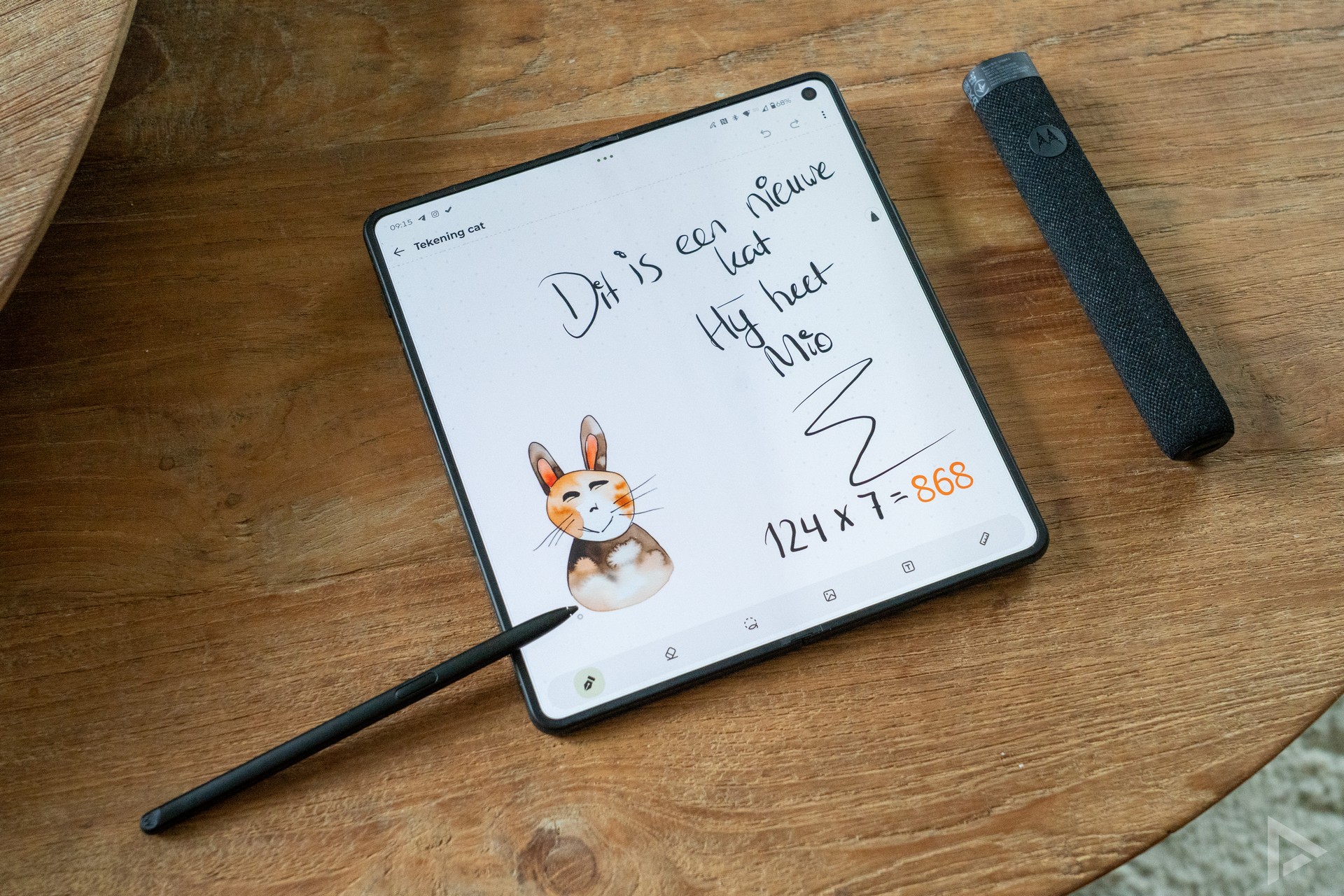
Moto Pen Ultra stylus
Motorola includes the Moto Pen Ultra. It is a physical pen that will be very useful for creative users. The Moto Pen Ultra lets you create, sketch and work, in their own words. You can open your favourite tools with a tap and quickly perform specific actions. Using Motorola’s note-taking app, you can start drawing or writing a note. The phone offers handwriting recognition, and the app is capable of calculating a written maths problem instantly.
The Moto Pen Ultra offers support for pressure sensitivity, amongst other features. And if you press too hard on the screen with the pen, you’ll receive a notification. In principle, a light touch is enough. There are many possibilities with the Pen, including the ability to convert your own drawing into a creative sketch (although this is limited), or simply to operate the phone with the pen.
One drawback of the Moto Pen Ultra, and also the reason why I’ve hardly used it in recent weeks, is that there’s nowhere to attach the stylus to the phone or store it inside the device. It comes in a luxury case, which also serves as a charging dock for the pen. It would have been nice, for example, to have a magnetic connection so you could ‘click’ the stylus onto the phone, as with an iPad. Now it’s always lying about, or you have to carry it separately.
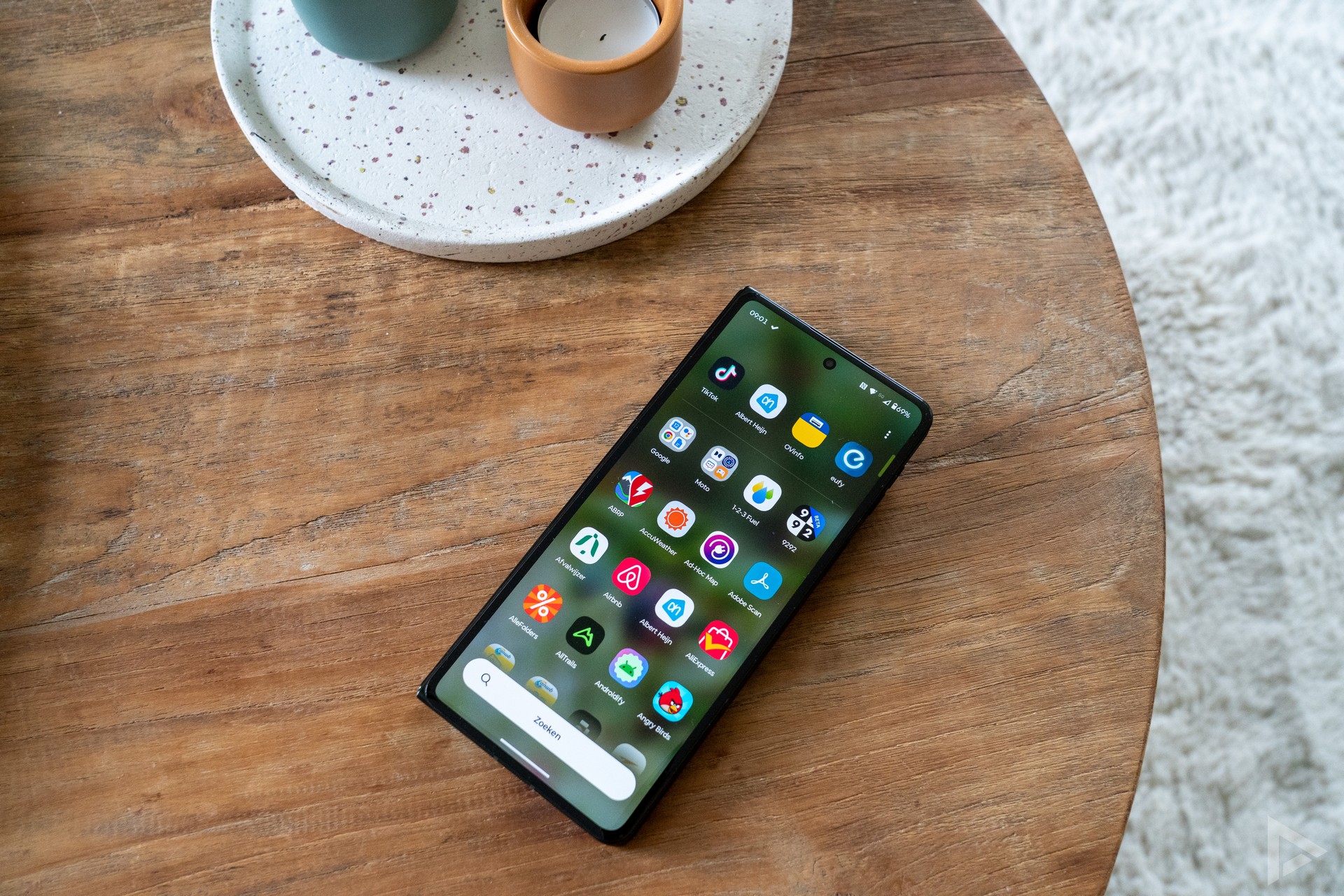
Interface
Motorola overlays its own interface on top of Android, and in many respects this is very close to the pure Android experience. The manufacturer’s own software adds a few personalisation options to this, so you’re not missing out on anything. The phone runs quickly and everything you need is easy to find. Because the software is so similar to Google’s, the whole thing is nice and straightforward.
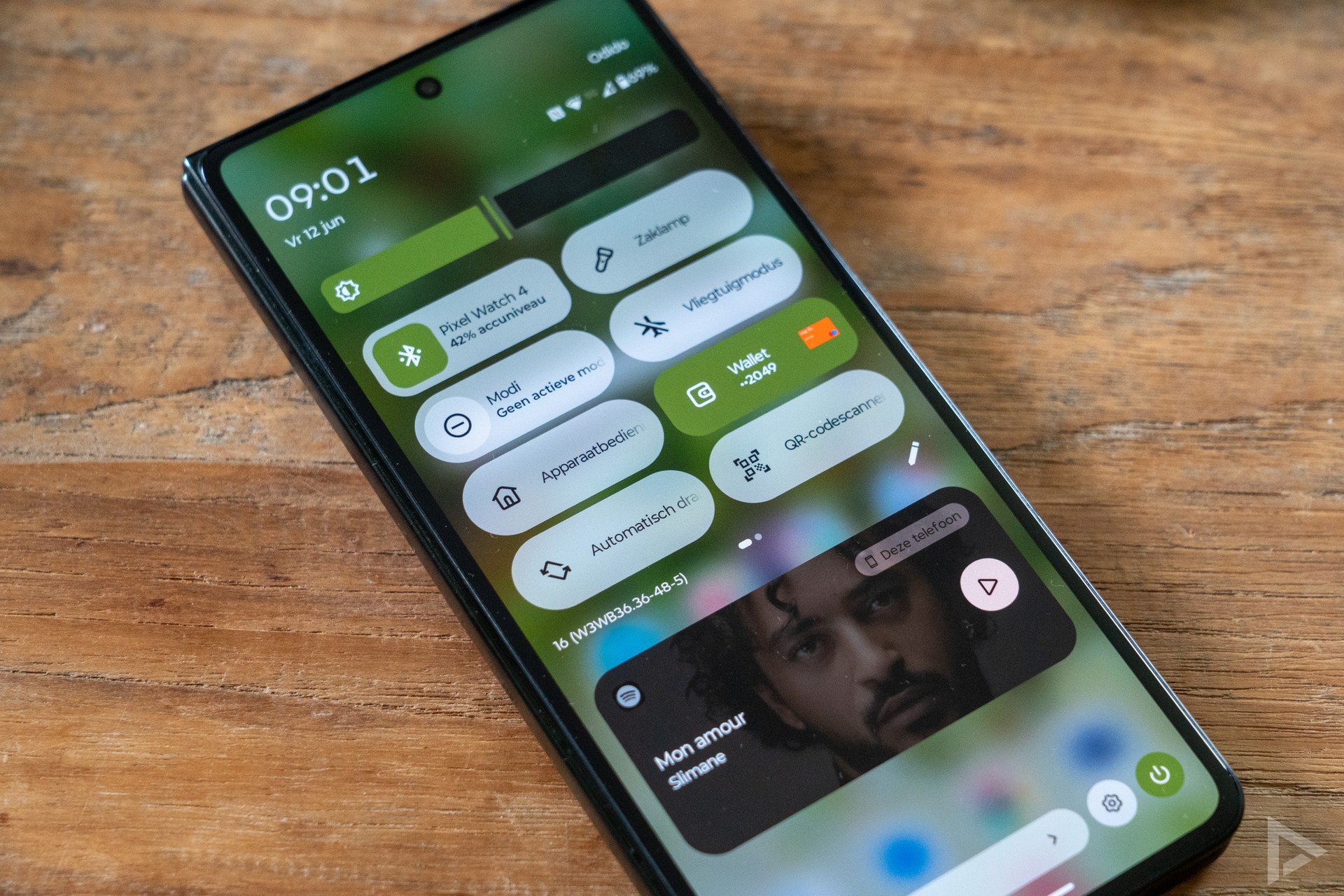
Communication and multimedia
The Motorola doesn’t disappoint when it comes to communication either. The Raz Fold has space for one SIM card and an eSIM. Google’s own apps are installed on the device for making calls and sending texts. These work well and call quality is excellent. Browsing the internet is also fast and smooth on the phone, using Google’s Chrome browser as standard. In terms of connectivity, the device lacks nothing. It naturally features 5G, Wi-Fi 7, NFC, GPS and Bluetooth.
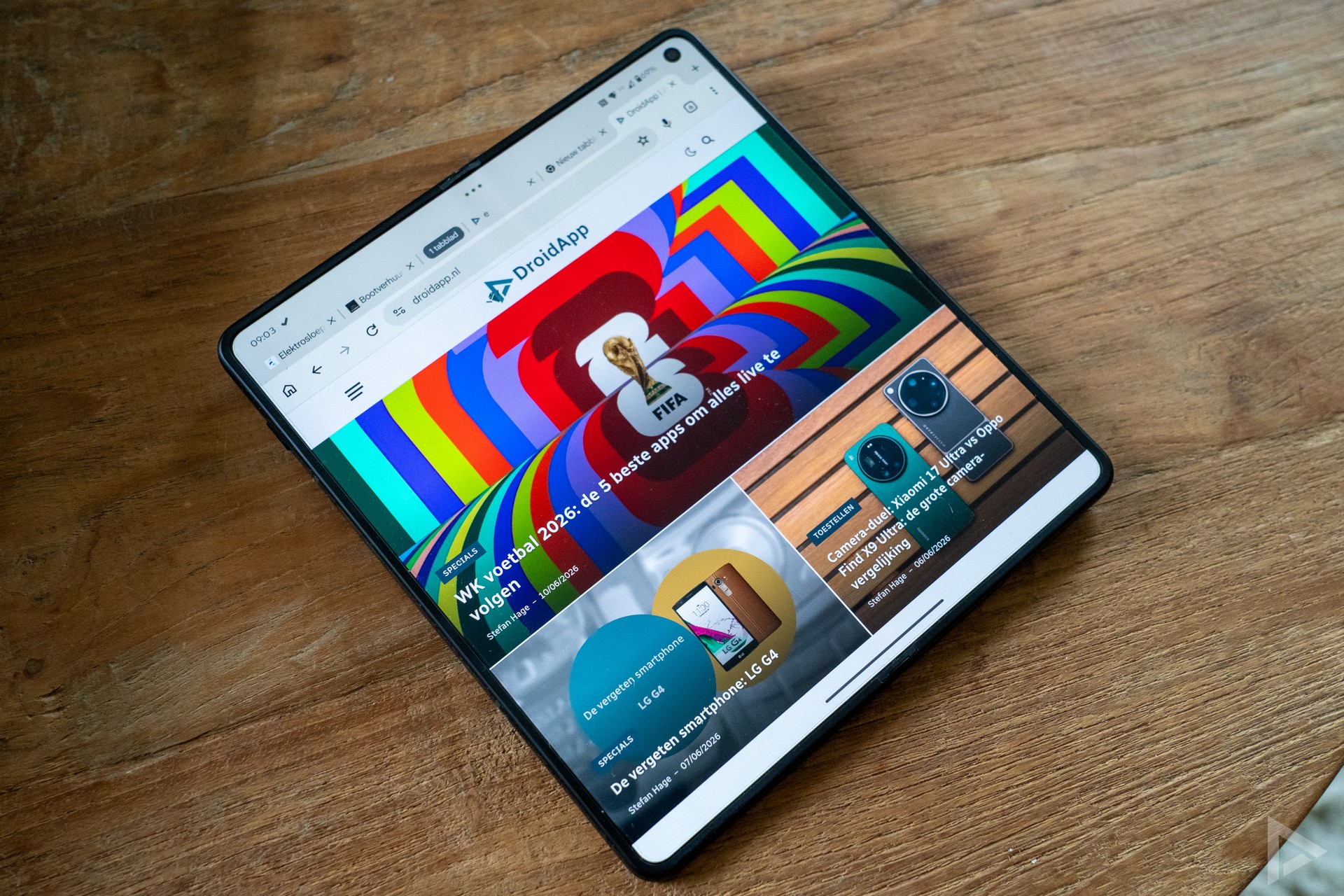
Multimedia
If you’re a multimedia enthusiast, the large screen of the Motorola Razr Fold offers the perfect opportunity to enjoy a film or series. Music lovers get a great set of speakers from Motorola. Because the speakers are located on the front of the phone, the sound comes mainly from the left when the large screen is open.
Camera
With a foldable, you often have to make some compromises on the camera. At the launch of the Motorola Razr Fold, the brand stated that this isn’t necessary with this device. Judging by the specifications, virtually all signs point to a positive outcome. There is a 50-megapixel main camera, a 50-megapixel wide-angle lens and a 50-megapixel telephoto lens. The camera setup is identical to that of the Motorola Signature, which has received a lot of praise. So how does this foldable device fare?
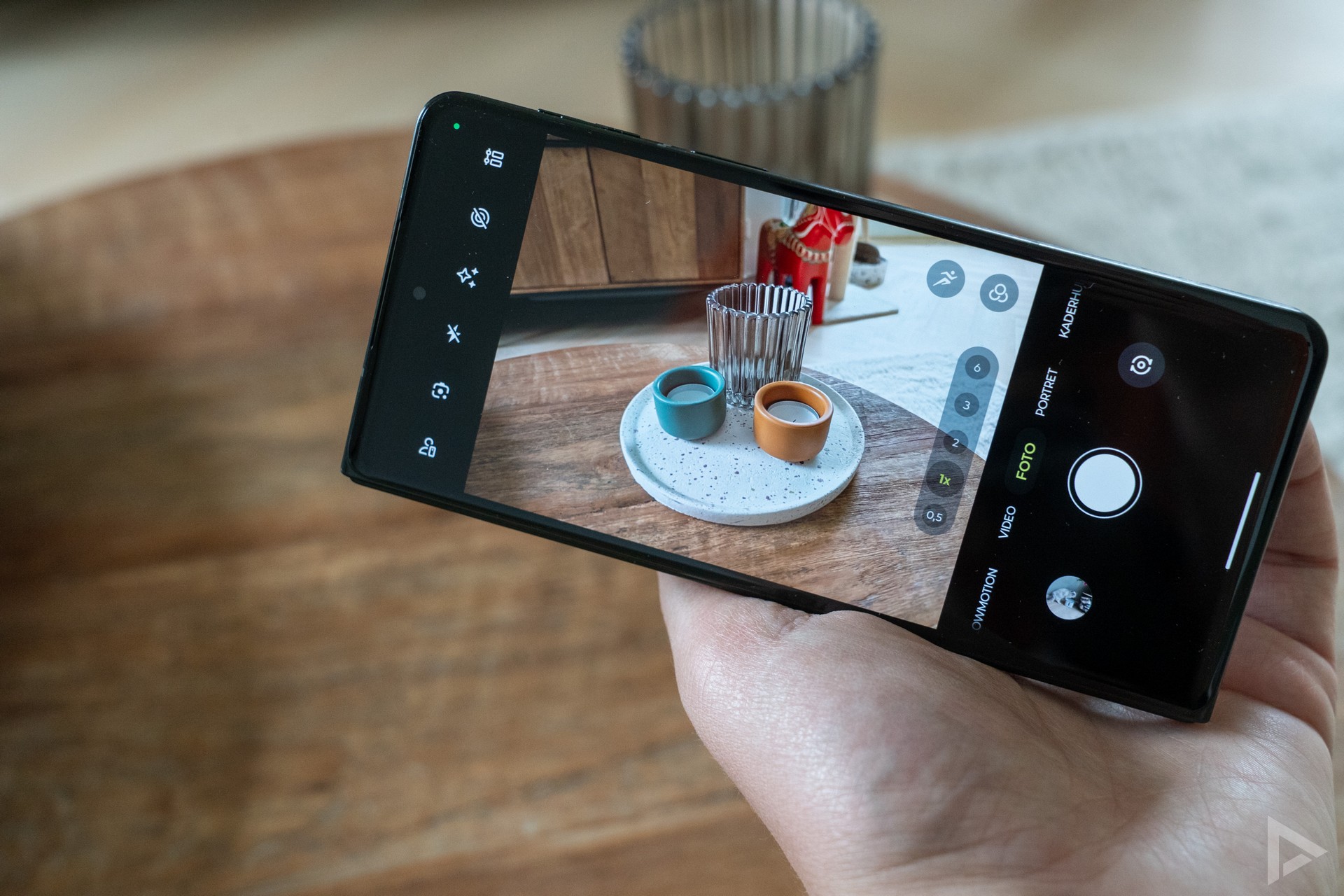
First of all, the camera app is a pleasure to use. Everything is intuitive, and you have plenty of options and settings to tweak. You can also use a mode where you unfold the phone and take a selfie with the rear camera. This is of higher quality than the 32-megapixel front camera, or the 20-megapixel front camera in the larger screen.
With the 50-megapixel telephoto camera, you can zoom in; this is 3x optical and 6x hybrid zoom, with Motorola promising optical quality. We took an absolute load of photos, as we naturally wanted to put the camera through its paces. How does the Razr Fold’s camera perform?


With so many photos taken, it took a bit of sorting through; we took the device with us on a trip to Vienna and Sweden, and also took plenty of photos in the Netherlands. We can conclude that the camera generally takes very good photos. It’s striking that there’s a whole lot of software involved. When you view the photo you’ve taken on your screen, you see it transform a fraction of a second later. This is thanks to software and AI, which often improves your photo, but not always. We see this, for example, with the photo of the large television tower in Vienna. The sky was, in fact, nothing more than ‘a beautiful sunset’, but in post-processing it turns a bright orange and looks completely fake. Although the phone takes lovely photos, some are a bit on the dark side, which means details and vibrancy are somewhat lost. This might sound a bit less positive, but for 2000 euros, you’re entitled to expect a certain standard. Nevertheless, the camera certainly doesn’t disappoint, and, as you can see in the digital photo album, it’s a great companion for your snaps, though there are a few minor areas for improvement.
In the evenings, the camera doesn’t disappoint either, and you can take excellent photos. The selfies you take with the 32-megapixel front camera are also of good quality. Whilst some manufacturers have their own gallery app, you view the photos taken on this Motorola in the Google Photos app.
Video camera
You can also launch the video camera in the camera app and shoot video in 8K 30fps or 4K 60fps quality, with support for Dolby Vision for even richer colours. The video quality is good, and you can view it below. This video comes straight from the Razr Fold.
Performance and battery life
Motorola has equipped the foldable with the Snapdragon 8 Gen 5 chipset. This is a high-end chipset, but it is a step below the Elite series. However, you won’t notice this at all in everyday use. The Razr is lightning fast and performs tasks quickly. The smartphone offers 16GB of RAM and 512GB of storage.
Nevertheless, the smartphone is not free of bugs, and at this price point, that is a minor oversight. For instance, we sometimes find that the text input field overlaps the text field itself, so you cannot see what you are typing. The large screen doesn’t always seem to be calibrated properly, meaning we have to tap higher up than where the text appears on the screen. This last issue doesn’t occur all the time, but it did happen on two Razr Fold units, so our review unit isn’t an isolated case. We also sometimes find that an app doesn’t switch to the large screen when you open it on the internal display. We’re hoping for an update that fixes these bugs.
AI
The AI button is located on the left-hand side of the Fold. Holding this button down launches Moto AI. Contrary to what was previously promised, the service still does not work in Dutch, or only very basic Dutch. It can summarise your notifications to some extent, but doesn’t add much value for us. You can also set a reminder and use Copilot Vision straight away (the equivalent of Gemini or Google Lens). You can also use Playlist Studio (which only works with Amazon Music) or Image Studio to create an image. Fortunately, you can simply use Gemini for the usual AI tasks; that works perfectly well in Dutch.
Bloatware
Two thousand euros or not, the Motorola still comes with a load of bloatware. For example, a whole host of different Motorola apps. Family Space, feedback, Moto Secure, Smart Connect and much more. There’s also a clunky notes app that only lets you share your notes as images, not as text. Strange. Motorola’s apps also occasionally send notifications to promote themselves. That doesn’t add to the premium experience.
Battery
A frequently cited drawback of foldable phones is battery life. Motorola wanted to put an end to that right from the launch of the Razr Fold. On board, you’ll find a massive 6000 mAh battery. Yet we know that a large capacity doesn’t always mean you’ll get long battery life, but with the Motorola, that’s certainly the case. We’ve used the phone intensively for three weeks and are genuinely impressed by the battery life. A day and a half of intensive use is no problem at all. If you use the device less intensively, you can easily get two days’ use without much trouble. Screen time is also generous, clocking in at around 6 hours with mainly 5G usage. If you use more Wi-Fi, you can add a few more hours to that.
Update policy
On paper, the update policy for the Motorola Razr Fold is very good. You’ll receive Android and security updates for a period of seven years. This is the first time Motorola has said it will support a smartphone for such a long time. However, we do have some reservations. Manufacturers such as Samsung and various other brands have, to date, been more consistent in rolling out updates. Although Motorola has made significant strides, it still has to prove itself in this area. Furthermore, at the time of publishing this review, the phone is still running on the March security patch. That really ought to be better for a device costing 2,000 euros.
Verdict
After three weeks of extensive testing of the Motorola Razr Fold, we’ve formed a good impression. And that impression is very positive. Motorola has succeeded in delivering a very good foldable. But isn’t Motorola a bit late to the party? Perhaps, but better a well-executed end result than a half-baked interim solution. The design is very well put together, the phone takes great photos (though an update is still needed to refine this) and the large screen is a real bonus. Add to that the fact that the Motorola Razr Fold also offers very good battery life, and the picture is complete.
But it’s not all positive; Motorola has a notorious reputation when it comes to its update policy, and whether that will finally improve remains to be seen. The promise is there; now it needs to be delivered in practice. Another downside is the price: the smartphone costs 2,000 euros, which is a massive amount of money. If you can afford it, the Motorola Razr Fold is an excellent choice; but bear in mind that for around 1,400–1,500 euros, you can get Samsung’s Galaxy Z Fold 7. That one does have inferior cameras and significantly poorer battery life, but it does have a better update policy. Then there’s also the Pixel 10 Pro Fold, which also has a great camera and update policy, but slightly shorter battery life. On top of that, the Pixel’s design is a fair bit less sleek than the Motorola’s.
Fancy it? You can buy it yourself from Belsimpel, Bol.com and Coolblue.
- Very good battery life
- Design
- Customisable buttons and taps on the back
- Great camera
- Small buttons on the side
- Still needs to prove itself with updates
- Stylus cannot be attached to the device
- Minor improvements needed for the camera