
Making calls via WhatsApp Web
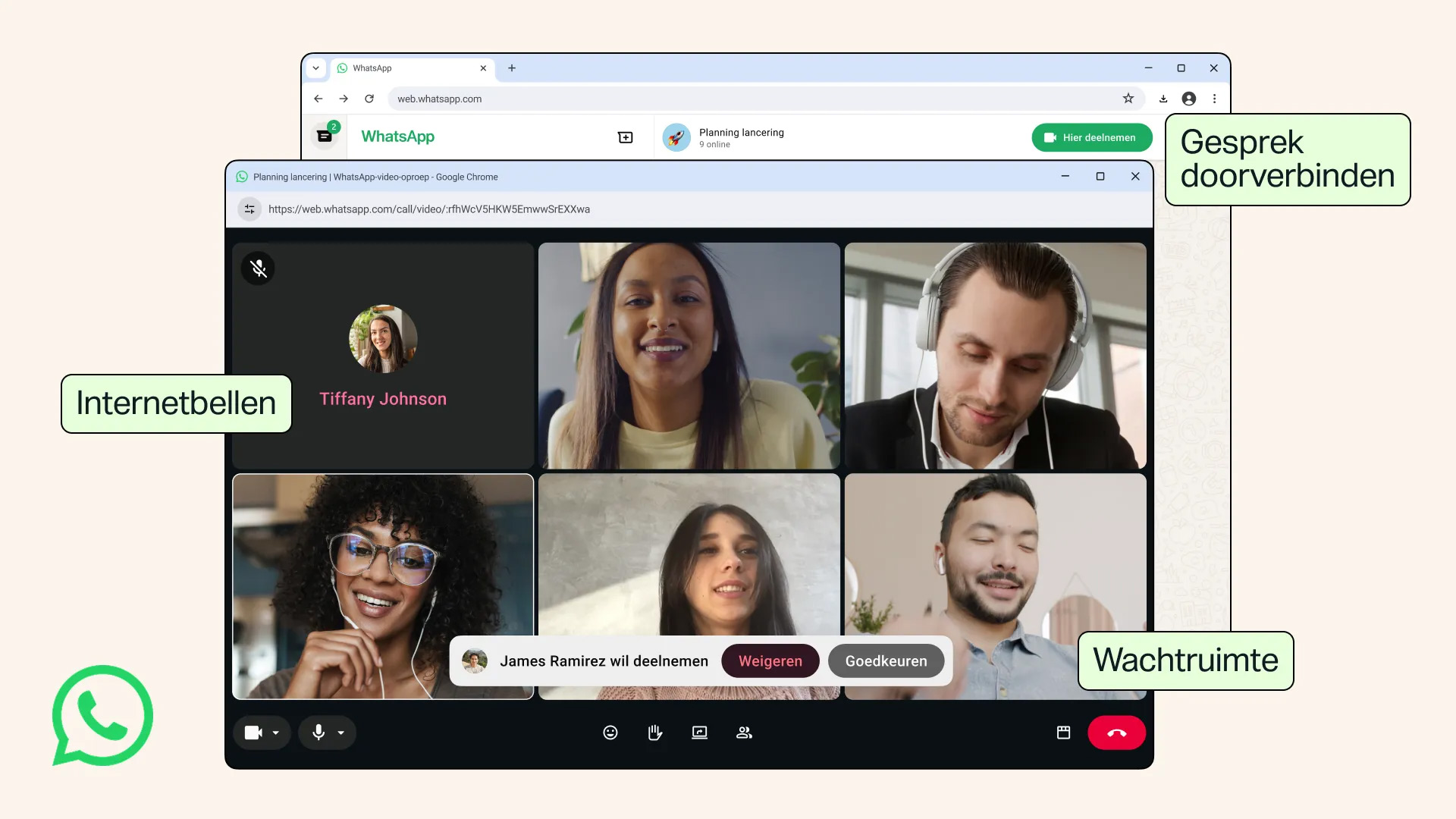
The biggest new feature in WhatsApp is that you can now make and receive audio and video calls via WhatsApp Web. Via your browser, you get virtually the same features as on your smartphone or desktop app. For example, you can share your screen, react with emojis and use a dedicated calls tab showing your call history and favourites. All calls remain end-to-end encrypted, with no time limit or extra charges, the messaging service emphasises.
Transfer a call without redialling
WhatsApp is also introducing Call Transfer. This allows you to seamlessly move an ongoing group call from one device to another. If you start a video call on your phone whilst you’re out and about, you can easily switch it over to WhatsApp Web or the desktop version when you get home to continue the conversation on a larger screen. It works the other way round too.
For group calls, a waiting room feature is also being introduced. When you create a call link, you can set it so that participants must first be granted permission before joining the call. This way, you decide when someone is admitted.
Call quality is also being improved. With QuickHD, video is displayed in high quality from the very first seconds of a call. This means you don’t have to wait as long for the picture to become clear.
WhatsApp is also adding noise cancellation. Background noise is automatically reduced, so your voice is heard more clearly during calls. This is handy if you’re calling from a busy office, a station or any other noisy environment. You can enable or disable this feature at any time in the call settings.
Rollout
WhatsApp has announced that all the new features are now being rolled out gradually. It may therefore take a while before they appear on your account. As soon as the update is available, you’ll be able to benefit from the enhanced calling features on both your smartphone and in your browser.