Missed call on a Pixel phone
Do you feel like you’ve missed a call on your Pixel, even though your phone was definitely set to ‘ring’ or ‘vibrate’? That could well be the case. You’re certainly not alone. Complaints have been popping up in various places over the past few weeks, including Reddit, Google’s issue tracker and user comments.
What’s striking is that the phone doesn’t ring or display any other notification when a call comes in. It’s only after the call has ended that you realise you’ve missed a call. That’s frustrating, because making calls is still one of the most important functions of a smartphone. Especially when you’re expecting an important call, a problem like this can have unpleasant consequences.
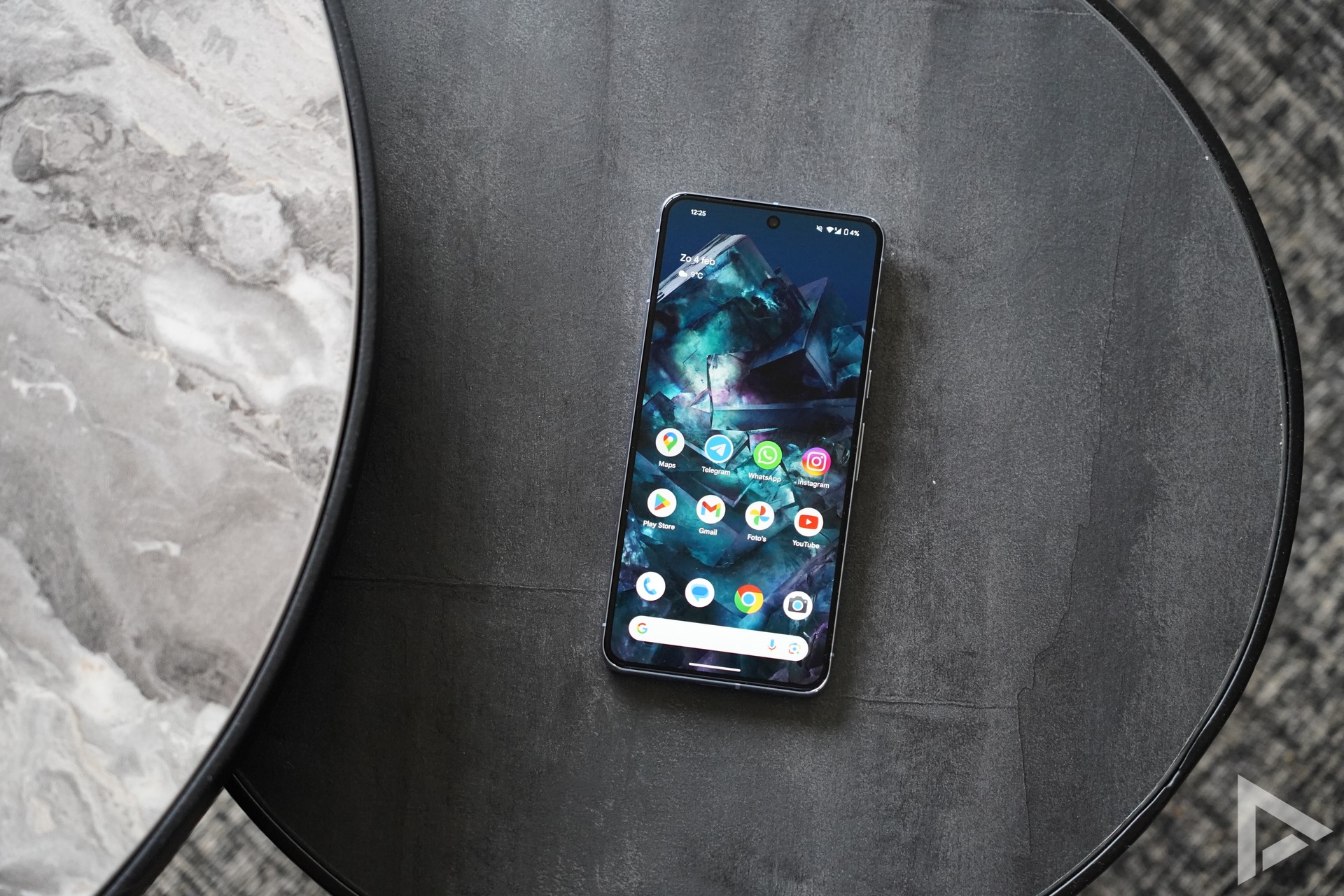
Most reports come from users running Android 17. However, there are also reports from users on earlier versions of Android and even from those using the latest Android 17 QPR1 beta. This suggests the problem is not limited to a single software version. According to several users, the Google Phone app may be a contributing factor. Some report that adjusting settings within the app resolves the issue, although it is not yet clear exactly what is causing it.
A temporary workaround has also been shared. By going to Settings > System > Reset > Reset mobile network settings and then restarting the device, the problem reportedly disappears temporarily for some users.
At the time of writing, Google has not yet provided an official solution or statement. It therefore remains to be seen whether an update will be released soon to resolve the issue permanently.
Do you have a Pixel device and are you experiencing the same problem? If so, we’d love to hear from you. Please leave a comment below this post.