Google Home Speaker review
Google has been focusing on smart speakers for years, each with its own speciality. There’s the Nest Audio, which is aimed at music lovers; the Nest Mini, a compact helper around the house; and the Nest Hub, which comes with a screen. With the Google Home Speaker, Google is breaking new ground, placing greater emphasis on AI. This speaker supports Gemini, Google’s AI tool. Over the past few weeks, we’ve put the speaker through its paces, and you can read about our experiences in this review.
Unboxing and design
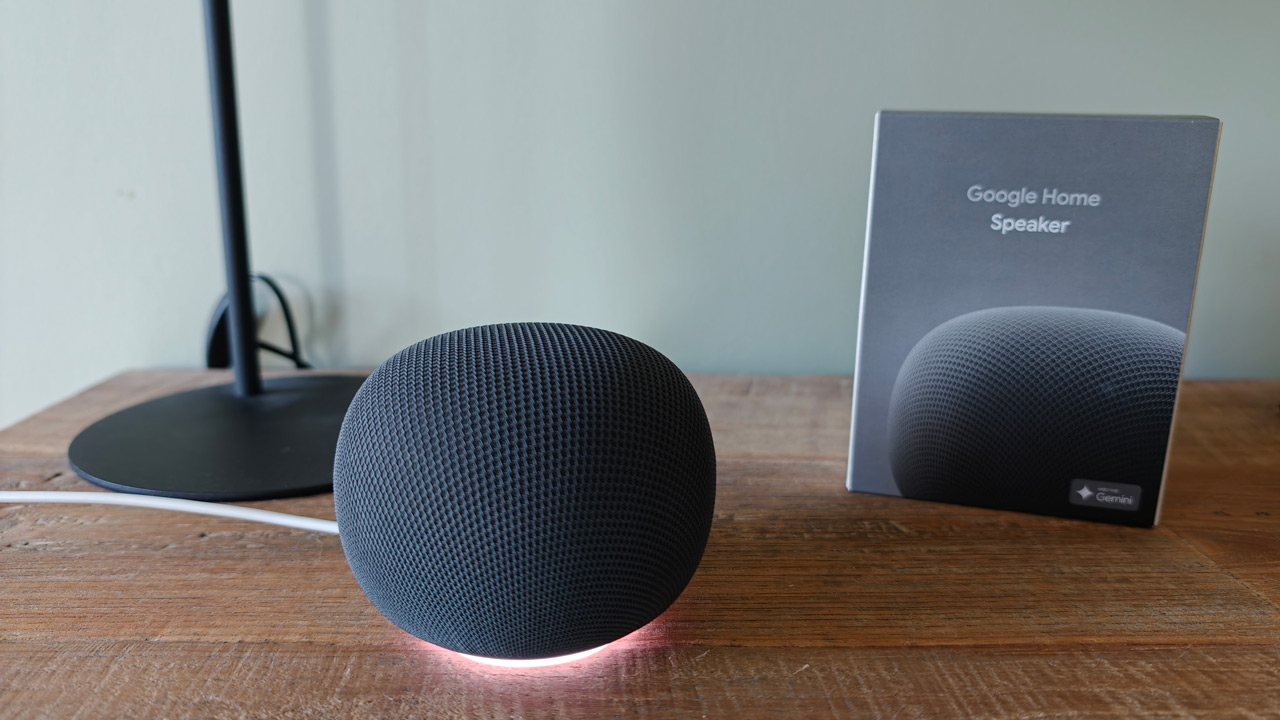
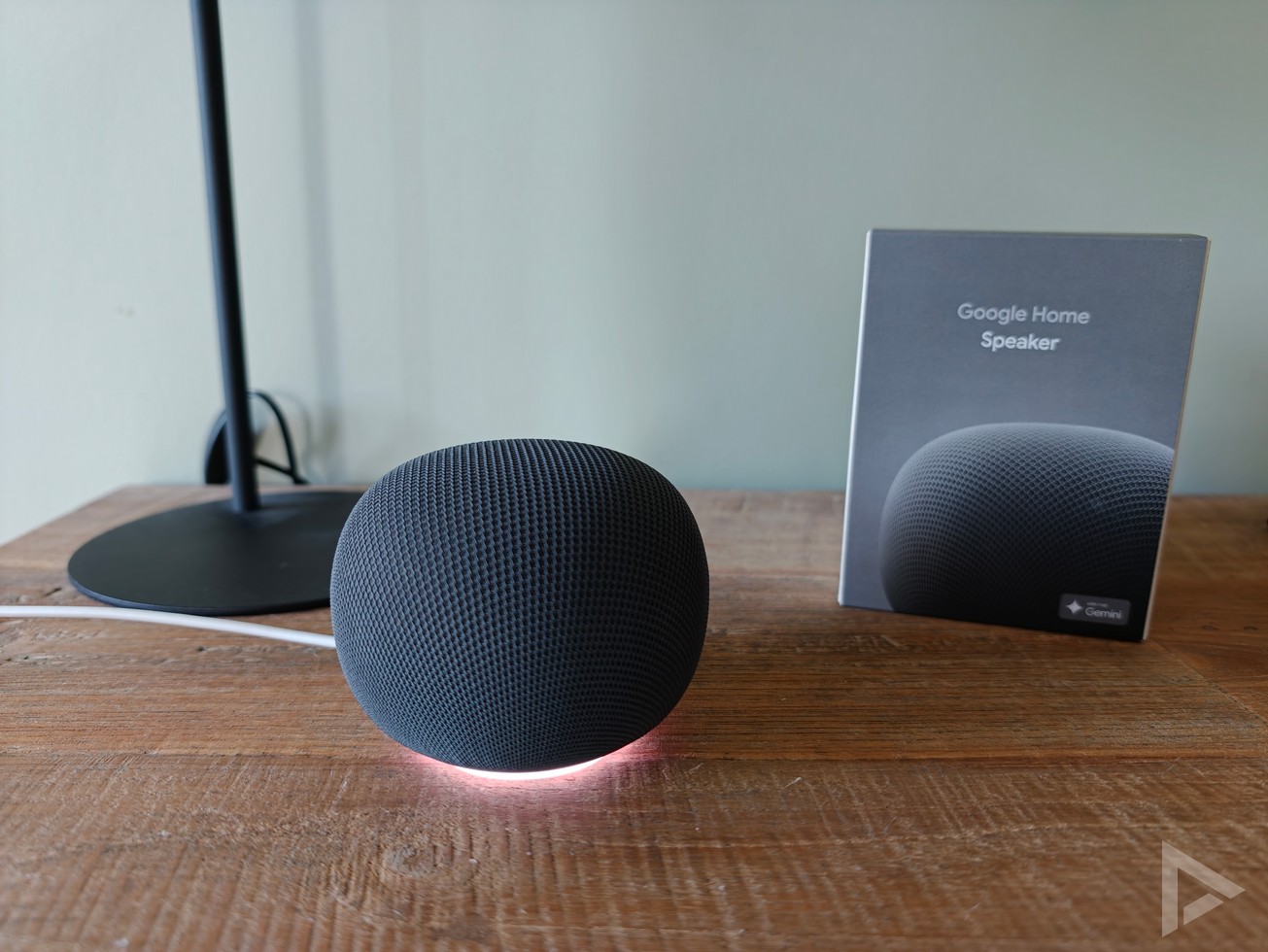
Google delivers the speaker in a square box. Alongside the speaker, the box contains a brief user guide with the first steps. You’ll find the setup instructions and further guidance via the Google Home app. The package also includes the adapter to power the Google Home Speaker. The cable is 1.5 metres long, which isn’t short, but in some situations we can imagine that a slightly longer cable would be more convenient. It’s worth noting that Google has opted for a cable that’s integrated into the speaker. This means you can’t easily replace the cable yourself, nor can you opt for a longer one.
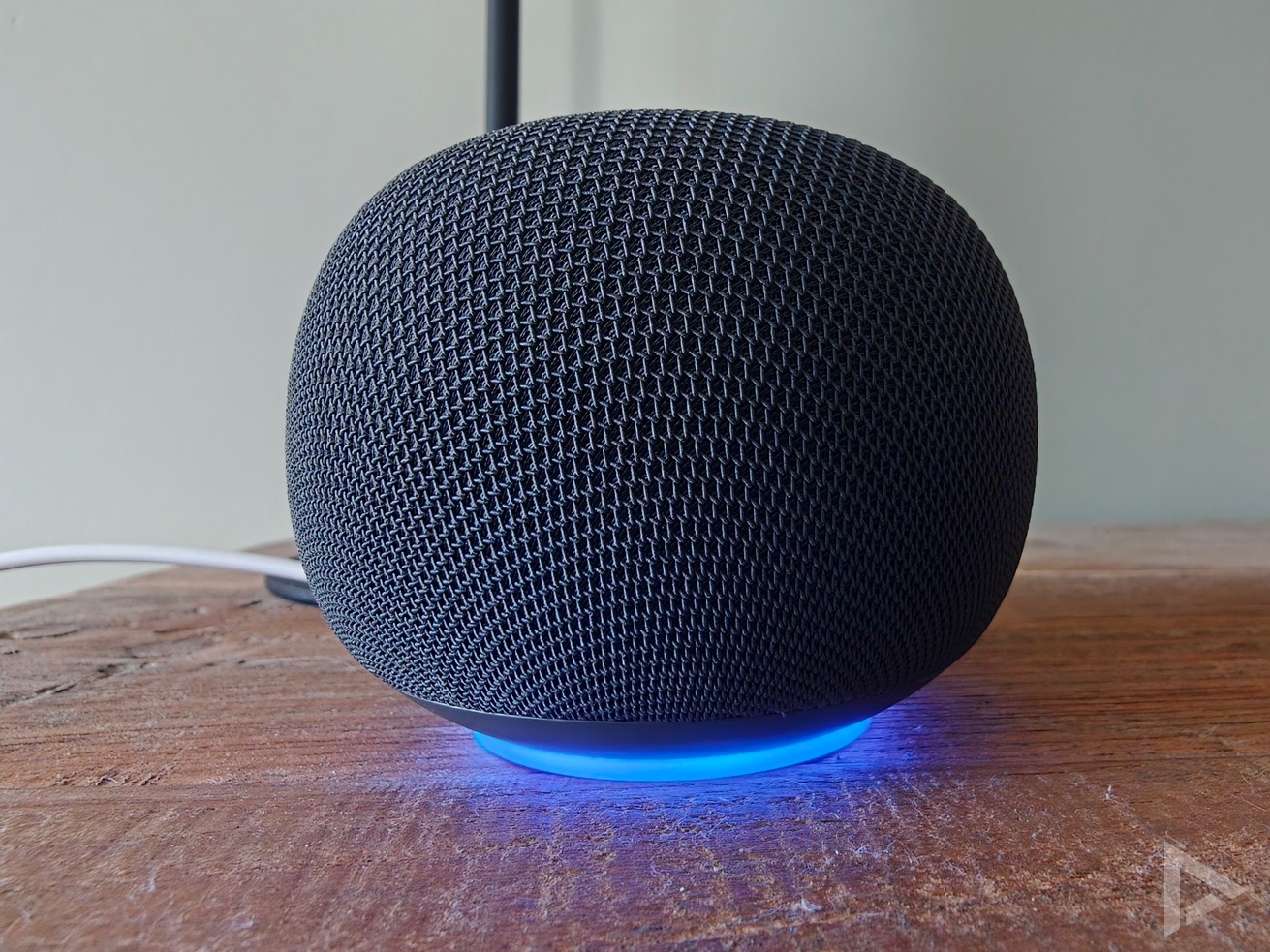
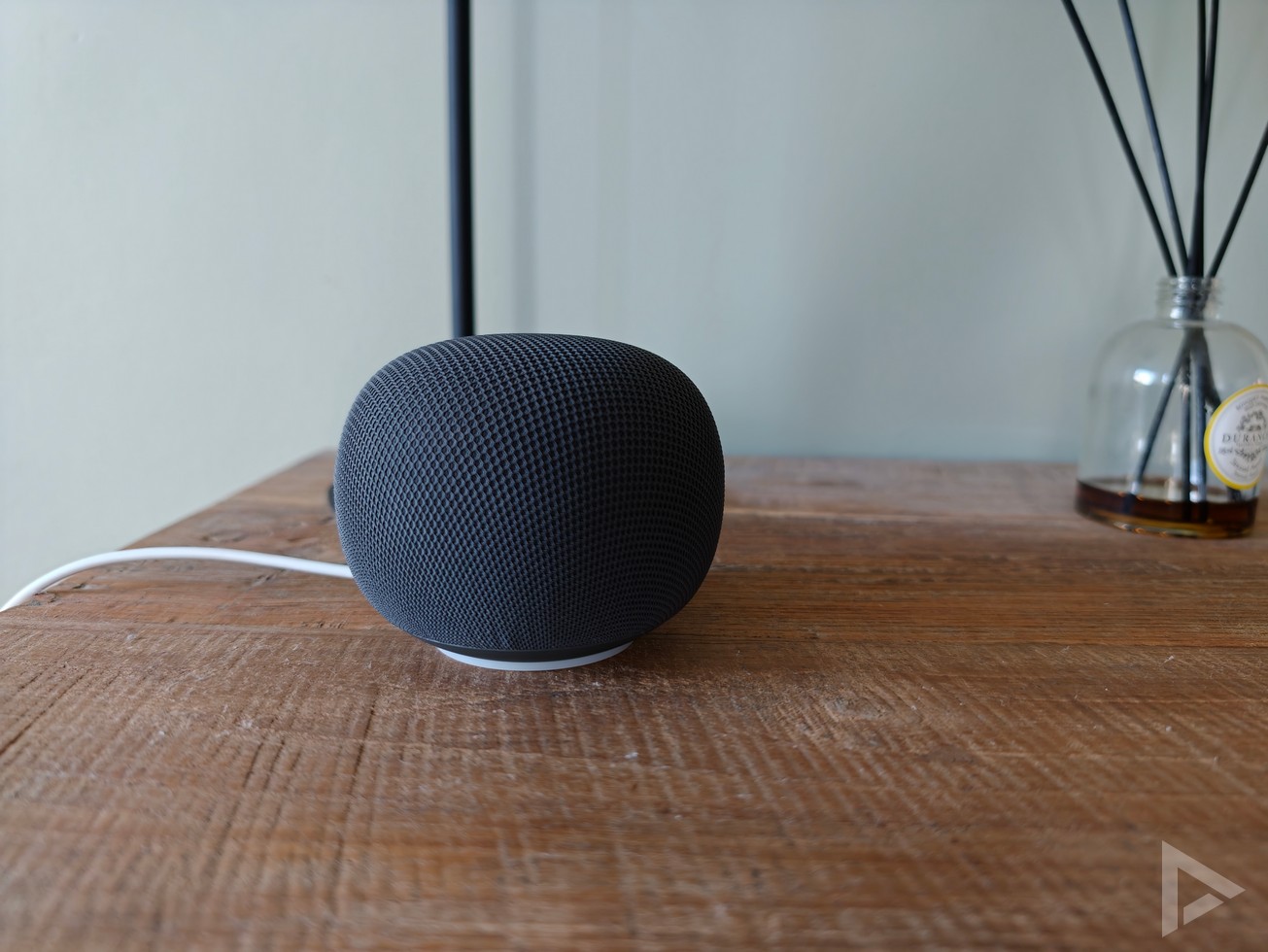
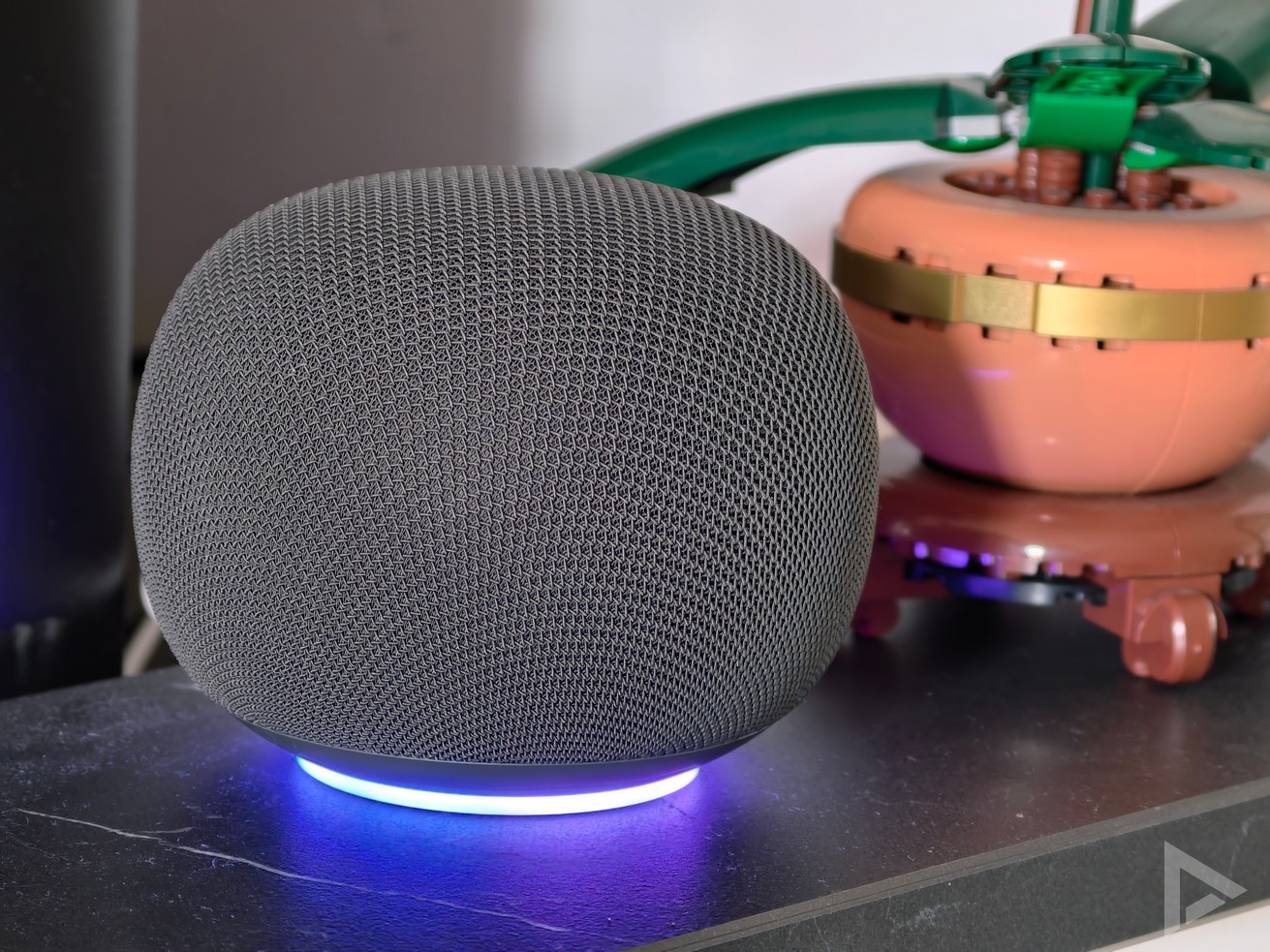
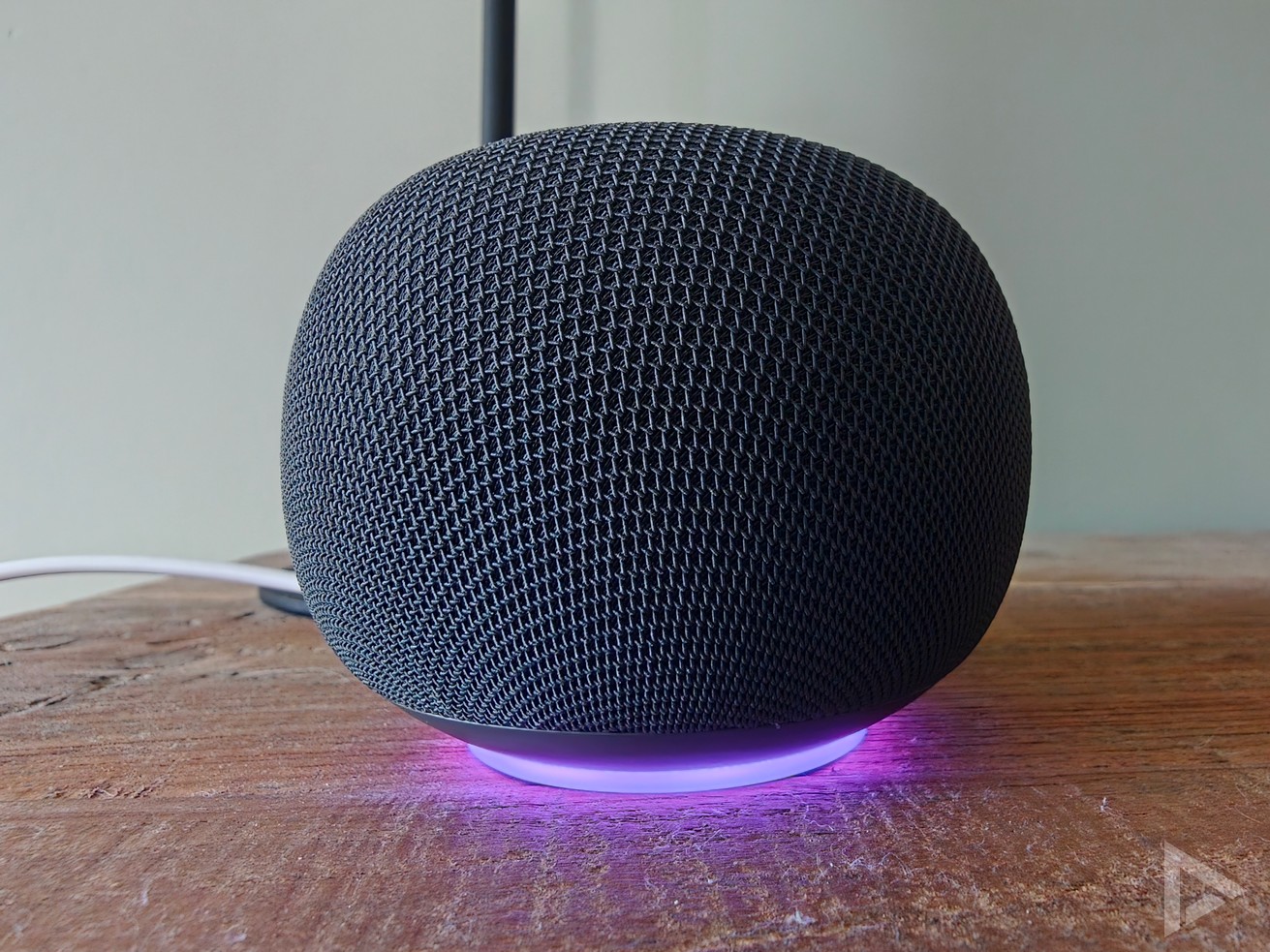
The design of the new speaker is partly what we’ve come to expect from Google, with a ‘mesh’-like finish. This is a soft, fabric-like finish, meaning the Google Home Speaker certainly won’t look out of place in your room. We received the speaker in the Hazel colour, which can be described as anthracite. We can imagine that the Porcelain colour, which is more cream-coloured, is more prone to stains. No other colours are available in our region.
A distinctive feature of the new Google Home Speaker is the illuminated ring at the base. When you say the familiar ‘Hey Google’ command, it begins to display rainbow colours. A white pulsating light appears when the device is switched off or to confirm a command. The four ‘dots’ familiar from other similar devices are now a thing of the past, having been replaced by the somewhat more futuristic illuminated ring. This ring is more visible than the ‘dots’, both during the day and in the evening. You can adjust the brightness of the illuminated ring. At the bottom of the speaker is a slider that allows you to switch off the microphone. If desired, an orange light can illuminate to indicate when the microphone is switched off.
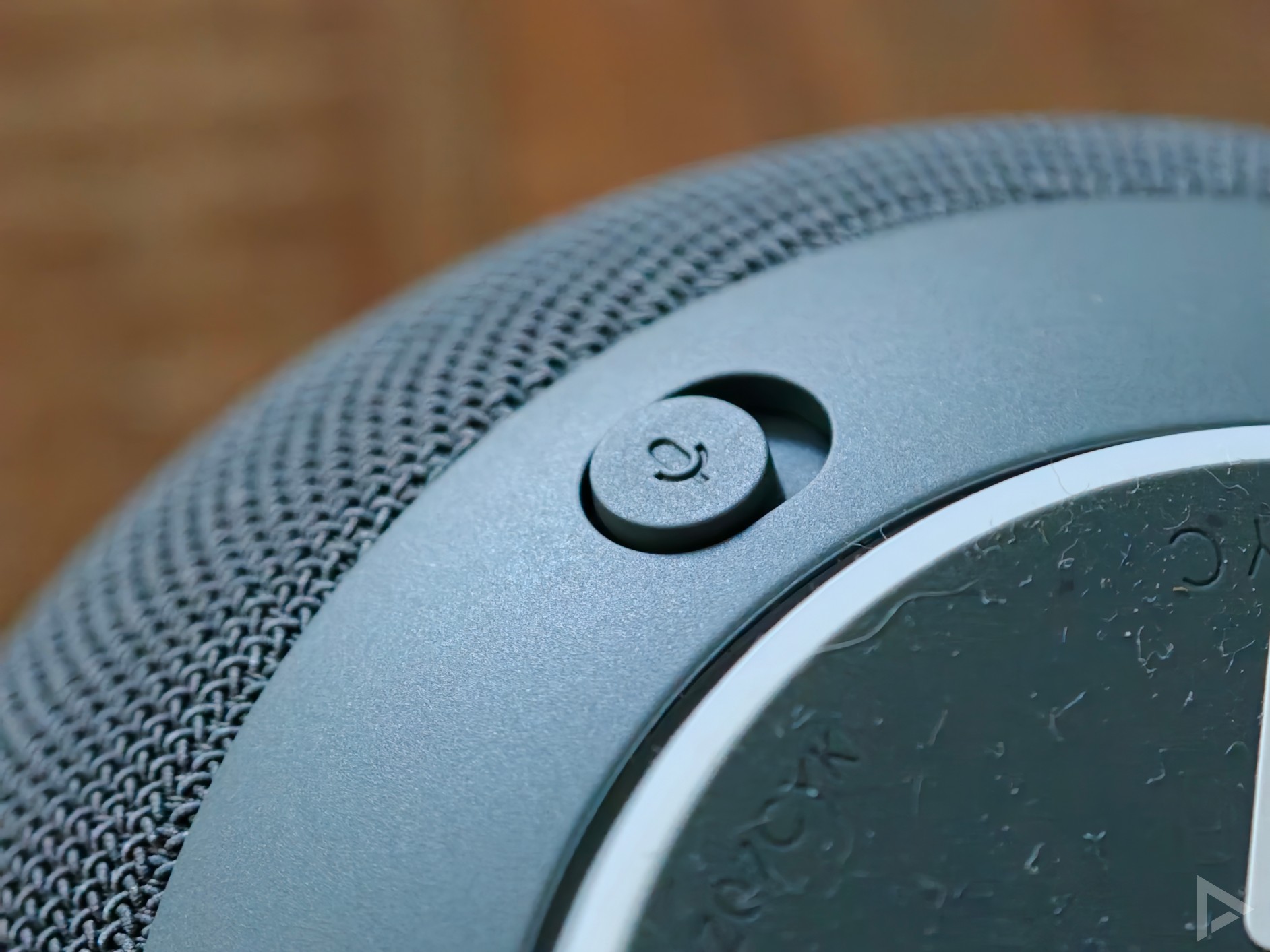
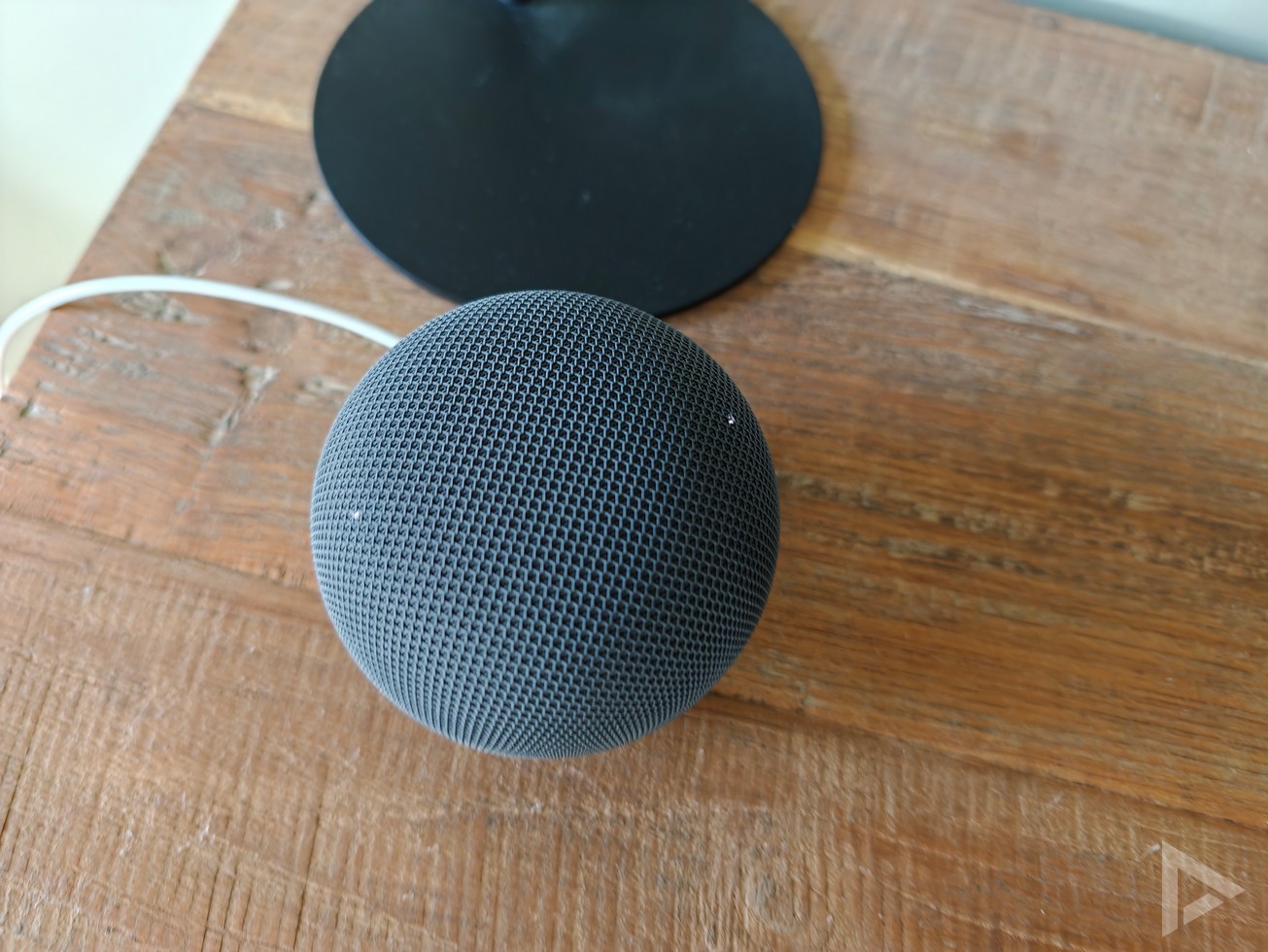
There are three controls on the speaker. You can tap the left side of the speaker to turn the volume down, and the right side to turn it up. You can tap the centre to pause the music immediately, or to resume playback. However, due to its round shape, it can sometimes take a moment to find exactly where the buttons are. This could have been remedied with a slight texture.
Google Home app
If you’re using the Google Home Speaker for the first time, you can pair it directly with the Google Home app. This takes about 5–10 minutes, unless you’re opening the Google Home app for the very first time. In that case, you’ll also need to ‘set up’ your home, for example. The printed manual is very limited, but the app guides you through the process. Among other things, you’ll be shown the options for Google Home’s voice. There are various male and female voices to choose from, and you can also select from a range of pitch levels. This setting then applies to all connected devices in the Google Home app.
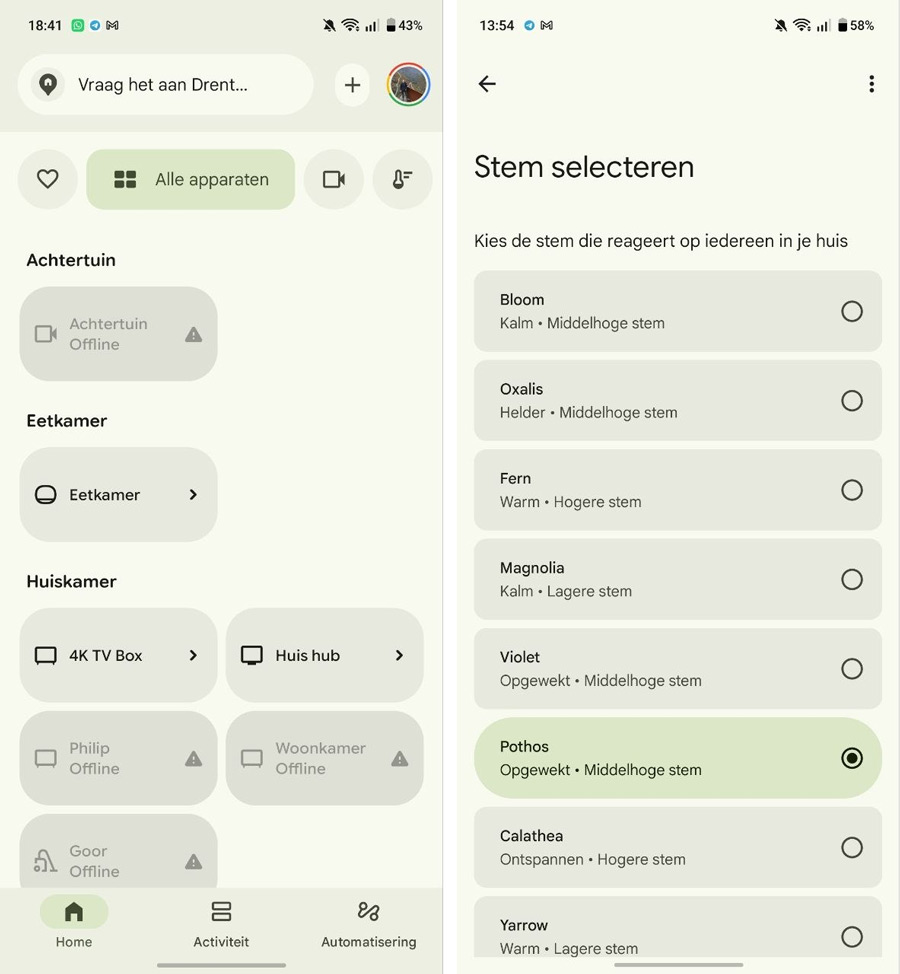
The Google Home app is essential when using the speaker. This is where you’ll also find other options, such as adjusting the sensitivity for the ‘Hey Google’ command, selecting supported languages, choosing whether the microphone should remain active for follow-up questions, and setting up Voice Match.
You’ll also find the familiar options, such as your preferred music service, your choice of video services (such as Netflix, Disney+ and Viaplay) and your news sources. Features such as linking your calendar, controlling smart home devices in your home and similar functions are, of course, still available in the app.
Some features, such as additional options for video cameras and doorbells, require a Premium subscription. This is also covered by the Google One subscription, which in turn gives you extra storage space and AI functionality in Gemini.
Features
The Google Home Speaker is fitted with a 58mm driver, which delivers the sound. This provides 360-degree sound, so it doesn’t matter where you place the speaker. You can also pair one or two of these speakers with a Google TV Streamer to create a spatial surround-sound experience. This works well, and you can even adjust the audio delay in the settings to ensure the picture and sound are in sync.
If you enjoy listening to music on the Google Home Speaker, this speaker is sure to please you. The sound quality is surprisingly rich for a speaker of this size. Voices sound clear and the bass has sufficient depth without being overpowering. There’s hardly any distortion even at maximum volume. Deep bass, without being excessive, and a warm, full-bodied sound. There aren’t any extensive audio settings for fine-tuning the sound; the Home Speaker focuses on Gemini AI.
Gemini AI
On the Google Home Speaker, Google Assistant has made way for Gemini. In the early days of AI, this service was known as Bard. It’s clear that it works much better. You can use Gemini AI to carry out multiple commands at once (such as dimming the lights and adjusting the heating). You can also correct yourself mid-command without having to start again, and ask the speaker what your camera or doorbell has detected. Gemini can also help you whilst cooking by following a recipe. Tasks are carried out quickly. Thanks to Gemini Live, you can, as it were, have an ongoing conversation with the AI, although this is part of the subscription.
We do have one small comment about the voice command. It’s still simply “Hey Google”. If you’re wondering whether it would respond to “Hey Gemini”, you’re right – it doesn’t respond to that.
Verdict
The Google Home Speaker is a great addition to the home, and is particularly appealing to users who already make extensive use of Google services or smart devices in their home. Naturally, it also helps you with calendar events, answering questions and much more. The combination of good sound quality, simple operation and Gemini makes it a future-proof smart speaker. However, the fixed power cable and the lack of extensive audio settings remain minor drawbacks.
As Gemini is still undergoing significant development, there’s a good chance that the Google Home Speaker’s performance will improve even further. It’s a shame, though, that in our region we can only choose between the colours Hazel and Porcelain. In the United States, the device is also available in red and green. You can buy the Google Home Speaker for €119.99 from Bol.com, Coolblue and MediaMarkt.
The photos in this review were taken with the Oppo Find X9 Ultra