Chrome for Android gets bookmarks bar
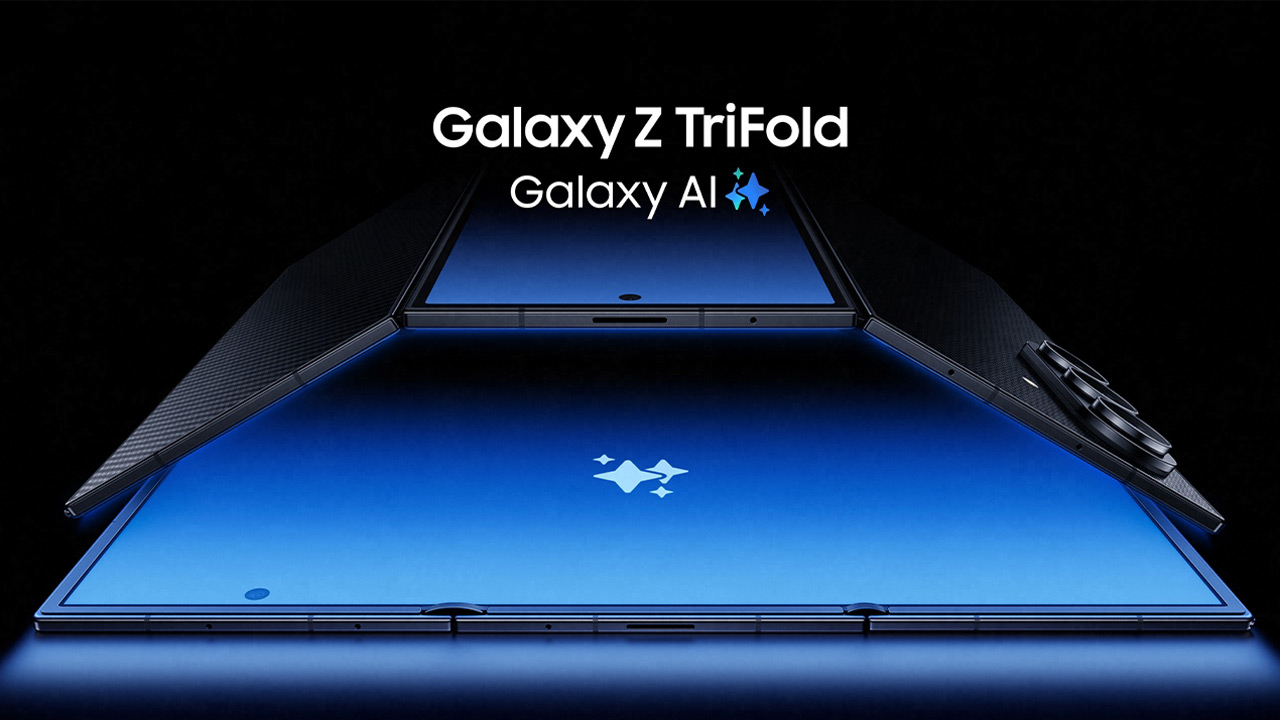
Google Chrome is a widely used browser on Android. The service is being made even better thanks to innovations that are coming. This becomes clear from the latest version of the browser. The bookmarks bar is the latest addition, and will be available for Android devices with larger screens. These include folding smartphones and tablets.
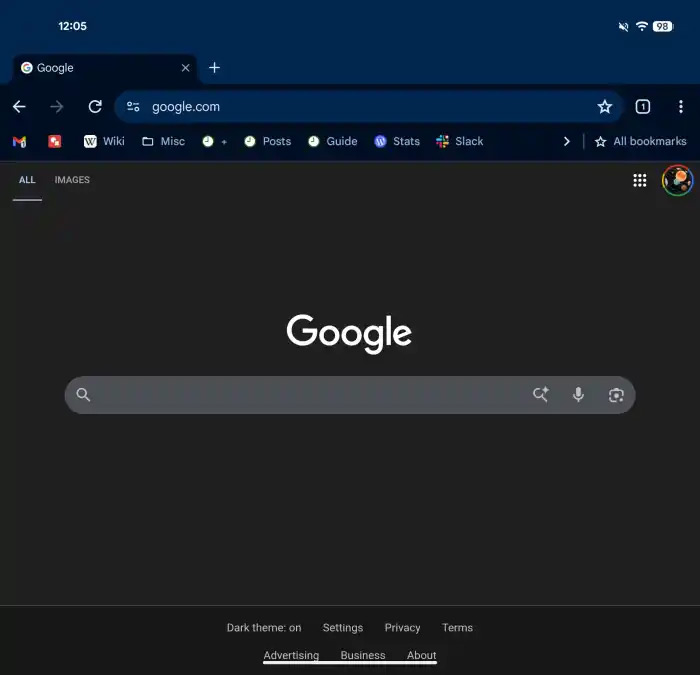
When you enable the feature, you will see the bookmarks bookmark bar below the address bar. This covers the entire width of the screen. Just like on the desktop, you see your saved websites here as favicons, complemented by site names. Bookmark folders are also displayed and you can open them directly from the bar. If you have more bookmarks than fit on the screen, you can view additional items via an arrow on the right. There is also an "All bookmarks" option, which opens the full bookmark view. If you hold a bookmark longer, the full URL of that page appears.
With this addition, Google wants to bring Chrome on larger Android devices closer to the desktop experience. Especially on tablets and foldables, where you have more screen space, this makes navigation faster and clearer. You won't have to go through menus as often to access your favourite websites. On smaller Android devices, such as smartphones, the feature remains disabled.
The bookmarks bar is available from version 146 of Chrome for Android. You can enable it manually via Settings > Appearance > Show bookmarks bar. On some devices, you may need to forcefully stop the app via the app info screen before the option becomes visible.

Via 9to5Google