Winter time on Android
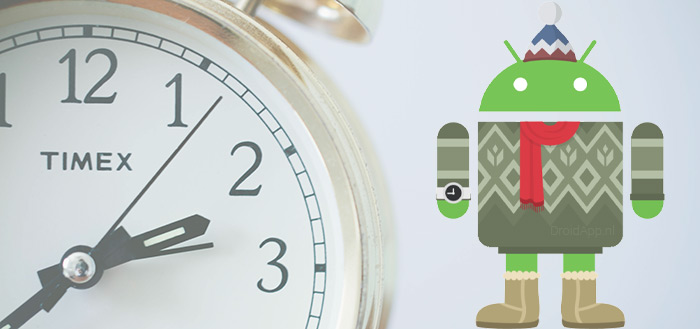
Next night, the clocks will be set back one hour again, in other words, winter time goes in. Now you're probably wondering; 'does my smartphone automatically switch to winter time?' In many cases, the answer to this question is 'yes'. In most cases, your phone will automatically adjust the time as it receives the settings from the network. To check this, we give you a tip on how to set it up and check it.
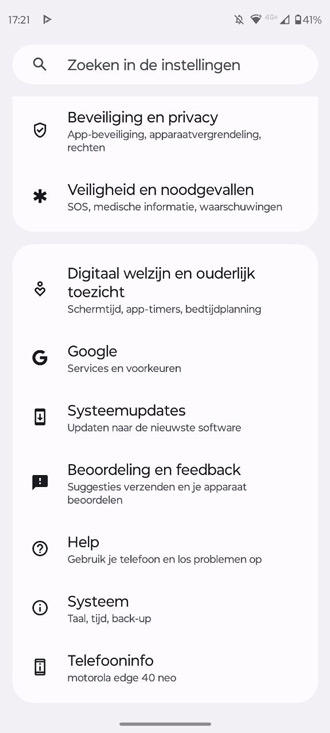
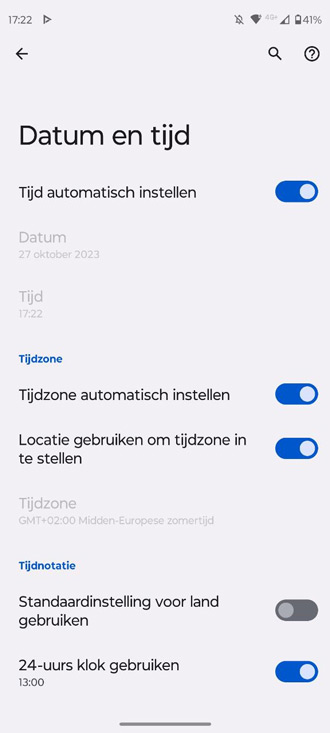
Adjust the time
Go to Settings > System > Date and time and check if 'Automatic date and time' is set there'. It is also better to turn on 'Automatic time zone' so that the network passes on the correct time zone to your phone.
If so, the phone will automatically set the clock to daylight saving time or winter time. If this is not checked then chances are you will have to manually adjust the clock. The fields under this option then change from grey to black and you can adjust the time yourself.
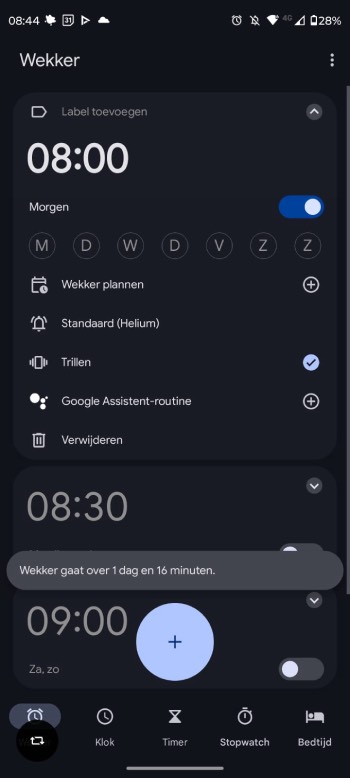
Checking winter time
You can easily check whether the phone automatically switches to the new time. By setting an alarm clock for tomorrow morning, you will see a notification about how many hours and minutes the alarm will ring. Based on that, you can calculate whether the time the phone shows is correct, when the clock goes back an hour.
So adjusting the time is not very difficult. Don't forget to set your other devices back an hour too; like your digital camera and, of course, the clock on the wall.
Daylight saving time will become active again on the night of Saturday 29 March to Sunday 30 March 2025.
- Winter time 2025: 26 October
- Winter time 2026: 25 October
- Winter time 2027: 31 October
- Winter time 2028: 29 October
Reading tip: our extensive research on the best weather app. Check weather app test 2025.