Motorola Edge 70 review
Motorola is releasing this thin smartphone in the line of its Edge series and should therefore be a worthy successor to the Edge 60. Both in thickness and weight, this new device has been trimmed slightly without, on paper, compromising on usability. The price tag attached to this device is 799 euros, but what do you get for that? Let's put the Edge 70 to use!
Unboxing
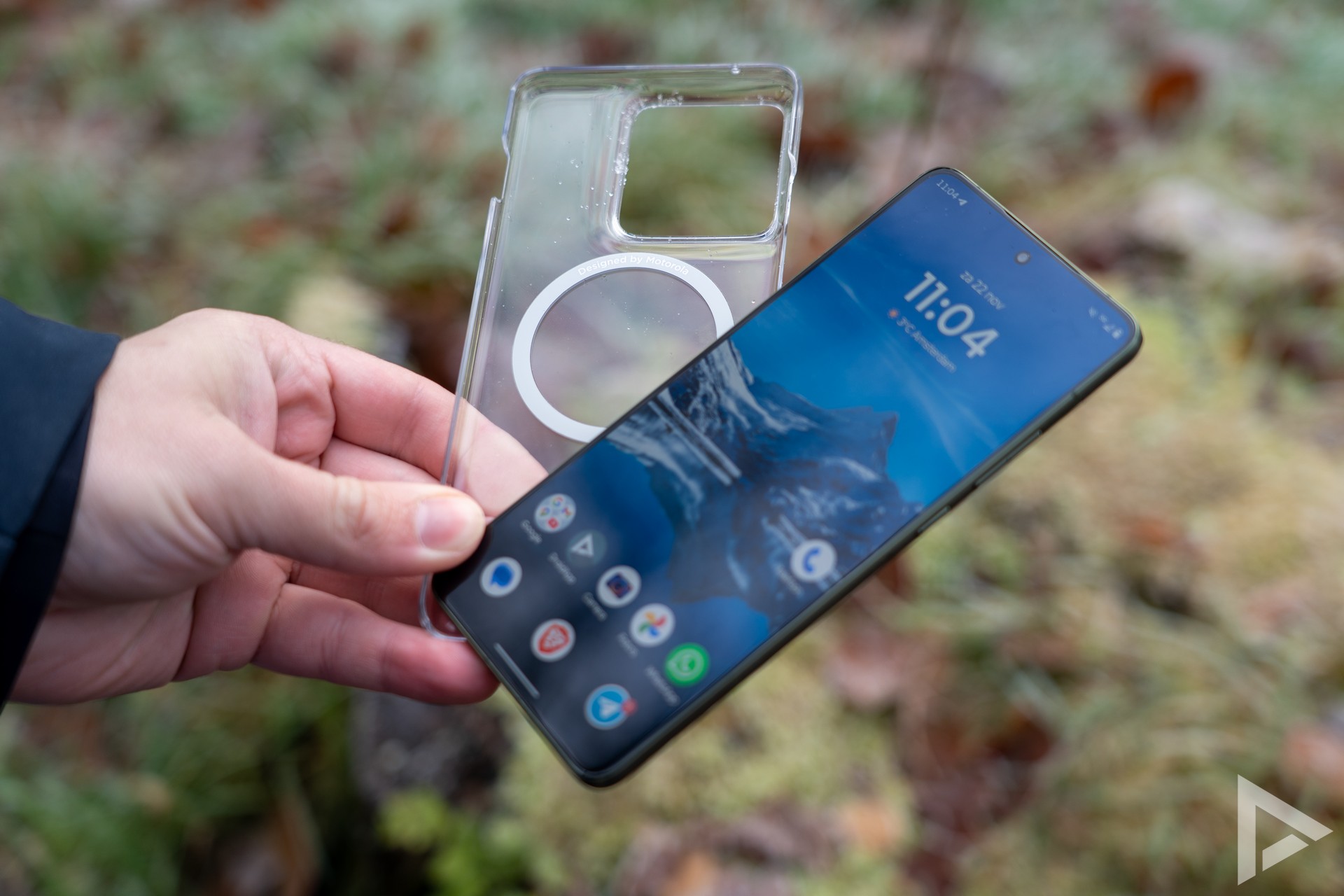
Motorola delivered us the olive-green specimen and, as we have come to expect from Motorola, the box also has some perfume sprayed inside, which should add to the unboxing experience. In the box, we also find a USB-C to USB-C charging cable, a sim tray tool and also some information booklets. Conveniently, Motorola immediately includes a clear cover. This way, you can protect the thin device from scratches right out of the box.
Design and Interface
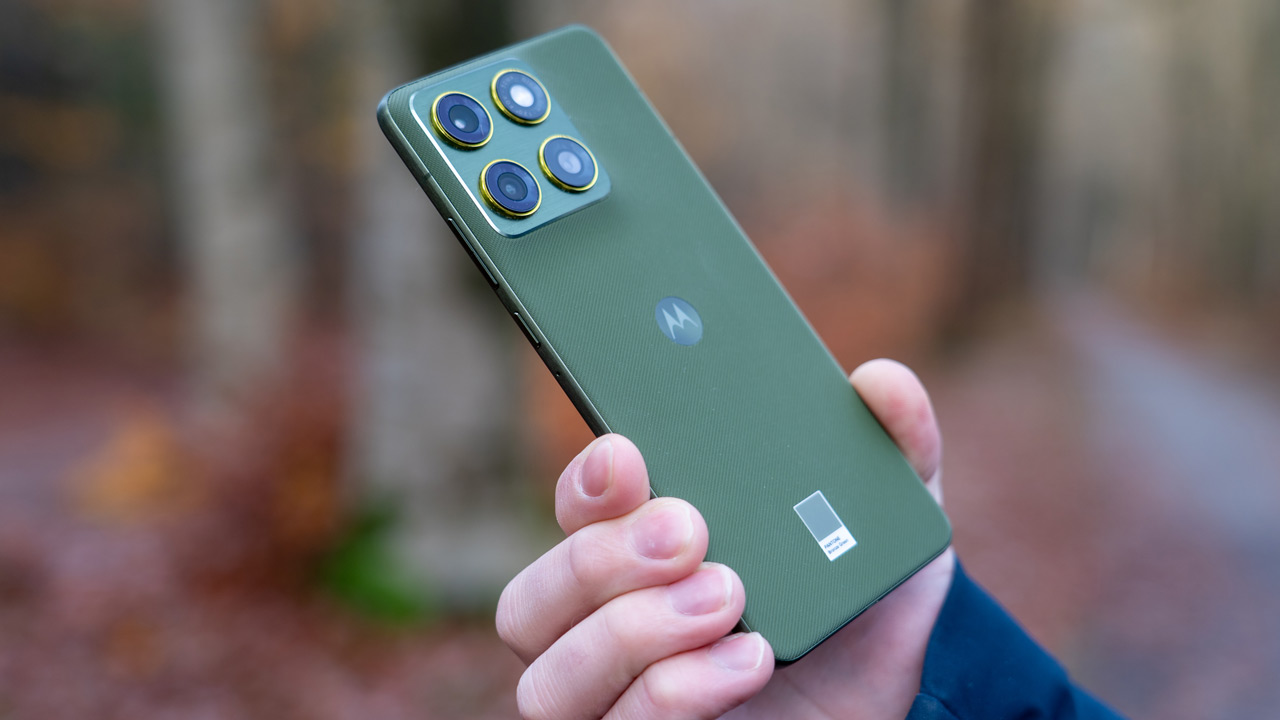
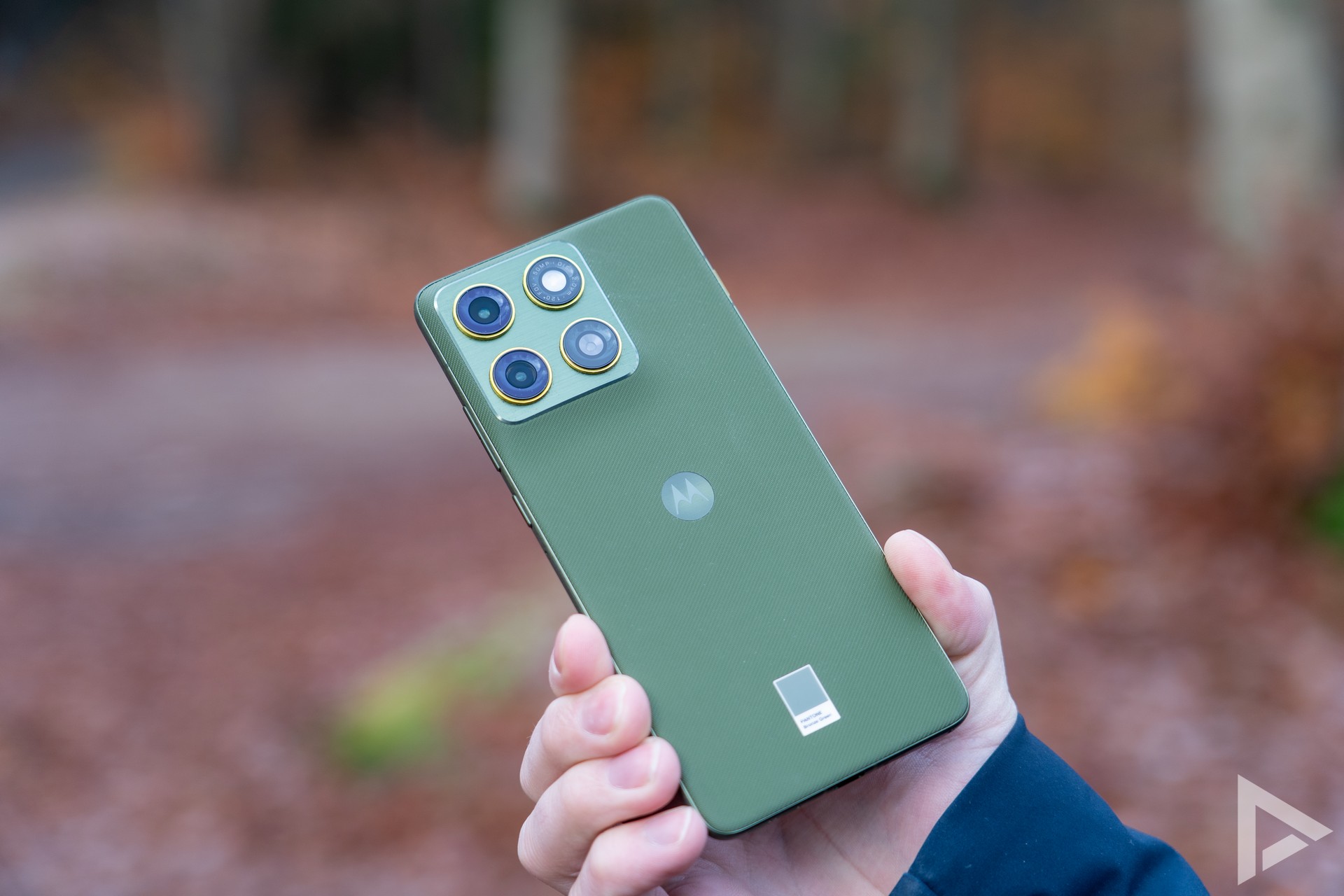
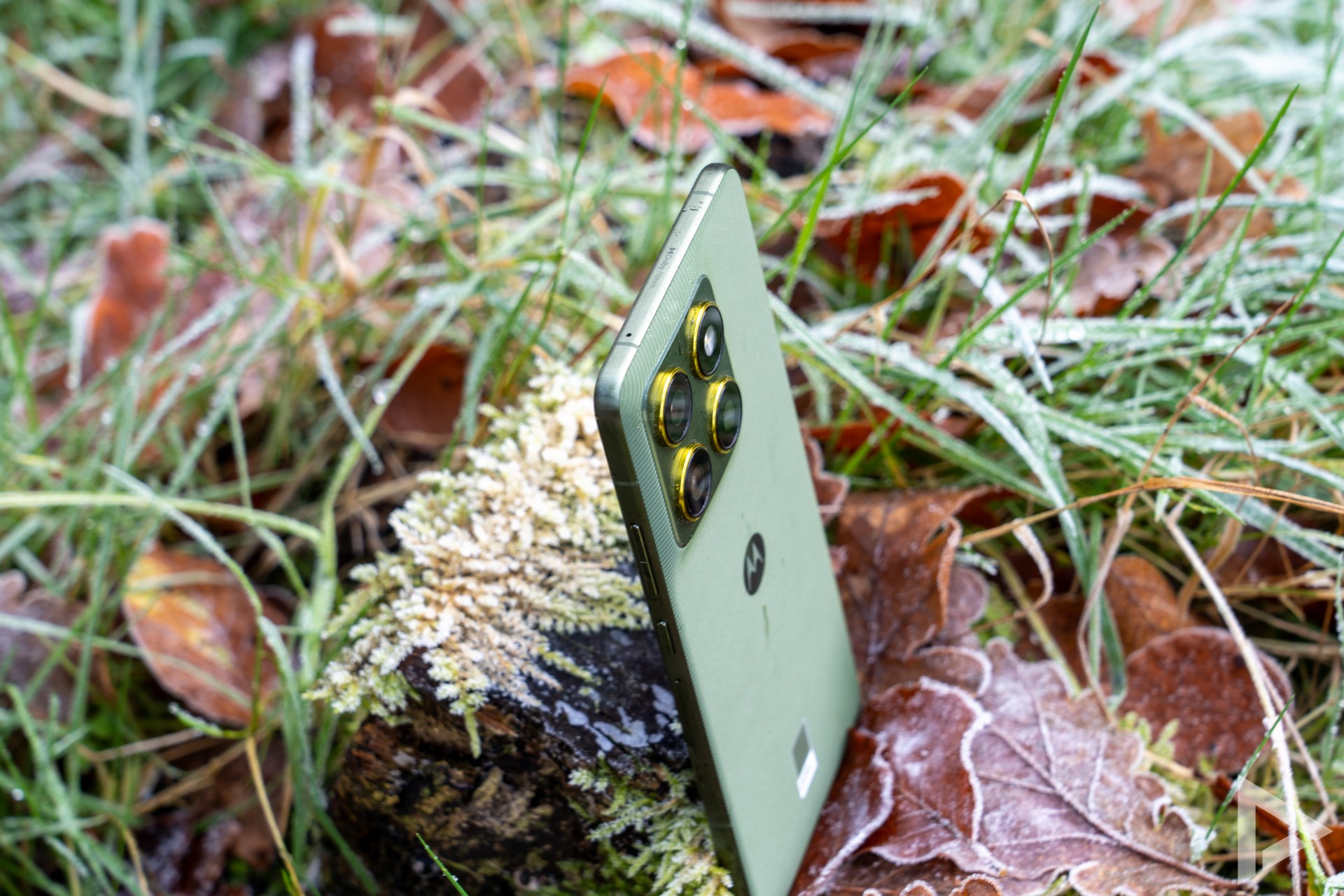
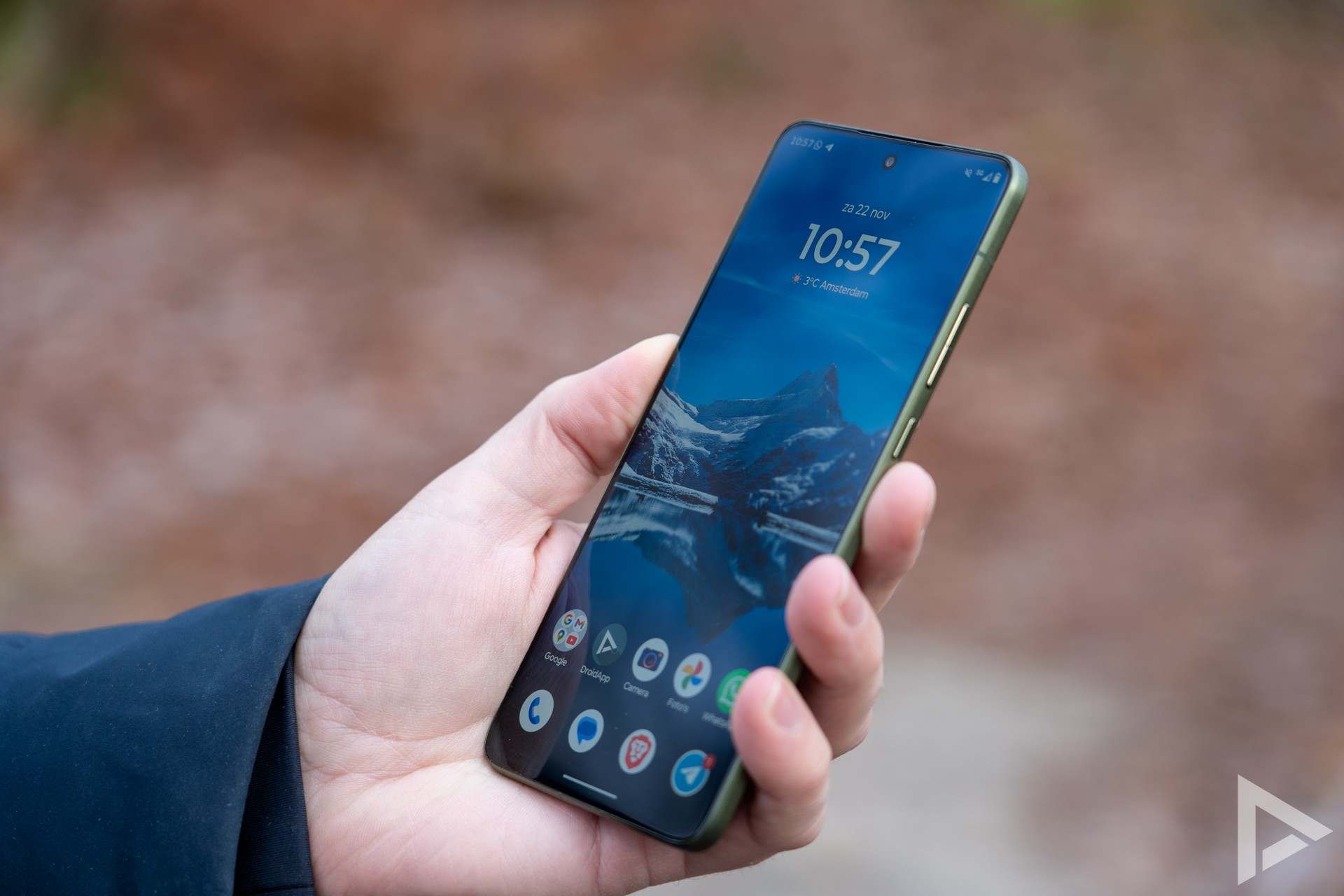
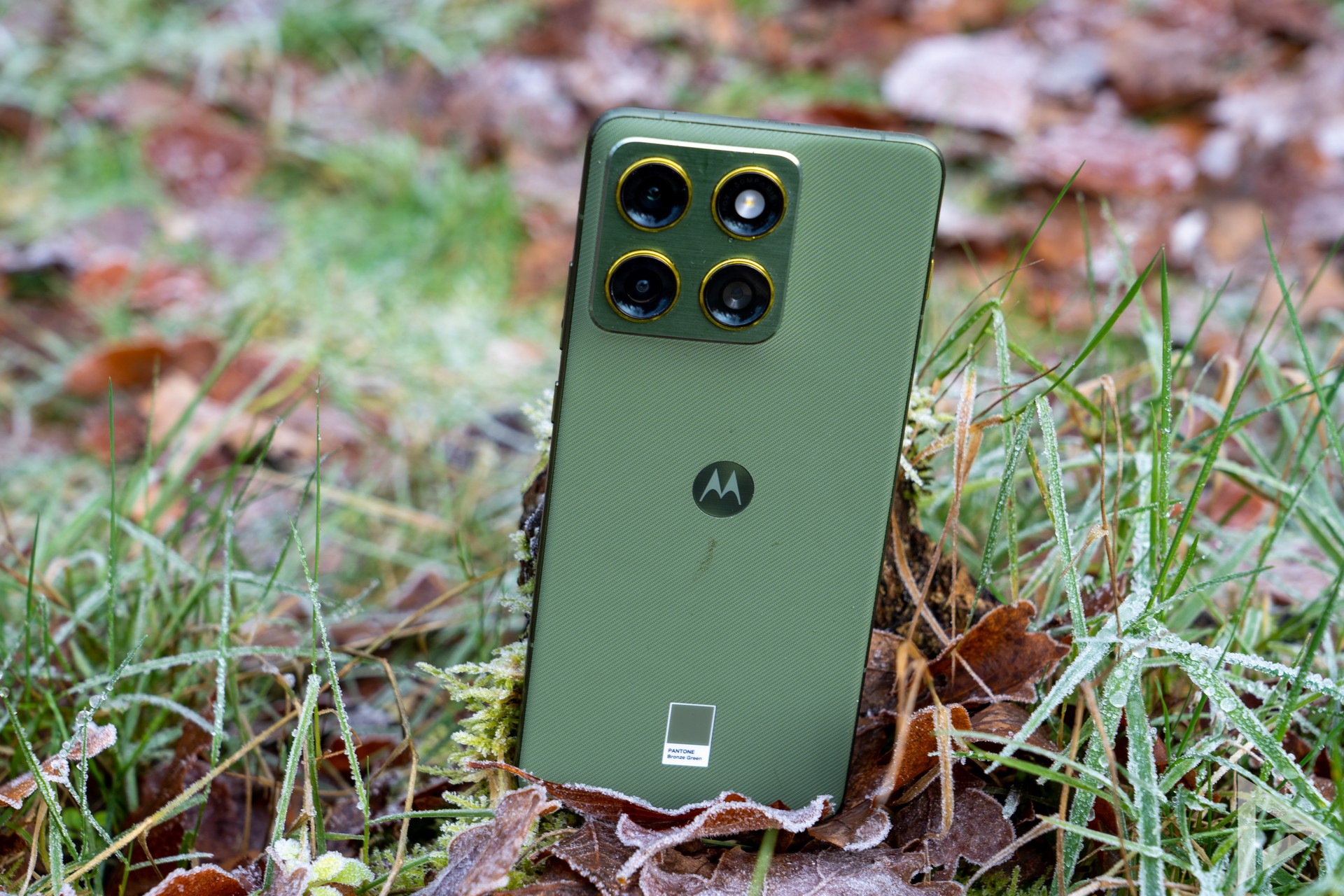
It's certainly not Motorola's first phone with a striking colour scheme, once again they collaborated with Pantone to arrive at the Edge 70's colours. Besides Bronze Green (olive green), there is also a slightly lighter green (with orange accents) and a dark grey variant (with blue accents) available. In daylight, this gives the phone a unique look.
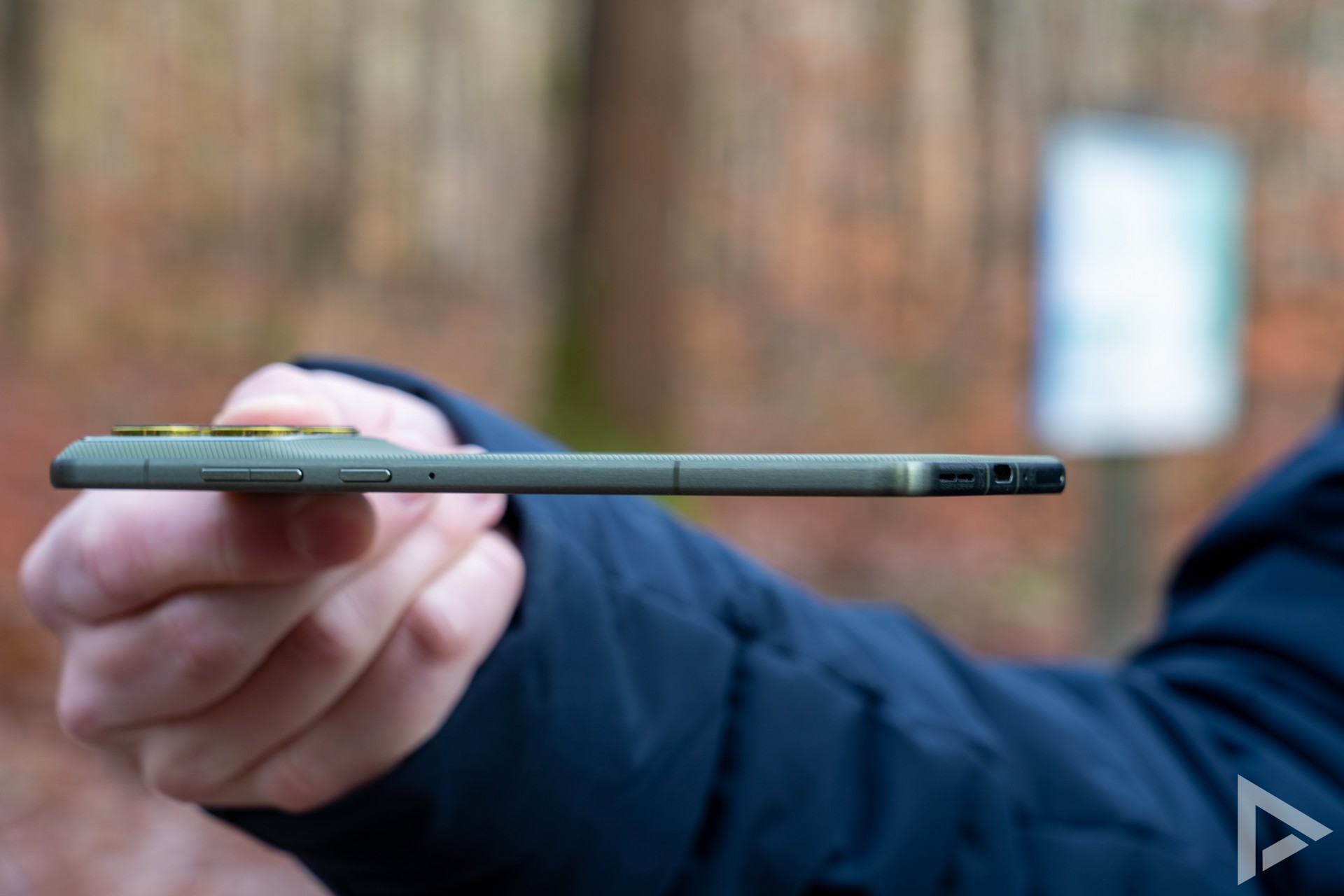
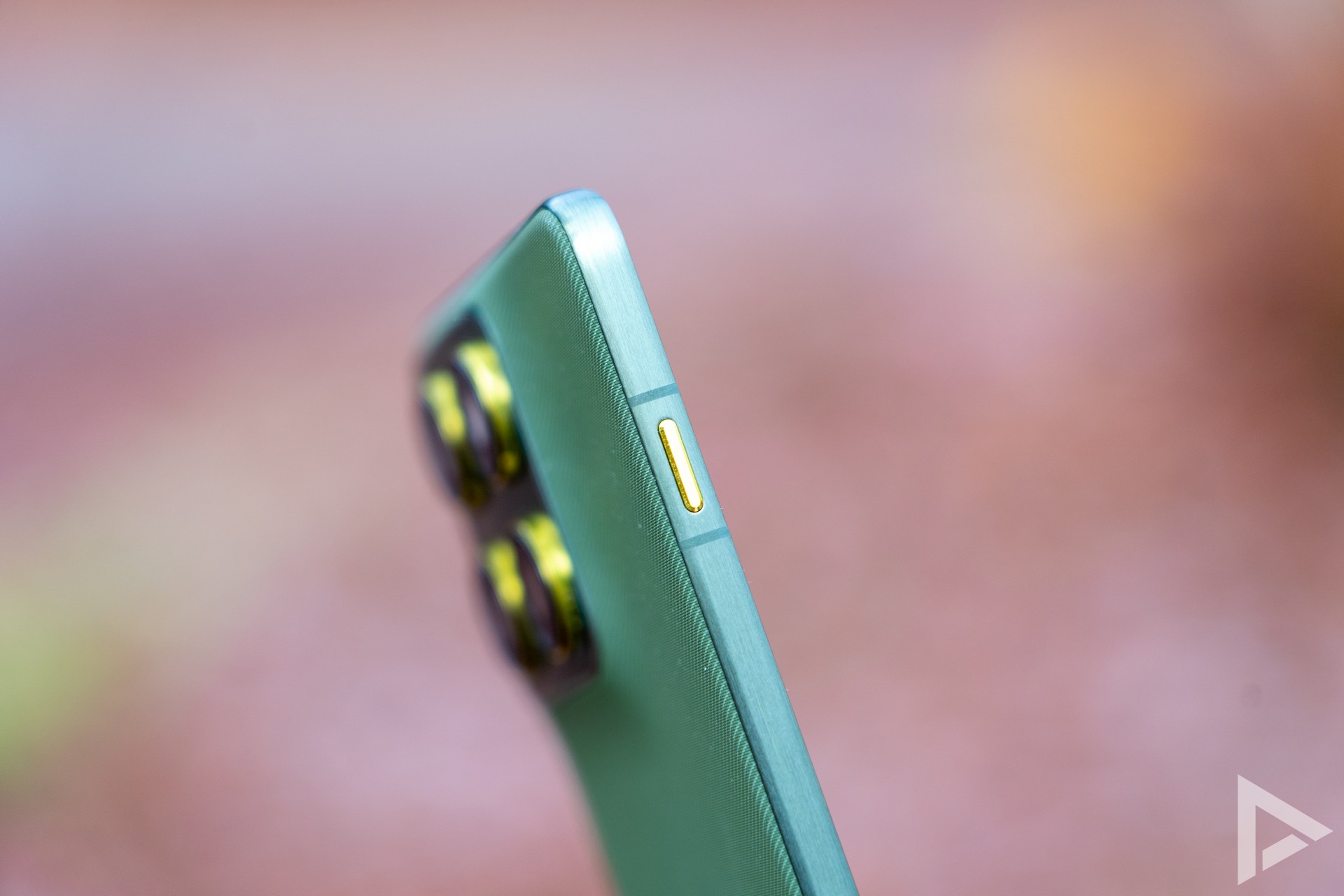
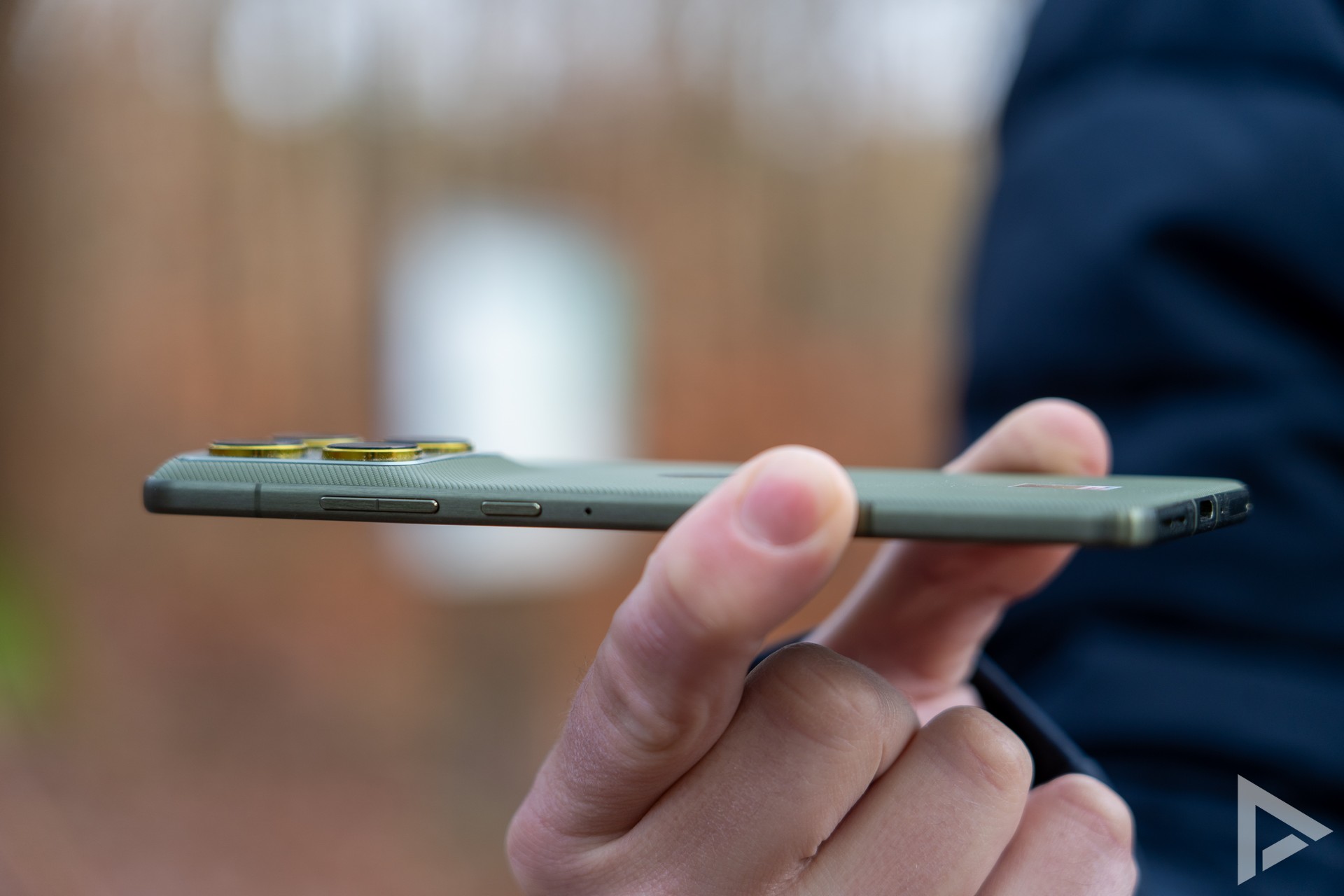
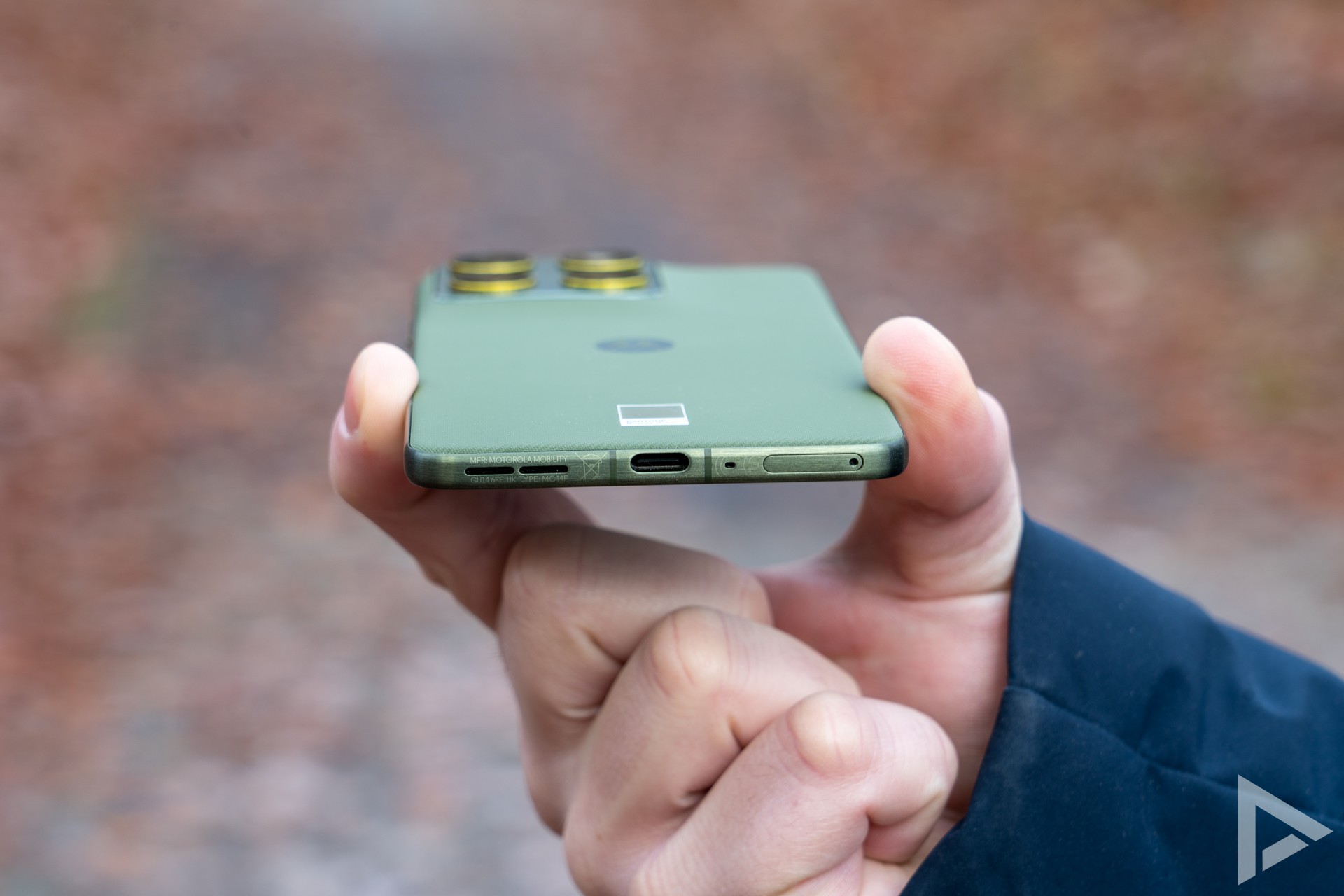
You can feel that the device is really thin when you pick up the Edge 70. Expressed in numbers, the Edge 70 is just under 6 millimetres thick and weighs 159 grams. The soft back gives the device extra grip. The aluminium edges give a premium feel to the device. It is also nice that the bezel around the screen is so thin that it is almost unnoticeable. Good to know is that the device is IP68 certified, which means it can withstand dust and immersion!

Interface
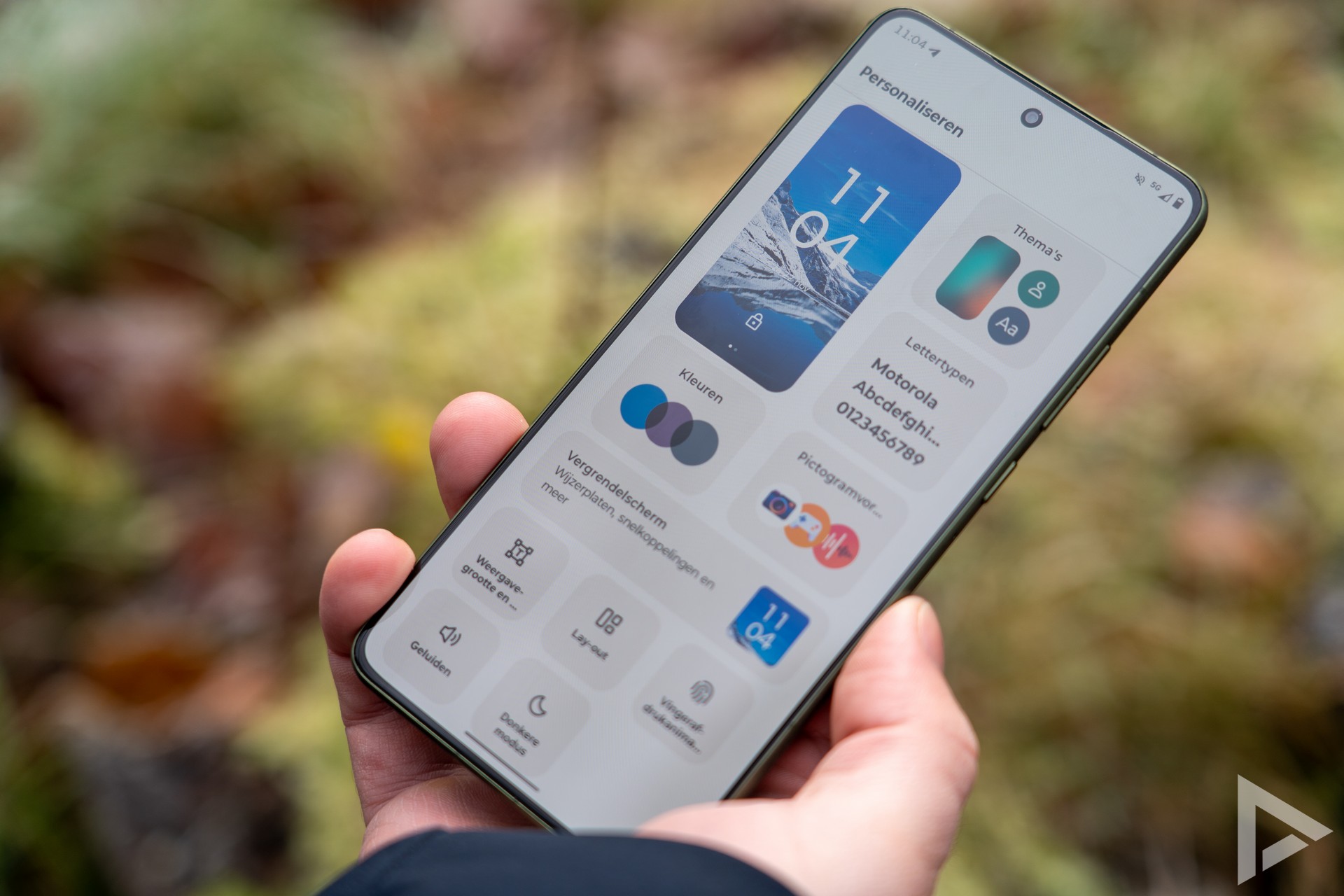
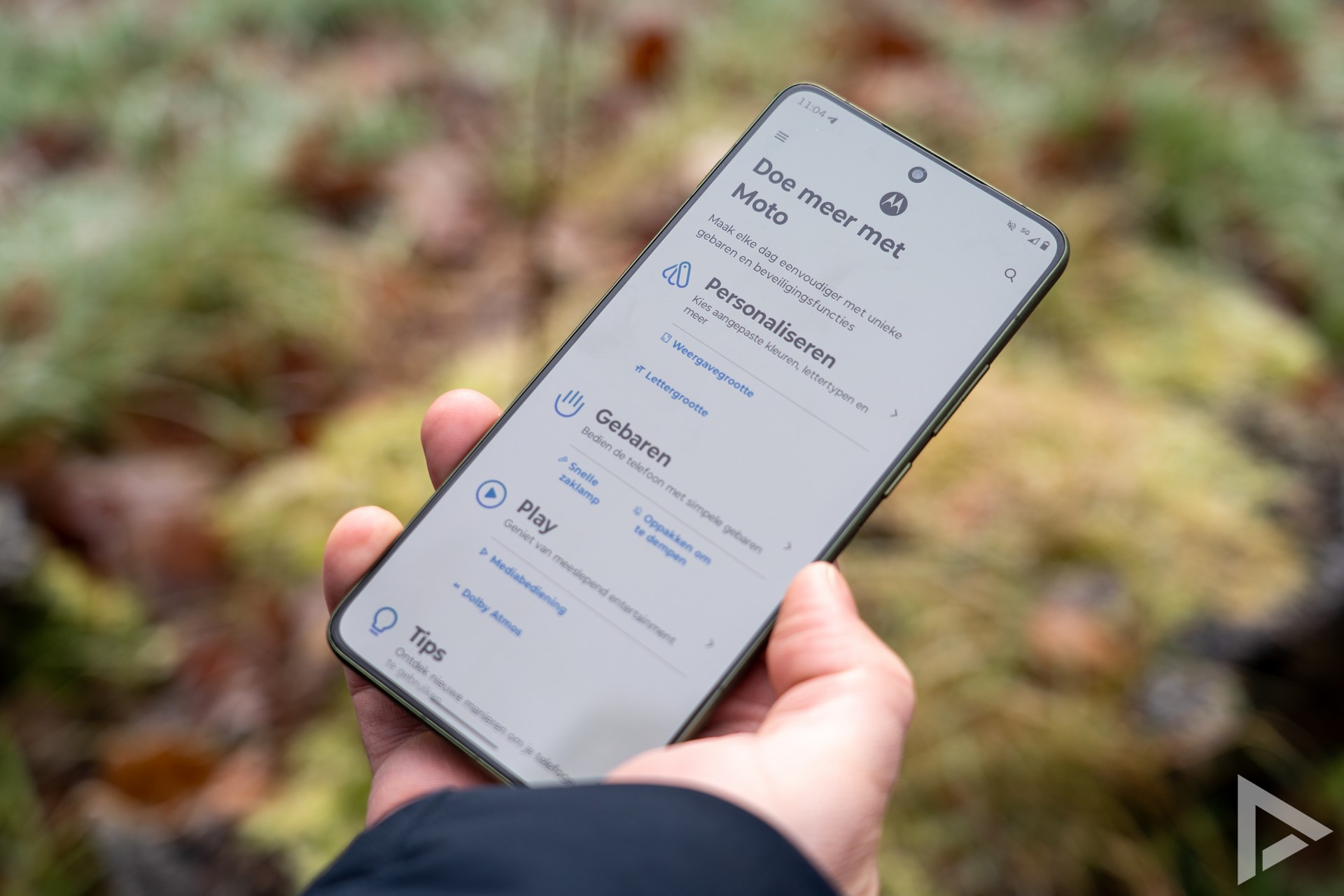
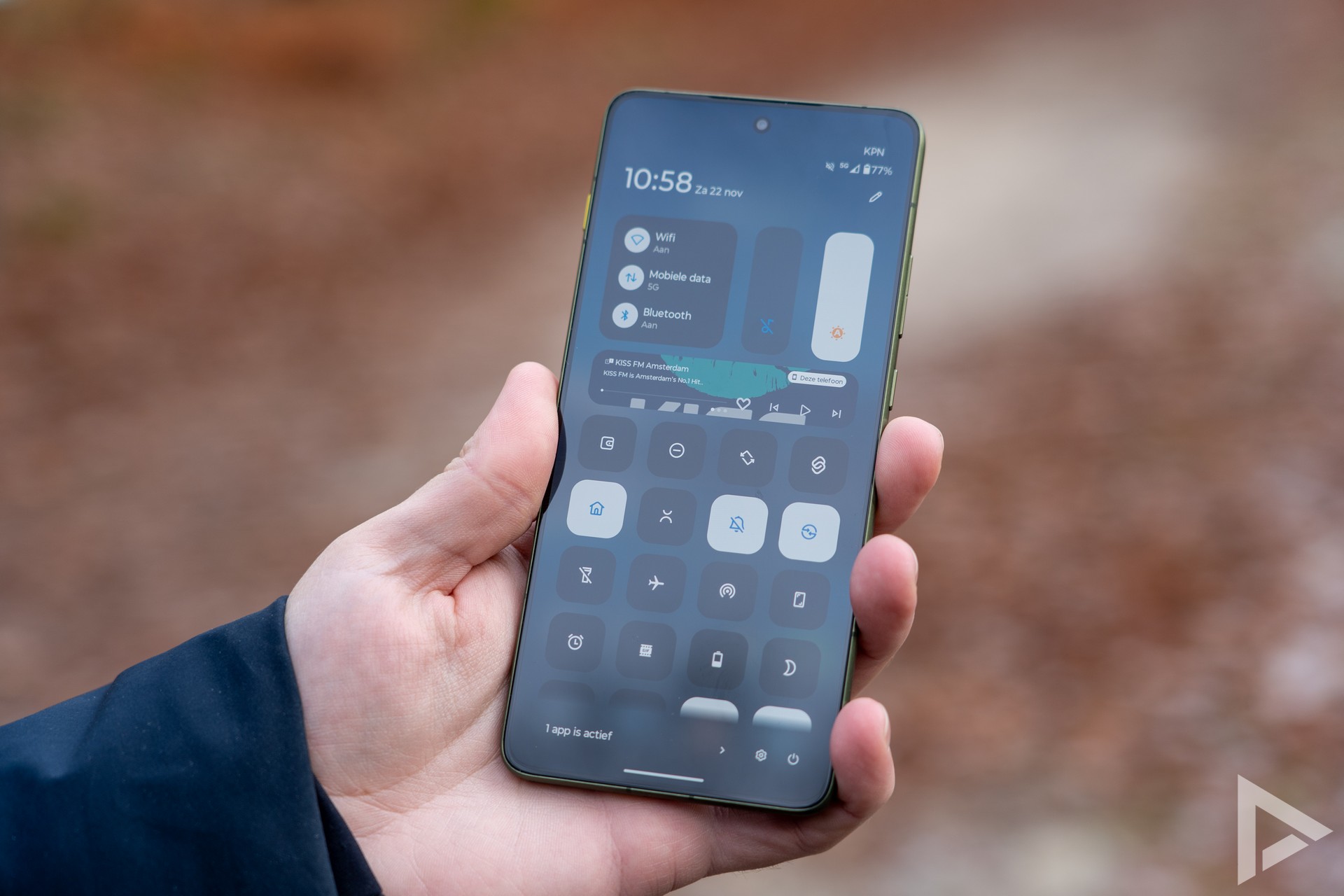
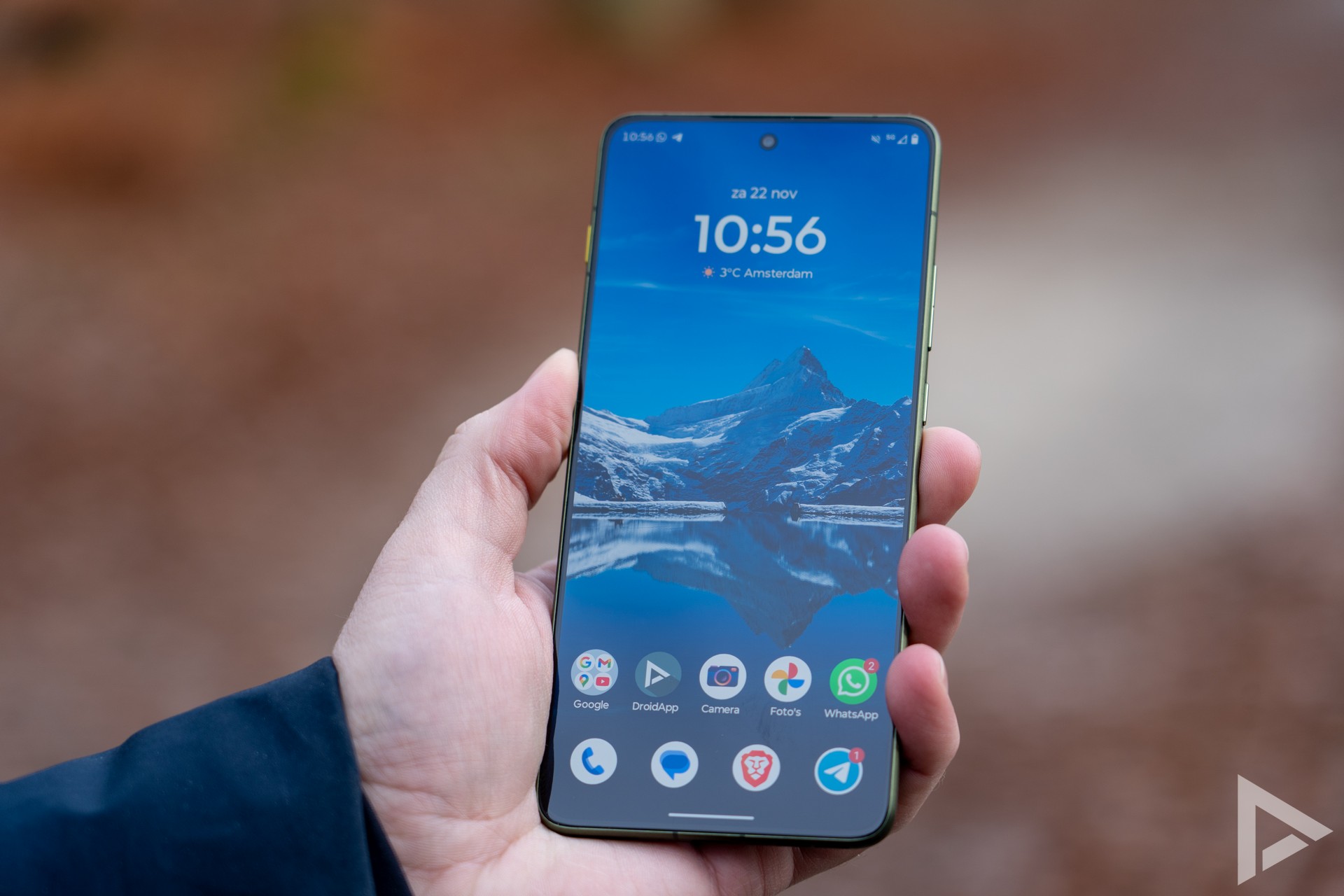
Motorola keeps the interface of its devices close to that of Google with minor tweaks here and there. Main app to get you started with personalising your Edge 70 is the Moto app. In it, you can, for example, change your wallpaper, fonts, the number of app icons per line and the animation for the fingerprint scanner.
The Edge 70 also has an AI button on the side of the device that sends you directly to Motorola's AI functions. In this case, that involves a collaboration with Copilot and Perplexity. You will also find the separate apps for this in the app drawer, but it would perhaps be nicer if these were grouped together in their own "Moto AI" folder. However, Moto AI still doesn't work in Dutch, although Motorola promised improvement on that earlier, but it's not there yet. Especially if you install a lot of apps, you lose track of them.
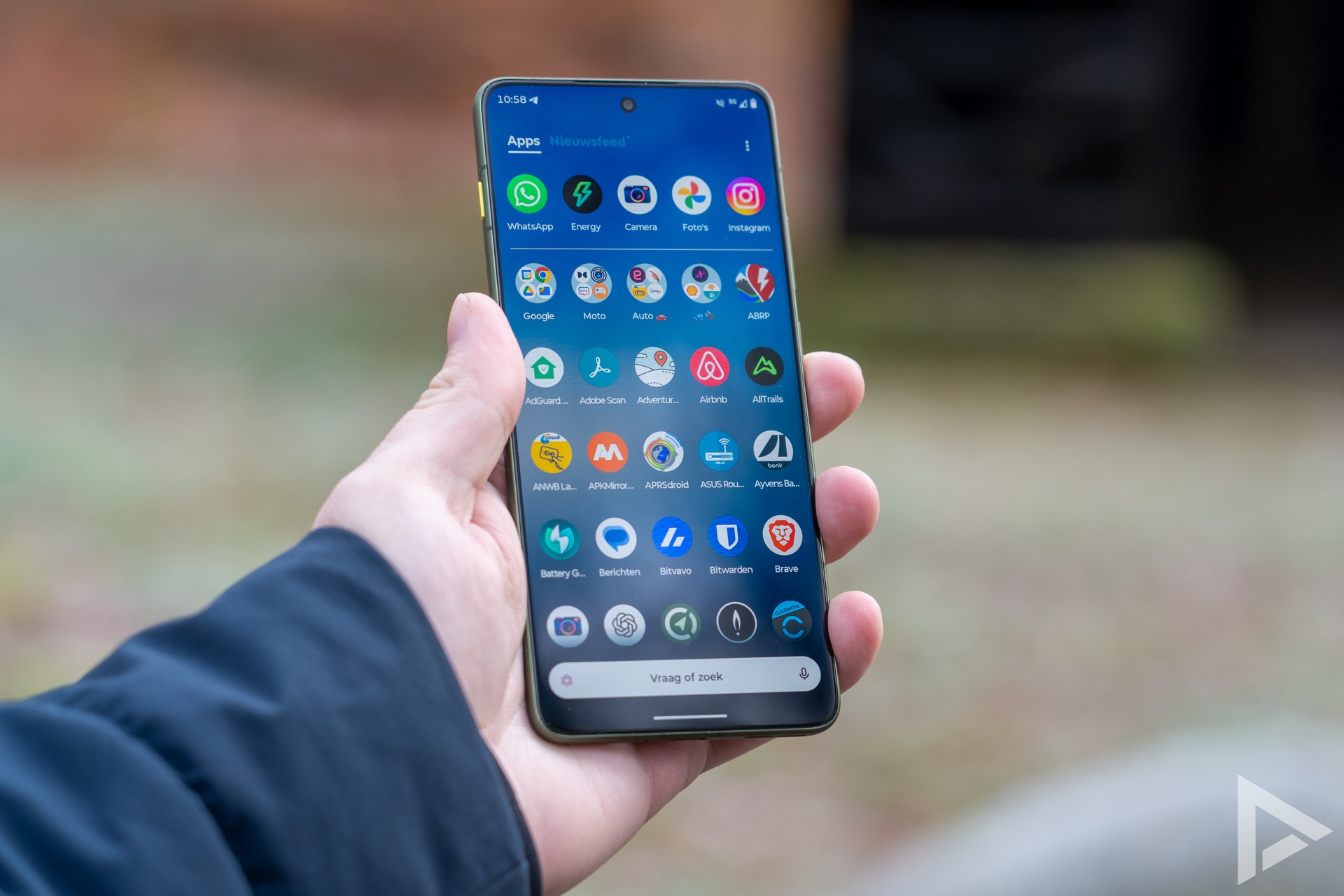
What is noticeable is that the device pre-installs some extra, perhaps unwanted apps. For instance, we suddenly find the Temu and Linkedin app among our apps, let's hope Moto doesn't start including more extra apps on its smartphones.
Communication and multimedia
You can be reached on the Motorola Edge 70 via two SIM cards, via one nano SIM card one an eSIM. Furthermore, the Edge 70 features the latest technology when it comes to connectivity, with support for WiFi 6E, 5G and Bluetooth 5.4. During testing, we did not detect any strange issues or problems with range. Phone calls come through smoothly and we heard no criticism on intelligibility.
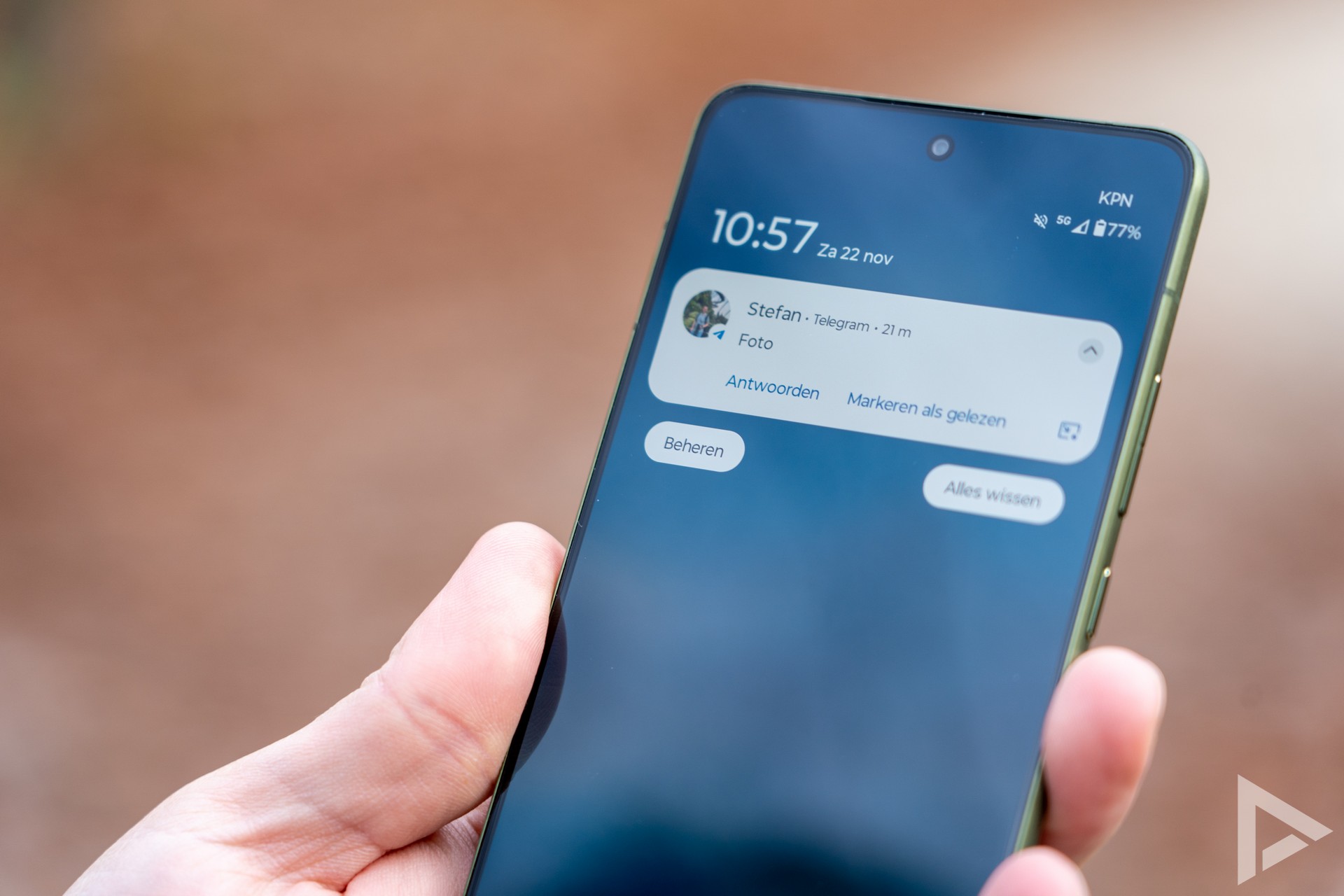
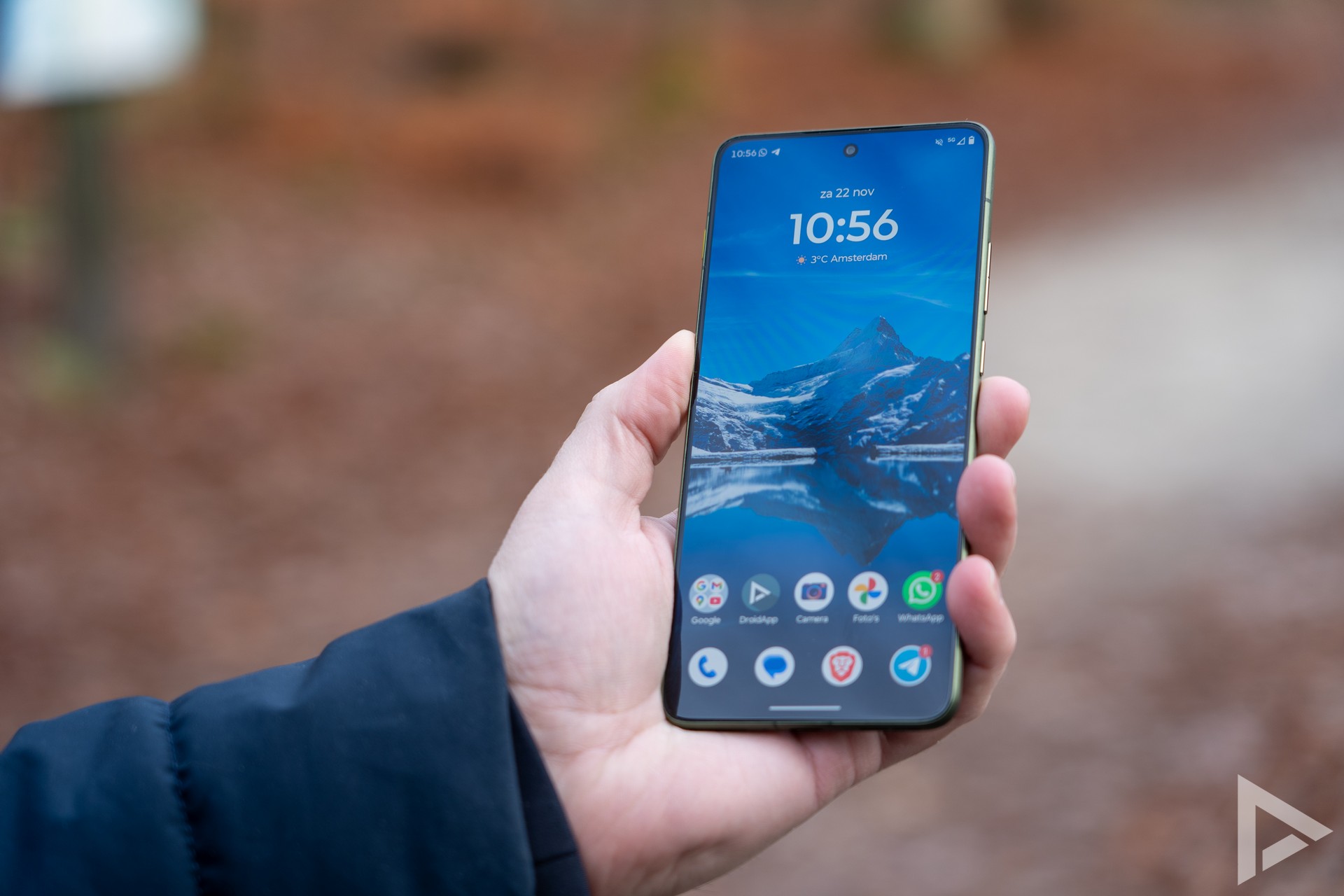
The 6.67-inch pOLED display manages to produce beautiful colours and is still easy to read in full sunlight. The screen refreshes at up to 120Hz and works even if a little rain falls on the screen.
Camera
How does the camera module pan out when trying to make the thinnest smartphone possible? In the case of the Edge 70, the camera bump makes the device slightly thicker, something that is also the case with its inspiration (the Galaxy S25 Edge and iPhone Air). Still, Motorola does show that you can fit an entire camera module inside the device just fine.
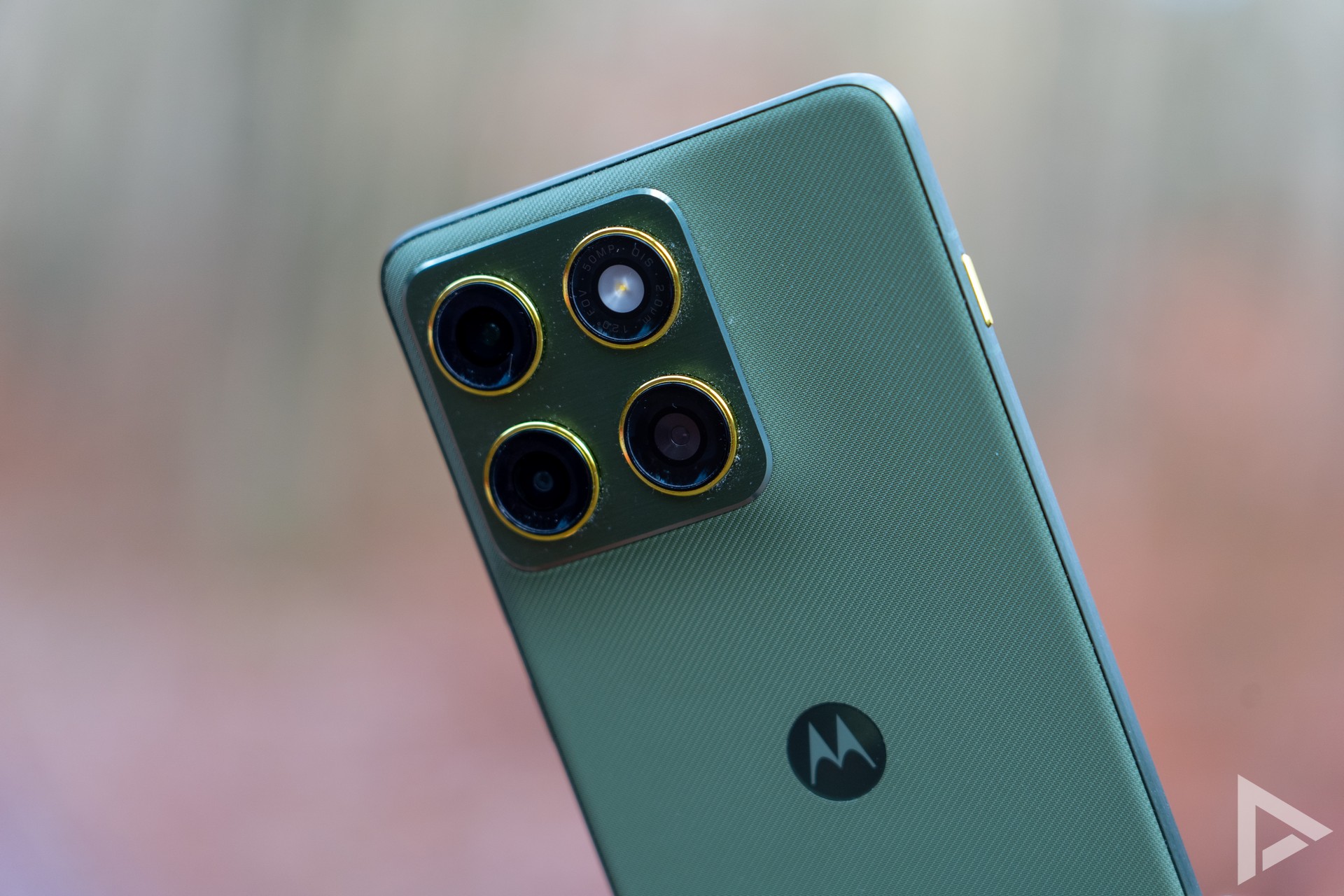
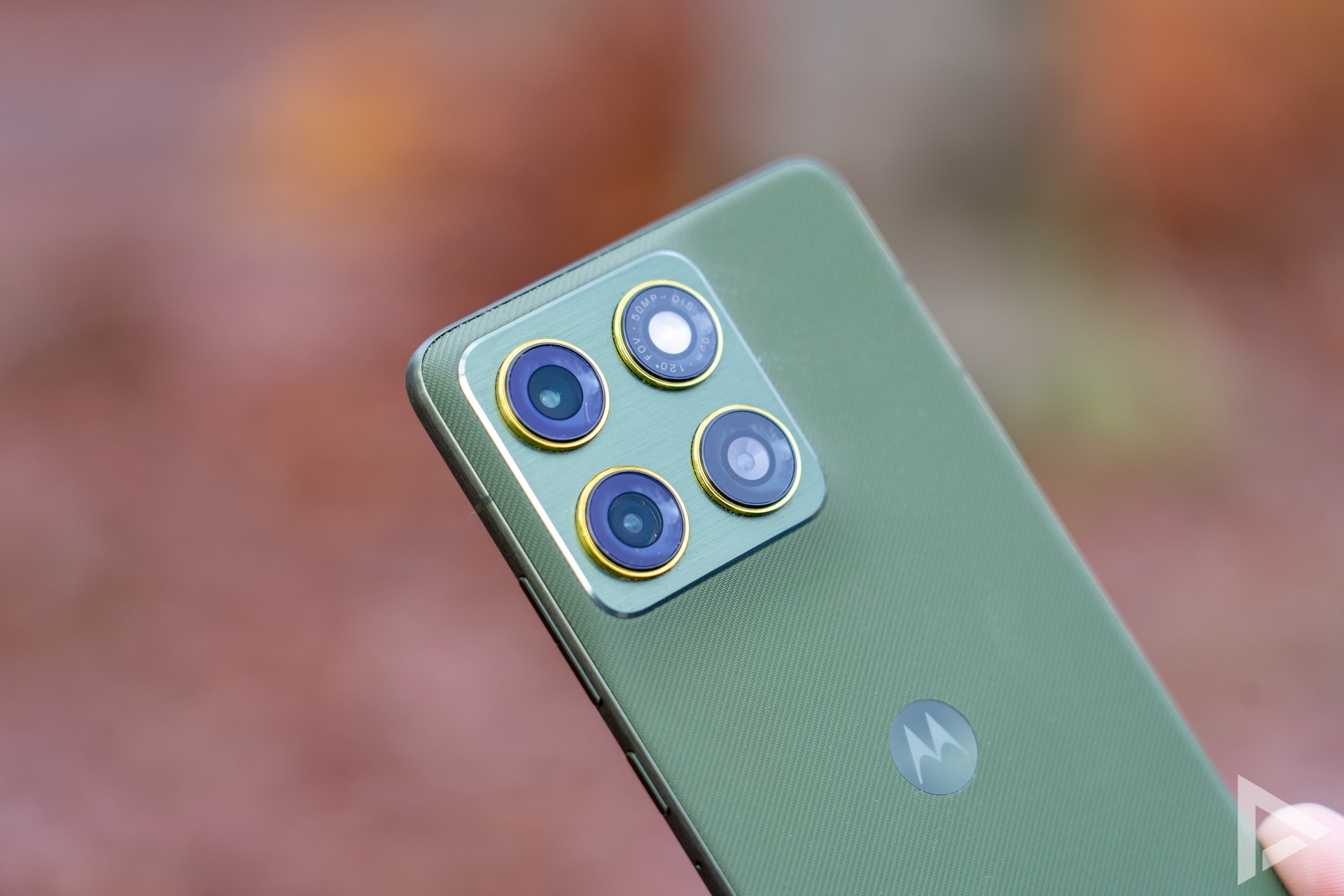
Apart from an LED flash, which can also be used as a torch by shaking the device, we find two 50-megapixel modules in the camera module. This is a normal lens and a wide-angle lens. The third 'lens' is a 3-in-1 light sensor, but its added value remains a bit unclear. Unfortunately, it lacks a telephoto lens, but you can use 2x zoom through a crop in a photo.
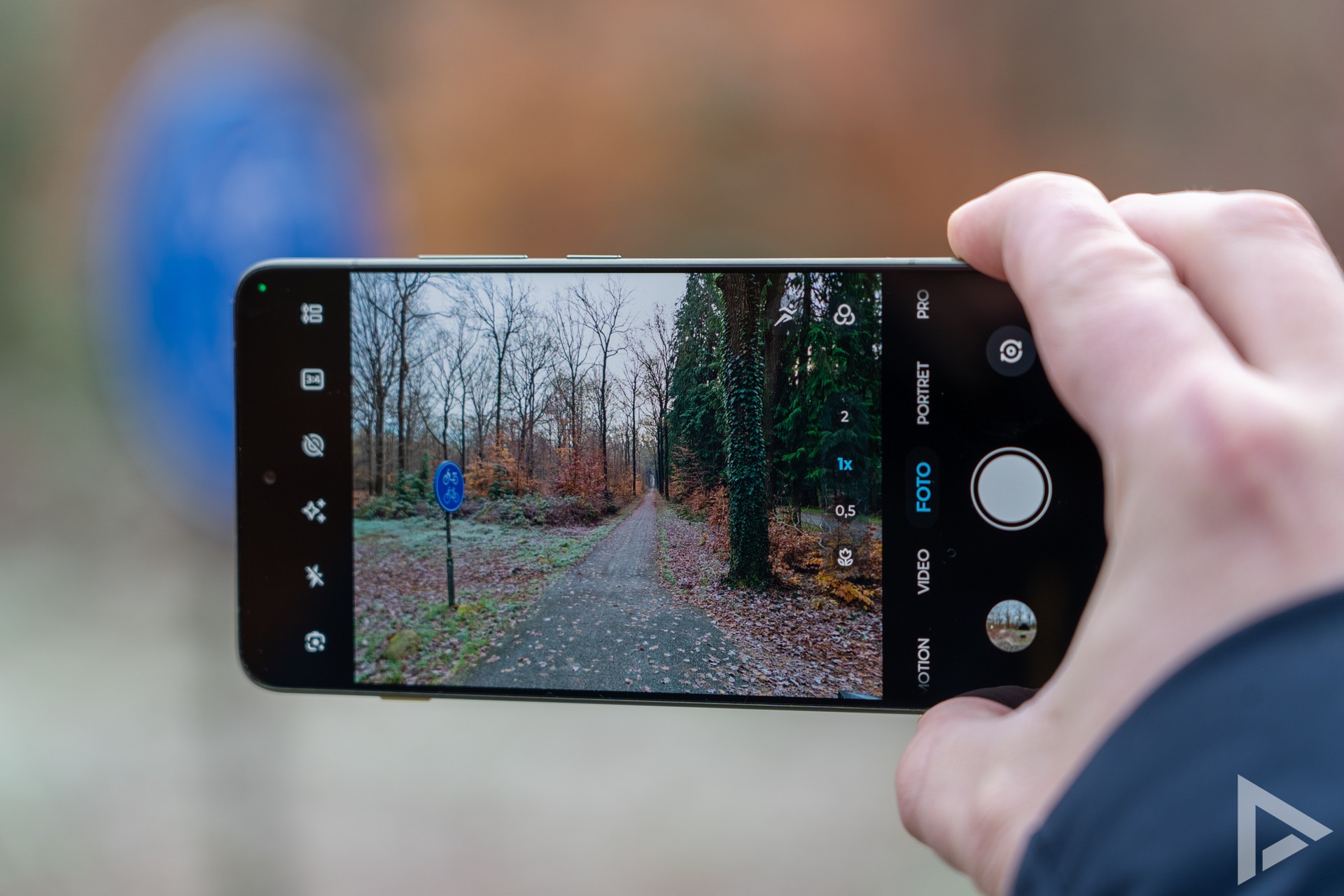
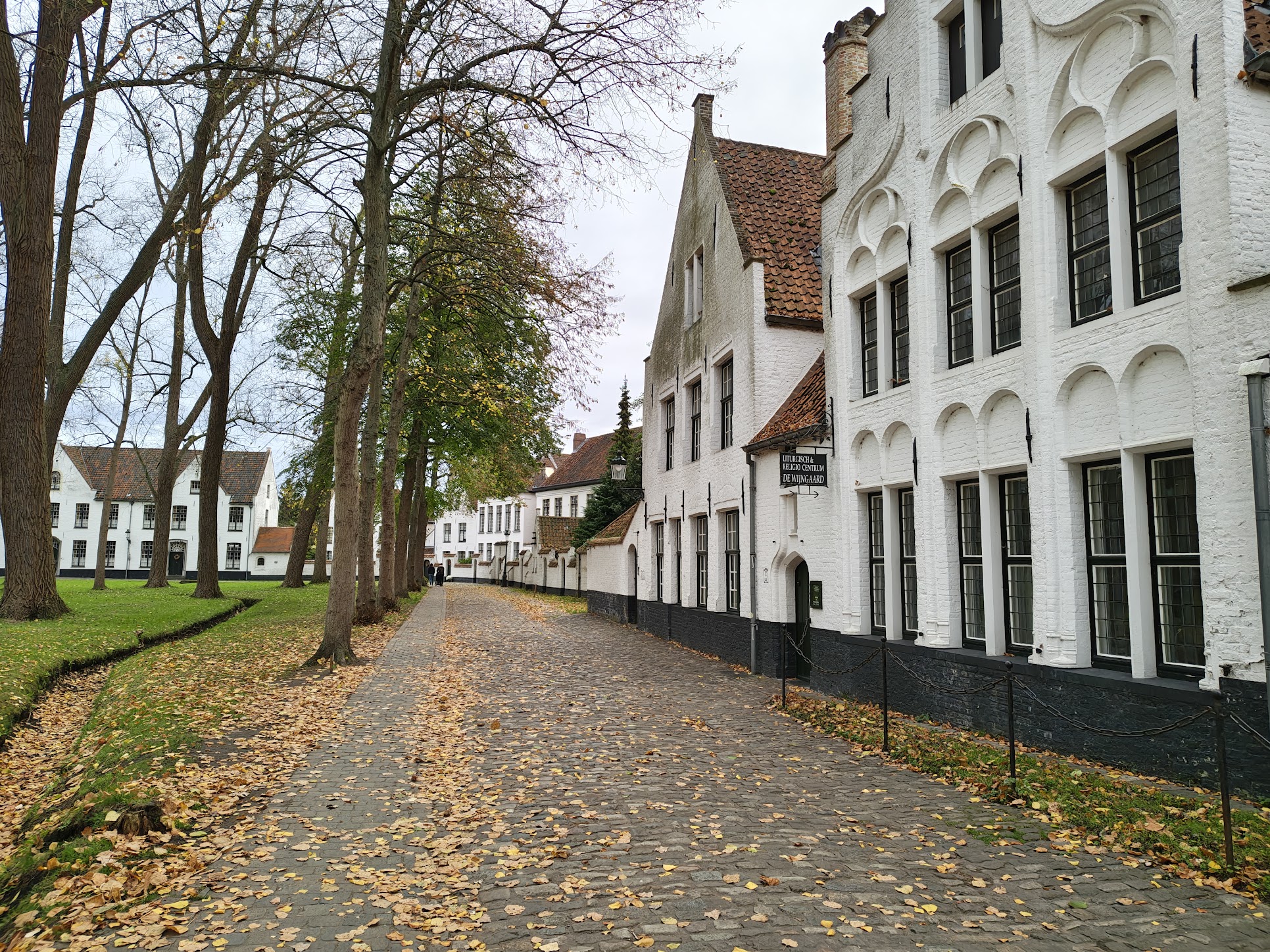
In the camera app, you will find a selection of filters, settings, the ability to take active photos and a shortcut to Google Lens. Active photos also allow you to capture the movement around the photo moment. Looking at the images themselves, the Edge 70 manages to deliver beautiful images where the image remains rich in detail. If you zoom in beyond 2x, it all gets blocky quickly and in the dark, we get motion blur a little faster anyway. Compared to its predecessor the Edge 60, you lose the ability to zoom in 3x without loss of quality.
If you want to see all the photos we took with the Motorola Edge 70, check out our photo album of the Motorola Edge 70.
Video
For shooting videos, you can choose from Full-HD at up to 60 frames per second and at 4K at up to 30 frames per second. You also have the option of recording optimised with HDR10. Below is a video sample we shot with the Edge 70.
Performance and battery life
Motorola has equipped the Edge 70 with a fourth-generation Snapdragon 7 chipset and it is anything but slow in day-to-day use. Apps you can use effortlessly and even switching between different apps or a game is no challenge for this device. Still, Motorola could have chosen to take a real swing at Apple by putting a high-end chip in this Edge 70.
Inside the device, we also find a silicon-carbon battery with a capacity of 4800 mAh. In the two weeks we carried the device as a daily driver, the battery lasted noticeably longer than, say, the Razr 60 Ultra. With normal use, we squeezed 6 hours of screen time out of the device over 1.5 days measured.
If the device is empty, you can fast charge with 68 watts, provided your charger supports it! Wireless charging is no problem either and can be done with up to 15 watts. However, a charging adapter is missing from the sales package, so you still need to purchase it optionally.
Update policy
Motorola delivers the smartphone with Android 16. The smartphone gets four Android updates and over five years of security updates. This means the Edge 70 is kept up to and including Android 20. Security updates will continue until July 2031.
Review
In practice, the Edge 70 is a fine companion, its weight and thickness still making it easy to stow in your pocket. In terms of performance, you won't be short of anything and the battery life is more than fine. However, we do see some bloatware pre-installed. Motorola's own software could perhaps also be grouped a little better. Thanks to its collaboration with Pantone, Motorola still produces colourful and eye-catching devices and this is no different with the Edge 70.
However, the Edge 70 does allow itself to be positioned a bit more awkwardly, if we look at the Edge 60 Pro. We tested that device extensively in the Motorola Edge 60 Pro review. While it is less thin and has a less update policy, it does have a telephoto lens and is cheaper.
For now, when you buy the Edge 70, you get a free accessory bundle consisting of a 68-watt fast charger, Moto Buds Loop a Moto Tag and a Watch Fit. All to make the Motorola experience as complete as possible. Interested? You can find it in shops at Belsimpel, Coolblue and Odido.
- Lightweight smartphone
- Battery life
- IP68/IP69
- Case included
- Bloatware on the device
- Chipset could have been more challenging
- Update policy not generous