HomeWizard Plug-in Battery review
On DroidApp, we review plenty of accessories and apps for your phone, smarthome and when the two come together, one of the things you end up with is the HomeWizard Plug-in Battery. In this review, we take you through the HomeWizard App and what all you can do with this plug-in battery.
With the disappearance of the balancing scheme in 2027, many solar panel owners will be looking for a way to keep their own consumption at home. Even with a few solar panels, it is quite possible that you will be sending a lot of energy into the grid during the sunny months without benefiting from it.
From the box to the socket
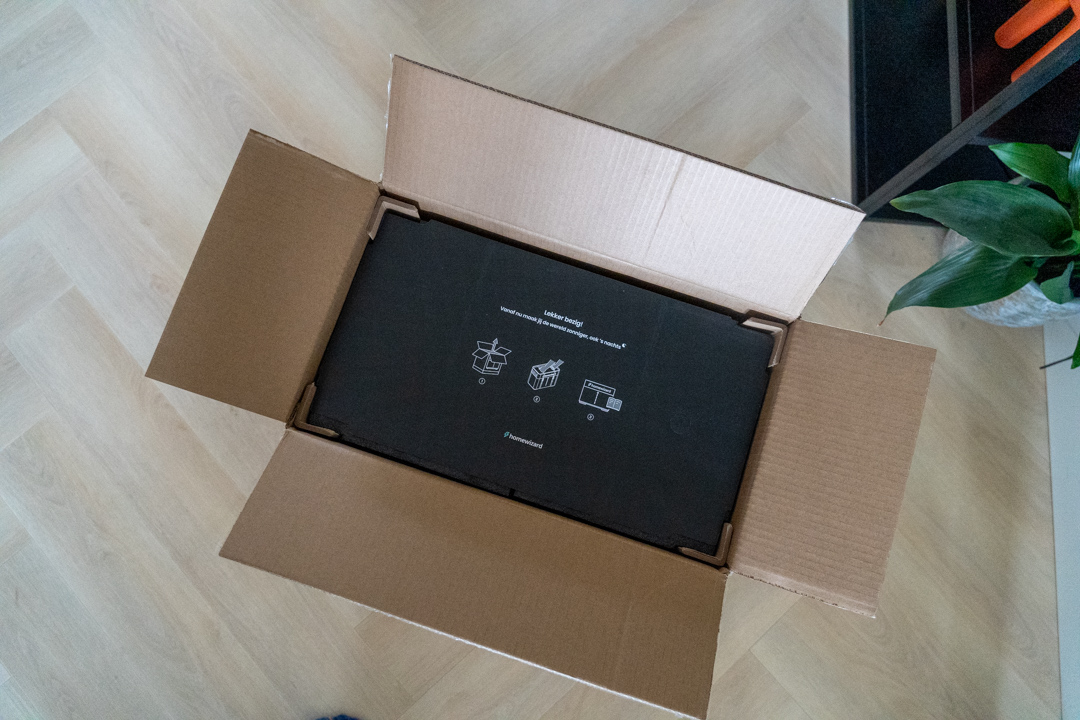
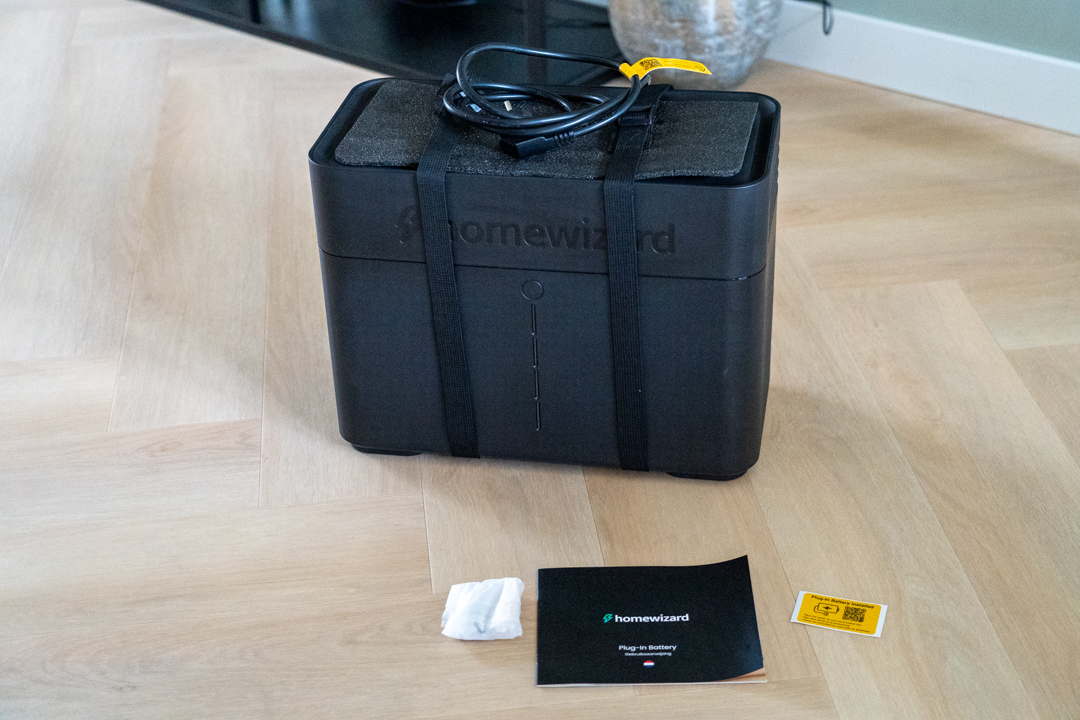
Inside the 24-kg box, we find HomeWizard's plug-in battery and a short installation guide and a sticker to put in your meter box to alert your electrician that you own a home battery.
Tech specs
The battery has a capacity of 2.7 kWh and the maximum charge and discharge power of this product is 800 watts. Maximum expandable up to 4 batteries (10.8 kWh). Lifetime is 6000 cycles with normal use (15 years according to manufacturer). Noise production about 32 dB.
Where to place the battery?
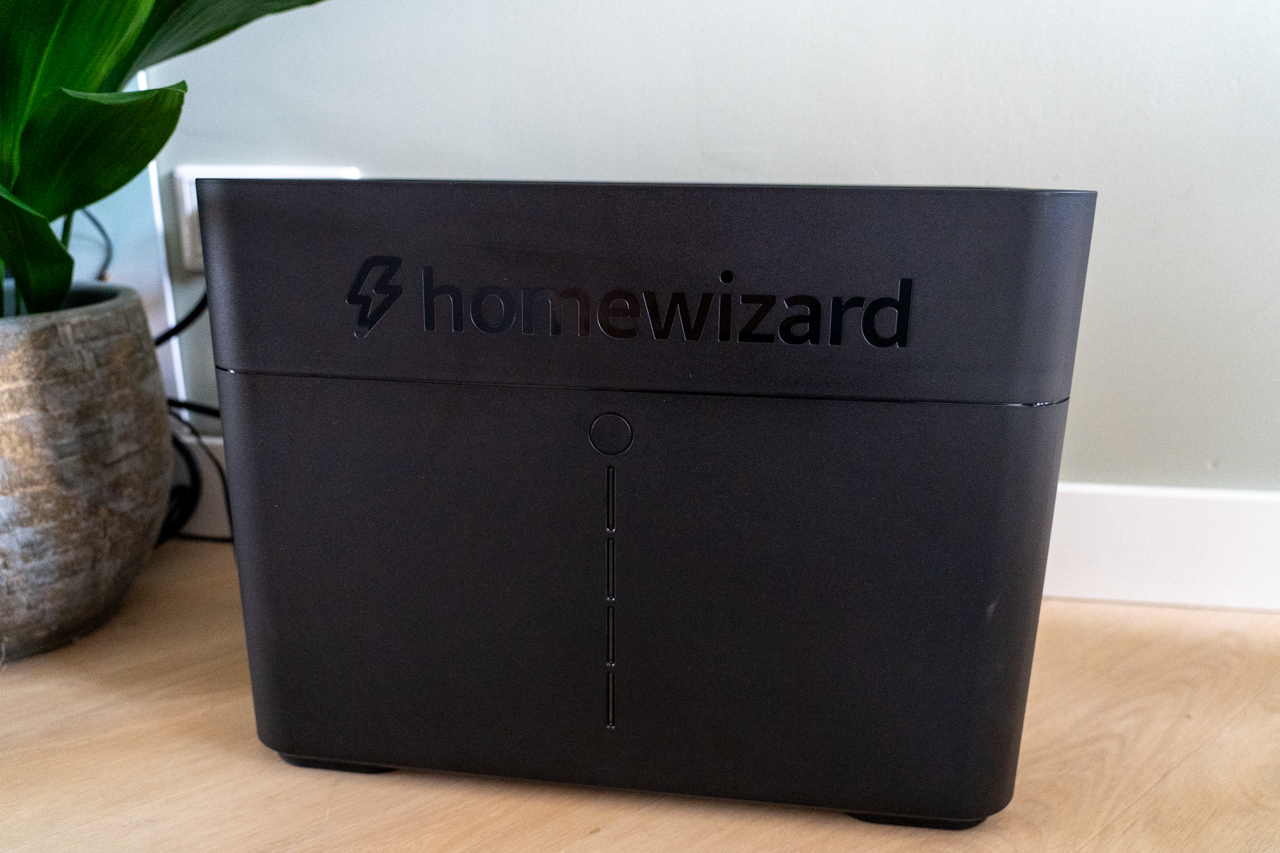
The HomeWizard battery is of type LFP or lithium iron phosphate battery, there are also home batteries on NMC technology. Where LFP is also generally known as safer technology than NMC. The manual tells us to leave a little breathing space around the battery. Since the design of the battery does not bother us, we placed it halfway around the living room during the test period. Another good place could be a garage or shed.
Important when placing a home battery is that you do not place it in your escape route in case of fire. A stairs cupboard may therefore be an unsafe choice if this is your only route to the outside. It is also important to consider the load on the group to which you connect the battery. For example, do not connect two batteries to the same socket or group in your meter cupboard. If you want to discharge more than 800 watts with multiple batteries, you will need to create your own group for HomeWizard's home batteries.
In use
The HomeWizard Plug-in Battery requires that you also use HomeWizard's P1 dongle to get your home zero-to-the-meter. That P1 meter is handy anyway if you want to get real-time insight into your power consumption without too much fuss! We connect the Plug-in Battery and go through the installation wizard. Connecting the battery to our Wi-Fi network takes no time at all and HomeWizard's P1 meter needs to run an update. Moments later, the battery light jumps to green and we see in the HomeWizard app that the battery has started delivering power back to us.
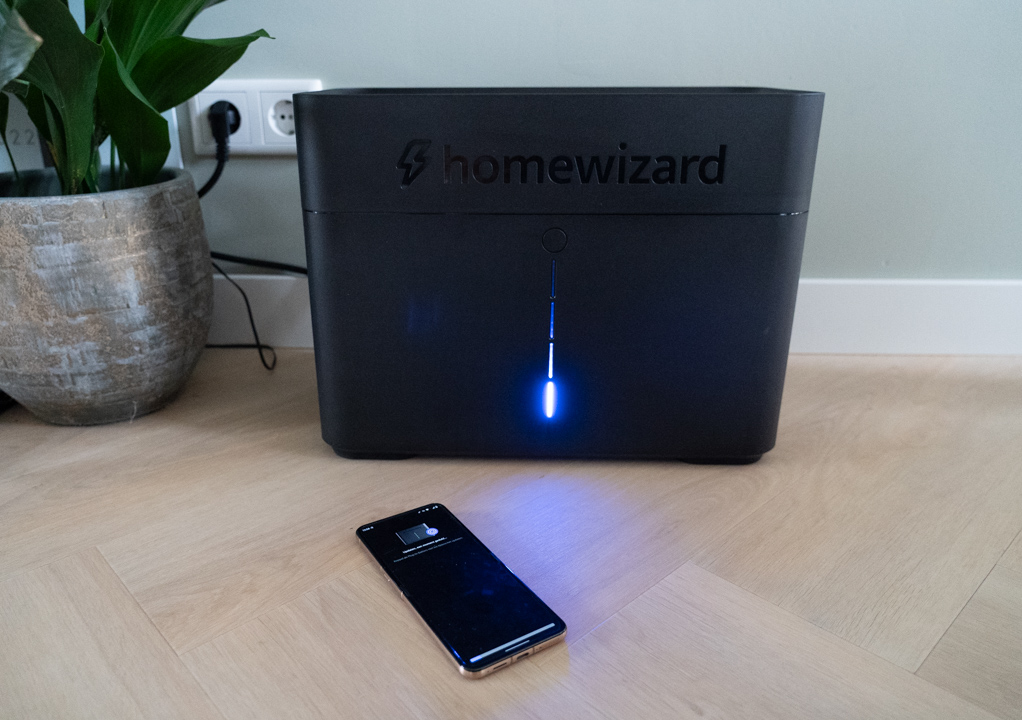
Those familiar with the HomeWizard platform will also recognise the colours purple (charging) and green (discharging) from the app. The small LED bar on the front of the battery indicates the percentage of battery charge. Within HomeWizard's app, the battery has four modes:
- Charging and discharging on a zero-based basis
- Standby (or not charging and not discharging)
- Manual charge mode (full charge to 100%)
- Storage mode (charge 60% and turn off for winter period)
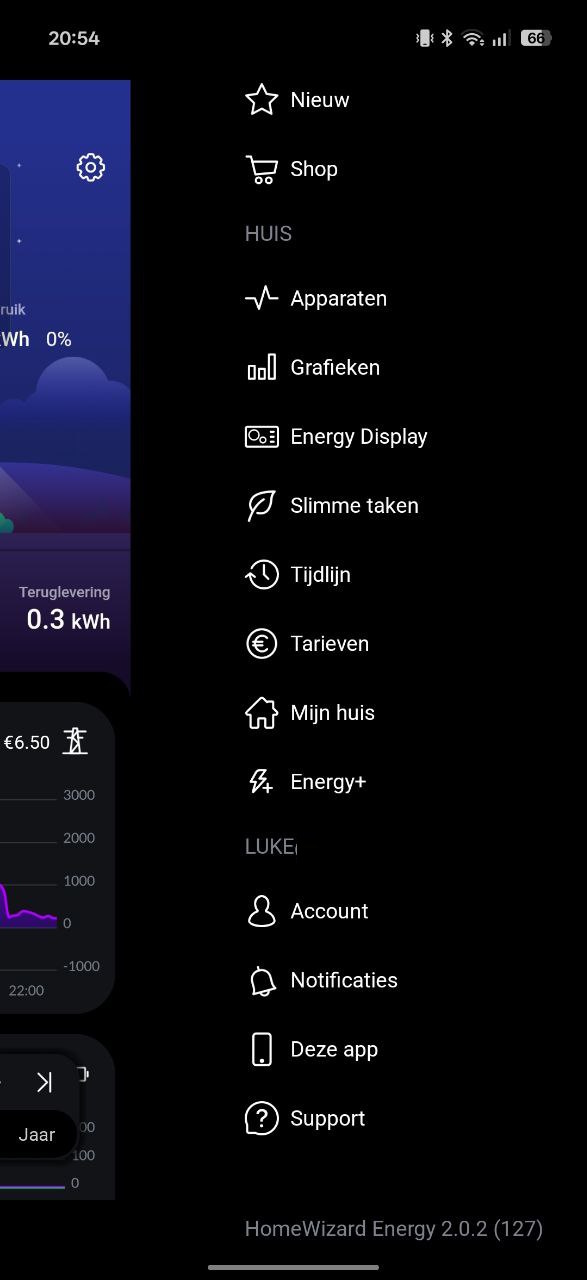
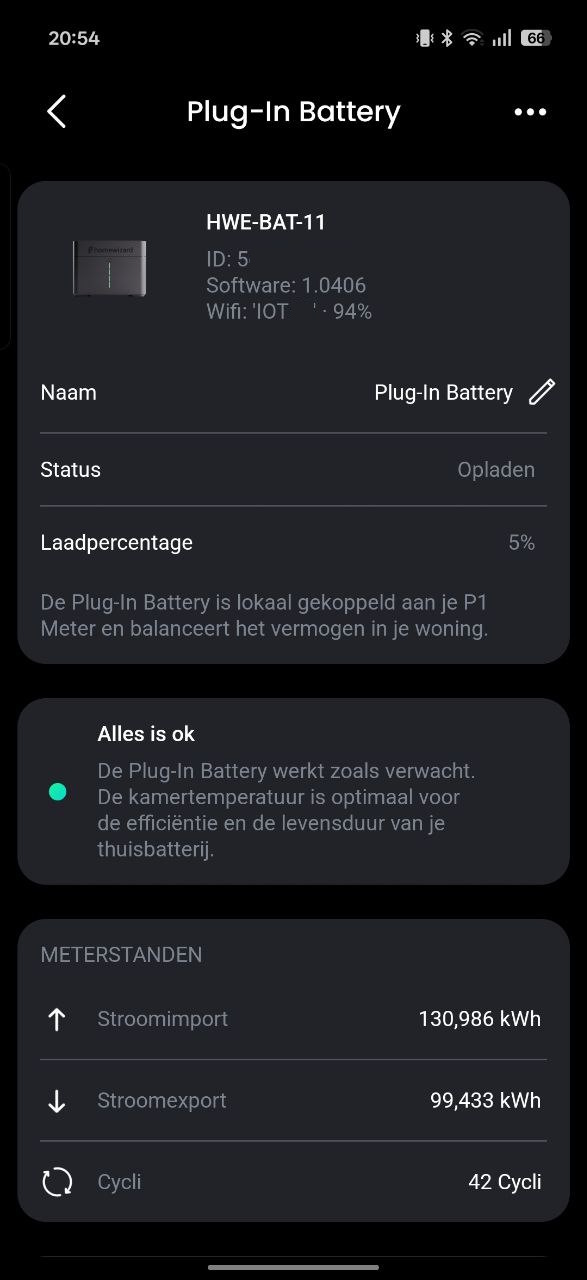
Charging and discharging
We set our battery to zero-to-the-meter mode, which is also the default. In the winter months, the output of the solar panels on the DroidApp office is significantly less. That makes the HomeWizard battery still manage to fill up on solar power in early November. Later, however, we really see the effect of the low sun reflected and there are days when the battery actually does virtually nothing.
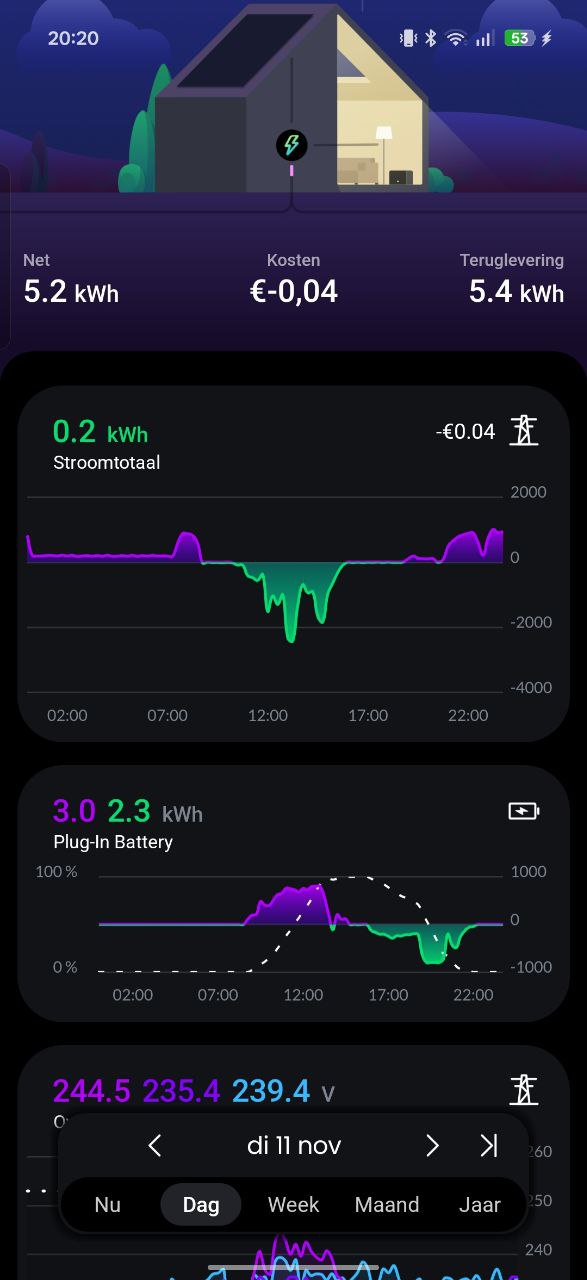
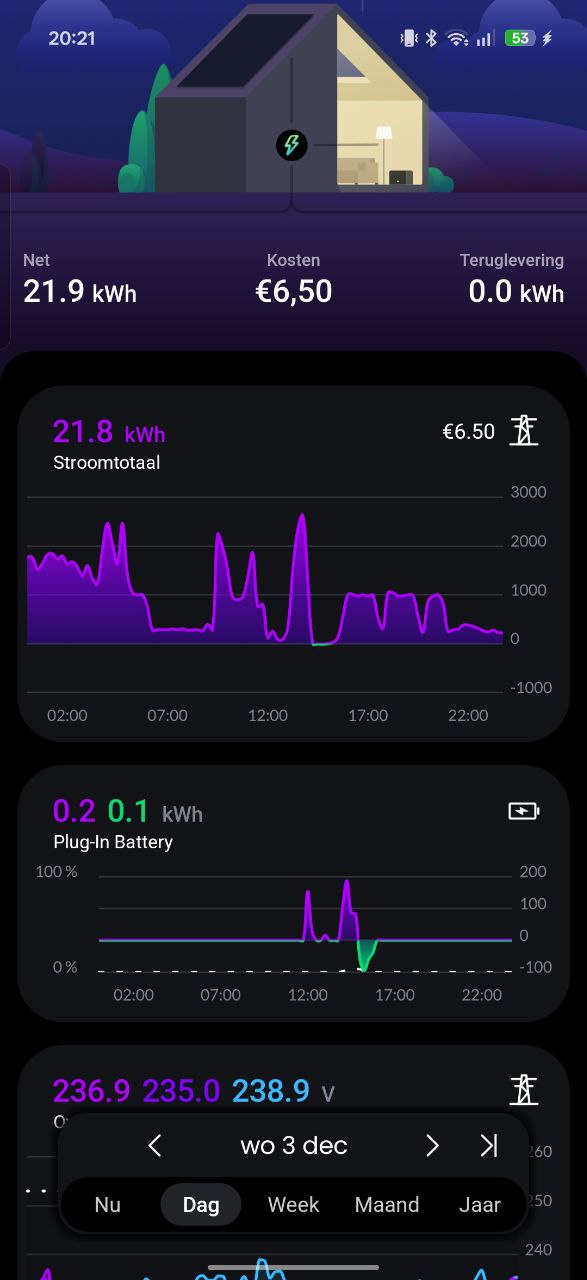
Via the HomeWizard app, we see that at least 20% of the battery is lost. This charge loss is partly in heat produced by the device when delivering power back to the grid. Of the 2,688 kWh, about 2.2 kWh is actually usable. So in about 3.5 hours, at full 800 watts, the battery is fully charged. If the battery is running in zero-to-the-meter mode, it may take longer depending on the excess energy.
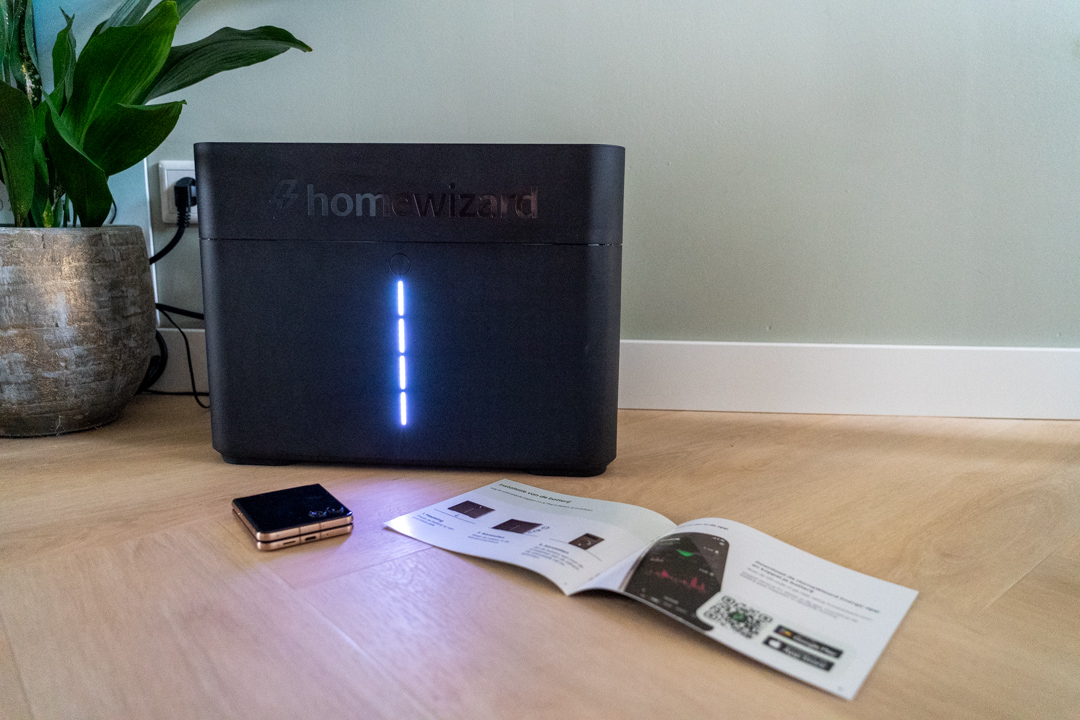
When the battery runs low, so below ten per cent the maximum power delivered by the battery also runs down until it is completely empty. Whether this benefits the health of the battery is questionable. You cannot use the HomeWizard battery as an emergency power supply. In case of a power outage, this home battery will still leave you without power.
Payback
Payback is an important factor for some people when buying a home battery. Every situation is different and in our case, especially in the winter months, the battery will also be empty in 3 hours because of the electric heat pump that requires the necessary energy on cold days. Because HomeWizard's battery cannot smartly buy power cheaply based on price to make an extra charge cycle, we have to do it entirely on solar.
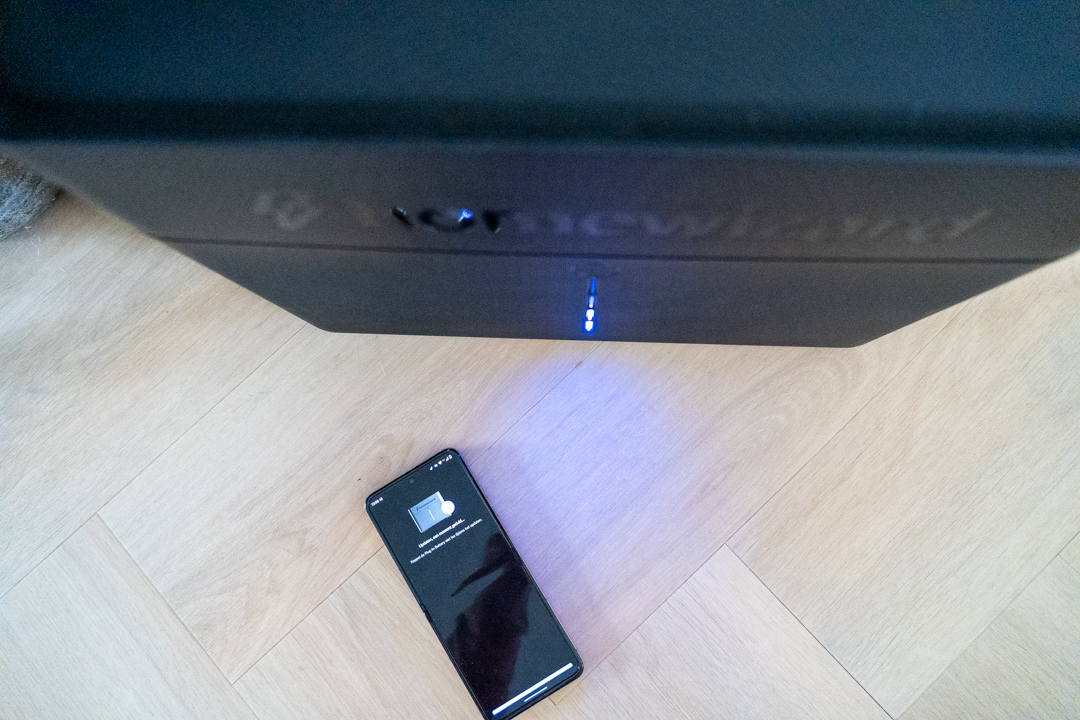
Based on our data like average kWh price over the past year and ~225 days we had a solar surplus then we will earn back this battery in 9 years. By the way, that is with the price of 1195 euros. Note that if the year is sunnier in our case or energy prices fluctuate that this will affect the payback time.
Adaptability
From within itself, the HomeWizard Plug-in Battery is an easy plug-and-play product that you can start using without any problems. For most users, the modes in the HomeWizard app will be sufficient. Also, HomeWizard regularly releases firmware updates for both the battery and its P1 meter. Still, you may be looking for a system that easily integrates with your smart home, for example via Homey or Home Assistant. If you have one of these then you can link all HomeWizard products to it.
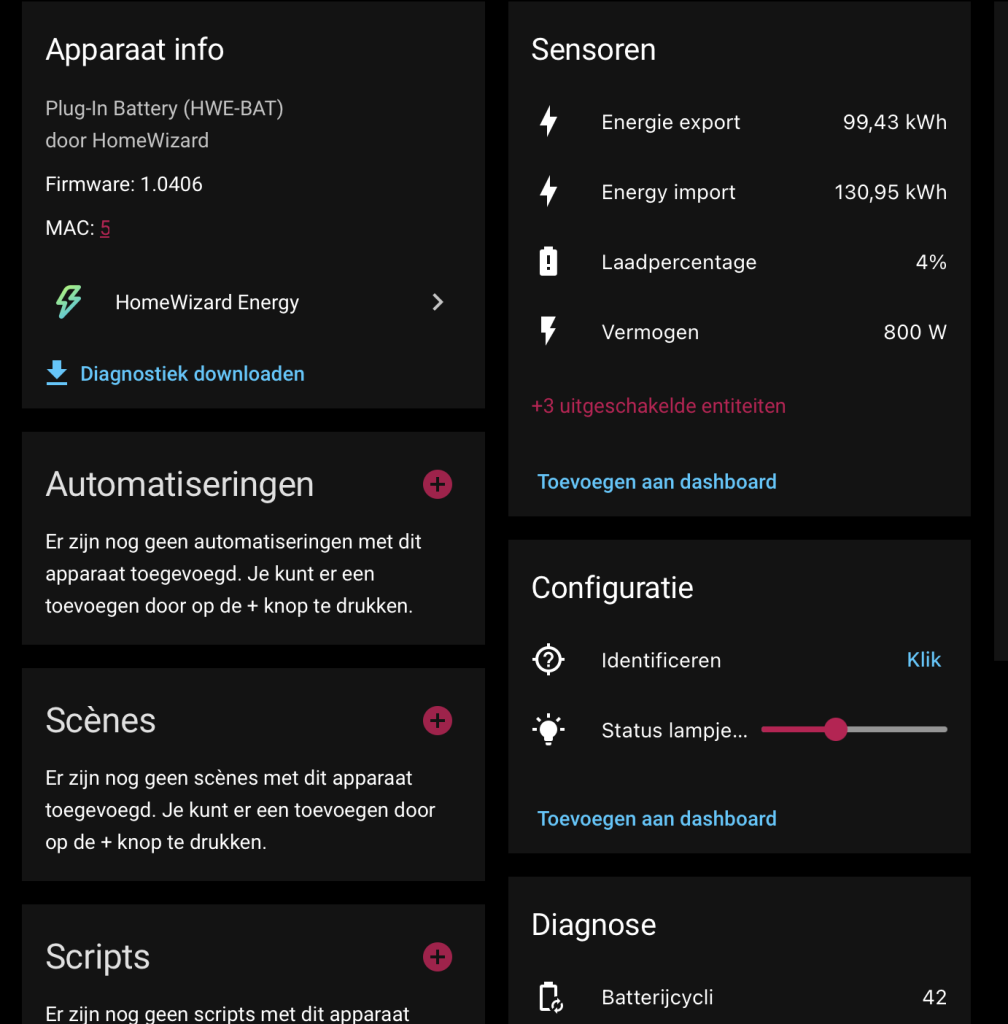
In our case, we have had HomeWizard's P1 meter for a long time and use it for various integrations with, for example, our solar panels and charging station. Adding the plug-in battery to Home Assistant gives you the ability to control the battery yourself. This way, we charge the battery in the dark days, at the time when the energy price is favourable. Handy, because this way the battery still supports energy consumption at the more expensive times, though it requires some dexterity to set up.
Rating
With the plug-in battery, HomeWizard has an easy and interesting product on its hands for anyone who wants to use their own solar energy at a later time. The friendly design of this home battery means it can be placed almost anywhere. The zero-to-the-meter mode keeps the house well around zero consumption up to 800 watts. At the time of this review, we do wish for an option to charge based on price, and specifying a lower limit to protect the battery. Also, for those who may care, the HomeWizard Plug-in battery has no emergency power option.
The HomeWizard home battery is temporarily heavily discounted. From 1395 euros to 1195 euros via the HomeWizard shop.
- Easy way to increase your own consumption
- Clear & beautiful application with history
- Friendly design
- Continuously developed
- Can't charge on current price
- No charging limit (stop at 10% for example)
- No emergency power supply