
Influence on the Spotify algorithm
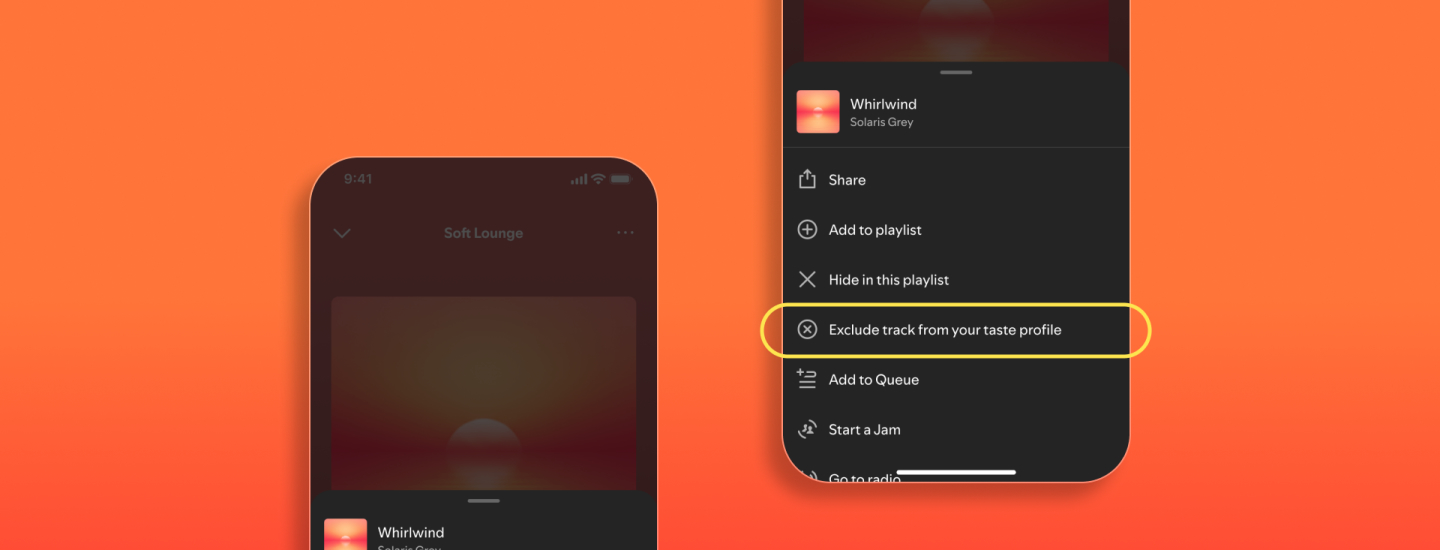
Spotify now gives you more control over how the algorithm interprets your listening behaviour. With the latest update, you can exclude individual songs from your taste profile. That means they will no longer affect your recommendations or show up in your yearly stats.
This option is a refinement of the existing 'Exclude from taste profile' feature for entire playlists. Previously, that meant that ALL songs in an excluded playlist were ignored, including the ones you did like. With the new update, you can now do this much more precisely, song by song.
Getting started
How do you affect it? Tap the three dots next to a song or playlist and choose 'Exclude from your taste profile'. If you want to reverse your choice, you can do so via the same menu. Both past and future listens of the excluded song will then no longer count towards your profile.
Important to know: the song will still be available to play. The exclusion only ensures that it does not interfere with your personal recommendations. If you really never want to hear a song or artist again, you can still use 'Hide this song' or 'Don't play this'.