Samsung Galaxy S26 Ultra: how do you like it?
Every year, many smartphone enthusiasts look forward to Galaxy Unpacked. At the beginning of the year, Samsung shows off its new S series here. That was also the case this year, with the introduction of the Samsung Galaxy S26 series. The South Korean manufacturer is still the biggest player in the smartphone market. Recently, we put the Galaxy S26 Ultra through its paces extensively. You can read how we liked it in the Samsung Galaxy S26 Ultra review.
Unboxing
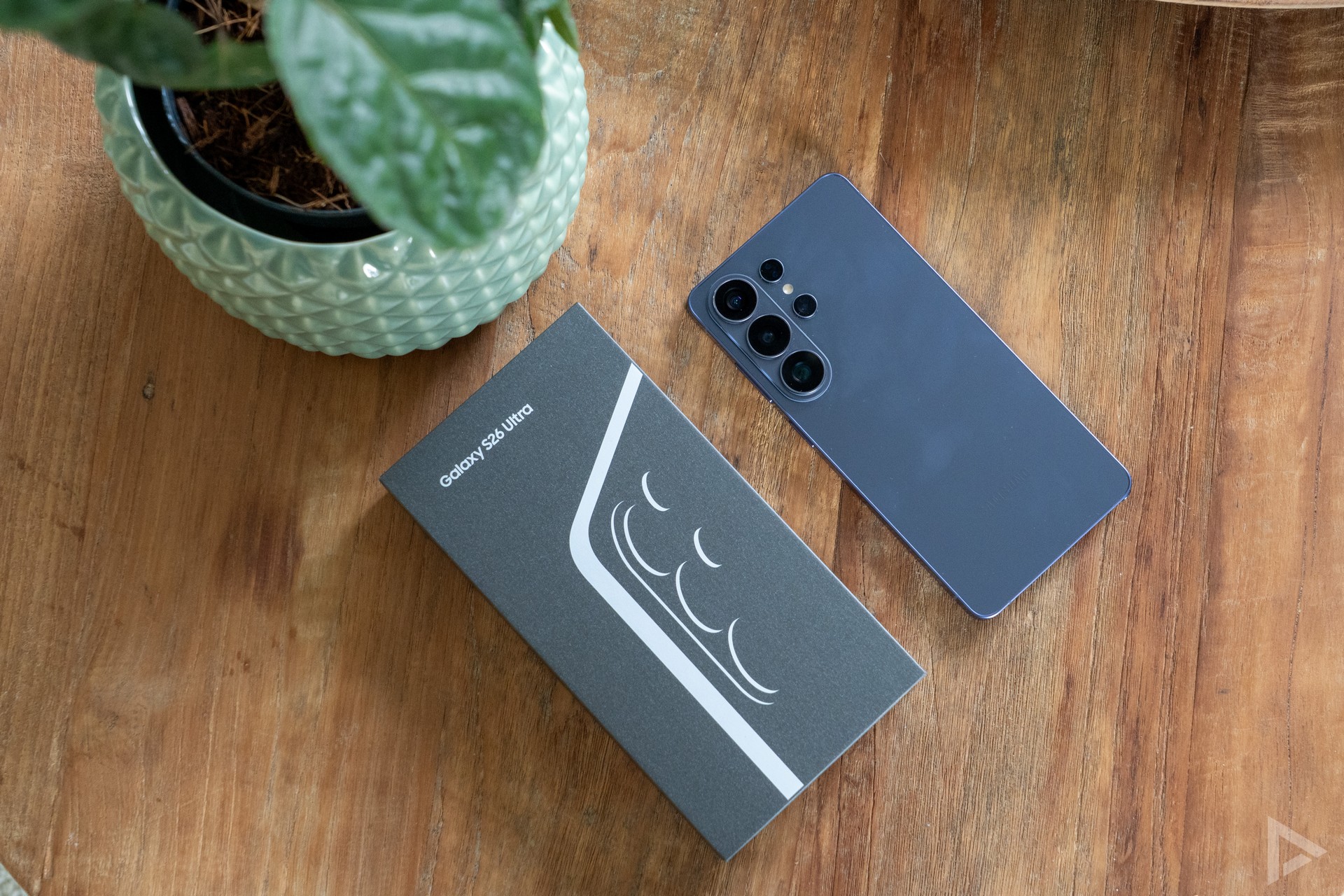
The Samsung Galaxy S26 Ultra comes in the familiar rectangular packaging. This has the contours of the smartphone's design printed on it. Inside the box you will find some paperwork, a SIM needle and a USB-C cable. Where some manufacturers still include a (transparent) case in the box, Samsung stops here. There is no screen protector stuck on the screen either. Although it must be said that these are also of questionable quality with many manufacturers.
Design and interface
If you are familiar with Samsung devices, the Samsung Galaxy S26 Ultra will quickly feel familiar. Both in terms of design and interface. In terms of design, Samsung has largely stuck to previous models. Samsung has worked on an improved design, where the corners are more rounded and the device is also thinner at 7.9 millimetres thick. Compared to its predecessor, the Galaxy S25 Ultra, the device is also four grams lighter again.
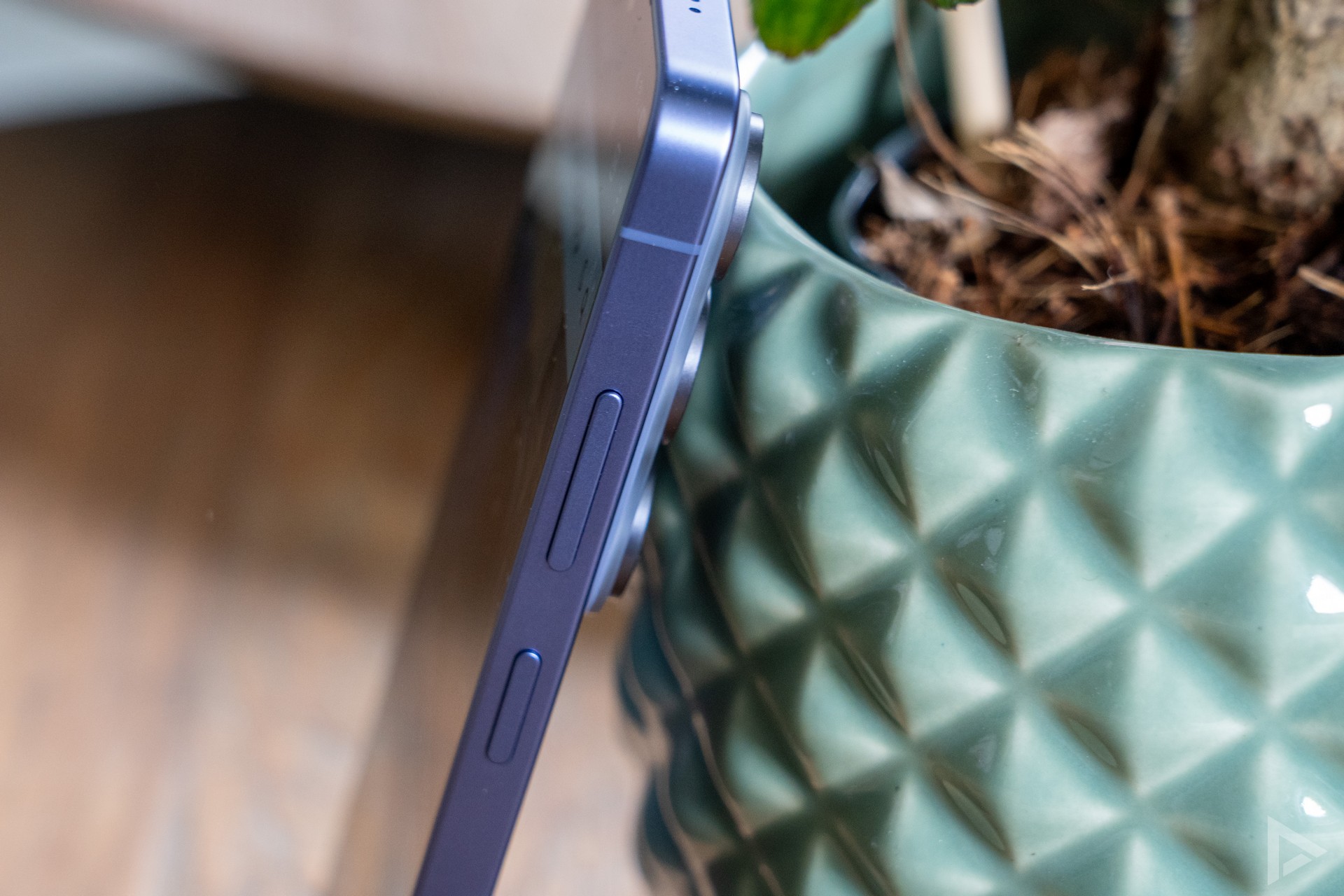
The Samsung fits comfortably in the hand, although you need to have quite large hands to operate the device comfortably with one hand. On the front you will find the 6.9-inch AMOLED screen with a resolution of 3120 x 1440 pixels. By default, the resolution is set to Full-HD, to save battery. Incidentally, this will be sufficient for the majority of users. Brightness is excellent. Summer will be no problem at all, as the screen is perfectly readable even on sunny days. In the evenings, the screen can be dimmed more than enough, which is nice when scrolling through your TikTok timeline in bed.
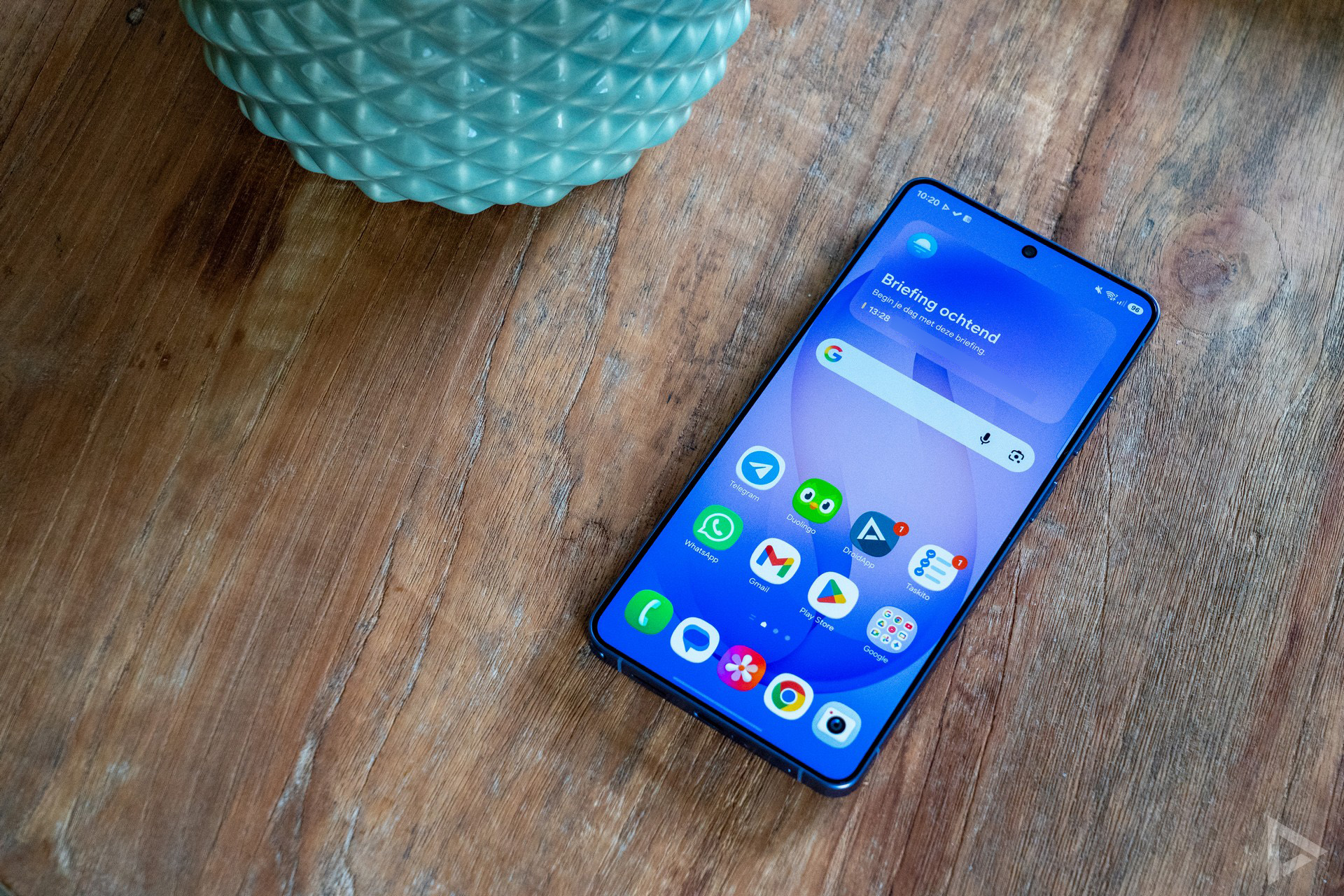
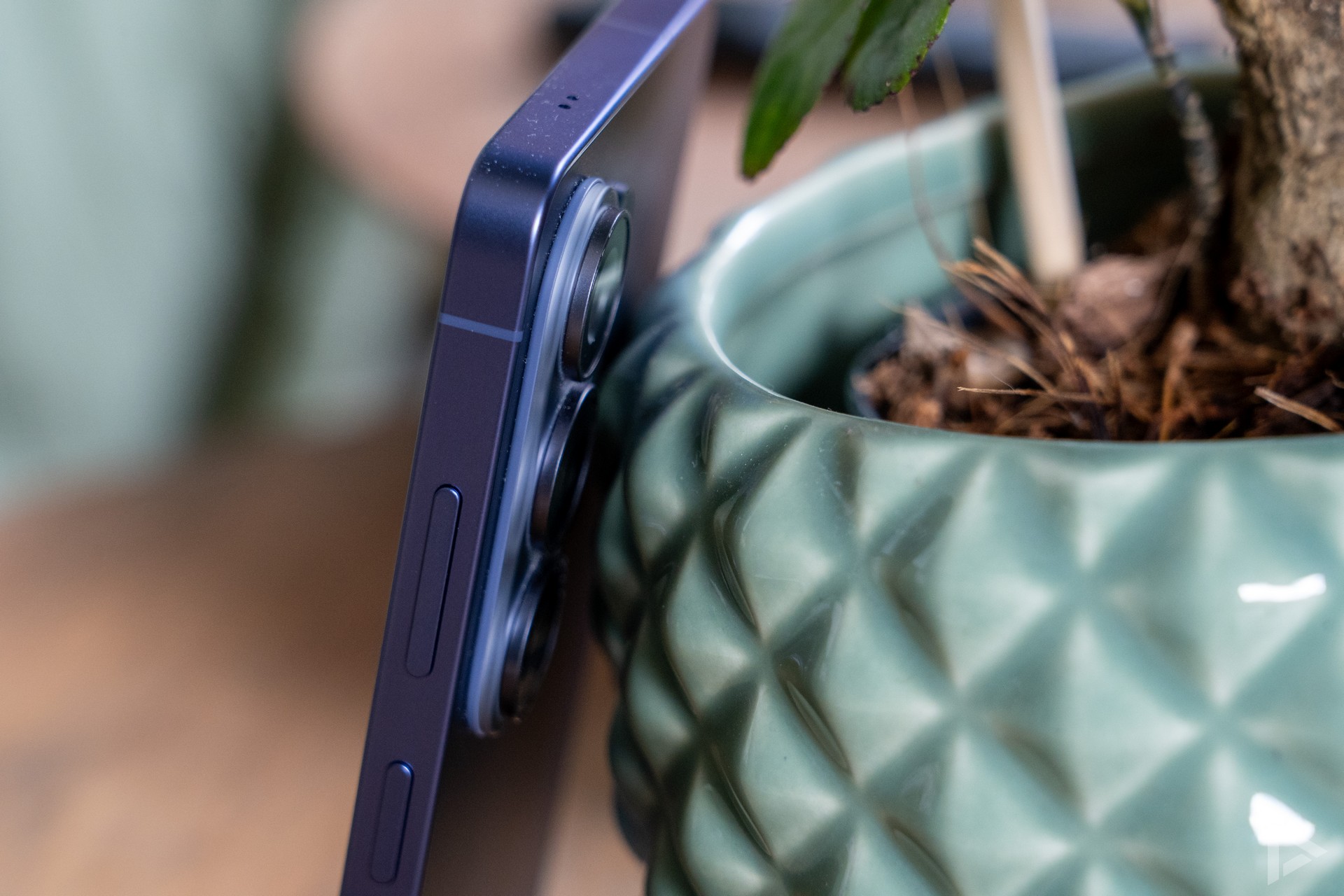
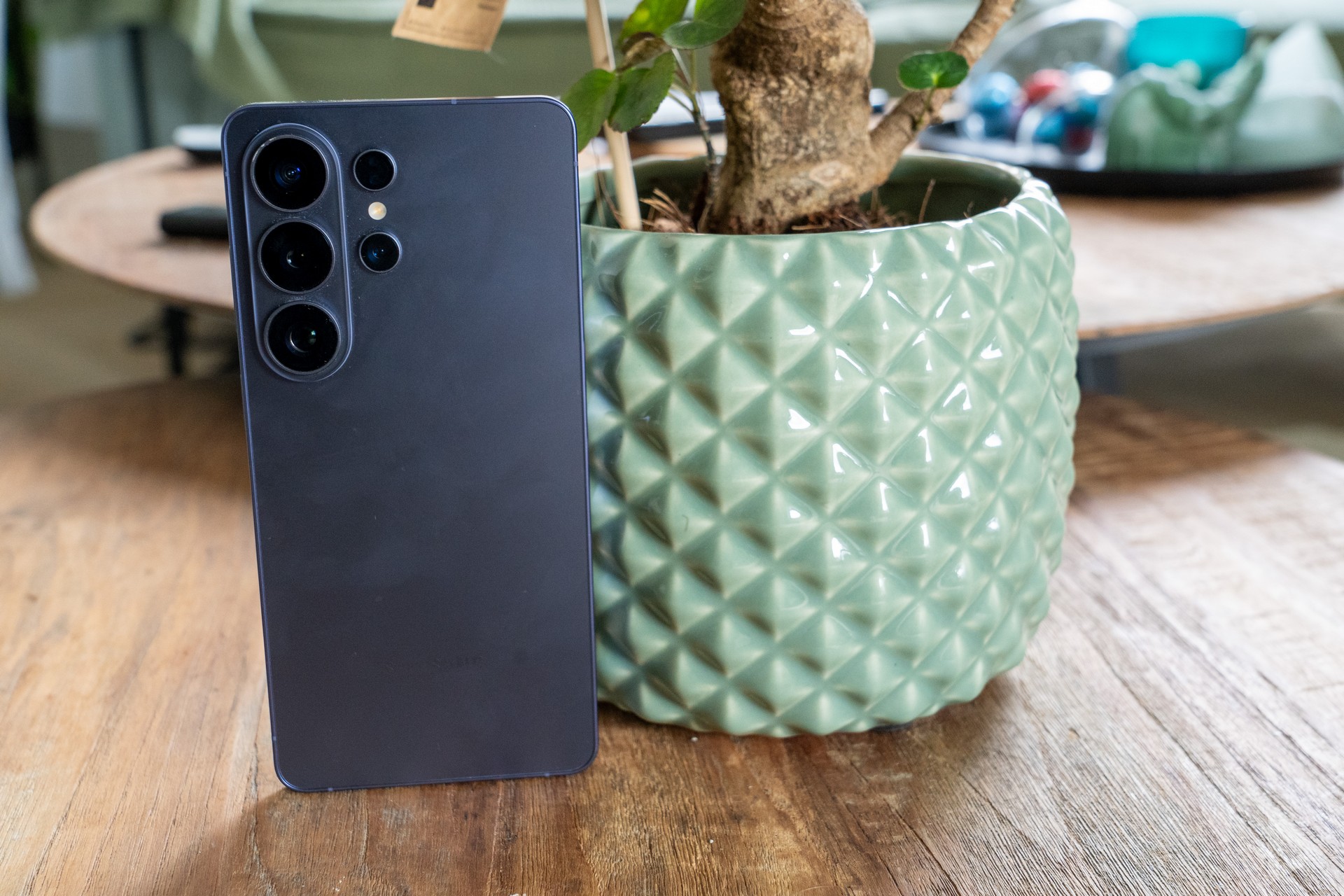
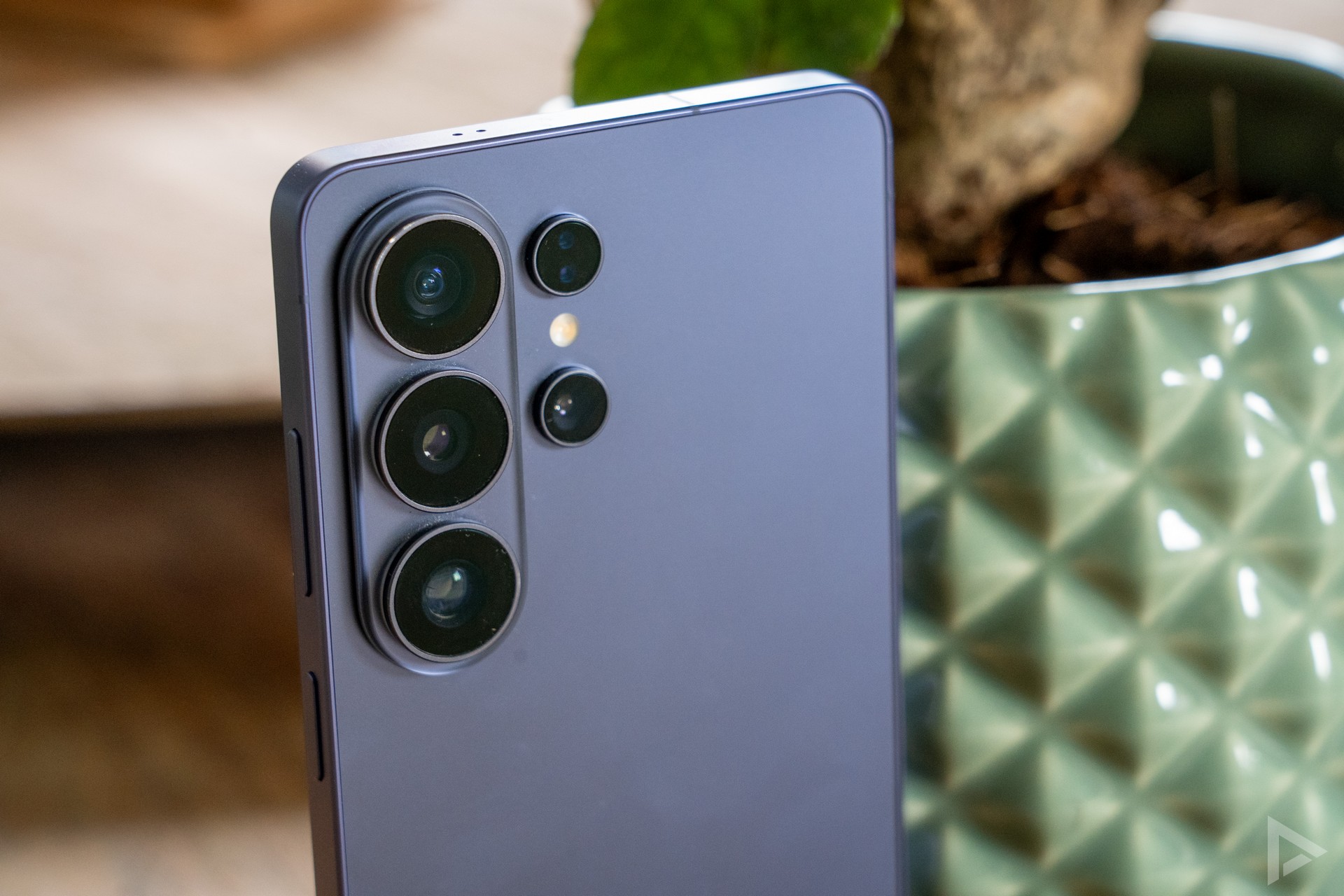
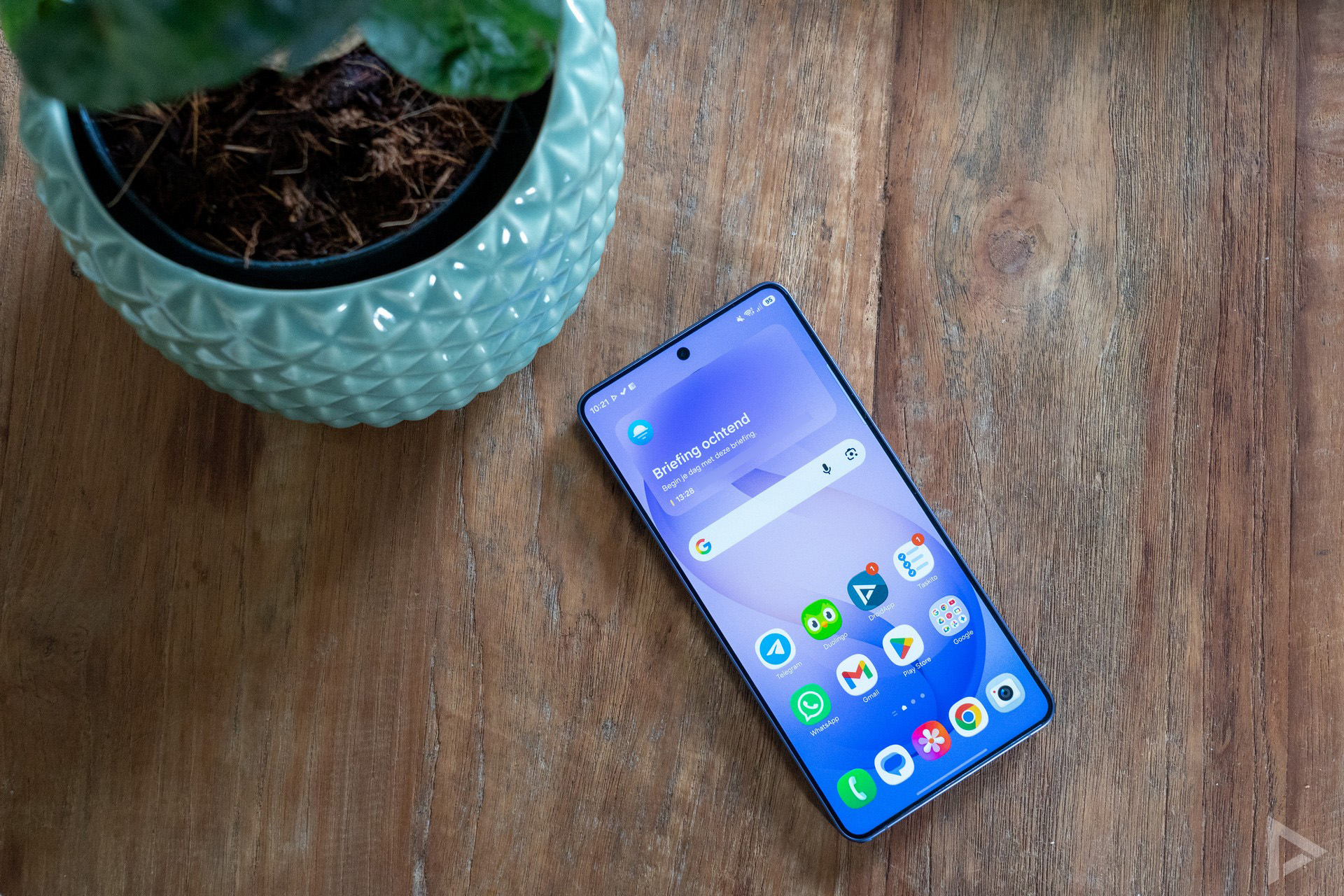
We received the phone in the colour 'Cobalt Violet', and at launch I personally thought this was already the most beautiful colour. The subtle purple colour gives the device a nice appearance, though this is mostly personal. At the back, you'll find the thick camera module. This contains three lenses, with some openings for the camera next to it. Because the camera is so thick, the device always lies askew on the table.
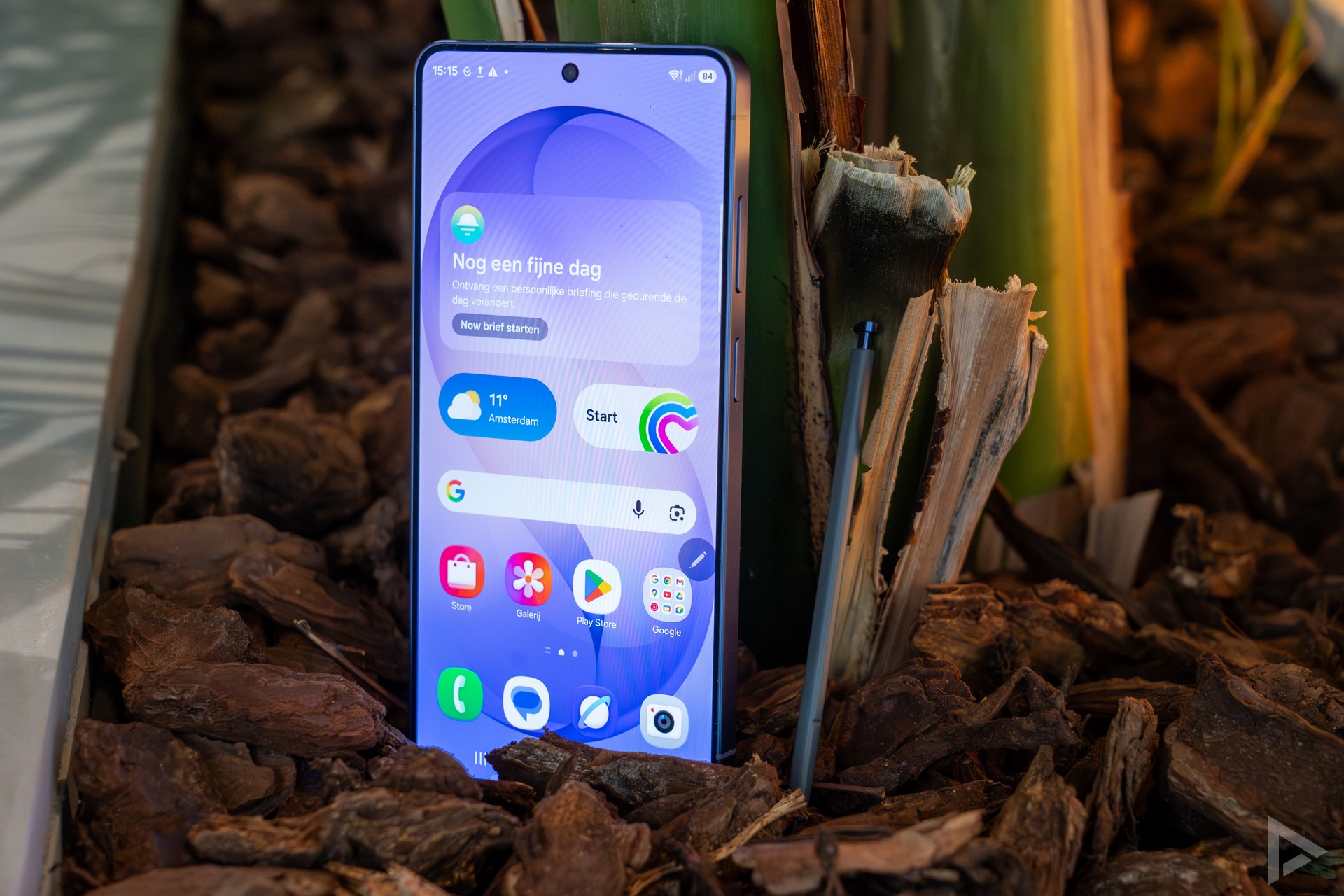
On the bottom of the smartphone, you will find the familiar S Pen. With the Galaxy S25 Ultra, the functionality was already limited, so Bluetooth is no longer supported, but it can no longer be used as a remote control, for example. That's a shame. However, the S Pen is still a great tool if you want to express your 'creative self'.
Privacy Display
One of the reasons why you might consider the Galaxy S26 Ultra is, of course, the Privacy Display. This technology ensures that whatever is on the screen cannot be seen by people next to you, for example. Useful for on the train or in a busy environment. Earlier, the technique was used in laptops, for example. It works differently from a privacy screen protector, which we wrote about earlier. Both hardware- and software-based, this technique works, rotating pixels, for example. Unfortunately, this (obviously) does not work with people sitting behind you.
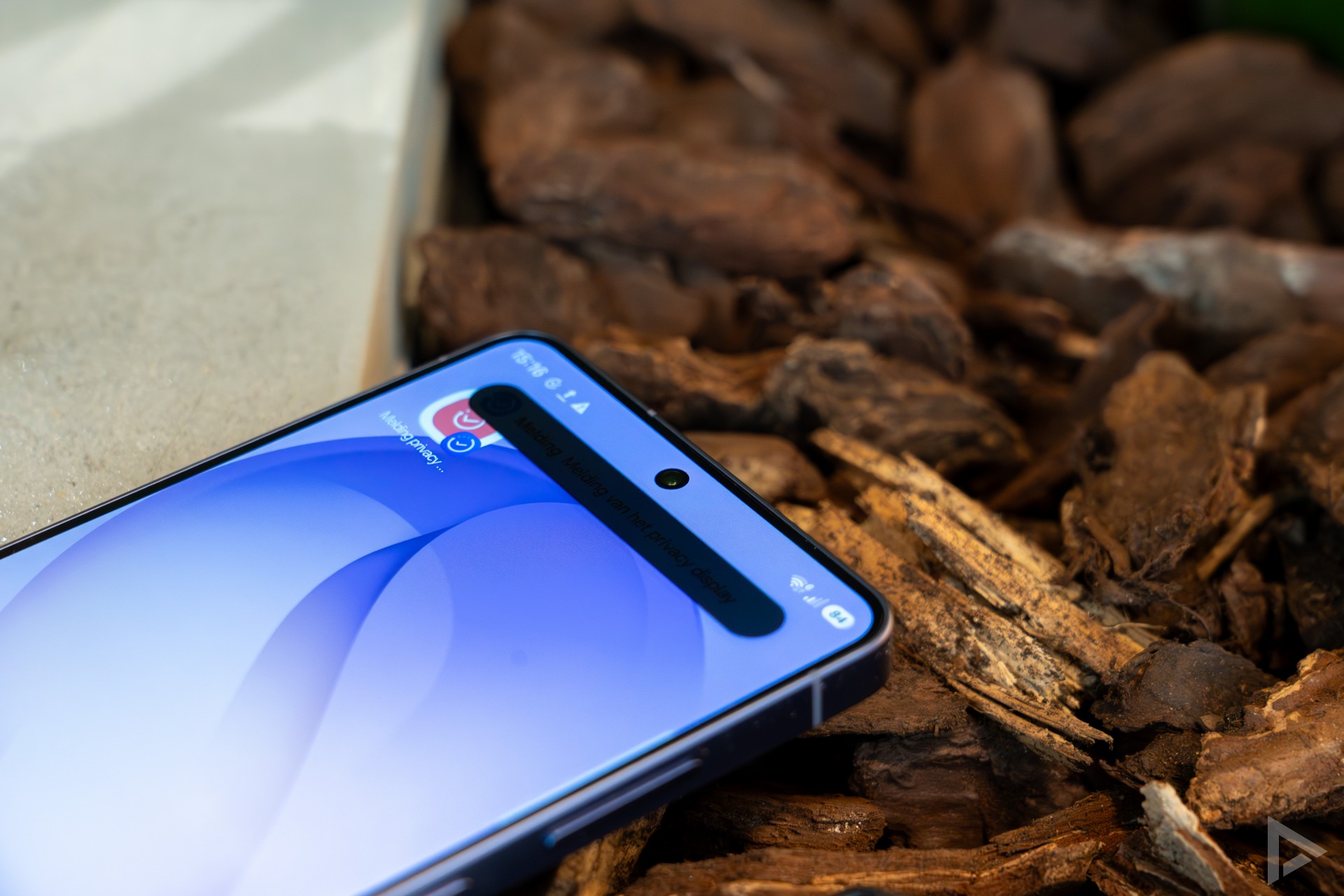
From our tests, the content itself is not easy to see with the Privacy Display enabled, but it is possible to see which app is open in dark environments. During the day, it's a lot trickier. Against that, the Galaxy S26 Ultra offers another option, 'Maximum Privacy Protection'. This makes it even harder to read.
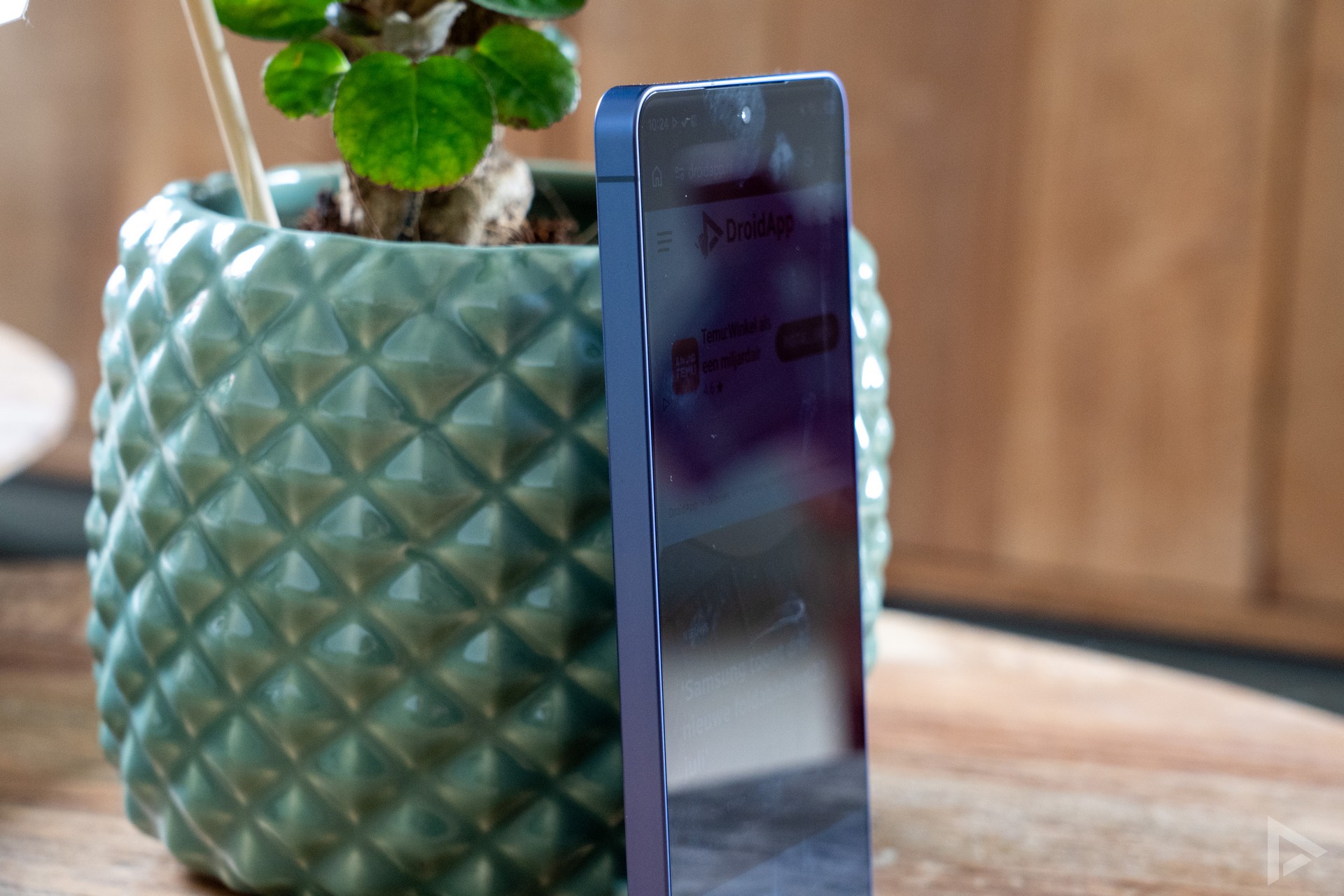
What's cool about the Samsung is that you can set which apps should use the Privacy Display on an app-by-app basis. For example, you can specify that for WhatsApp and Instagram, it should be active, but not for a weather app. When the display is active, you will see a slightly different shade appear across the screen, slightly slightly mirror-like. Personally, I find it just a bit more unsettling for the eyes. Other than that, Privacy Display is a very handy feature.
Interface
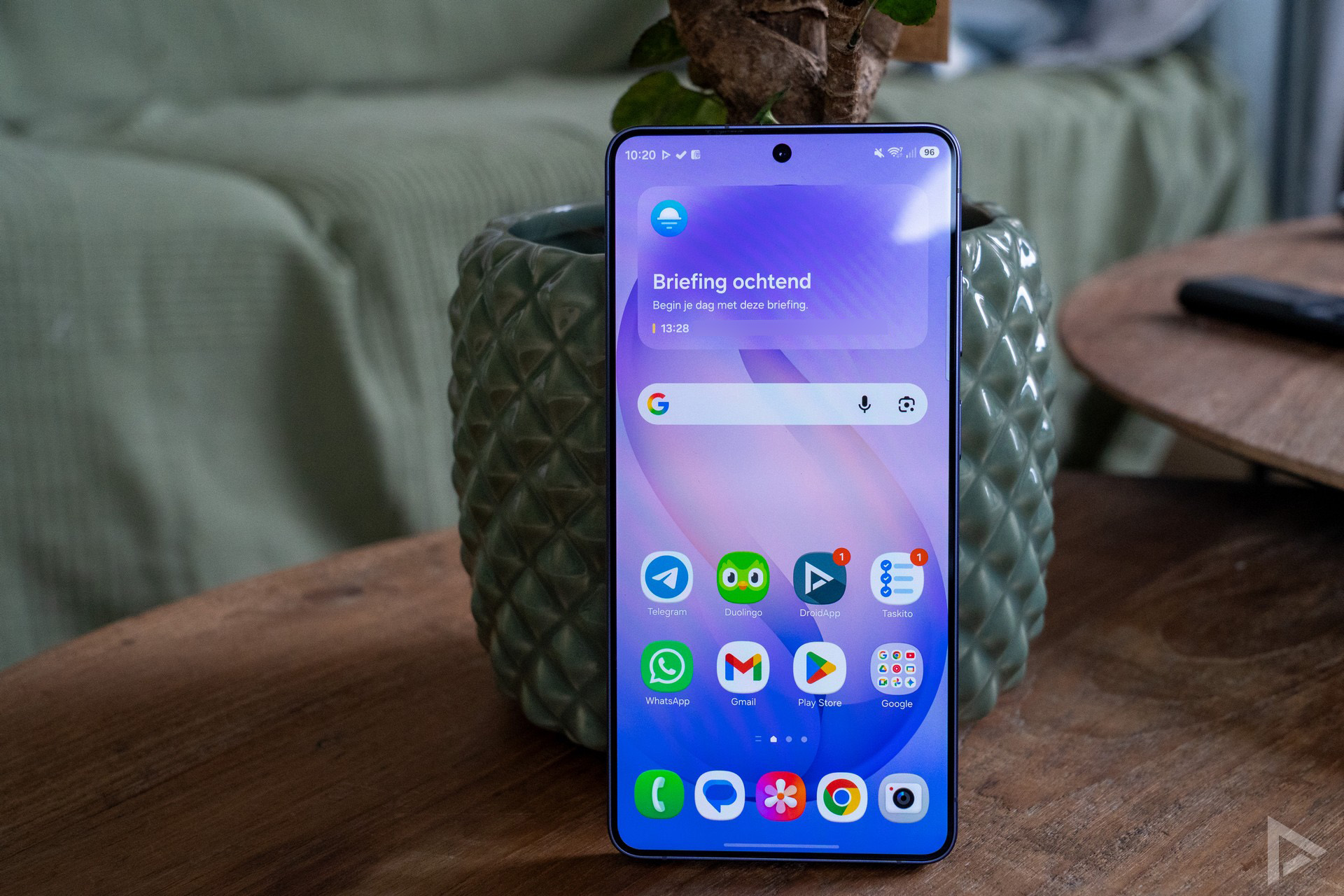
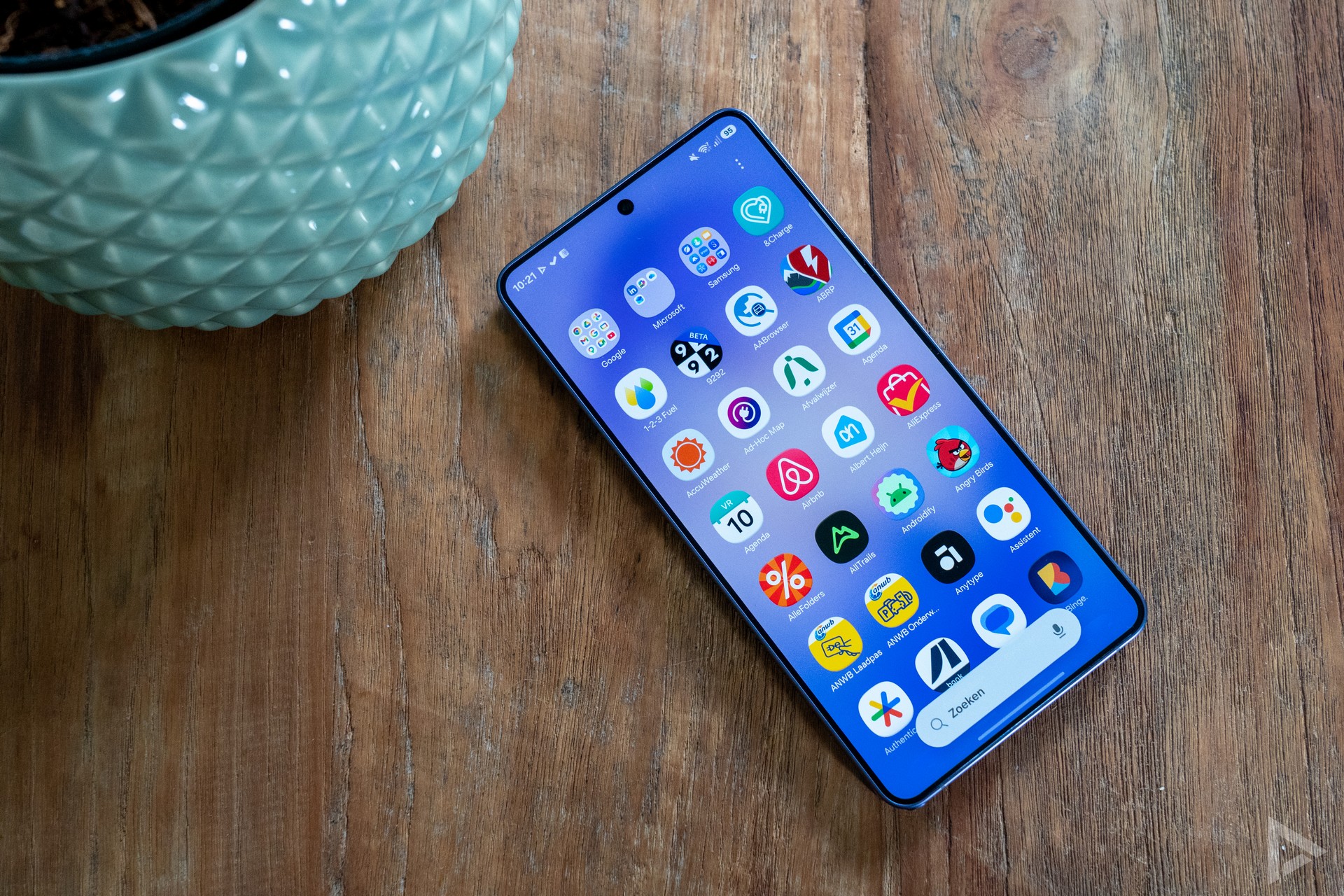
Samsung's interface has been characterised by the same design for years, making it familiar to Samsung users. With the arrival of One UI 8.5, some things have been worked out just a little differently, though. The phone scrambles all installed apps in horizontally-scrollable windows. If you want it in alphabetical order, thankfully you can do that too. After this, these apps appear vertically in a list you can scroll through.
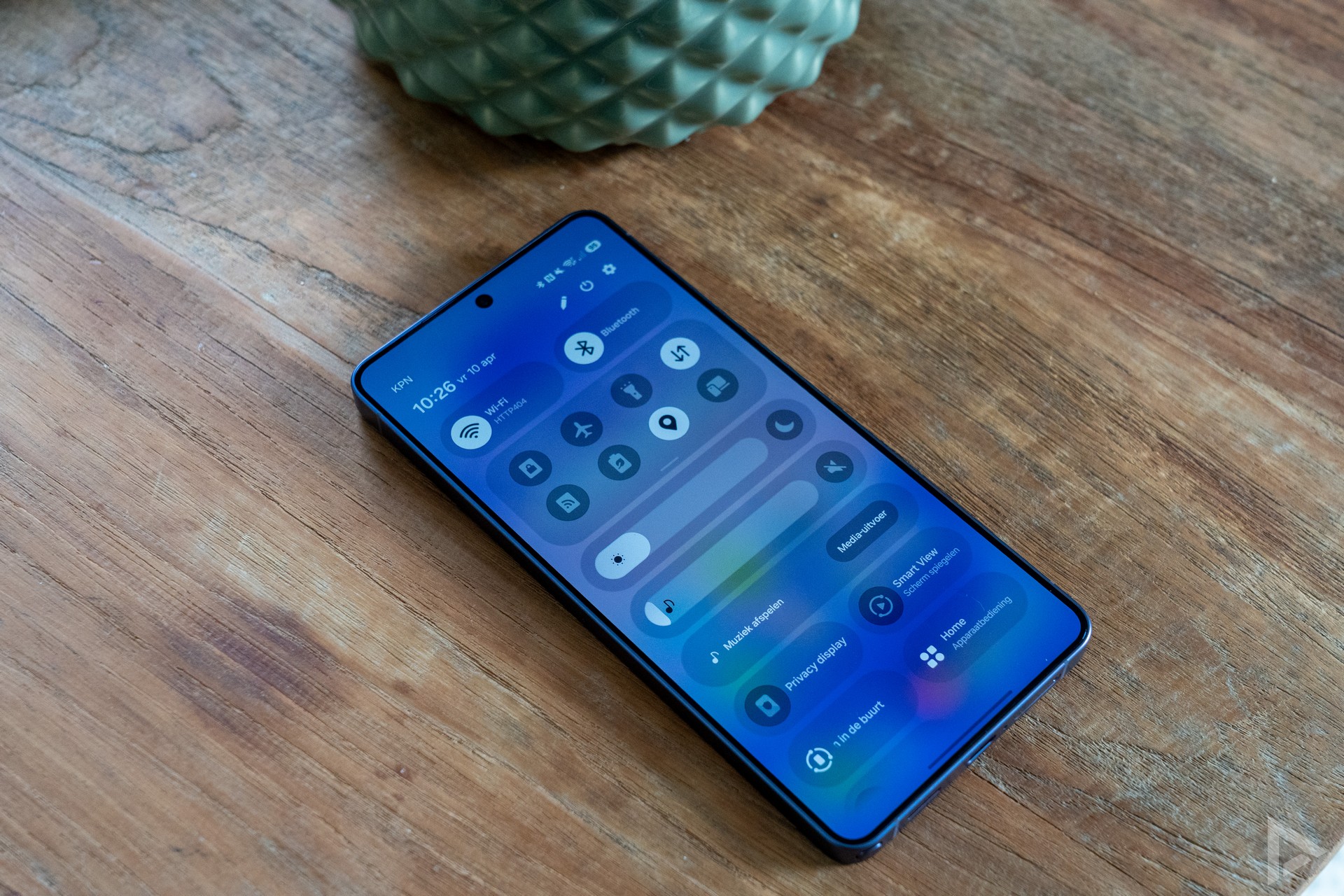
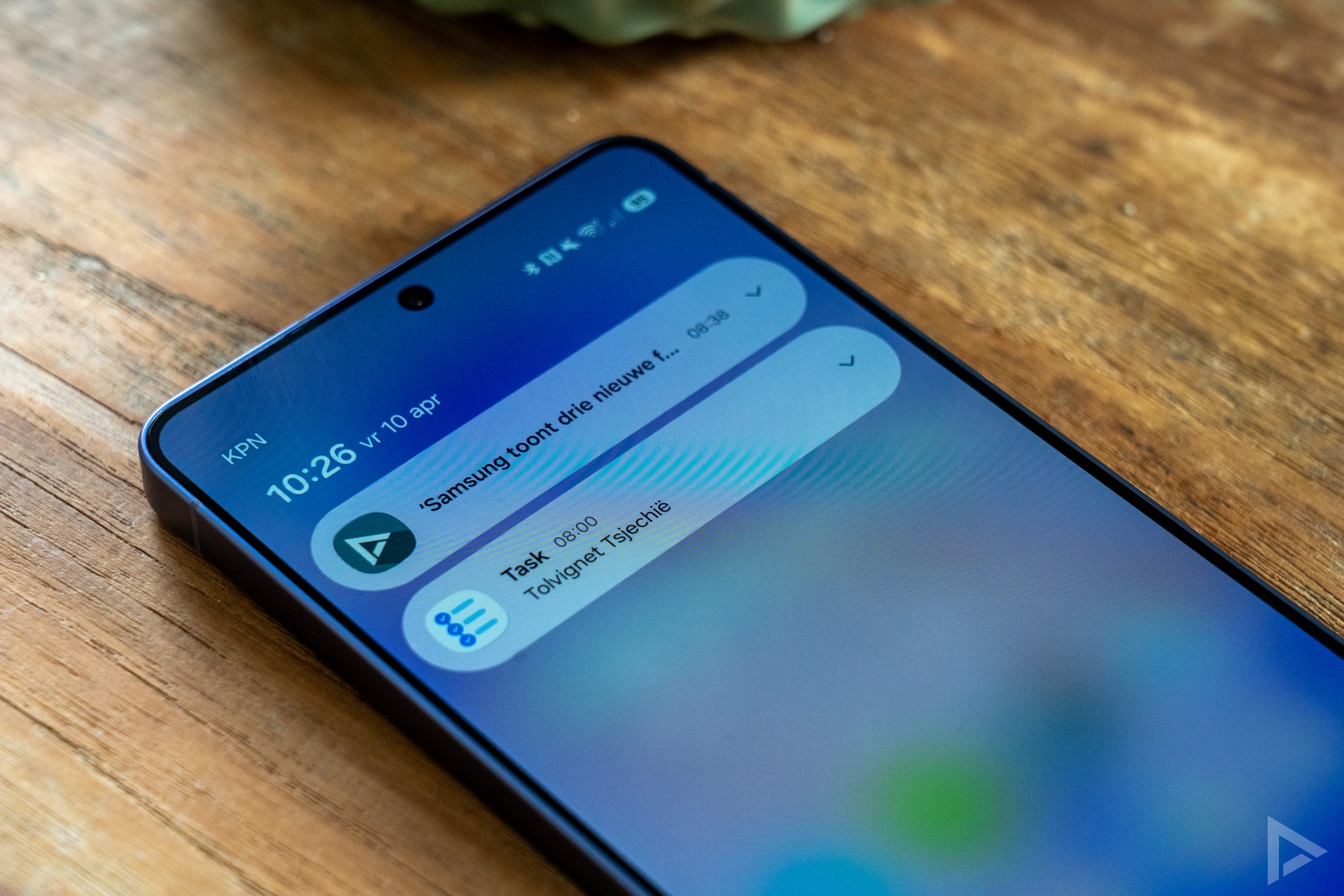
From the top bar, you can access your notifications and quick settings in familiar ways. Furthermore, the Samsung offers several handy options, such as illuminated screen edges when new notifications appear (Edge windows), you can use the Always On Display and, of course, the home screen features widgets and shortcuts.
Communication and multimedia
Making calls with the Samsung Galaxy S26 Ultra goes without a hitch. Call quality is perfect. Whereas most other Android manufacturers include the Google app for phone calls, Samsung includes its own calling app, which works fine. Also for typing messages, not Gboard, but Samsung's own Keyboard is installed on the phone. This can handle several languages and offers several options. Of course, if you want to use your own keyboard app, that's no problem at all. The S26 Ultra offers space for two nano SIM cards as well as eSIM.
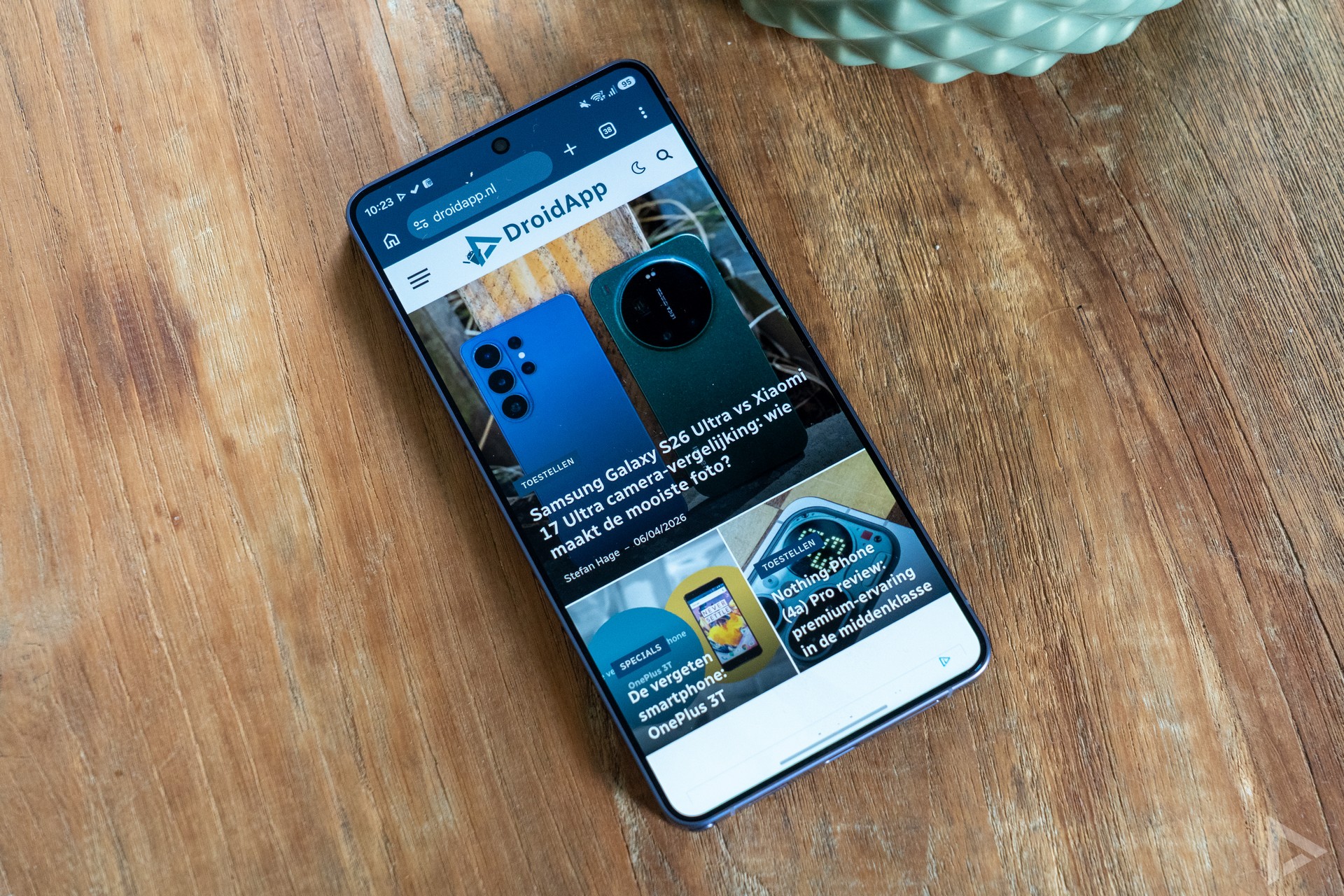
If you are a multimedia enthusiast, then you could already read that the Galaxy S26 Ultra's screen will certainly not disappoint you. As for sound quality, the smartphone offers stereo speakers. The quality does not disappoint either, although it sounds just a little less full than we have seen on some other devices.
Camera
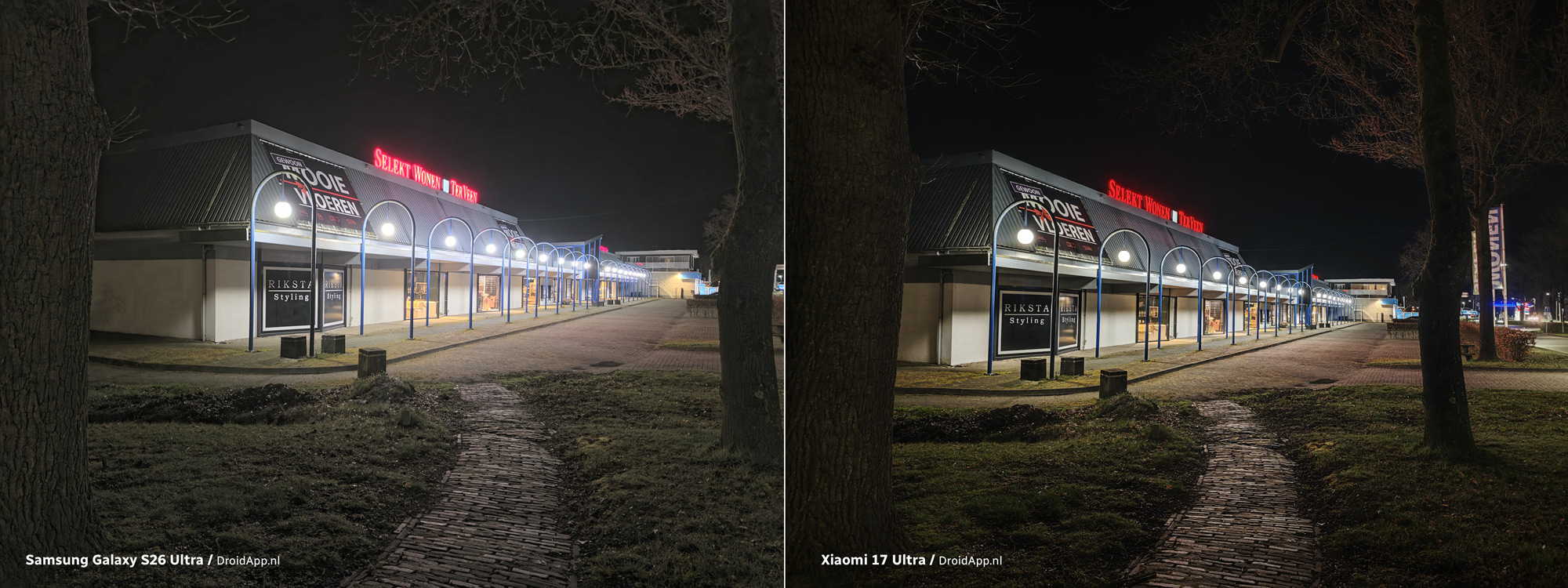
At the back, the Samsung Galaxy S26 Ultra is equipped with four camera lenses. These are a 200-megapixel main camera, a 50-megapixel periscope telephoto lens with 5x zoom, a 10-megapixel telephoto lens with 3x zoom and a 50-megapixel wide-angle lens. Worth noting: last weekend, we compared the Samsung Galaxy S26 Ultra with the Xiaomi 17 Ultra. We looked at the differences in the camera. The differences are sometimes staggering, while both devices are just as expensive.
The Samsung Galaxy S26 Ultra's camera app is user-friendly and is self-explanatory. There are several buttons you can turn to take the perfect picture. In addition, you can choose manual mode and there is even a special food mode.
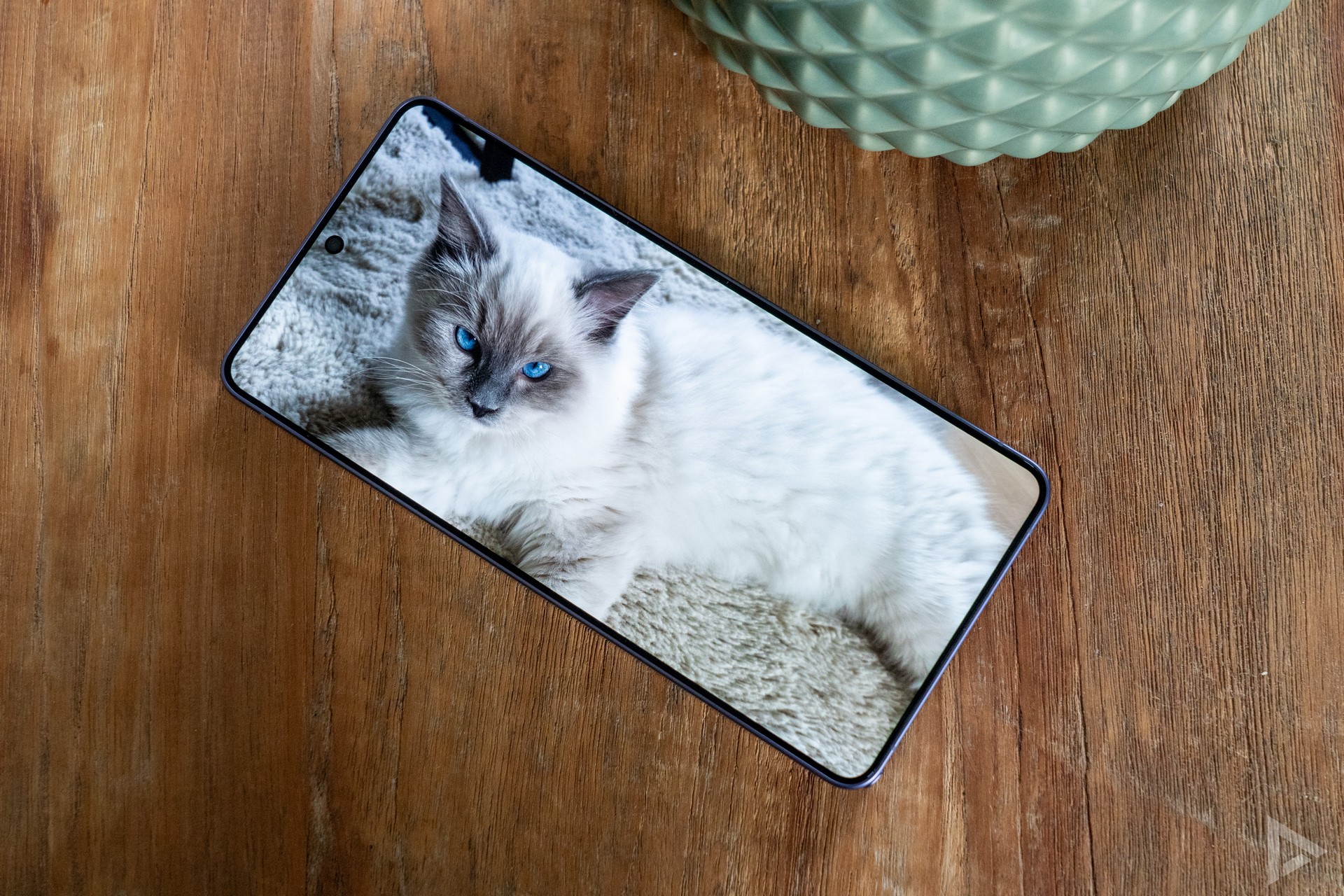
Samsung is known for their saturated images, and we see the same with the Samsung Galaxy S26 Ultra. Putting the comparison with the Xiaomi aside, the phone usually takes very good photos. Still, we note that the phone sometimes tends to focus on something other than the main subject. It is remarkable that a phone of this price still suffers from this, as this happens with a wooden scaffold and a cat, among others; not the most difficult subjects.
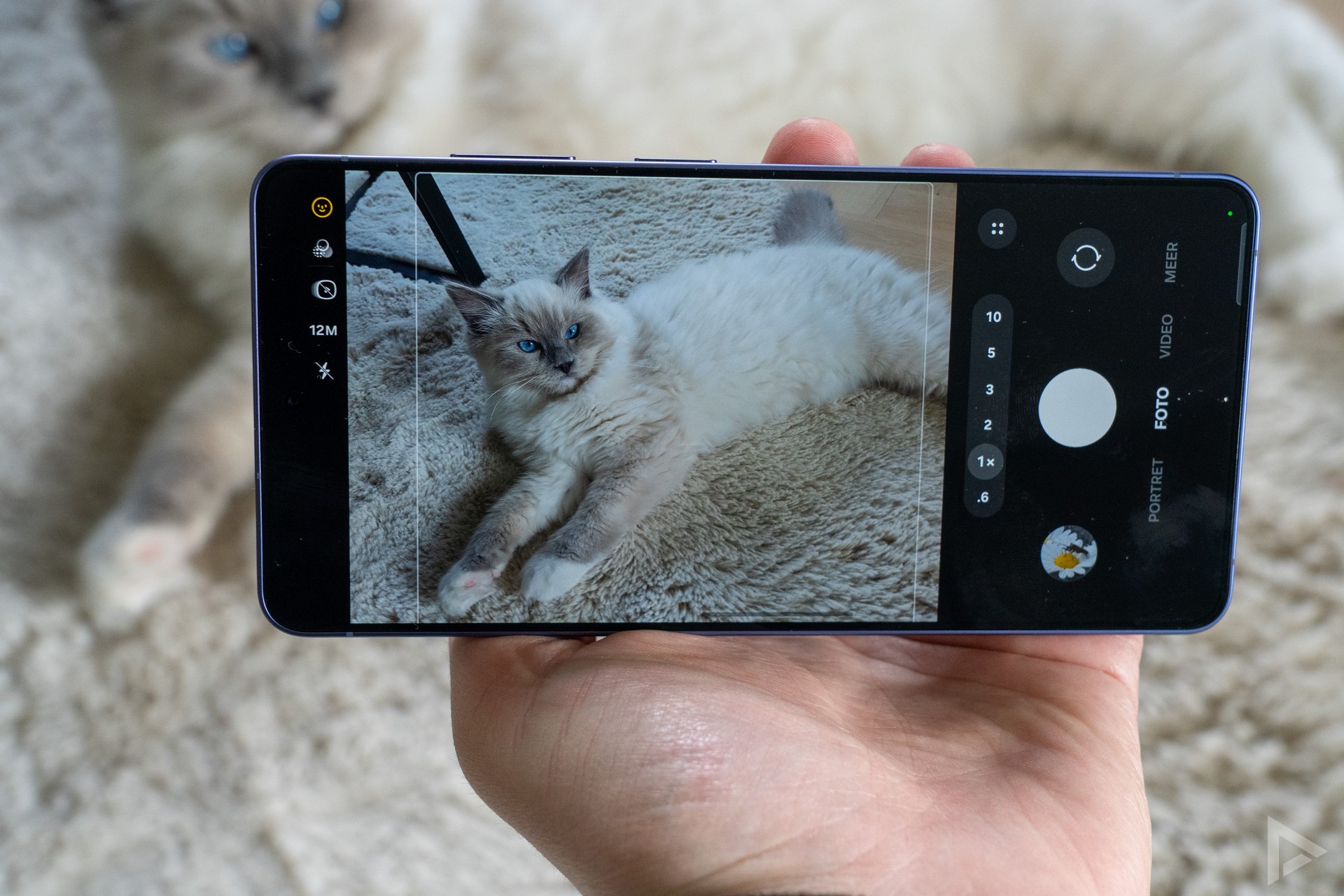
Looking at the performance of the various lenses, we see fine photos. With 2x and 3x zoom you take decent photos, and even with 5x zoom you take detail-rich images. The 10x zoom show a bit more noise, but are also definitely usable. Above the 10x zoom, details and colours deteriorate faster. The Galaxy S26 Ultra offers 100x zoom, but that produces such mediocre photos that we wonder when anyone would use it.
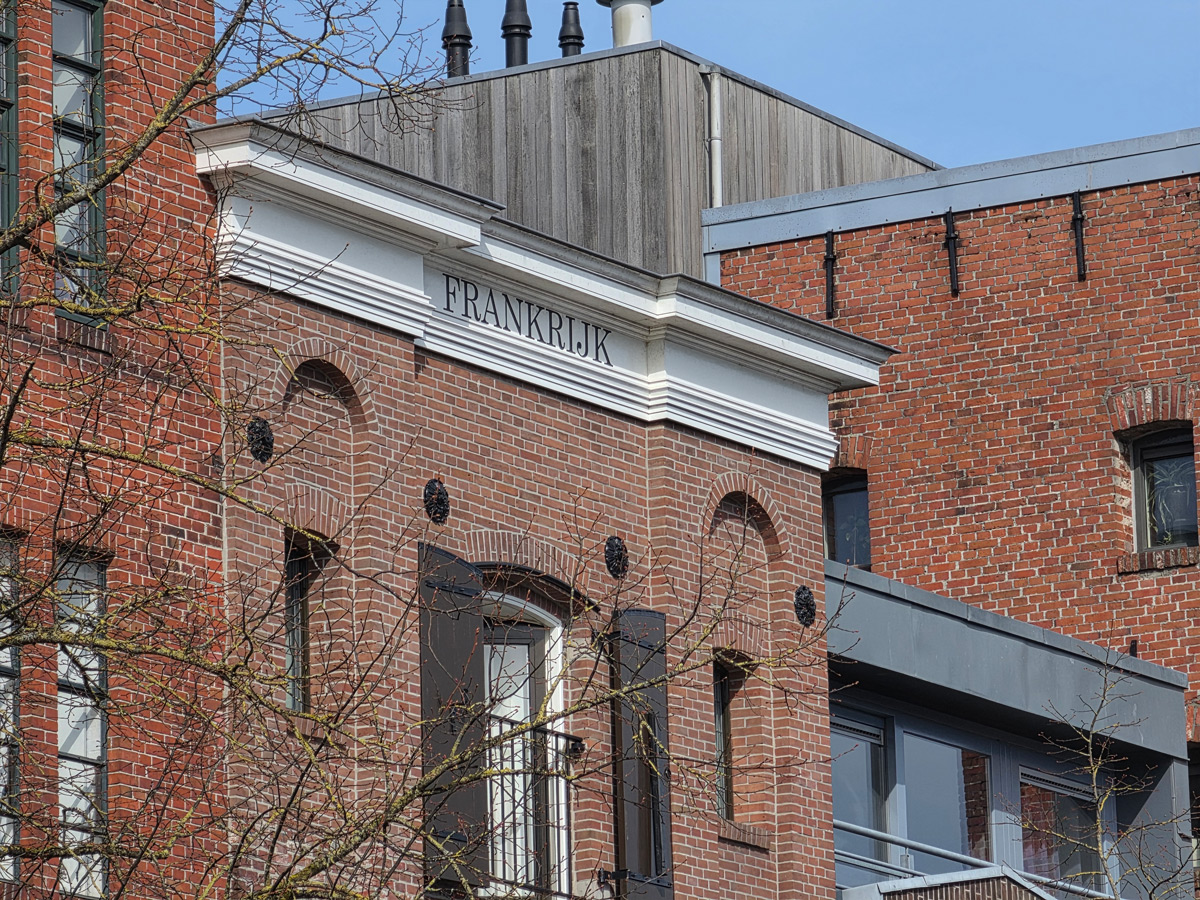
The camera quality is quite okay in evening shots, but as discussed in the previously cited comparison, the phone leaves quite a few points here. The Xiaomi 17 Ultra shows that there are still metres to be made by Samsung. Especially with some harder light sources, the Samsung has a significantly harder time.
In summary, we can say that the phone's camera takes really fine photos, but could do even better for that price. You see this especially when comparing. Without a comparison, you are much less likely to see this. We see this for instance in the photo with the bags of sheep's wool. The ceiling is a dull sight here, with the S26 Ultra seeming to have trouble with light sources. View the digital photo album here.

Selfies
Are you more into taking selfies? The smartphone offers a 12-megapixel front camera for this purpose. This delivers fine pictures.
Video camera
The Samsung Galaxy S26 Ultra lets you shoot videos in up to 8K 30fps resolution. A lower resolution offers more possibilities, so you can film in UHD at 60fps. An interesting feature is the Horizon Lock. It allows you to rotate the device in all directions, but keeps the image stabilised, so you really do have a 'steady' video. The video quality is of fine quality. Below is a video we shot with the phone.
Performance and battery life
Samsung delivers the Galaxy S26 Ultra with the Qualcomm Snapdragon 8 Elite Gen 5 chipset. We find this processor in many high-end smartphones today, and it has proven itself on several occasions. It is no different in the Galaxy. Over the past few weeks, we have not experienced any annoying hiccups or the like, and all tasks are performed quickly. This along with the 12GB of working memory. If you opt for the variant with 1TB storage, the device offers 16GB of working memory, otherwise 256GB or 512GB. The phone still wants to get hot sometimes, but not so hot that it becomes uncomfortable.
Of course, the necessary AI features are on the phone. Many of them we already know from previous models. Now Brief, for example, is one such feature, providing a summary of your day. Now Nudge is a new feature, and it should respond to what is happening on the screen. When someone asks for photos from the past weekend, you should get suggestions for the gallery. When asked for a date, Now Nudge can recognise it in WhatsApp, for example, and then it can immediately grab your calendar. But no matter what we try: Now Nudge doesn't seem to get triggered. Enquiries with other Galaxy S26 Ultra users reveal that we are not unique in this. More people have this problem. Neither in Dutch nor in English.
Battery
The Samsung Galaxy S26 Ultra's battery is the same as it has been since the Galaxy S22. This means that the device has a 5000 mAh battery. It is unfortunate that Samsung still lags behind other manufacturers in this. In fact, many competitors offer a much larger battery capacity. Samsung did, however, work on faster charging. Whereas the predecessor used 45W, it is now 60W. In addition, you can again charge the device 25W wirelessly and there is 4.5W reverse wireless-charging.
What about endurance? We get through the day with ease; with a screen time of around 5-6 hours. This is exactly the same as its predecessor. If you spend less time on the mobile network and more on WiFi, there is even more to get out of the battery. With this, the battery life is fine, but it is nothing special.
Update policy
The update policy can be called excellent. For seven years, you get Android updates and security updates.
Review
Samsung proves again that it is good at making smartphones. The Samsung Galaxy S26 Ultra again has everything you need to get through the next few years. A fast chipset, an excellent battery, a good update policy and a good camera. But comparing that good camera to Xiaomi's, a series of areas for improvement do stand out. Does that make the S26 Ultra's camera bad? No, not necessarily, but so it does not go flawlessly for the Samsung. Nevertheless, Samsung shows with the S26 Ultra that it knows how to put down an excellent smartphone and that you can enjoy it for years.
- Buy Samsung Galaxy S26 Ultra: Samsung online shop, Coolblue, Bol.com, Belsimpel, Mobiel, MediaMarkt, KPN, Vodafone and Odido.
- Gorgeous screen
- Privacy display
- Good update policy
- Neat battery life
- Great camera
- ... but not as strong as the Xiaomi
- hefty price
- Not all AI features equally useful