Samsung Browser on Windows
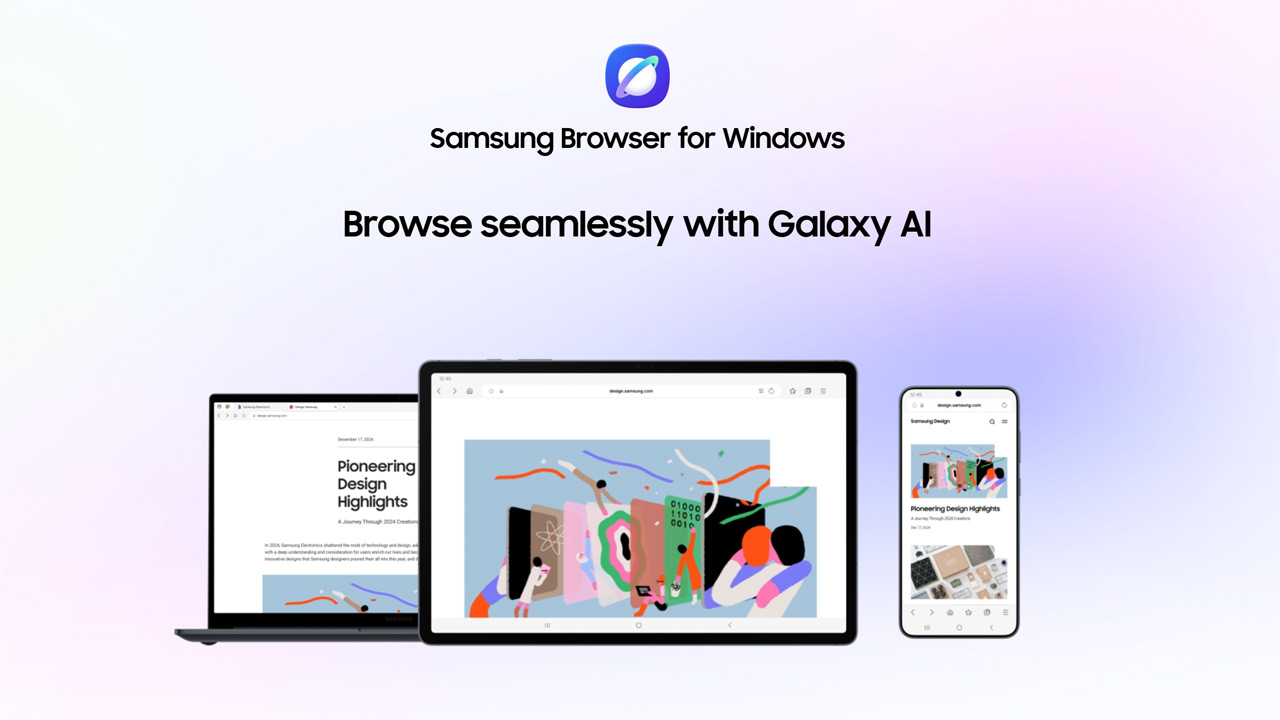
Do you use multiple devices and want to be able to switch smoothly between your smartphone and PC? Then Samsung now has something new for you. That's because the Samsung Browser is officially out of the beta phase and available for Windows.
After five months of testing, the stable version of the browser has been released. You can install it on Windows 10 (as of version 1809) and Windows 11. With version 30.0.0.95, the browser is available worldwide, while the earlier beta was still limited to a few markets.
Multiple devices and AI
What immediately stands out is the focus on continuity across devices. The browser syncs your bookmarks, browsing history, settings and also your passwords via Samsung Pass. That means you can pick up where you left off on another device without fuss. Yet that's not what really sets this browser apart. After all, you see synchronisation in almost all modern browsers. Samsung is mostly betting on built-in AI functionality, thanks to its partnership with Perplexity AI. We previously included that service in our comparison of AI services.
The AI tool is embedded directly in the browser and can help you in various ways while browsing. For instance, you can have web pages summarised or translated without using additional tools. You can also ask the browser to perform tasks such as planning or doing research based on the tabs you have open.
Search also works in a different way than you might be used to. Instead of single keywords, you can simply explain what you are looking for in natural language. That even applies to your browsing history: you describe what you've looked at before, and the browser helps you find it again.
One notable feature is that the AI can also understand context in videos. For example, you can ask it to go back to a specific moment by describing what happened, without having to search through the timeline yourself.
So if you are curious about a different way of browsing, this new Windows version might be interesting to give a try. You can download the browser directly from this link.