
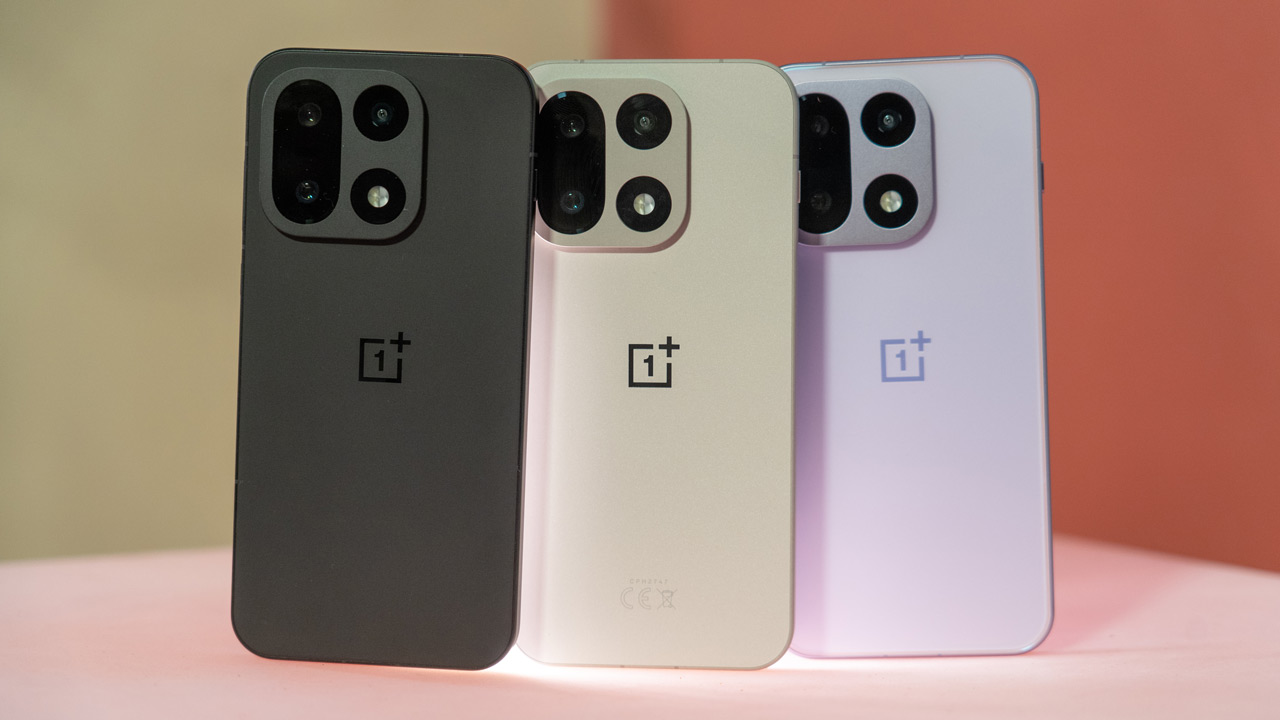
OnePlus 15 unboxing
DroidApp was a guest in the Czech capital Prague a few weeks ago. Apart from the fact that the city itself is already a gem to see, we got to see another gem: the new OnePlus 15. Earlier, the device was announced for the Chinese market. This gave us all the information we needed to know, but still some things remain unclear. The OnePlus 15 will be officially presented for the European market on 13 November. Until then, we have to make do with the information known so far, but also with news we can exclusively share with you.

We could already give you a sneak preview of the OnePlus 15 camera recently, taking the device through Prague. In the upcoming review, we will of course return to the camera in detail. Now we can share the unboxing with you.
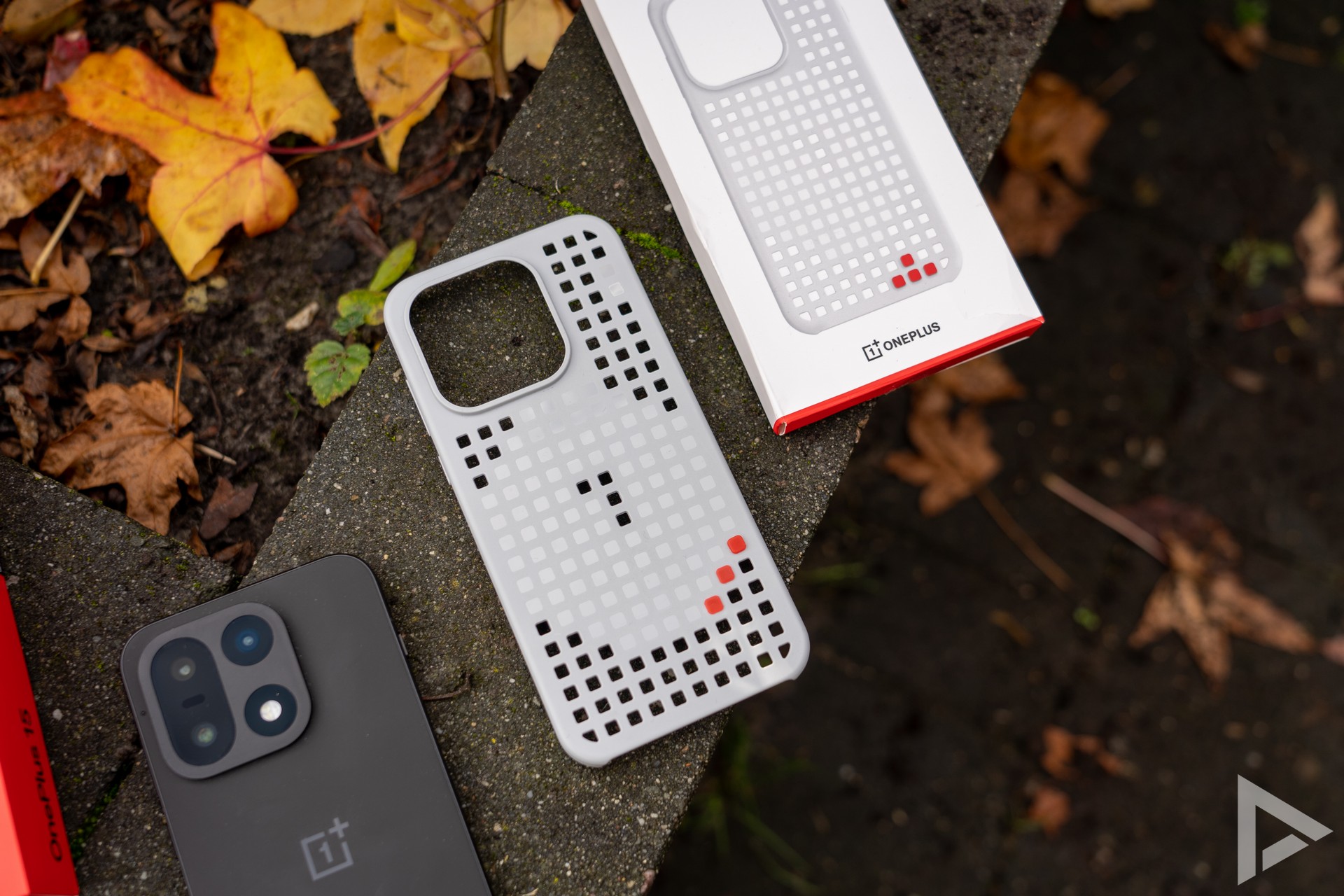
OnePlus delivers the phone in the familiar red-coloured box. In it, we find the phone itself, along with the familiar red USB-C cable and some paperwork. A SIM needle completes the package. A case is not included, but OnePlus does have a playful patterned magnetic case. With red caps, you can put it together however you like. It's something different again.

Plus Key
New to the OnePlus 15 is the Plus Key, which replaces the alert slider we know from the OnePlus 13. You can still set the device to vibrate, sound or silent; but you can also use other actions. You can use the new Plus Mind, which we will come back to, as well as activating the recorder, translation function, torch, camera or taking a screenshot.

Mind Space
Mind Space is another new feature and is part of OnePlus AI, which we wrote about this summer. Things you encounter, both offline and online, can be stored in 'Memory Space', as the feature is called in Dutch. We'll come back to this later in the OnePlus 15 review. In summary, AI allows you to save the necessary details. For example, a concert date of your favourite artist, which can be added directly to your calendar. The Mind Space functionality also gets pairing with Gemini, so you can ask the assistant about things in Mind Space.

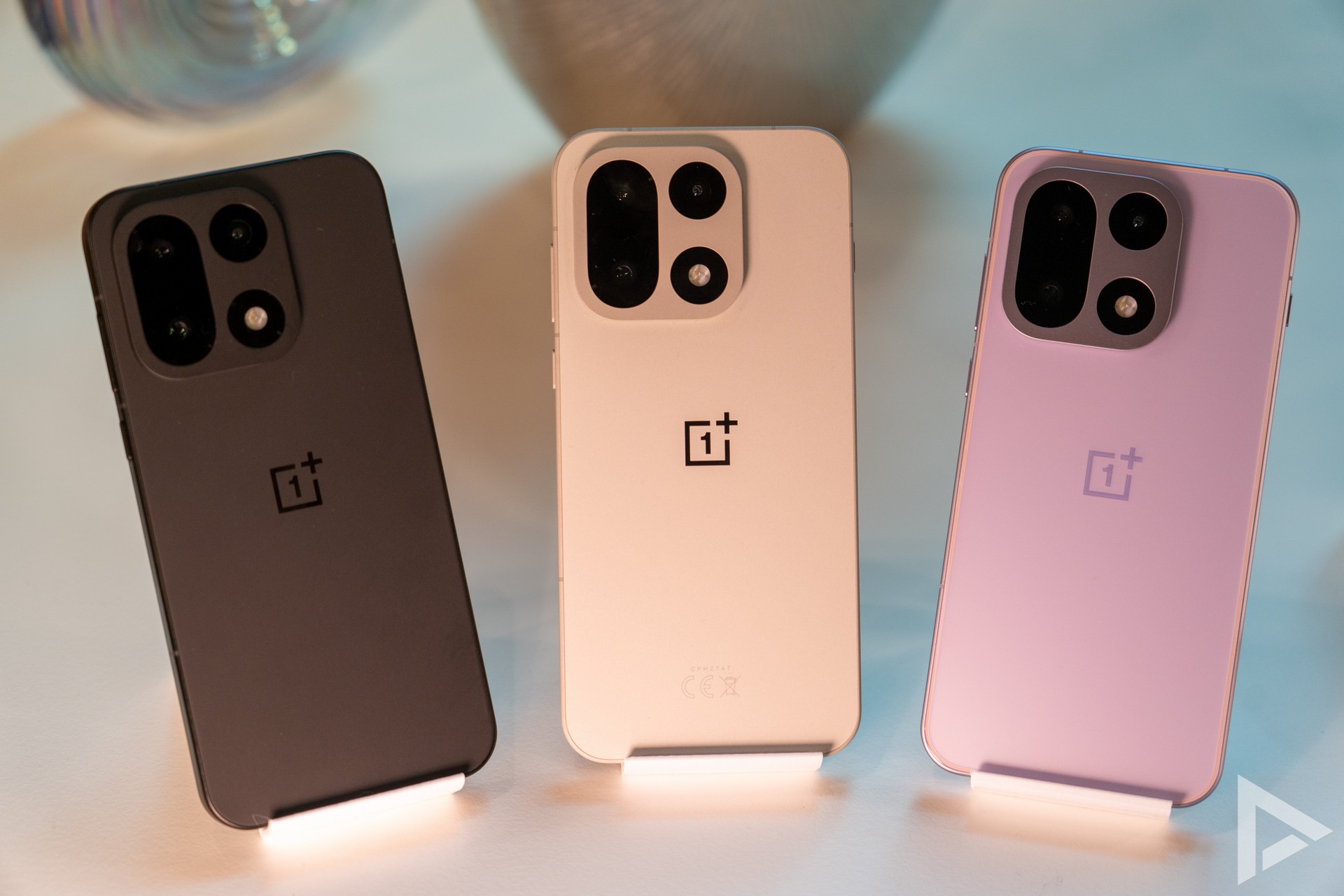
You can collect travel plans, recipes, articles, messages and more all in Plus Mind. According to OnePlus, the feature should put an end to digital chaos. Should you not use the hotkey, you can also save content with a swipe by swiping up with three fingers.
OxygenOS 16
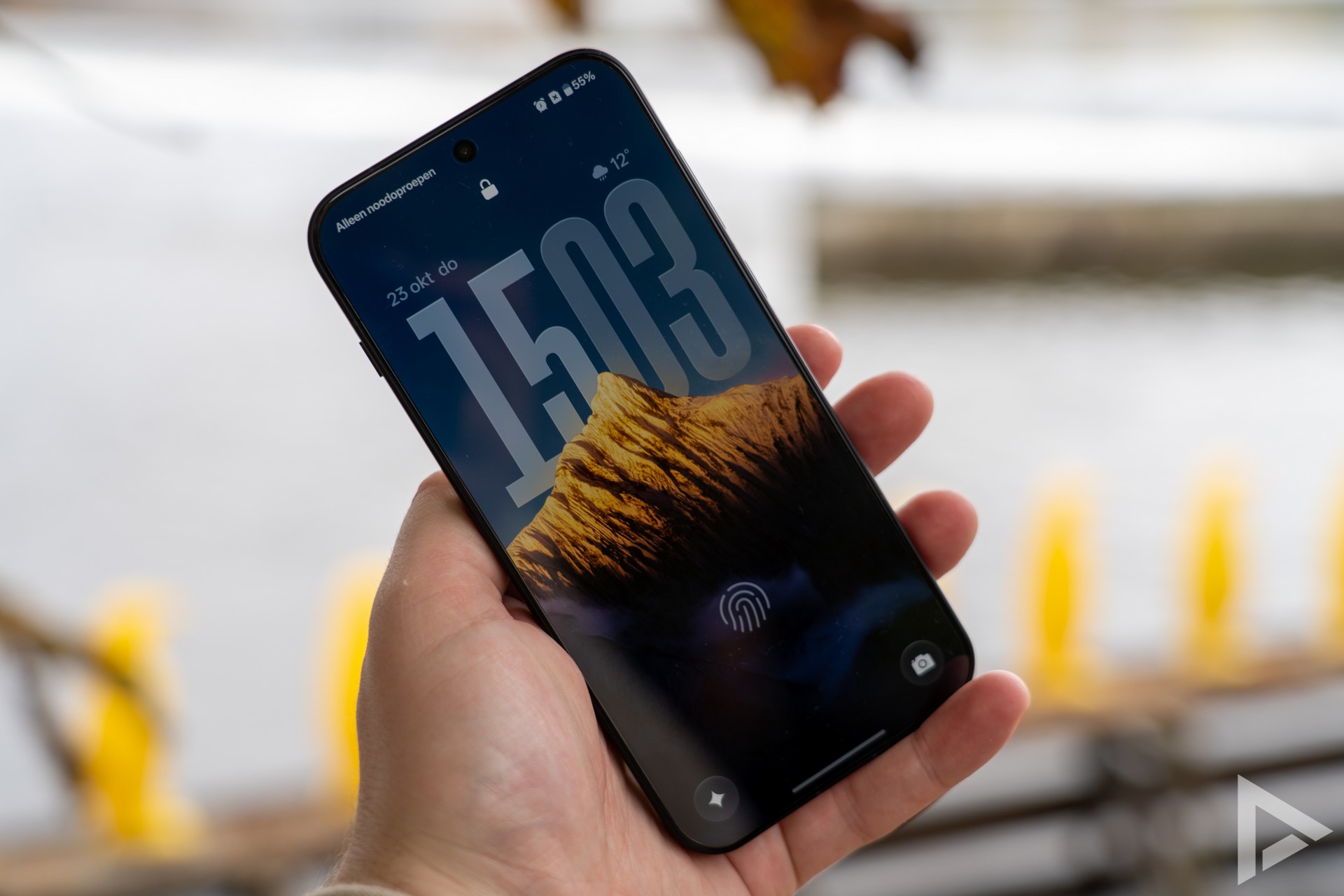
Of course, the OnePlus 15 comes straight to market with Android 16, for which OnePlus previously presented OxygenOS 16. In it, we see the necessary improvements, we wrote earlier. The manufacturer has added a dynamic lock screen, where the clock can be displayed in a playful way. Furthermore, the OnePlus Shelf screen has been improved, there are performance improvements and the menu has been changed with shortcuts and categories. Another minor change is the display of notifications. Here, the icons are in the app's colours and logo, where before this was more neutral.
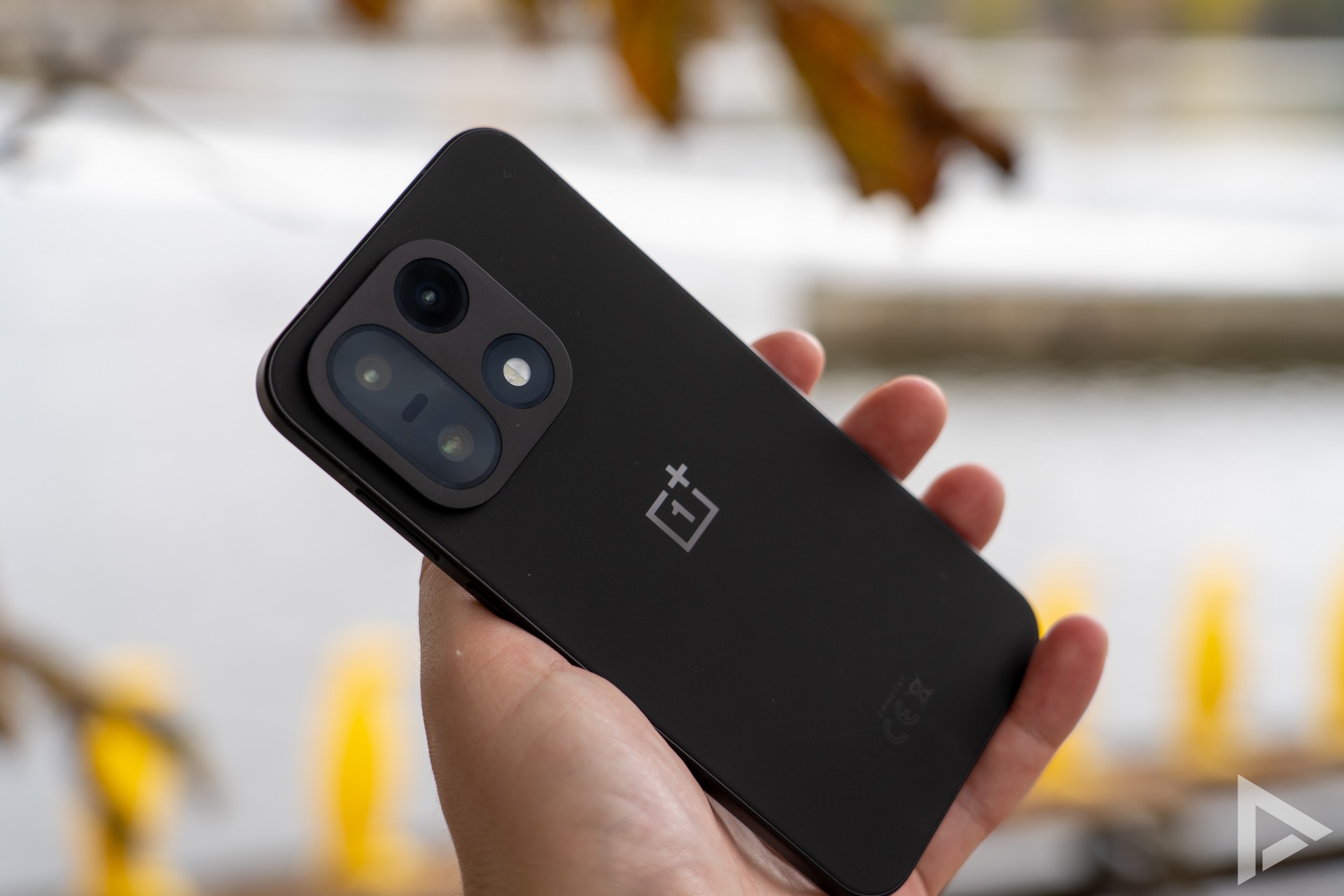
The announcement of the OnePlus 13 will be on 13 November, and of course we will keep you updated in detail!


)