OnePlus 11 gets Android 16
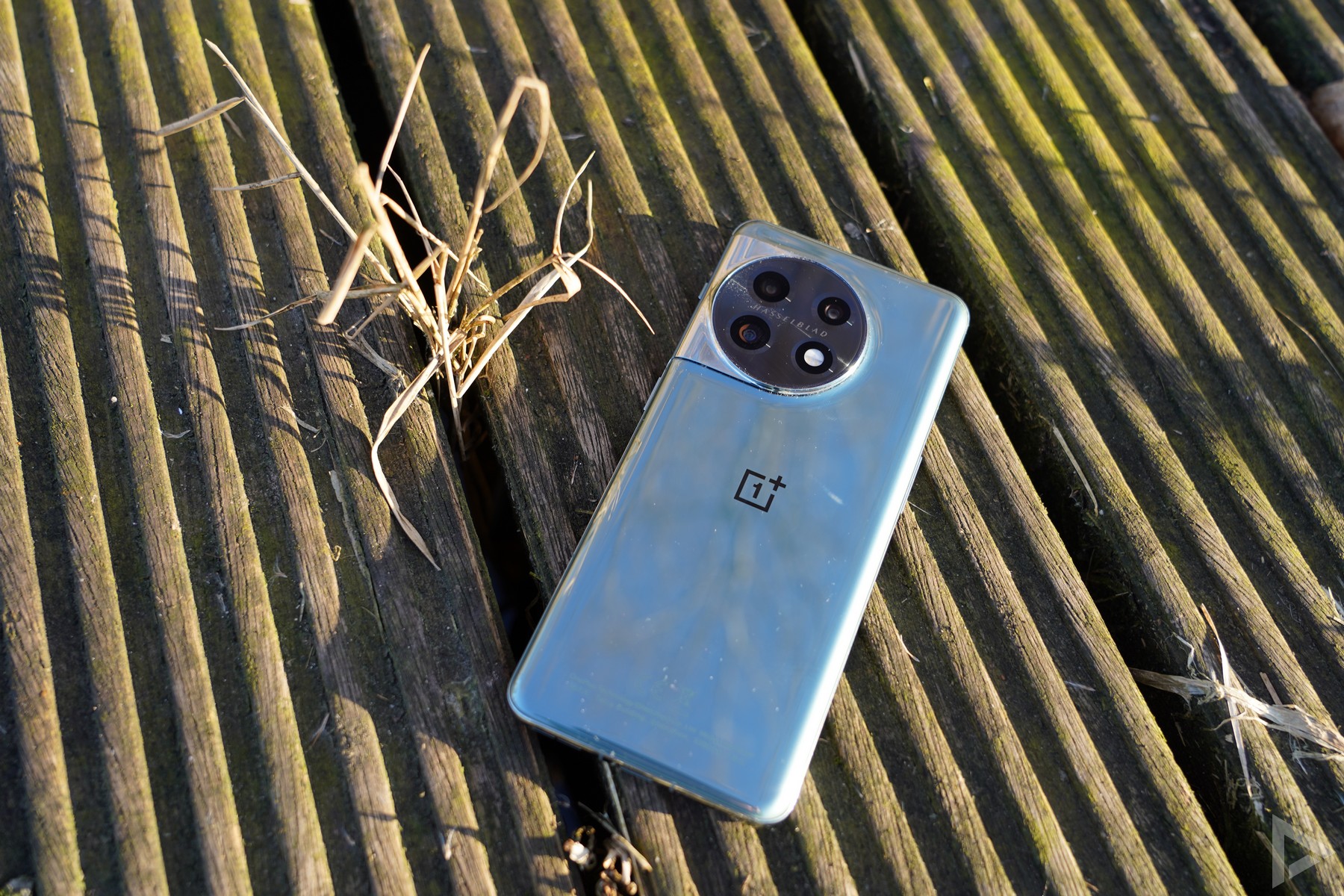
A major update is ready for the OnePlus 11. The 2023 high-end smartphone will be updated to Android 16. Several users from Europe will see the new version arrive as of now. Not only is the news from Android 16 coming to the smartphone, it also comes with OxygenOS 16. This is the company's own skin and we previously saw it on the OnePlus 13 and 12, and of course the OnePlus 15 also has this version right away.
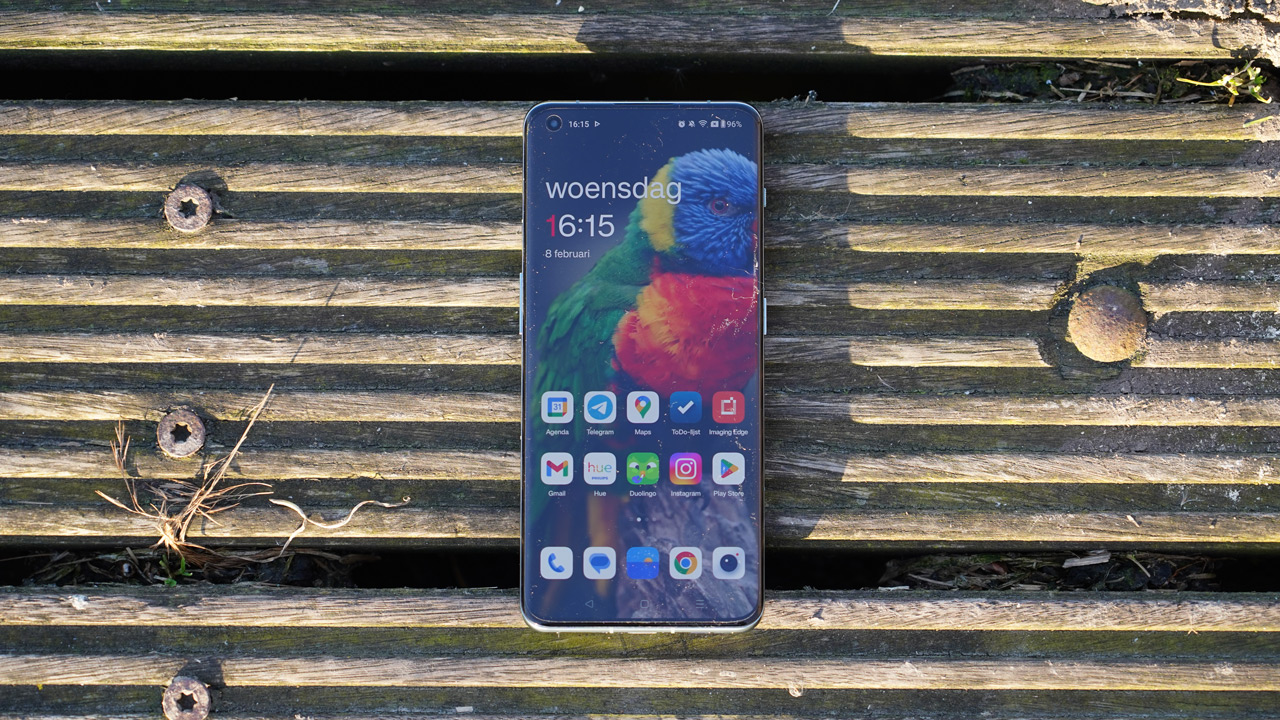
Thanks to the presence of Android 16 with OxygenOS 16, there are also new AI features. Among others, Mind Space, which allows you to create collections as if it were your digital memory, can now be found on the OnePlus 11. There are improvements for photos, OnePlus AI is there and in terms of design, there are improvements. For the lock screen, you can now use the playful layout and clock thanks to Flux Themes, and OnePlus also delivers the November security update right away.
The changelog is even much longer than what we wrote so far. We've put those down for you below. The update is being rolled out in phases, so it may take some time until everyone sees the update coming in.
Changelog
Fast & Smooth
Parallel Processing
- System apps now display animations that begin and end at intuitive places, making interactions feel smoother.
- Introduces fluid drag-and-drop animations for Home screen icons, widgets, folders, and Smart Sidebar-delivering a natural, uninterrupted interaction experience.
- The text selection magnifier now fades in and out with fluid animations for a more natural experience.
- Adds seamless status bar transitions as you open the notification drawer or Quick Settings, with support for interrupting the gesture at any point.
- Enjoy a slicker visual experience with new, smooth animations for the audio playback controls in Quick Settings.
- Adds concurrent animation support for app starts and exits from the Home screen in button navigation mode, ensuring a more polished and uninterrupted flow.
- Enhances charging and fingerprint animations with organic light wave patterns that mimic natural movements.
- Refined exit animations for top-row apps on the Home screen provide smoother, more responsive control.
- The updated scrolling mechanics deliver a more connected feeling between your touch and the on-screen movement.
Trinity Engine
- Trinity Engine optimises workload and resources on the fly, maintaining smooth performance across videos, gaming, and extended camera use.
- Enhances steady gaming performance through intelligent analysis and prioritization of key computational tasks.
- Photo albums now load faster and use less power when displaying thumbnails, improving overall battery life.
- Faster previews for cached videos and thumbnails in supported third-party apps.
- Power saving mode now features tiered performance management that adapts to battery level.
OnePlus AI, Intelligently Yours
Mind Space
- Mind Space now suggests collections-tap to create them instantly for quicker content browsing.
AI-powered Photos
- New visual update for Photos brings an immersive, seamless browsing experience.
- Photo albums are now easier to navigate with clearer categories and personalised sorting.
- Checking photo info is easier-just swipe up for details and storage location.
- New video editing features such as splitting, merging, speed adjustment, transitions, and background music.
- Automatic straightening when cropping and rotating portrait and architectural images.
- Create motion photo collages without losing quality or HDR effects.
- Refined key video editing features for a more polished experience.
AI-powered Notes
- New block editing mode enables efficient batch formatting and repositioning.
- Touch and hold images to switch views with side-by-side display.
- Share complete notes via one link, including multimedia.
- Text highlighting with bold and colour options.
- New text formatting tools for more personalised notes.
AI Recorder
- Redesigned Recorder app with a refreshed interface.
- AI-driven noise cancellation improves recording clarity.
- Automatic context detection for meetings, lectures, or interviews.
- One-tap sharing for audio, transcripts, and summaries.
AI Writer
- More versatile writing assistant for a wide range of content.
- Generate mind maps and tables instantly from text.
AI VoiceScribe
- Smarter summaries with automatic context detection and template choices.
Uniquely Yours
Your Phone, Your Creative Playground
- Light field technology captures dynamic interplay between light and surroundings.
- Subtle light and shadow effects enrich system visuals.
- Progressive blur effects enhance UI depth.
- Aurora effects deliver a premium visual style.
- Improved design of diagrams and illustrations.
- Real-time immersive weather visuals.
- Redesigned Clock, Calculator, and Compass apps.
- Improved Lock screen fingerprint animation.
Flux Home screen
- New lifelike Home screen icons with light field styling.
- More layout options for large folders.
- Optional removal of text beneath icons.
- Refined Home screen edit mode.
- Cleaner and more organised grid layouts.
- Faster app finding with Drawer index bar.
- Automatic app categorization in Drawer mode.
- Relocated search bar for better accessibility.
- Smarter app suggestions.
- Improved navigation for Home screen & style settings.
AI-powered Flux themes
- AI-enhanced flux themes highlight epic moments.
- Sublime Grandeur motion wallpapers.
- Support for motion photos and videos as wallpapers.
- Real-time modular editing framework.
- Resizable clock in supported themes.
- Custom widget names.
- Custom Lock screen text.
- Configurable Lock screen shortcuts.
- Adaptive icon styles based on wallpaper colours.
- Special Dark mode icon styles.
Communication and interconnection
Touch to share
- Quickly share content from Photos, Notes, and My Files.
OnePlus Connect
- Mirror your phone to your PC with multitasking support.
- Cross-device clipboard sharing.
- Simplified Device Connect settings.
Smart Cars
- Improved in-car Bluetooth pairing.
My Devices
- Centralised device control in Quick Settings.
- Home screen widgets for device management.
Network optimisation
- New AI LinkBoost Network Engine interface.
- Real-time network acceleration notifications.
- Network speed and status testing.
- Wi-Fi sharing with tablets.
- Improved kernel scheduling for connectivity.
Camera
- AI-enhanced Doc Scanner for digitising documents.
Notifications & Quick Settings
- Expanded Quick Settings customisation.
- Streamlined notification design.
More details
- Ringtones play only in earbuds when connected.
- Dedicated AI settings page.
- Adds Bosnian system language support.
- Redesigned Smart Sidebar.
- Improved banner notification interactions.
- Enhanced battery activity tracking.
- Faster iOS-to-OnePlus data migration.
- November 2025 Android security patch.
Others
- Improved virus scanning speed in Phone Manager.
- Lock or hide apps via Home screen long-press.