Nothing OS 4.0 being rolled out
Nothing has started distributing Android 16, the update that will be combined with Nothing OS 4.0. This new skin from the brand was announced earlier, and features several new features. Below, we list the platform's new features. New features include Live Updates via the Glyph Interface, an extra dark mode, interactive animations and more choices in widgets.
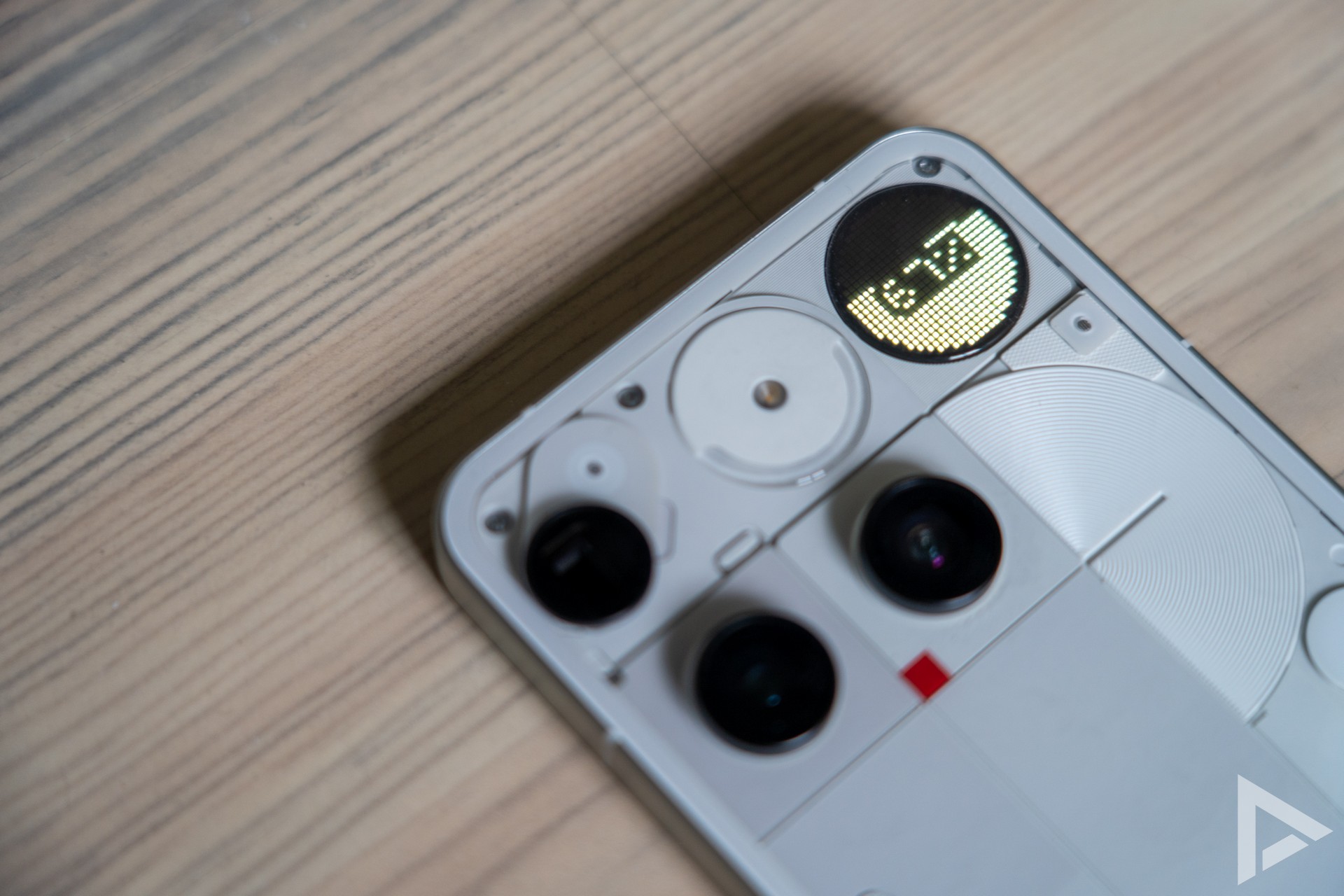
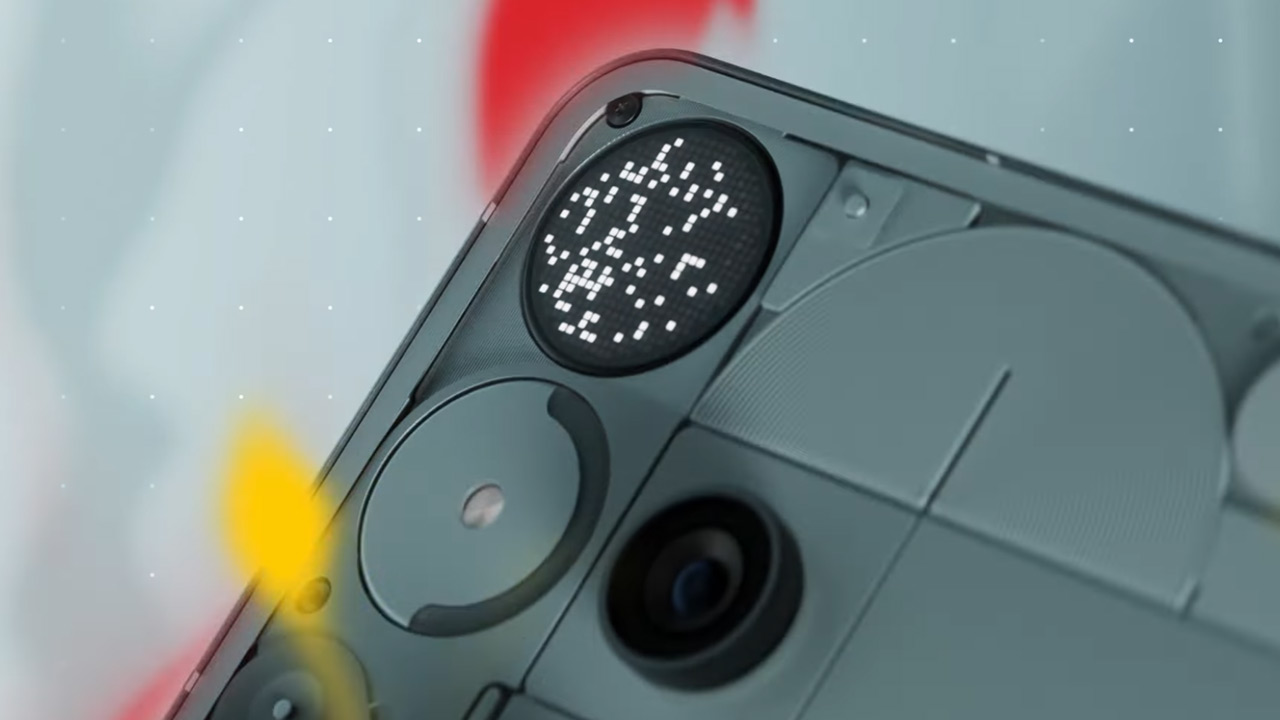
First comes the update to the Nothing Phone (3). For that, Nothing adds additional handy options. These include deeper Flip to Glyph controls, a refined Pocket Mode and you can use more so-called 'toys' on the Glyph screen. Think 'Hourglass' and 'Lunar Cycle'. The Glyph Mirror is enhanced with a feature that saves the original photo as a selfie in the gallery.
The new features are as follows;
- Live Updates via Glyph Interface
Live Updates provide real-time information about rides, deliveries and timers on your screen and through the Glyph Interface.
Any app that supports Android 16's Live Updates now also works with Nothing's Glyph Progress feature. - Extra Dark Mode
Deeper blacks, better contrast and less power consumption.
Notifications, Quick Settings, App drawer and proprietary apps like Essential Space and Launcher now have a quieter look. - Interactive animations
More natural responses to touch, swipe and movement.
Includes subtle haptic feedback at volume limits. - Animations when opening and closing apps
Smooth transitions where the home screen background gently scales in and out for more depth. - Improved interactions with notifications
Each movement feels heavier and more resilient for a smoother flow. - More widget sizes
New 1×1 and 2×1 sizes for Weather, Pedometer and Screen Time widgets for a minimalist, personalised layout. - Pop-up view
Open two floating apps at once and switch easily.
Swipe up to minimise or down to maximise. - Hidden icons
Hide apps in the App drawer to keep your home screen tidy, while keeping them accessible with one swipe.
There is also the improved Nothing Playground, where you can create your own Essential Apps by describing what you want in the Widget Builder, then AI creates it. Users can then add these apps to the home screen. The option can be found in the widget drawer.
The update is coming to the Nothing Phone (3) first. It may take a while until it is available to everyone. If you are able to download the update, you will be notified. Other Nothing and CMF phones will follow later, but it is not known when this will happen.