

Nothing Phone (4a) Pro review
In recent years, Nothing has made quite a splash, and this year the brand comes out with the new Nothing Phone (4a) and (4a) Pro. We tested the latter extensively for you in recent weeks. The smartphone features a premium look, but how does the Nothing Phone (4a) Pro perform in everyday life?
Unboxing
In the rectangular packaging of the Nothing Phone (4a) Pro, you will find the device, a SIM needle and a USB-C data cable. Conveniently, a silicone phone case is included, so your device is immediately protected. A thin plastic screen protector has already been stuck on the smartphone's screen.
Design and interface
When you hold the Nothing Phone (4a) Pro in your hands, it feels like a true premium smartphone. This even though the device is not released in that segment. In fact, with a recommended retail price of €499, the device is positioned in the upper mid-range segment. Indeed, the body is made of aluminium. On the front is the 6.83-inch AMOLED display, which offers a variable refresh rate between 30 and 144Hz. It is a screen that can be dimmed sufficiently, and can be nice and bright on sunny days. A summer day is therefore no problem.
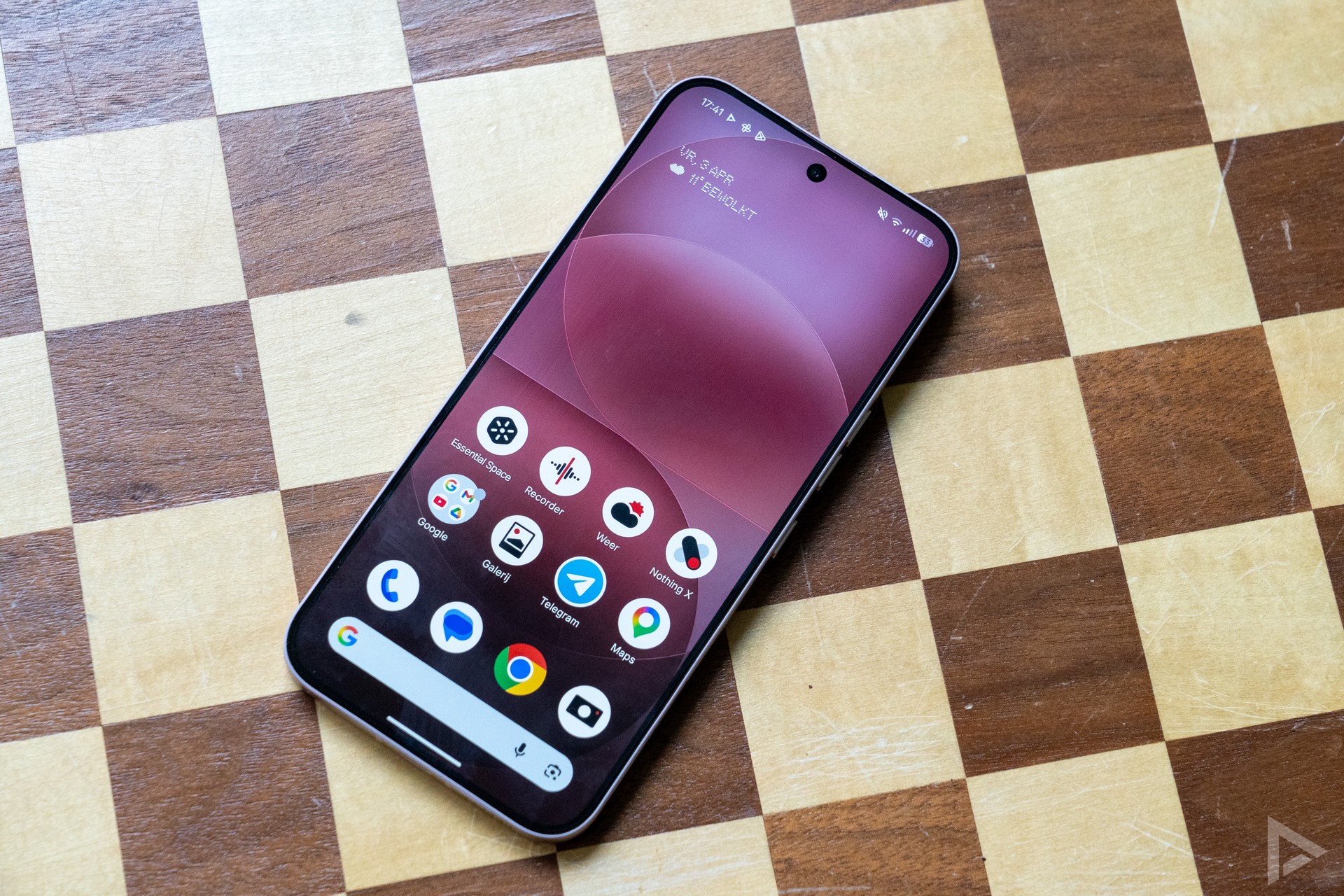
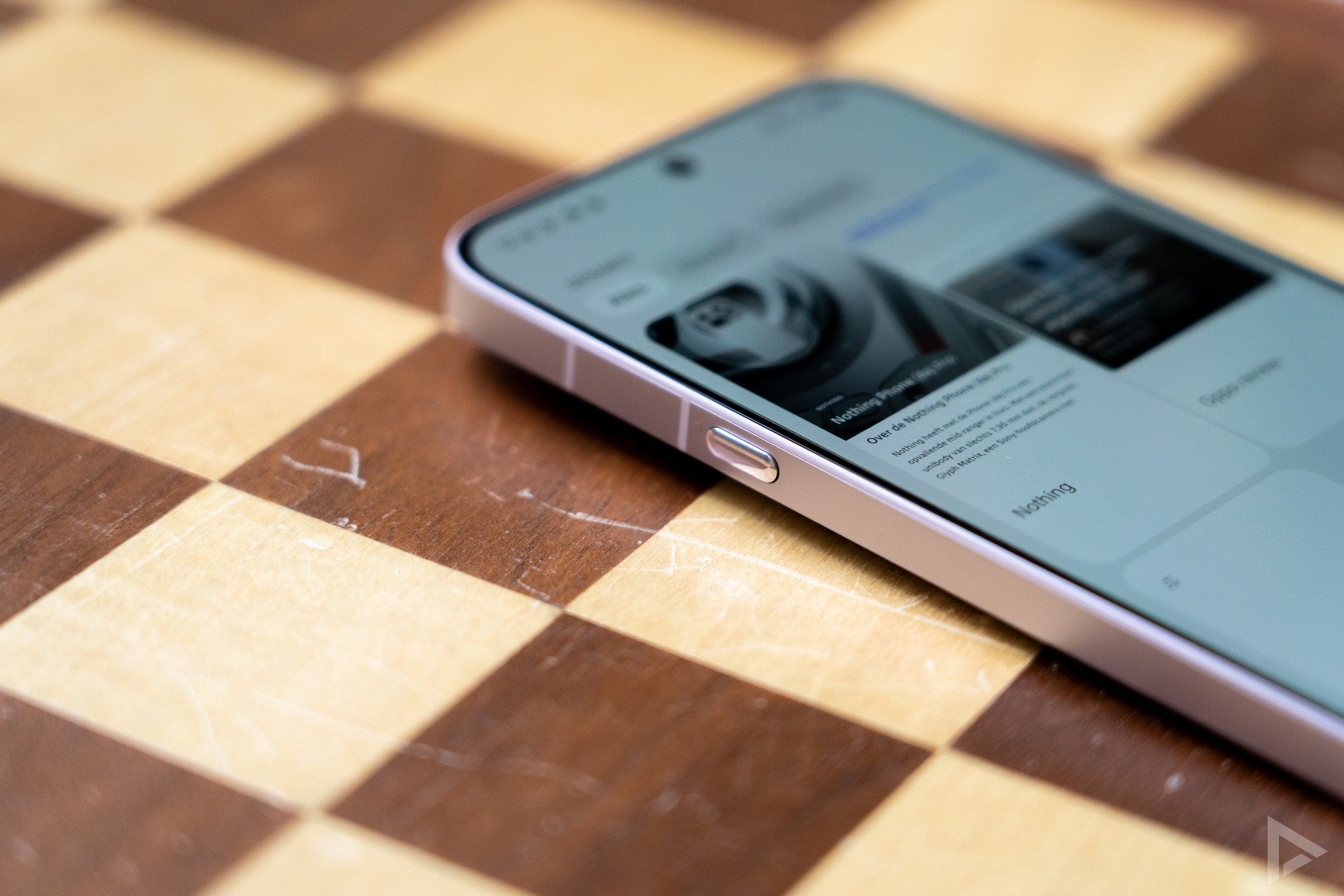
On the left side of the device is the Essential Key. This takes you directly to the Essential Space. We will come back to this later. It's a shame you can't personalise it to launch an app you like, for instance. On the right, we see the power button and the volume keys that consist of two separate keys. At the bottom, there is room for the USB-C connector and the SIM slot can also be found.
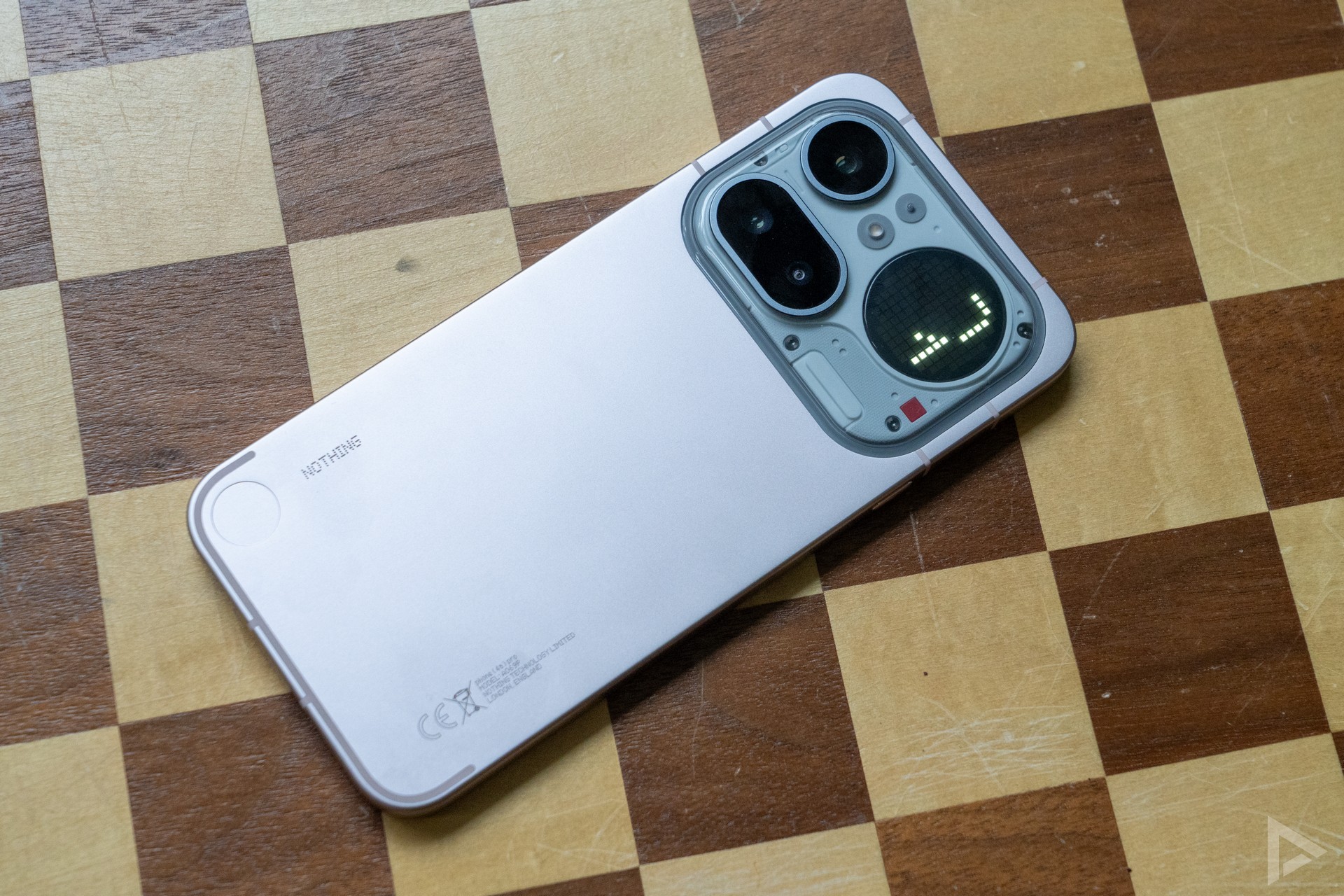
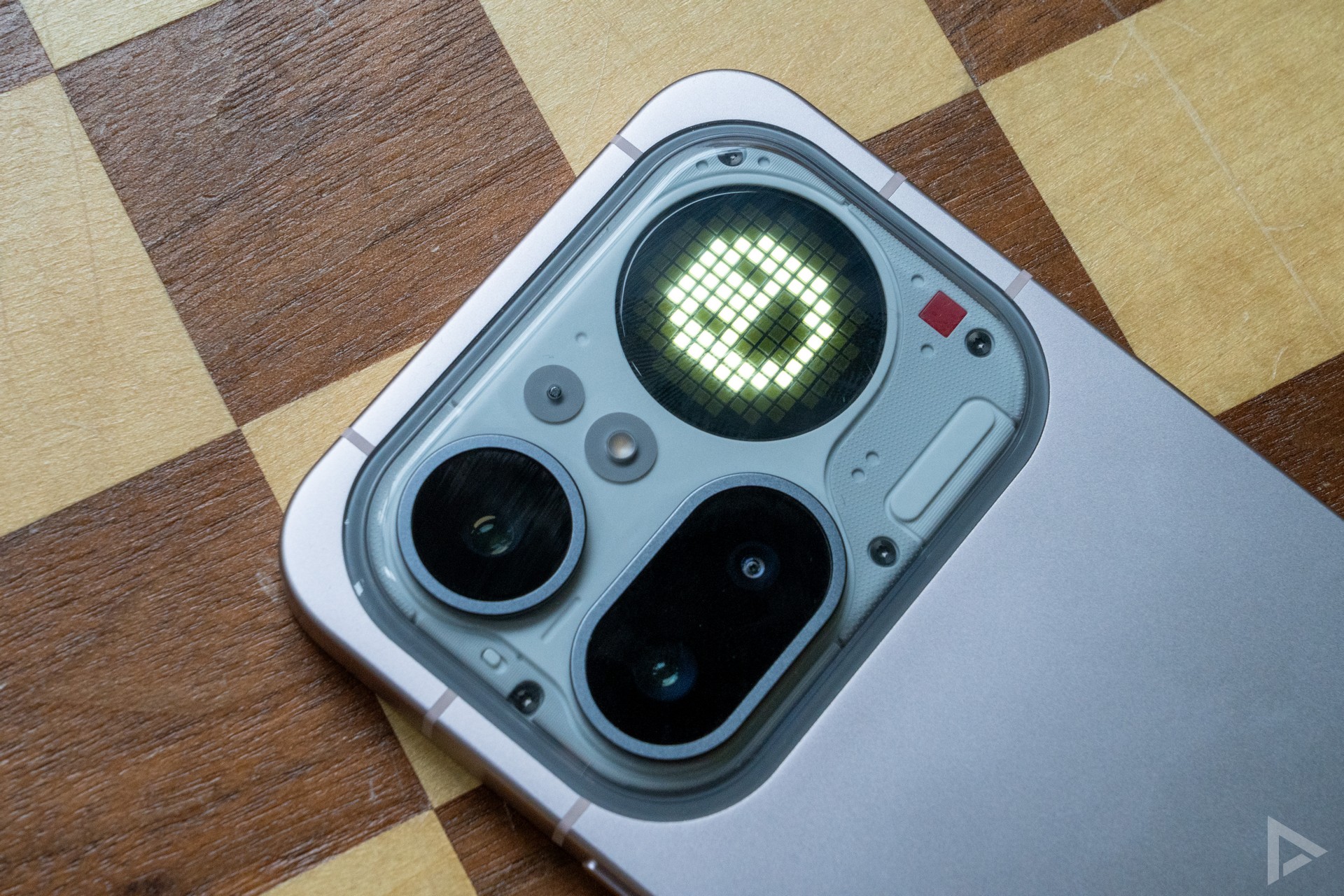
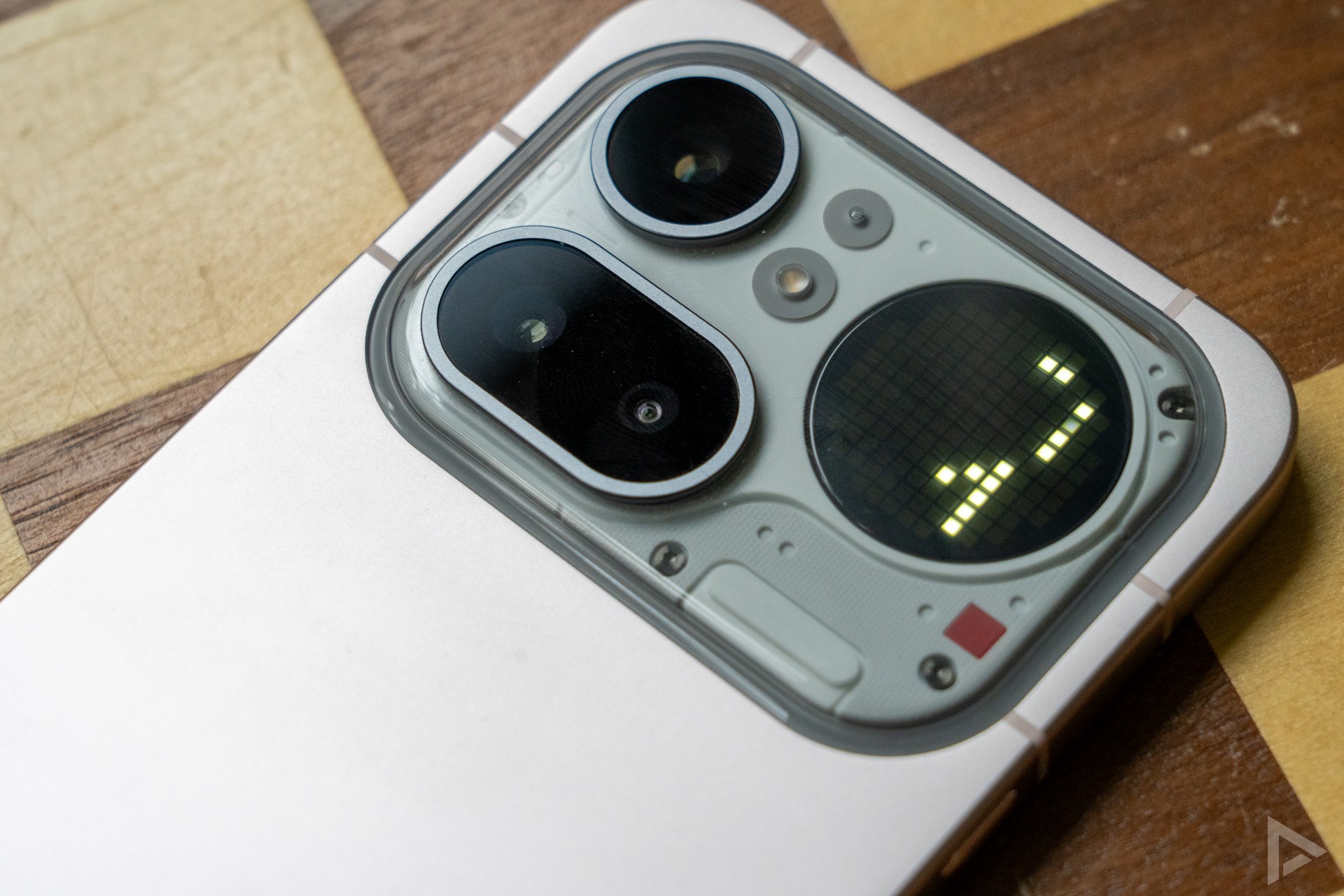
On the back, the most spectacular feature of the Nothing Phone (4a) Pro can be seen. Namely, the smartphone offers Glyph Matrix, which we know from the Nothing Phone (3). So now it can also be found on a mid-end smartphone. The 137 mini-LEDs can light up separately, allowing you to optimise various things. More on this in a moment. As it happens, we also see three camera lenses. These are a 50-megapixel main camera, 50-megapixel periscope telephoto lens and an 8-megapixel wide-angle lens, along with an LED flash.
Glyph Matrix
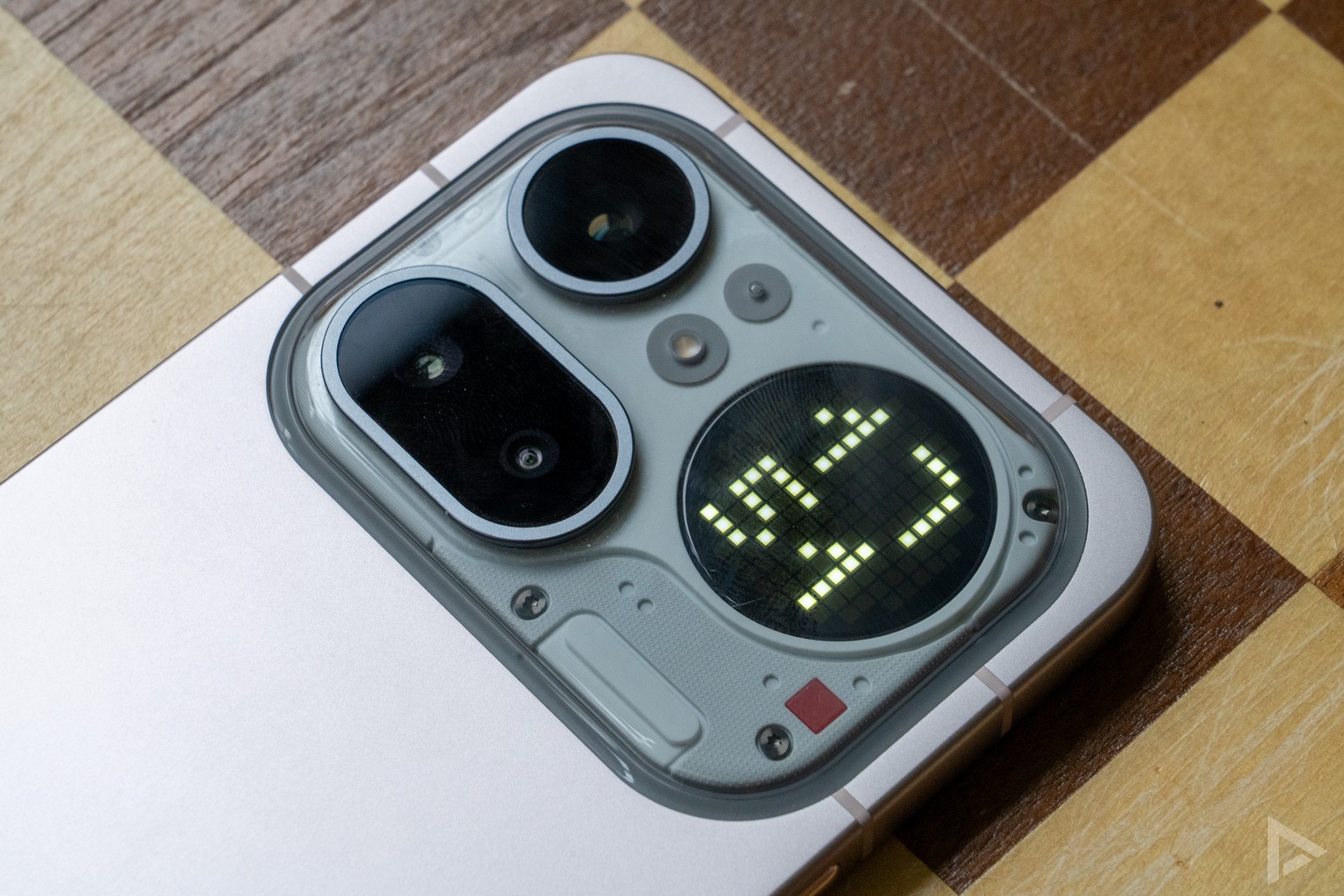
Back to the Glyph Matrix. Whereas the cheaper Nothing Phone (4a) only has a Glyph Bar, the Pro model offers something more comprehensive: the Glyph Matrix. This is a little screen with all mini LEDs that can light up. In the settings, you can specify what you want to see on it. If you always place your phone with its back on the table, it will be of little use to you, but if you place the screen on the table, a world of possibilities opens up.
Through the 'Glyph Interface' settings on the phone, you can personalise various things. For instance, you can adjust the brightness. In the process, you can choose from the different ringtones, although these are quite heavy, as are the wake-up sounds. Fortunately, you can also choose your own. The display shows animations to match the ringtone. Furthermore, it also shows images when you adjust the volume, can show a timer and also links to various third-party apps. These include Zomato, Uber and Google Calendar.
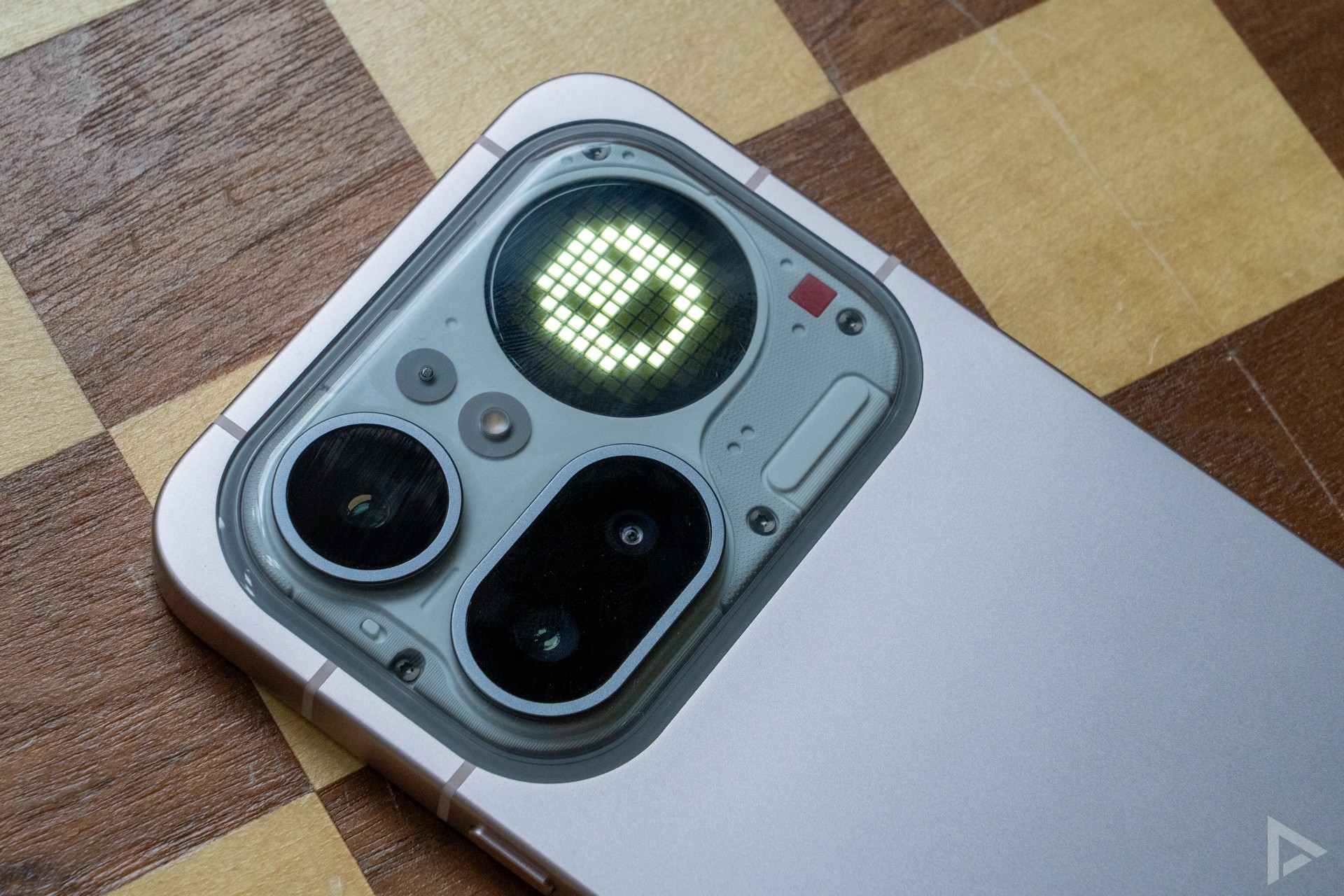
One of its best features is personalising notifications from certain apps or certain people. This is where the Nothing Phone (4a) Pro goes quite far. You can choose a different picture for a particular contact, or just show a particular screen when a certain keyword comes back in a selected notification or app. Very handy, and with this Nothing also manages to distinguish itself from competing devices in this already crowded segment. It is a pity, however, that the screen cannot take over the logo of the app itself, so that, for instance, in WhatsApp, you immediately know that a WhatsApp message is incoming. It is also a pity that when you do nothing with a notification, the corresponding screen remains, instead of showing the time again, for example.
Interface
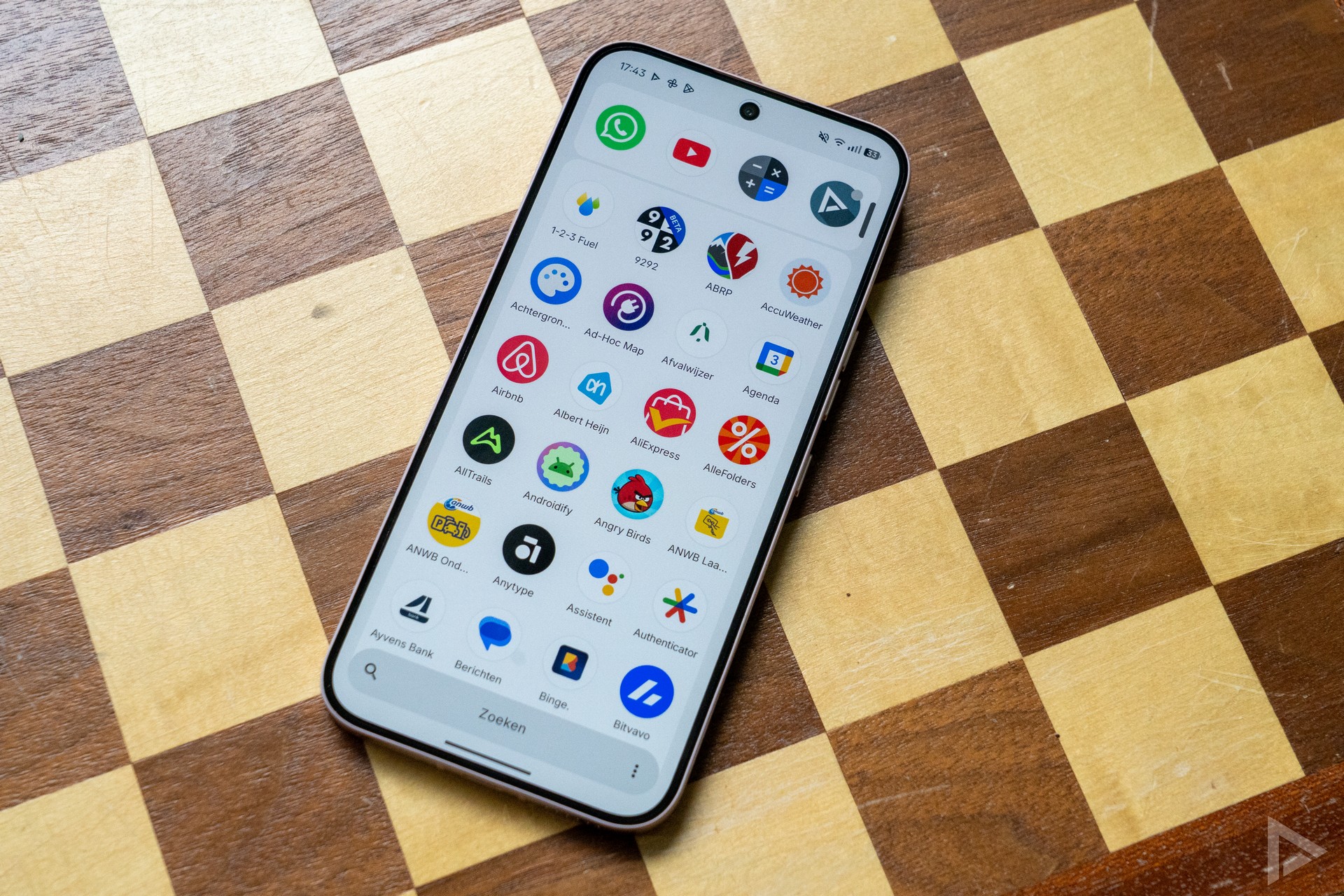
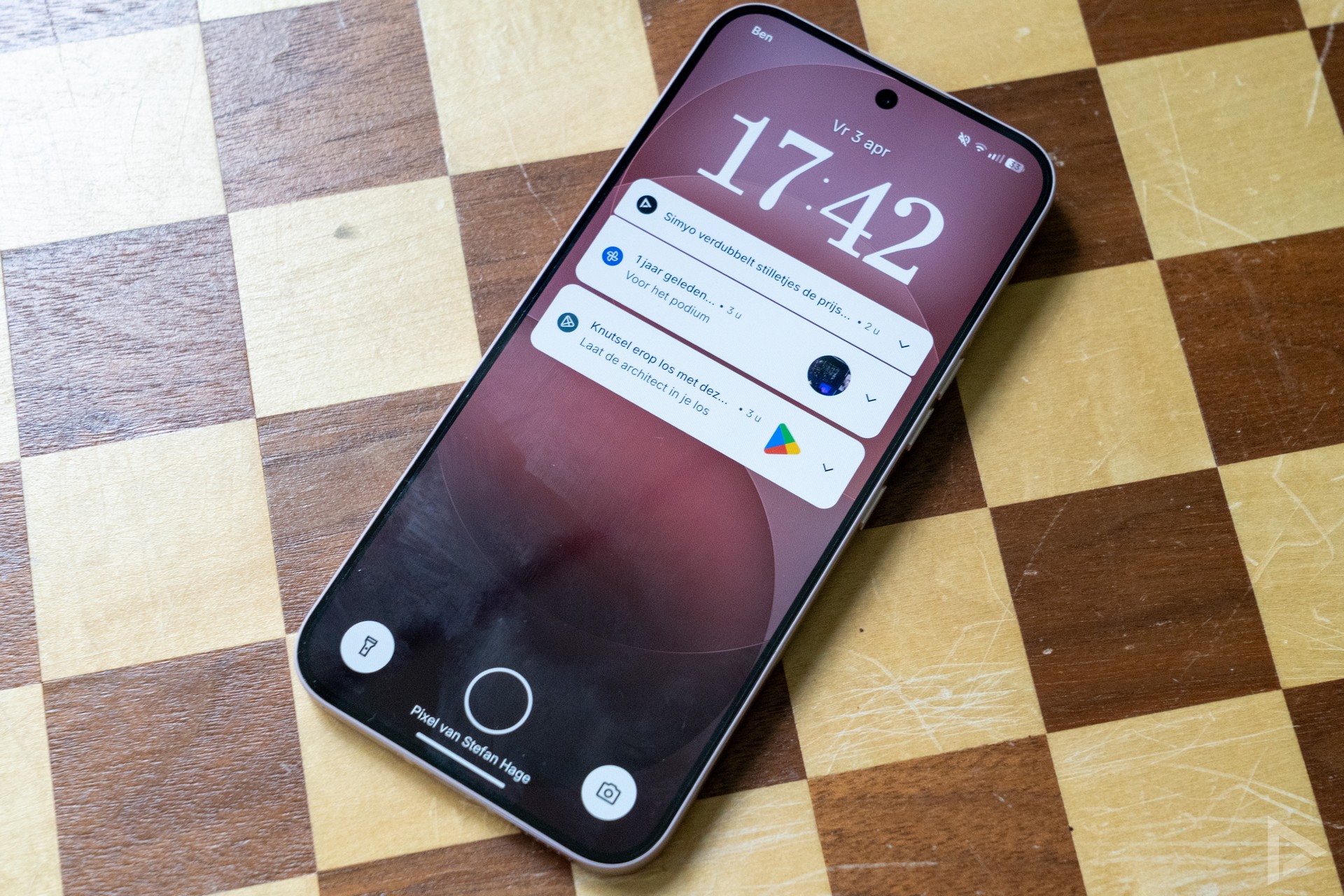
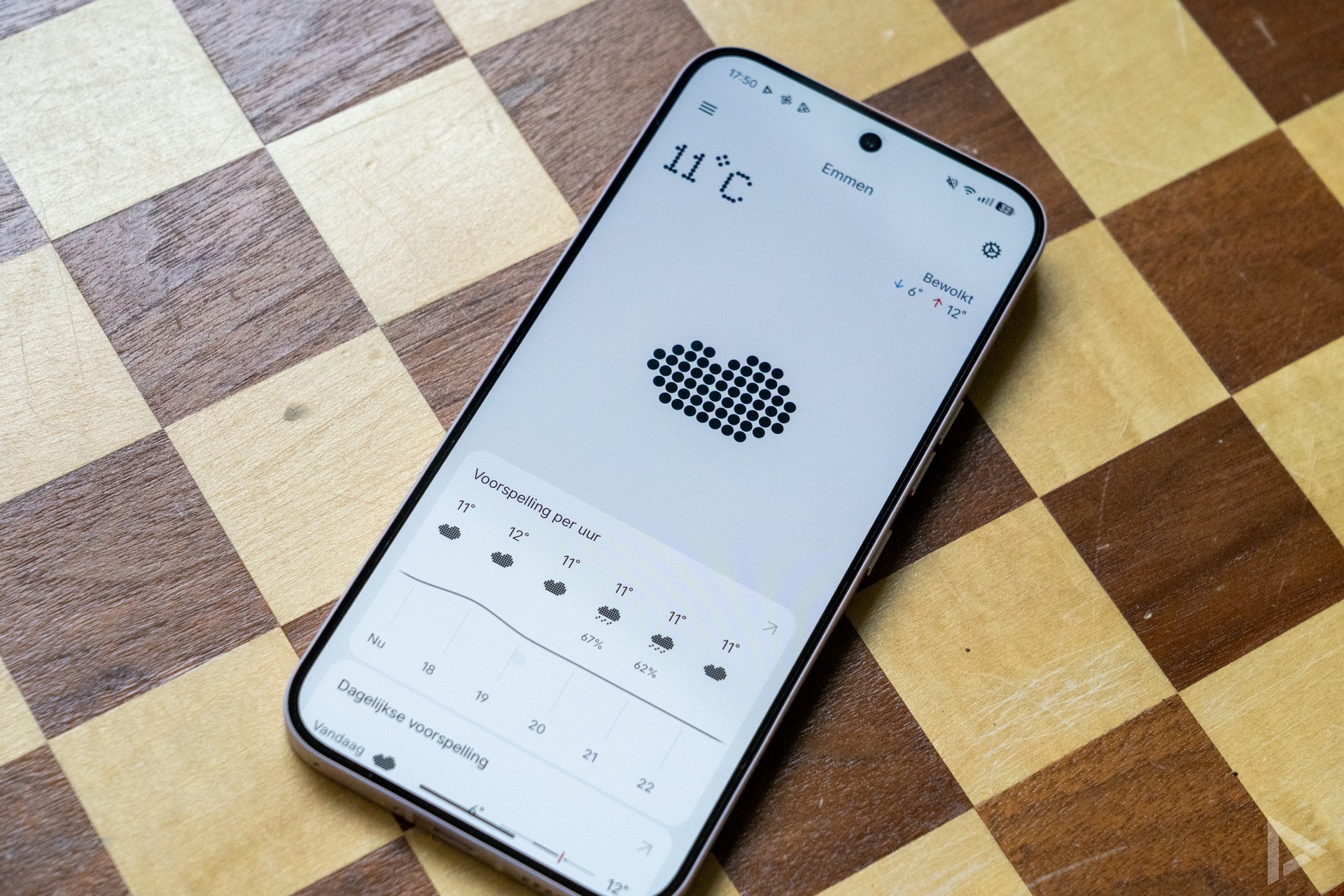
Nothing provides the devices with its own Nothing OS. This software skin is characterised by an uncluttered display, which is close to the stock Android experience. When setting up the device, you can choose the Nothing view with, for example, icons that match Nothing's style, or just the standard Android view. You can adjust this while using, by the way.
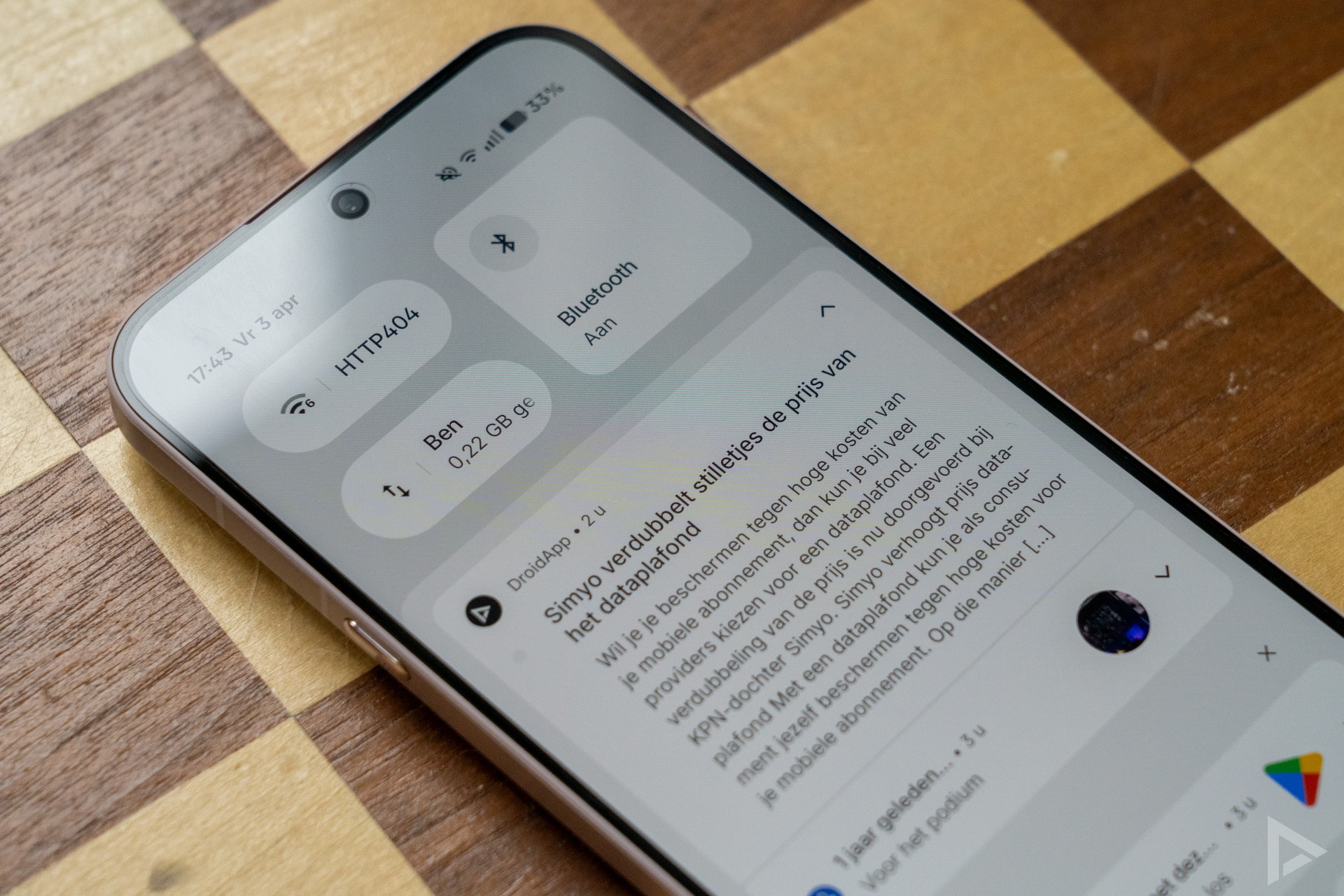
The interface is clean, uncluttered and uncluttered. That makes the Nothing OS skin very pleasant to use. The notifications screen is also uncluttered. By default, all apps you install are dumped on the home screen, but fortunately there is also a menu where you can find the installed applications. In the app drawer, you can still choose the Smart Layout, which divides your apps into categories. In the standard menu, you can pin frequently used apps so that they are always on top. You can also search for an app directly with a swipe, without having to go through the entire menu.
Essential Space
Essential Space gives you access to your personal hub. Using the physical Essential Key, it gives you access to quickly saved screenshots, voice recordings and notes. Using artificial intelligence (AI), these are analysed and organised into collections. This can be useful in organising multiple things.
Communication and multimedia
If you want to make calls with the Nothing, there is room for a physical SIM card and an eSIM. Internet, calling and networking are done through the familiar ways. Call quality is good, where the person on the other end of the line can be heard well. For internet browsing, the Nothing Phone (4a) Pro is equipped with WiFi 6 and, of course, 5G.
In terms of multimedia, the Nothing Phone (4a) Pro, as mentioned earlier in the review, has a pleasant screen, which is easy to read on sunny days. Pretty nice, should the phone come with you on holiday to the sun destination. What about the sound quality? For the segment the phone is aimed at, this is also fine. The sound is quiet and can be quite loud, without being annoyingly distorted. Although we might have wished for a bit more bass, the speakers sound far from bad.
Camera
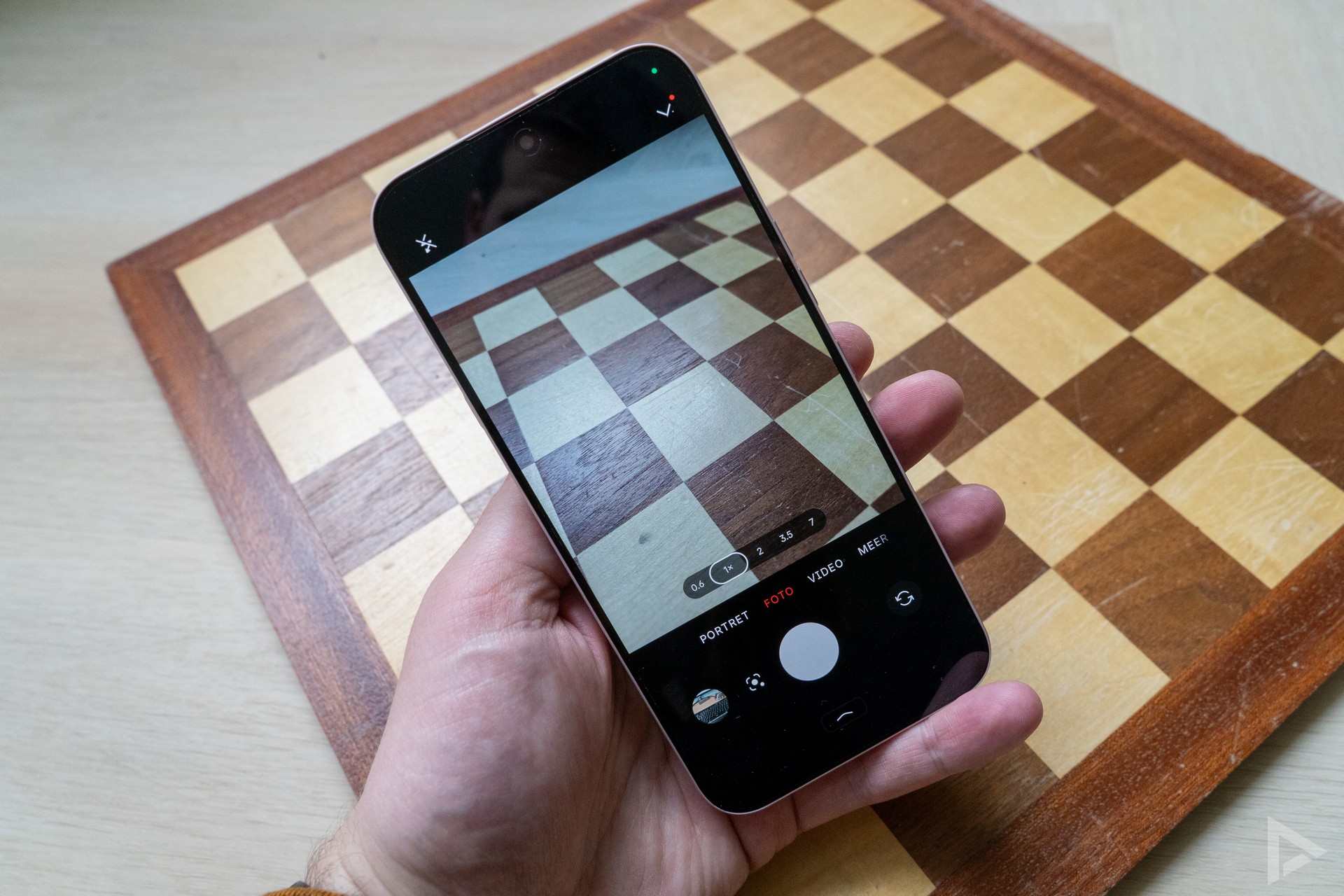
The Nothing Phone (4a) Pro's camera consists of three lenses. There is a 50-megapixel main camera, assisted by an 8-megapixel wide-angle lens and a 50-megapixel periscope telephoto lens. Operation of the camera app is self-explanatory and images are captured quickly. In the app, you still have the choice to opt for different 'frames' in different styles. Here you can then, for instance, find out the technical features of the photo.
The manufacturer promotes the 140x Ultra Zoom, although this is digital zoom. Thanks to the telephoto lens, you can also zoom 3.5x optically, which should be without loss of quality. In recent times, we've taken the requisite photos with the smartphone. What about the photo quality?
Overall, we can say that you can shoot very reasonable photos with the Nothing Phone (4a) Pro. However, we do catch the Nothing on the dark side too often. Especially on a cloudy day, this can make the photos unpleasant to look at. Every now and then, the Nothing goes completely wrong with the sharpness. We then get a blurry photo that is nowhere nice and sharp. We see this with the main camera, but have also seen it with the zoom function. Hopefully, a software update can bring some improvements here. In some images, we also see some sloppiness in finer details, such as the ends of branches that are not always sharp. The zoom function works quite okay, although more than once it ends up in a photo that is out of focus.
Despite the photos generally being a bit on the dark side just too often, we are not dissatisfied with the Nothing's photo camera. Certainly not for the segment the phone operates in. But there is definitely room for improvement. Visit the digital photo album. Here you will find dozens of photos we took with the Nothing.

Video camera
In the video camera settings, you can choose to have the record light on the back light up. Filming with the Nothing can be done in 4K at 30fps, or at 60fps if you choose the Full-HD resolution. Video quality is fine, although we regularly have to help it focus for a while.
Nothing is storming the mid-range segment with two devices in the Nothing Phone (4a) series. In recent weeks, we spent extensive time with the Nothing Phone (4a) Pro. This device features a stylish design and also offers nice features. Is that enough to succeed?
Performance and battery life
On board the Nothing phone you will find the Qualcomm Snapdragon 7 Gen 4 chipset. This processor does an excellent job. Nice and fast and lag-free tasks are performed, and here the 12GB of working memory helps well. You can also buy the Nothing Phone (4a) Pro with 8GB of RAM. Internal storage comes out to 128GB or 256GB.
Battery
The battery capacity of the Nothing Phone (4a) Pro comes out to 5080 mAh. You can fast-charge this battery with 50W. Consumption is hugely dependent on how you use the smartphone, of course. On average, on mainly 5G network, we arrive at a screen time of 5 to 6 hours. With WiFi, the battery lasts longer. A day's use is no problem at all. A neat score! Wireless charging is not possible.
Update policy
Nothing has already rolled out a major update for the smartphone during our review period of the Nothing Phone (4a) Pro. Out of the box, the device runs on Android 16. There will be three Android updates and six years of security updates. This is a reasonable update policy, although Samsung releases more Android versions for a device in this segment.
Review
Nothing has chosen not to release a high-end device this year. A new model would show far too little innovation, compared to the current Phone (3). All focus this year is on the Nothing Phone (4a) and (4a) Pro. And this has largely succeeded. The result is a very stylish device with fast performance and delicious software. And nice is that there are several things to customise about the Glyph Matrix screen. It is a pity that the camera's performance is a bit inconsistent, but hopefully this can be addressed with an update. Competitors give their devices more Android updates, though fortunately security updates go on for longer. If you can live with that, then the Nothing Phone (4a) Pro is a really nice device.
Would you like to buy the Nothing Phone (4a) Pro? Then you can go to Belsimpel, Coolblue and Bol.com for it.
- Design
- Nothing OS software
- Glyph Matrix
- Performance
- Essential Key not customisable
- Varying camera performance
- Update policy could have been more comprehensive
%20Pro%20review%3A%20premium%20mid-range%20experience)