Pixel Watch 4: our experiences
In recent years, smartwatches have become increasingly popular among users. Still, the watches have been around for some time. Remember the LG G Watch from 2014 with its square screen? Back then, Samsung's Moto 360 and Galaxy Live also came out. I myself walked around with the LG G Watch R smartwatch for years. Although my everyday smartwatch is a Garmin, I swapped it for the Pixel Watch 4 in recent weeks. Is it a keeper?
In the Galaxy Watch 8 review, we were already raving about Samsung's recently released smartwatch, although in the OnePlus Watch 3 review, we were also very enthusiastic about that long-lasting smartwatch. But how do you like the new Google Pixel Watch 4? Over the past few weeks, I've been putting the Pixel Watch 4 on my wrist and so it's time for a review. The watch is available in two sizes: 41mm and 45mm. For the review, we have the 45mm model.
Google first came out with its own Pixel smartwatch in 2022. The manufacturer did not yet release this first Pixel Watch in the Netherlands. That only happened a year later, with the Pixel Watch 2. We have now arrived at the Pixel Watch 4, and that watch has a lot of improvements, if Google is to be believed. How do you like it in practice? You can find out in our in-depth Pixel Watch 4 review.
In the packaging
In the Google Pixel Watch 4's longer rectangular packaging, we find the clock, of course. You'll also find two sizes of straps (small and large) and some paperwork. Of course, the cradle, or charger, is also included. This is a different system from the one we saw on previous models. You need to provide your own charger with a USB-C output.
Design and styling
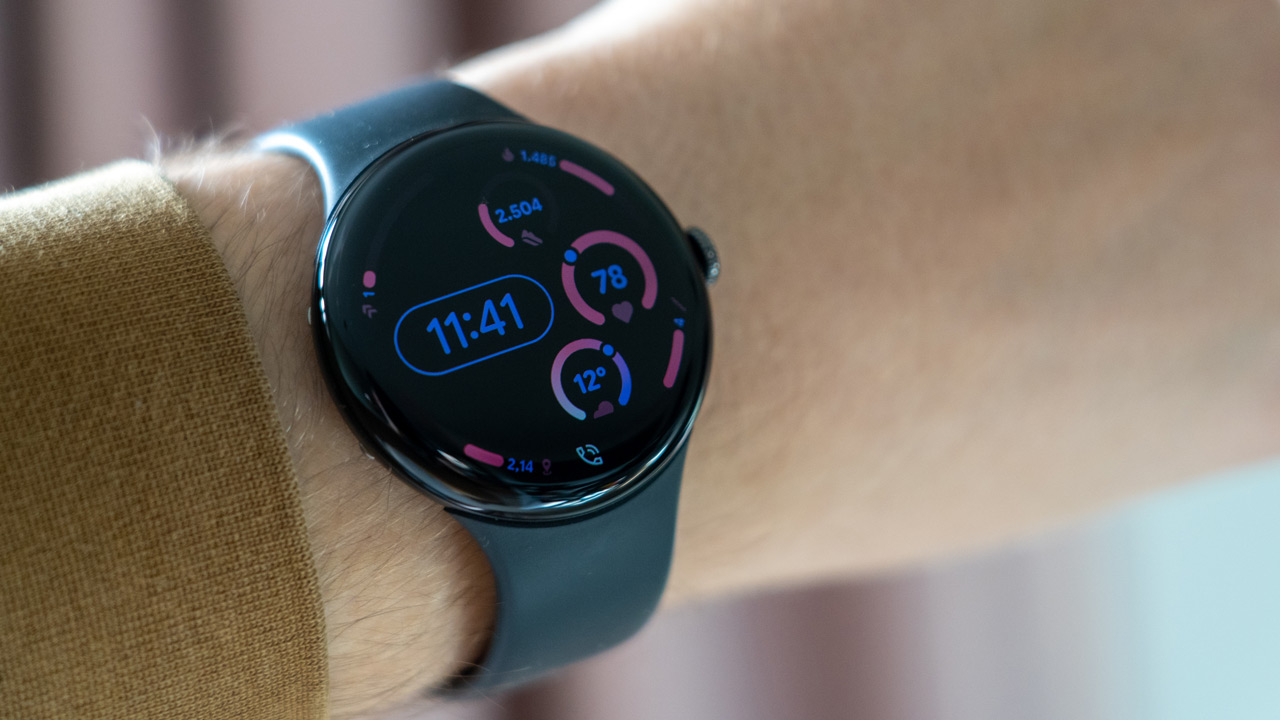
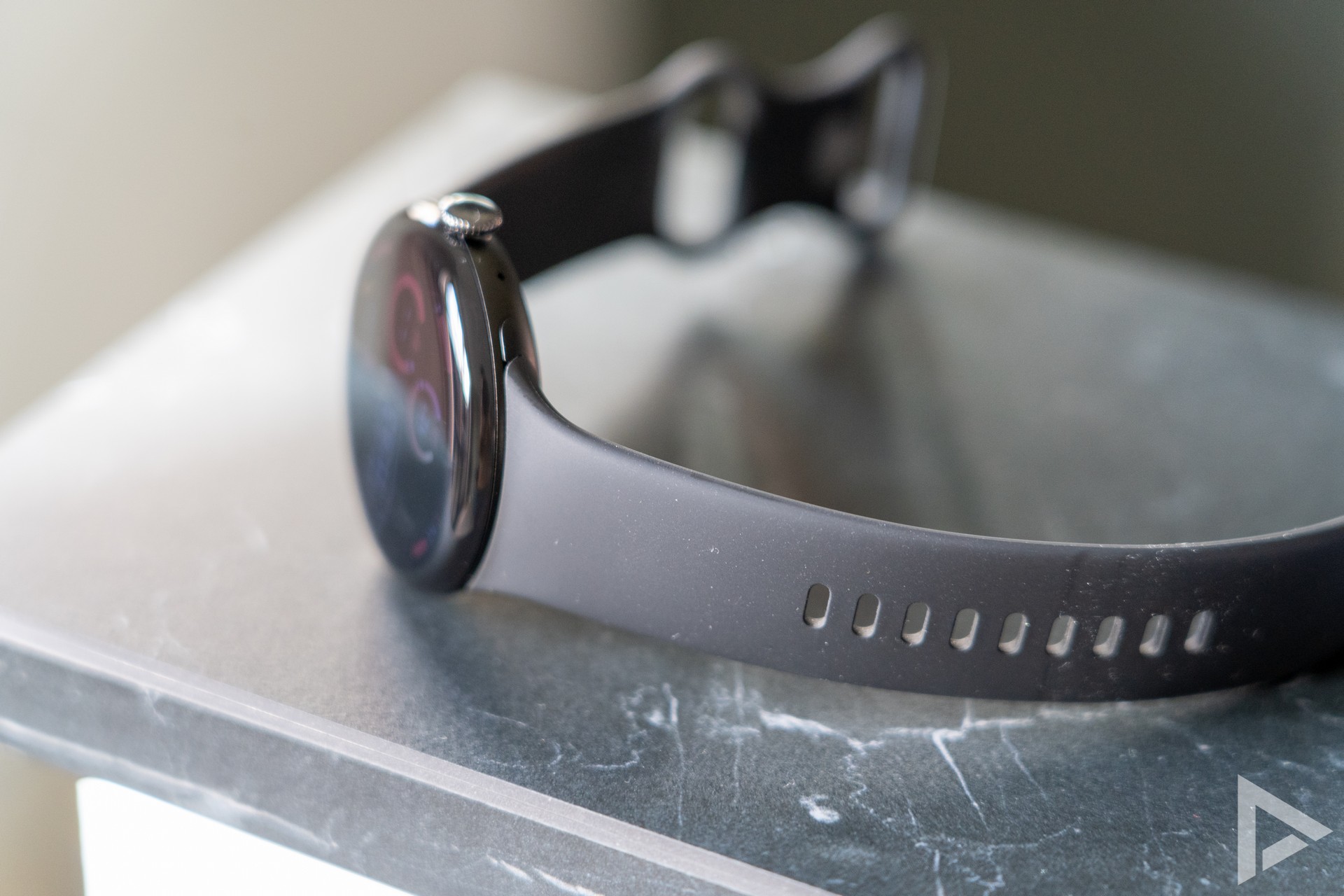
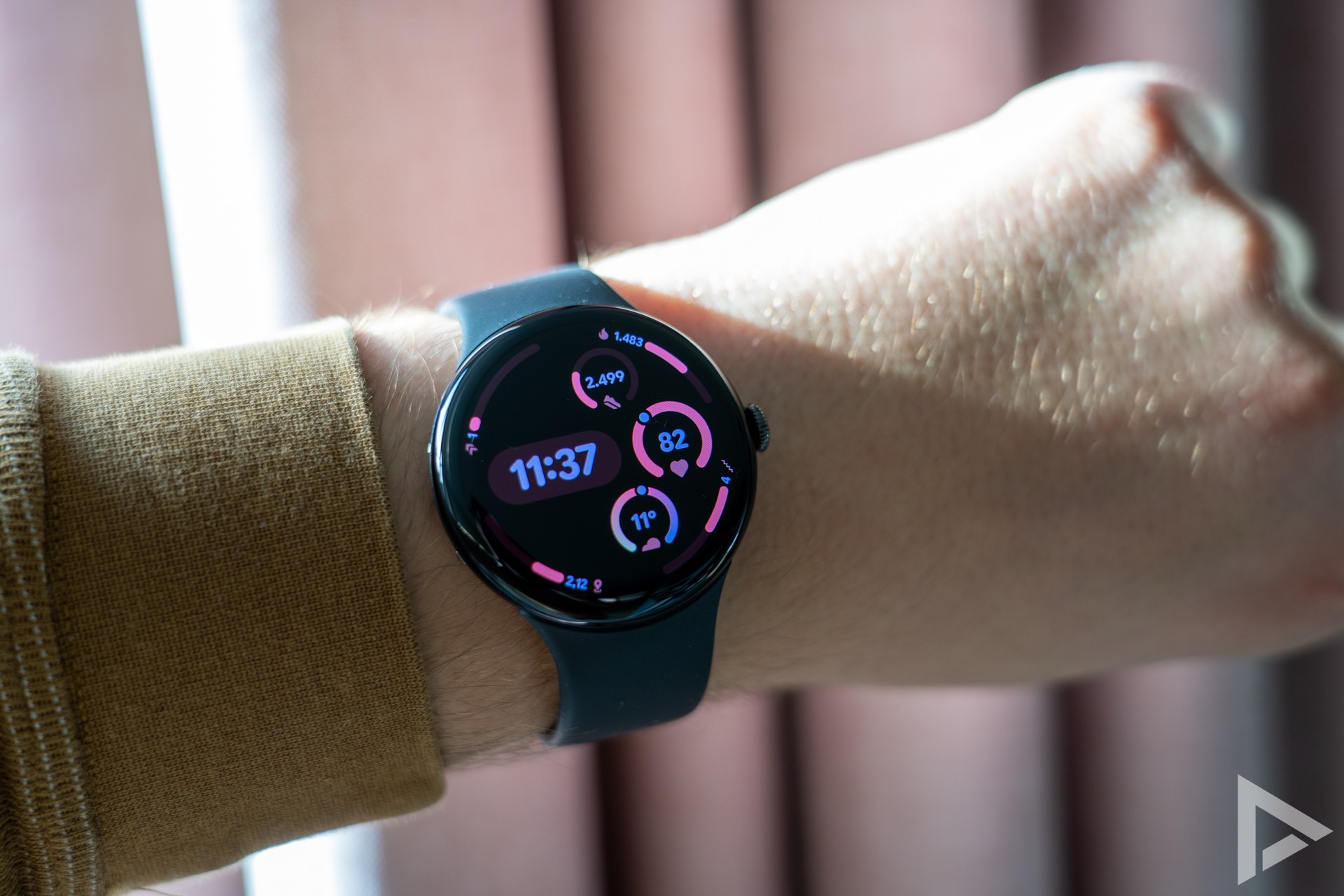
The design of the Pixel Watch 4 looks very sleek. We got the watch in matt black with a sports strap in Obsidian, or also black. At the announcement, it was announced that the watch features an Actua 360 Display, with 16 per cent thinner screen bezels, a brightness of 3000 nits and 10 per cent more screen than its predecessor. The whole thing looks very sleek. Even on sunny days, the smartwatch's screen is excellent to read.
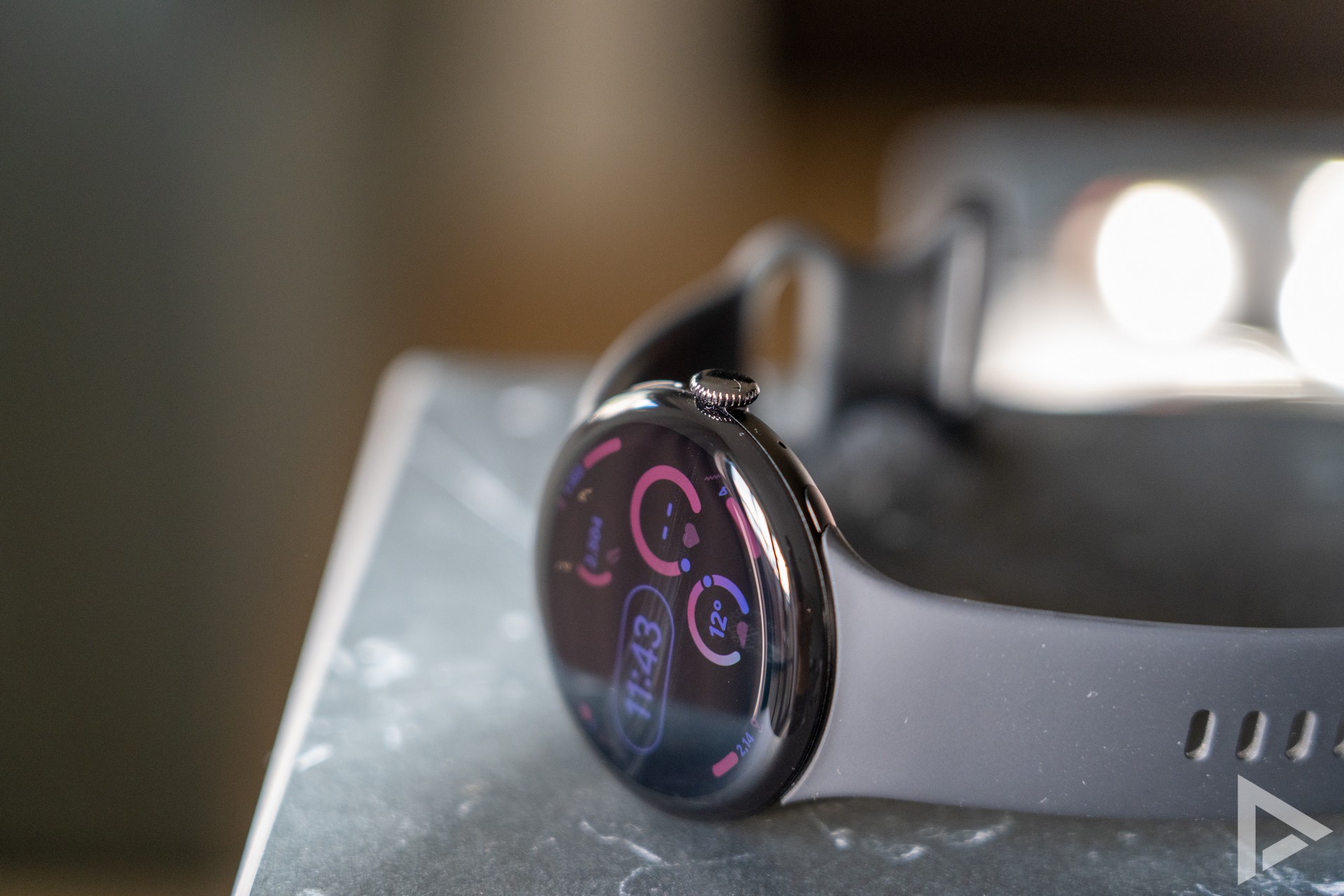
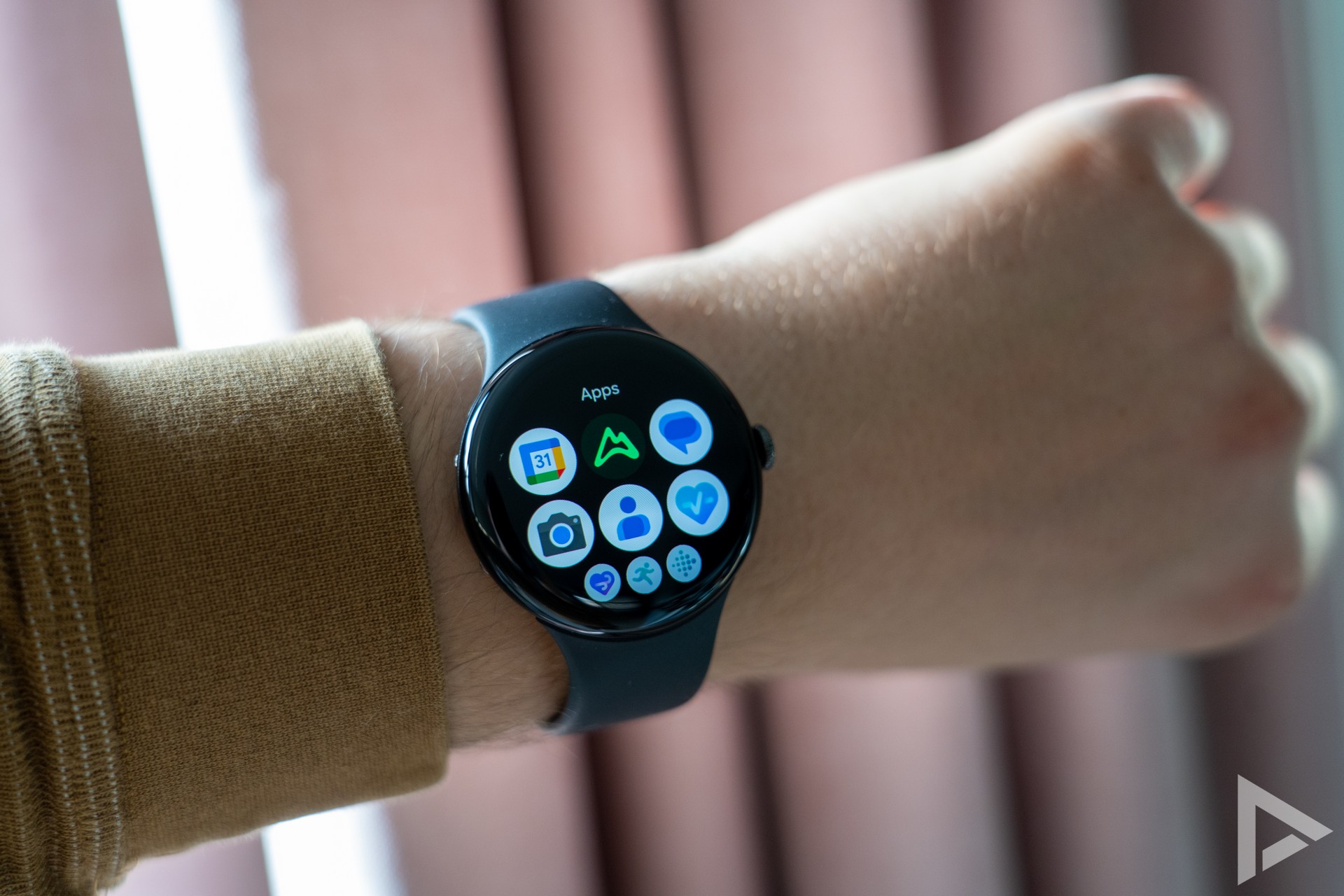
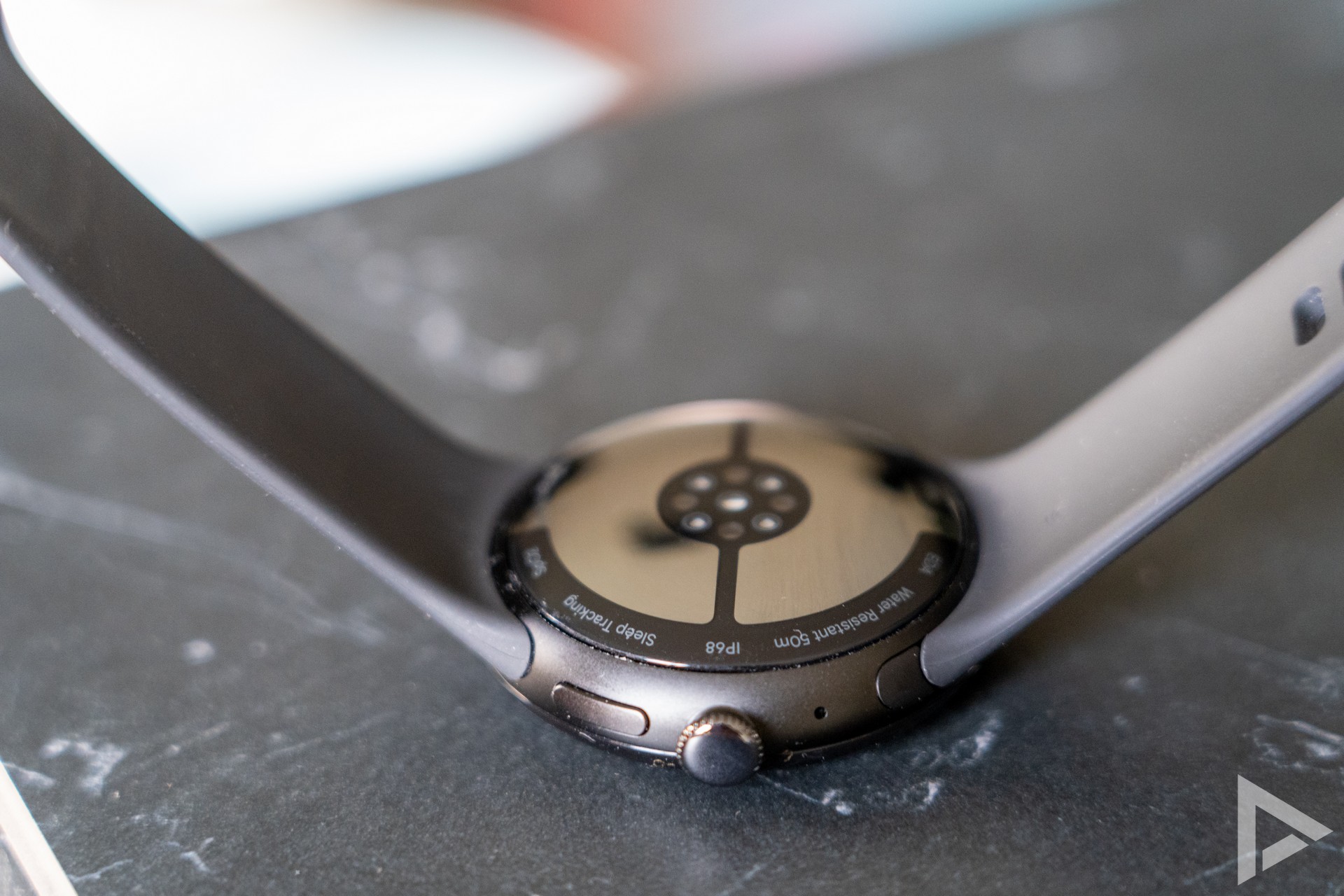
On the right side of the case is the crown. You cannot use this to scroll through different menus and windows. You can also press it, which opens the app menu, or go back a step. Above the crown, you will find another physical button that lets you access recently used applications. Holding the button down takes you to assistant Gemini. The sensors for your health data are obviously on the bottom of the watch. The Pixel Watch 4 is equipped with a speaker and a microphone, so phone calls are also possible with it.
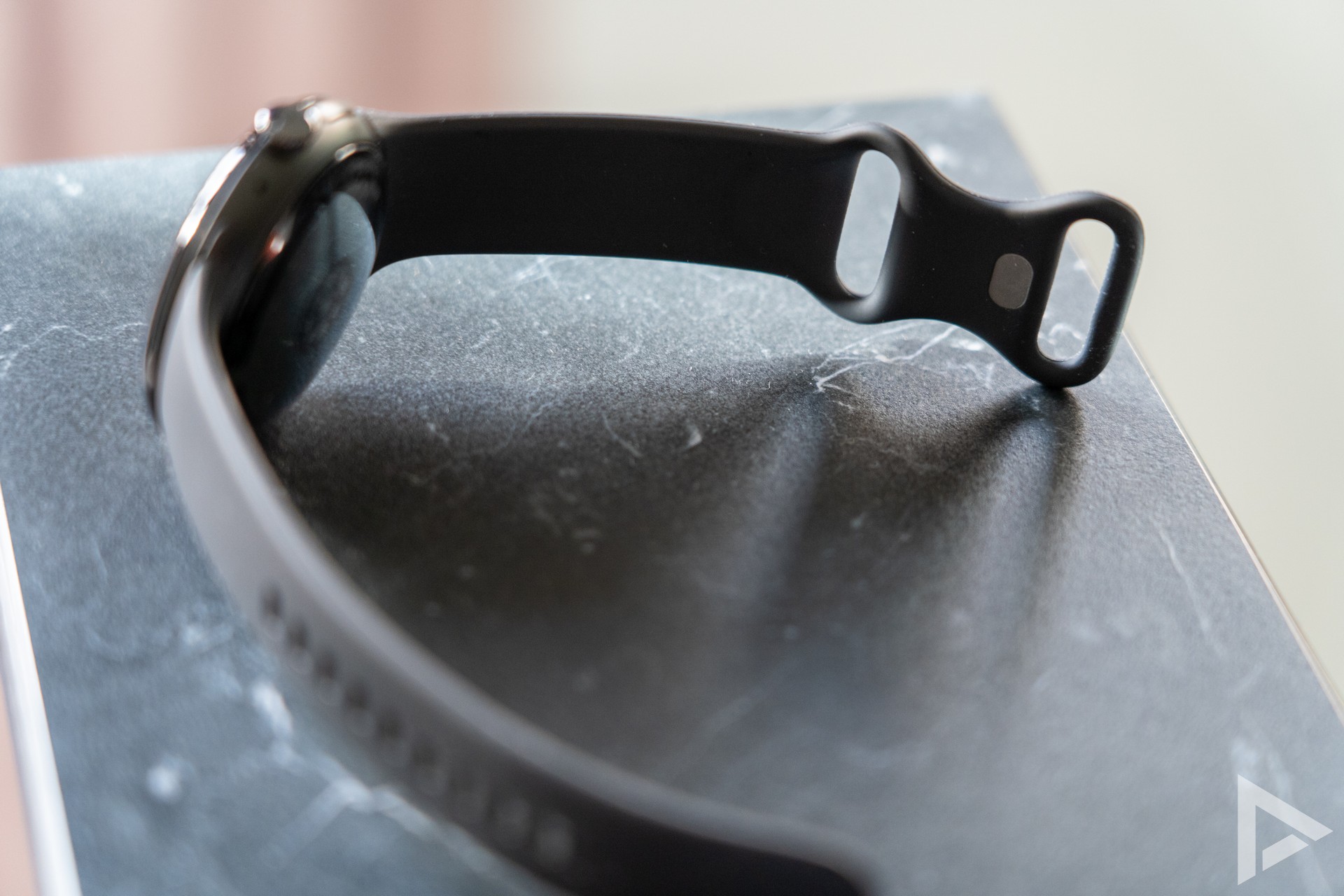
The strap is silicone, although you can still choose from different straps to personalise it. For instance, you can also choose woven straps or an elastic strap. A leather watch strap is also among the options. The standard strap is quite fine, although I quickly find it a bit 'sweaty', although this is mainly a personal choice. You can replace the strap with a simple push of a button. You don't have to worry about accidentally pressing this button.
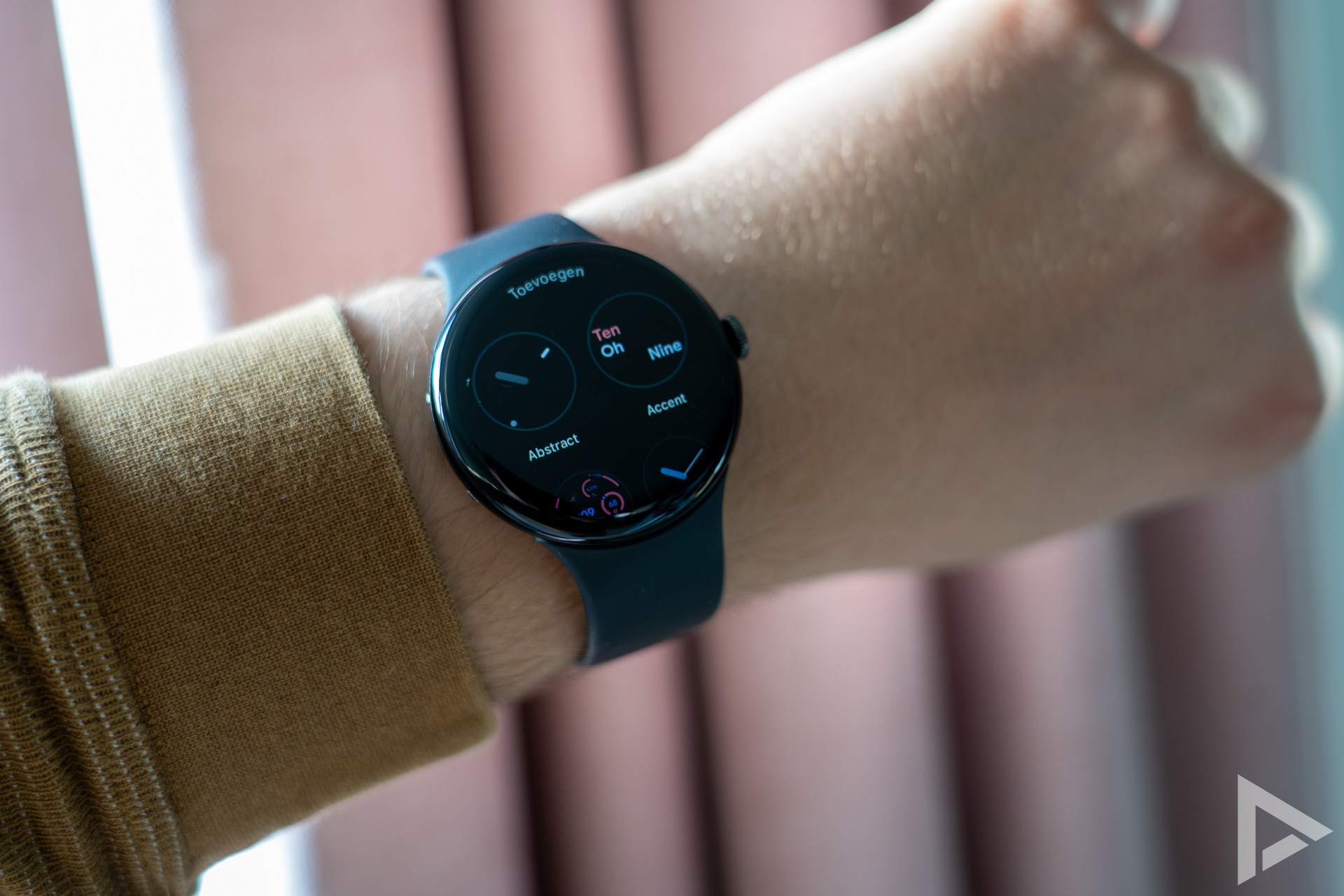
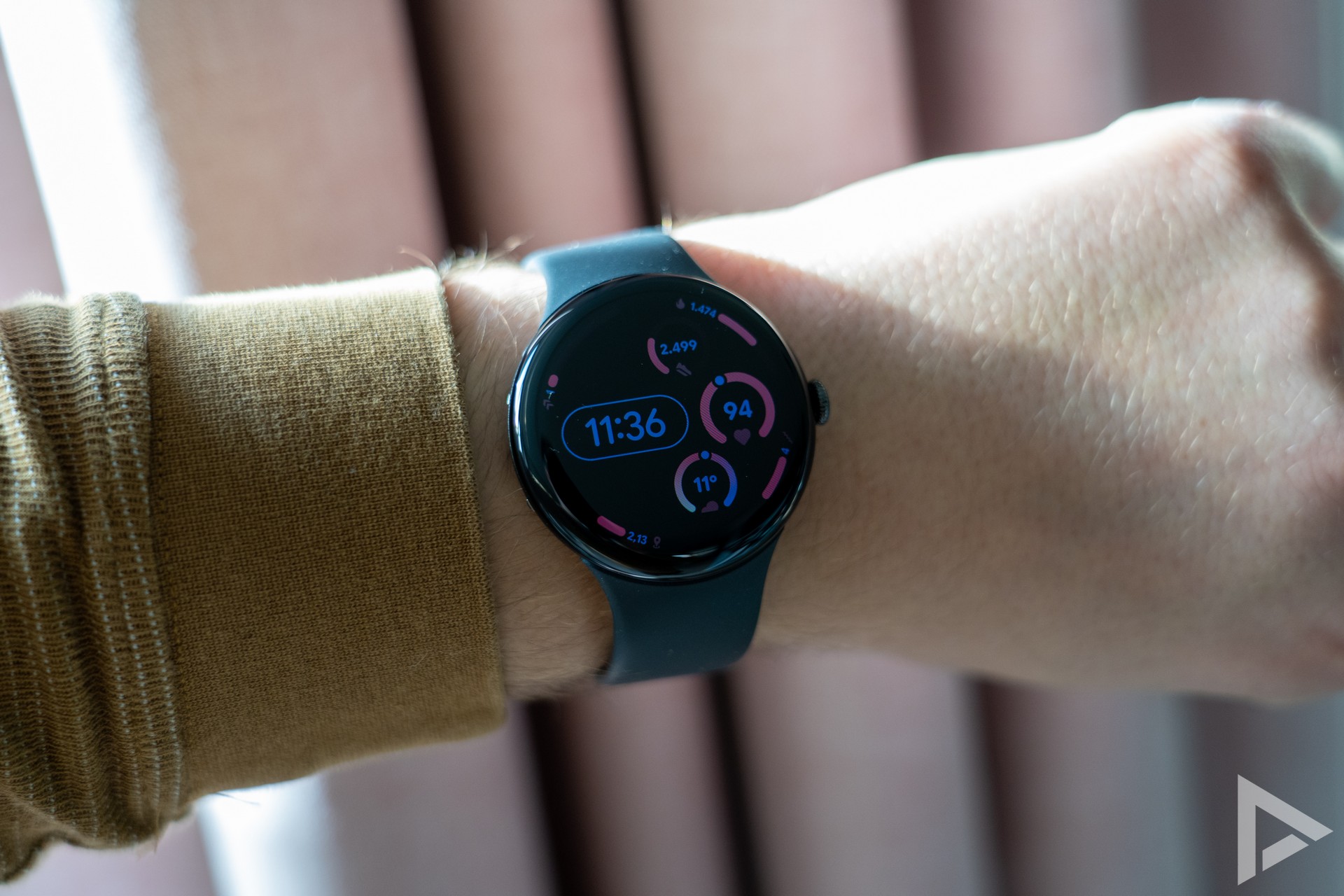
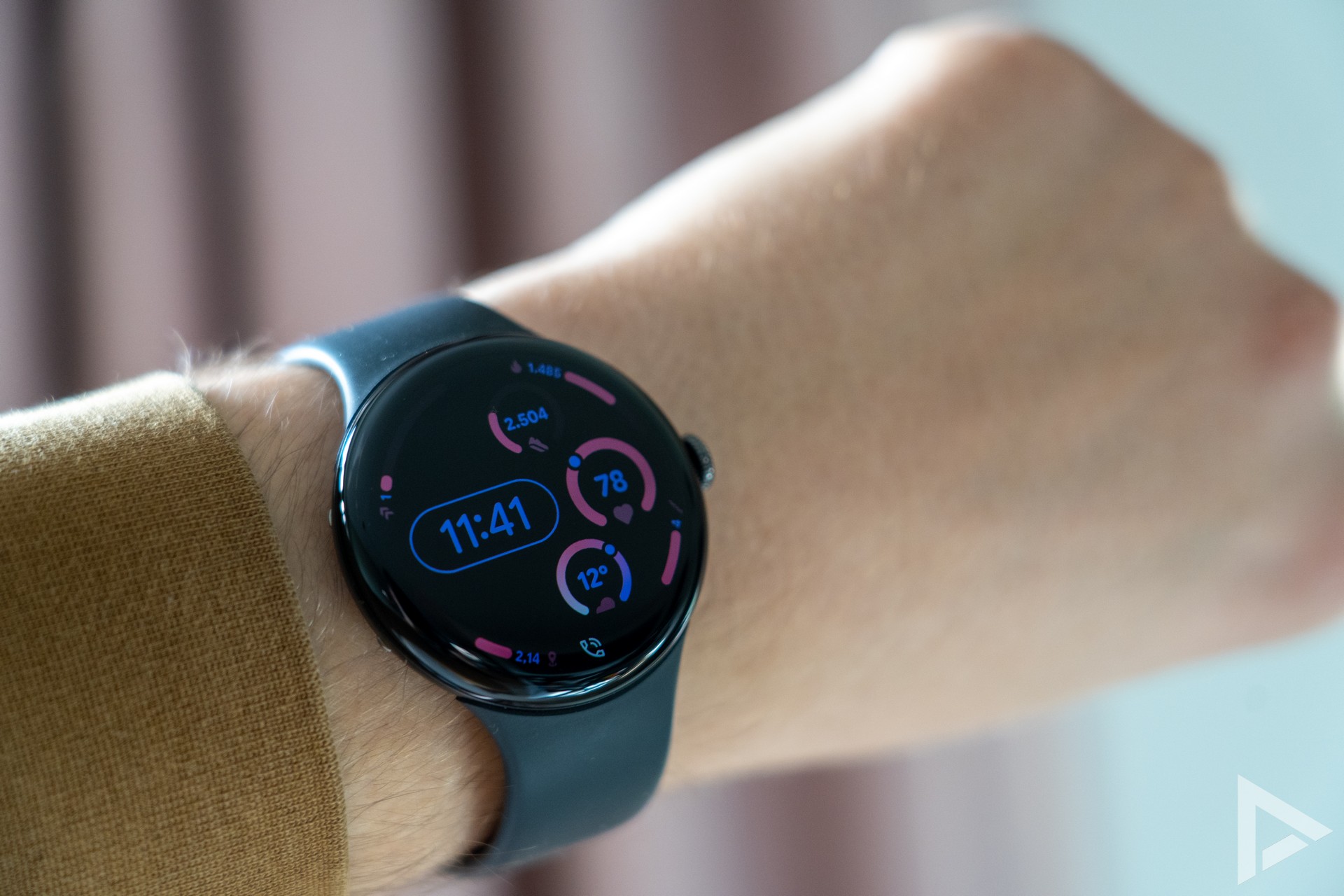
What makes the Google Pixel Watch 4 even better is, of course, the choice of watch faces. And there are a lot of them, standard from Google itself already, but also in the Google Play Store. You can also personalise the standard watch faces further, adding or omitting certain data. A nice addition. The watch faces often look very sleek.
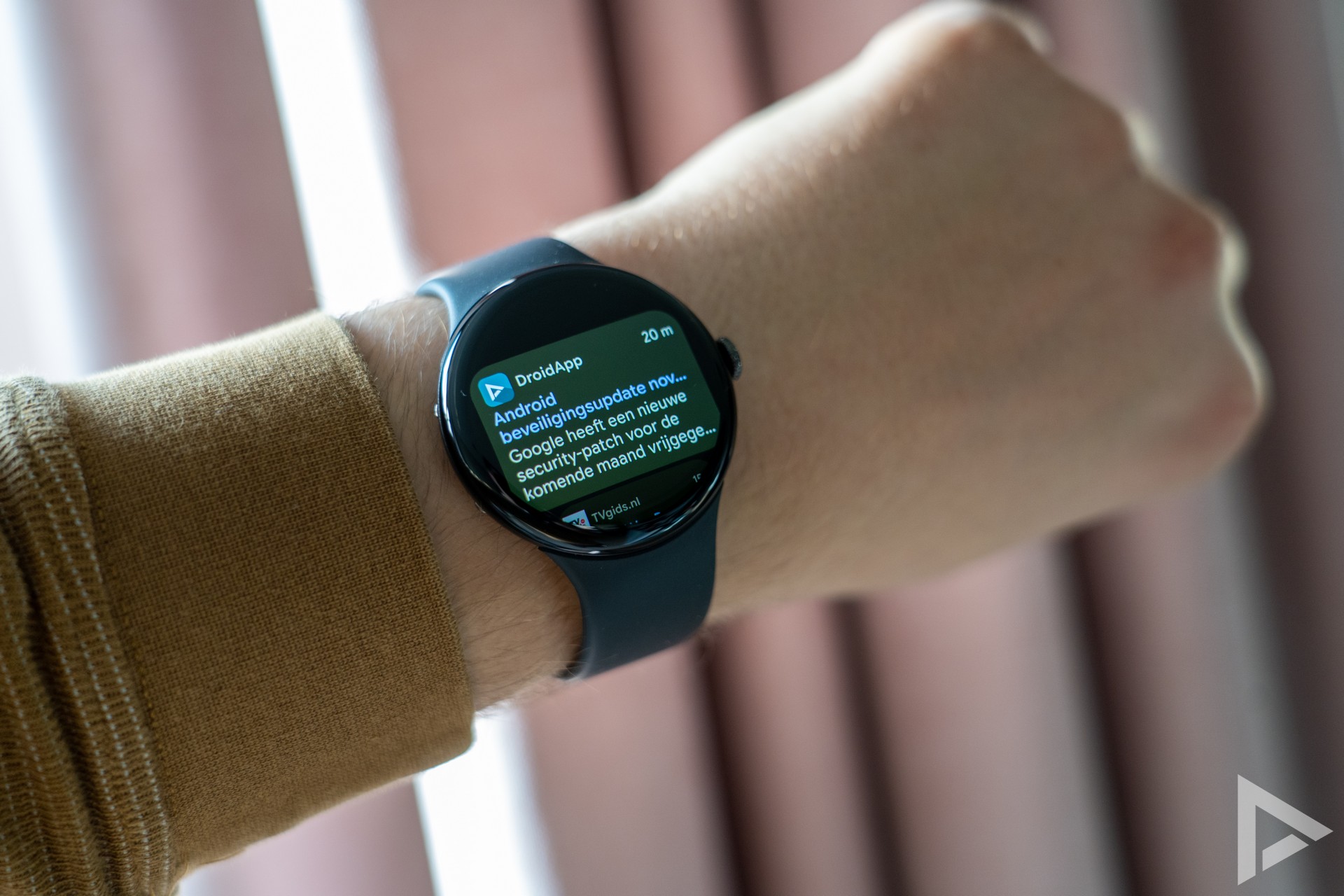
Notifications and notifications
In terms of notifications, things don't always seem to go quite right. Sometimes a notification does not come through completely, even if an app is checked. What I find particularly annoying is that old notifications regularly remain, even though they have already been wiped on the phone.
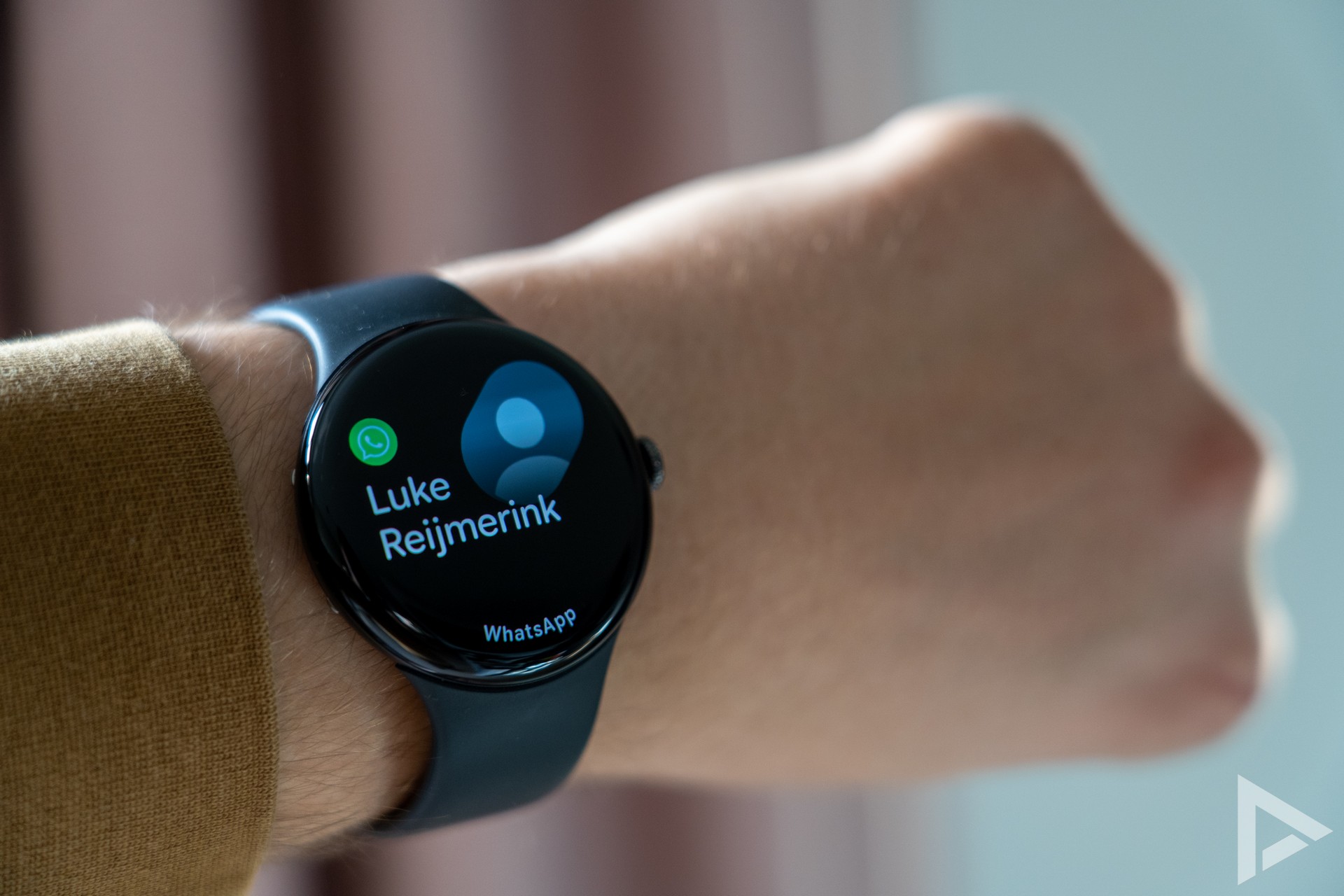
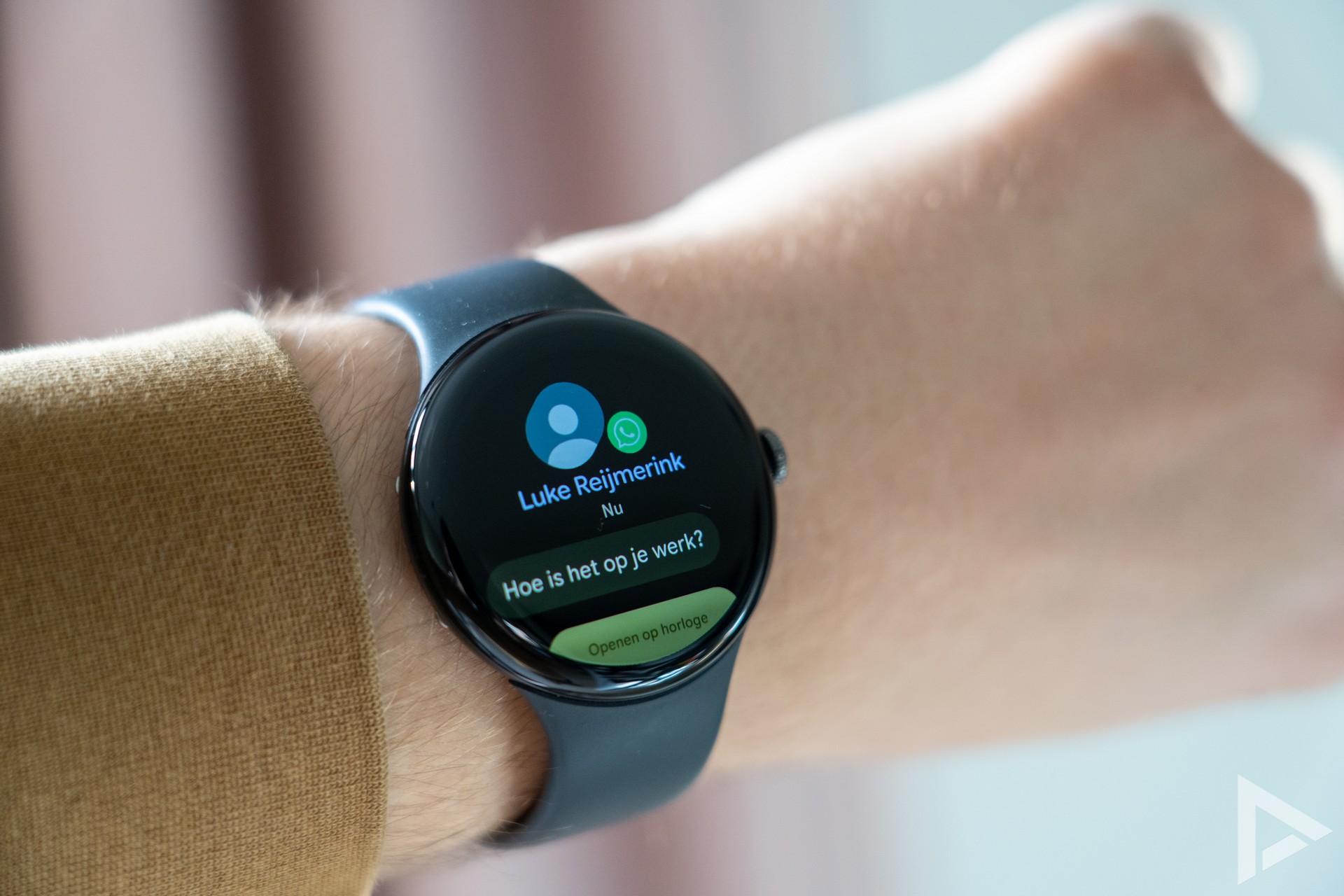
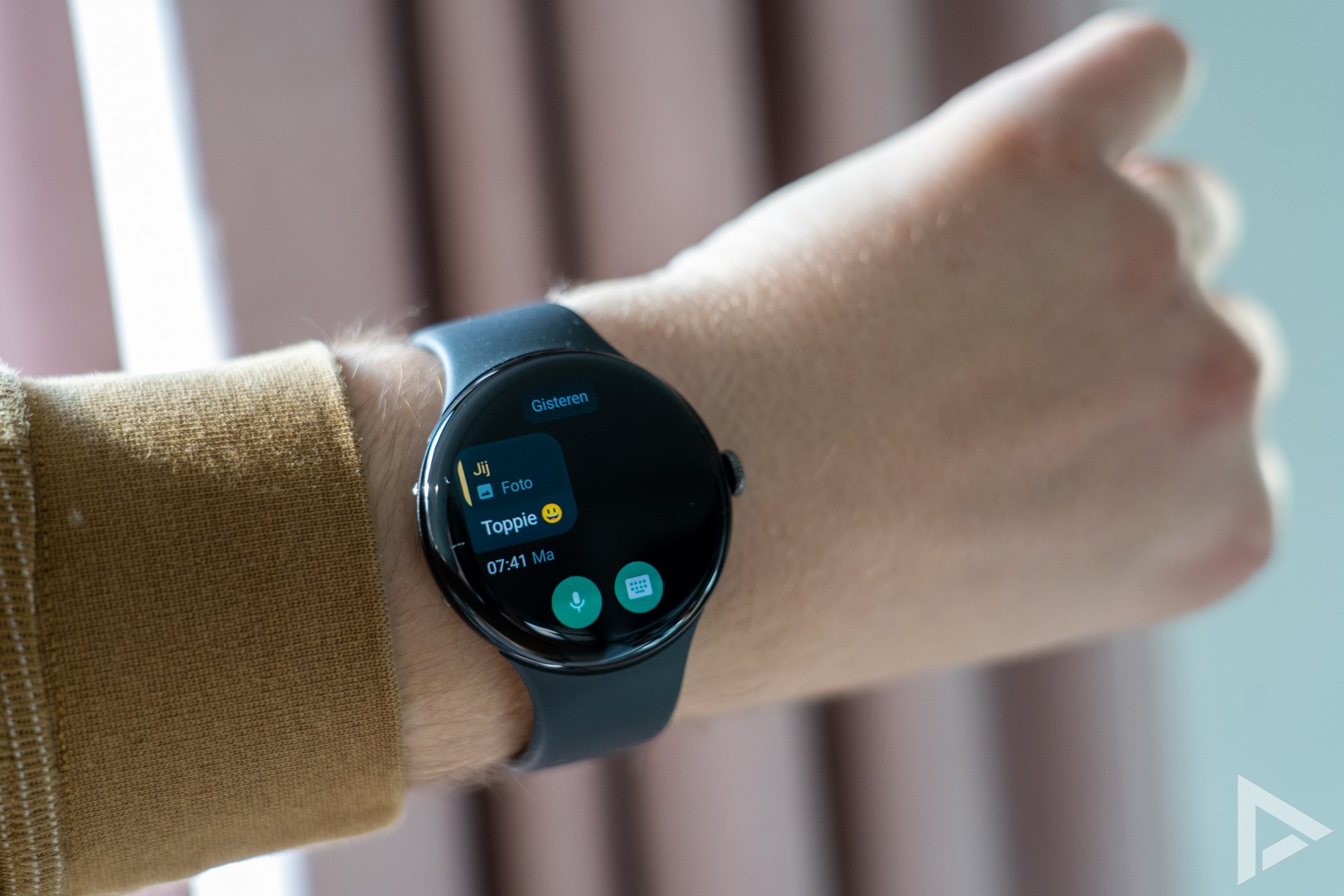
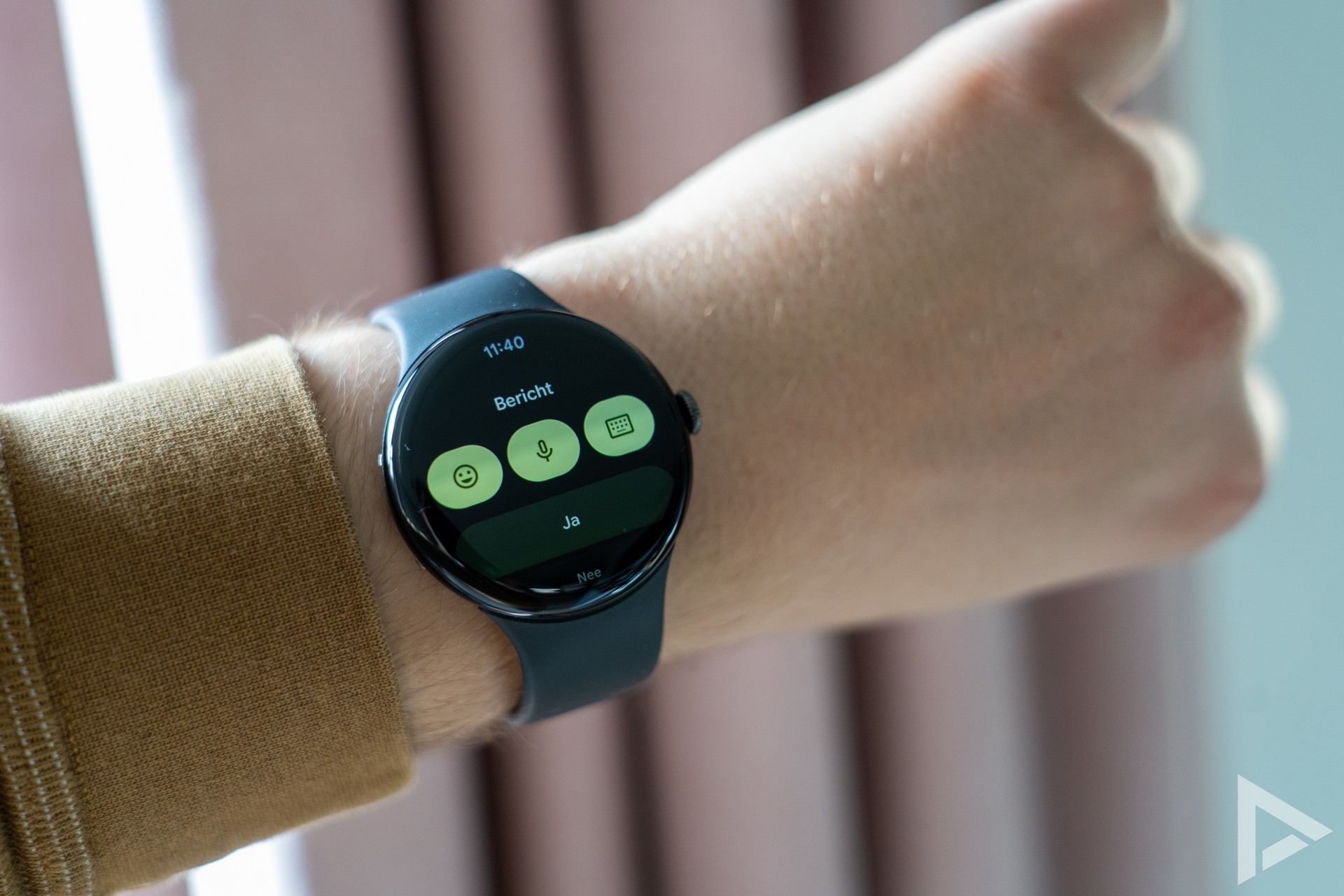
You can reply to messages quickly. This can be done with the small on-screen keyboard, or you can use voice input. This works very well. You are notified of a new notification with the vibration engine. This, according to Google, has been further improved and performs quite well. I do think the vibration motor in the Garmin Forerunner 965 is more powerful.
Wear OS: purely from Google
Google ships the Pixel Watch 4 with the new Wear OS 6. This software has been redesigned, and features the Material 3 Expressive style. This makes the whole interface look very slick. It feels nice and fast and also self-explanatory. You can also customise the colour styles, specifying that the colour theme should match the watch face.
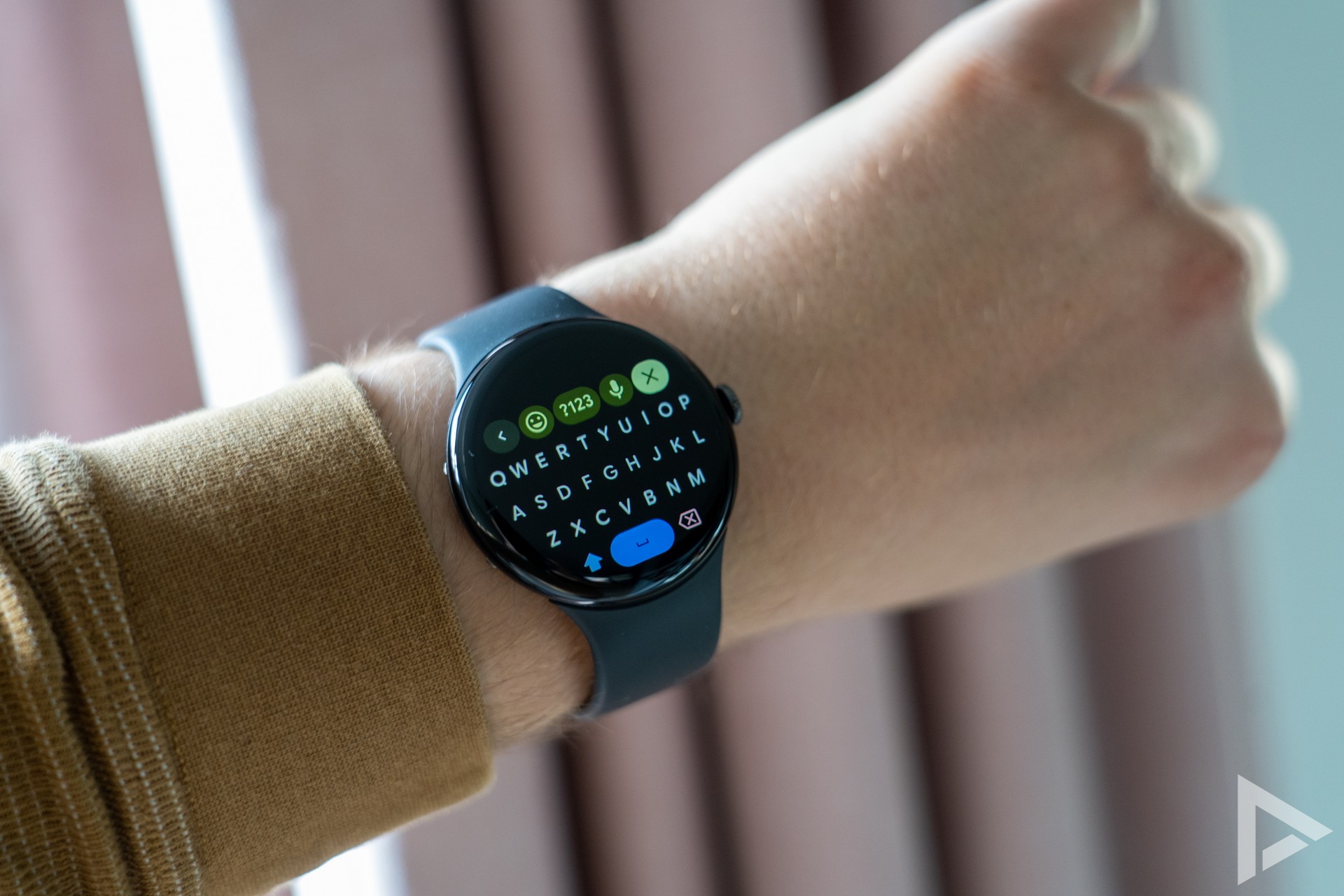
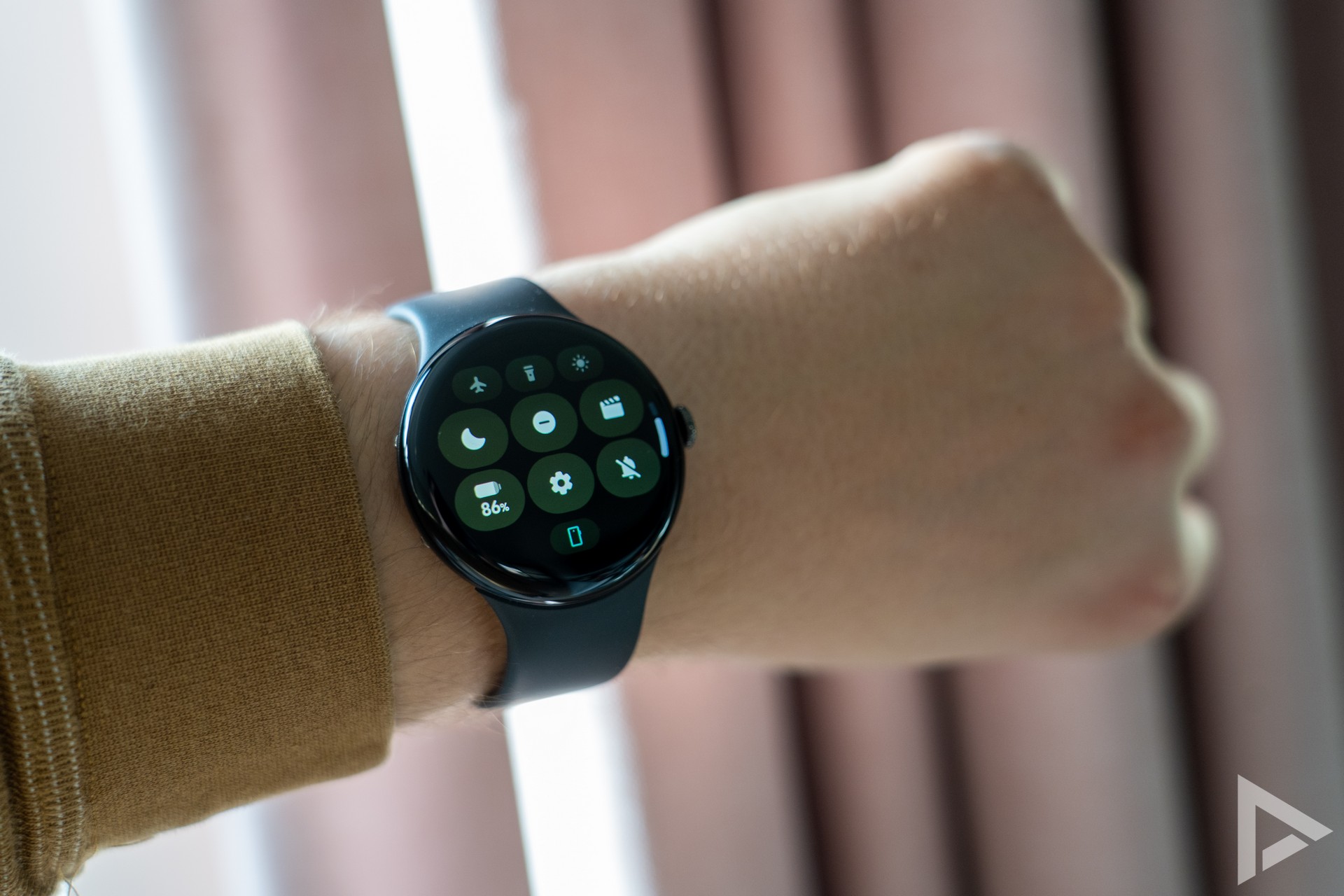
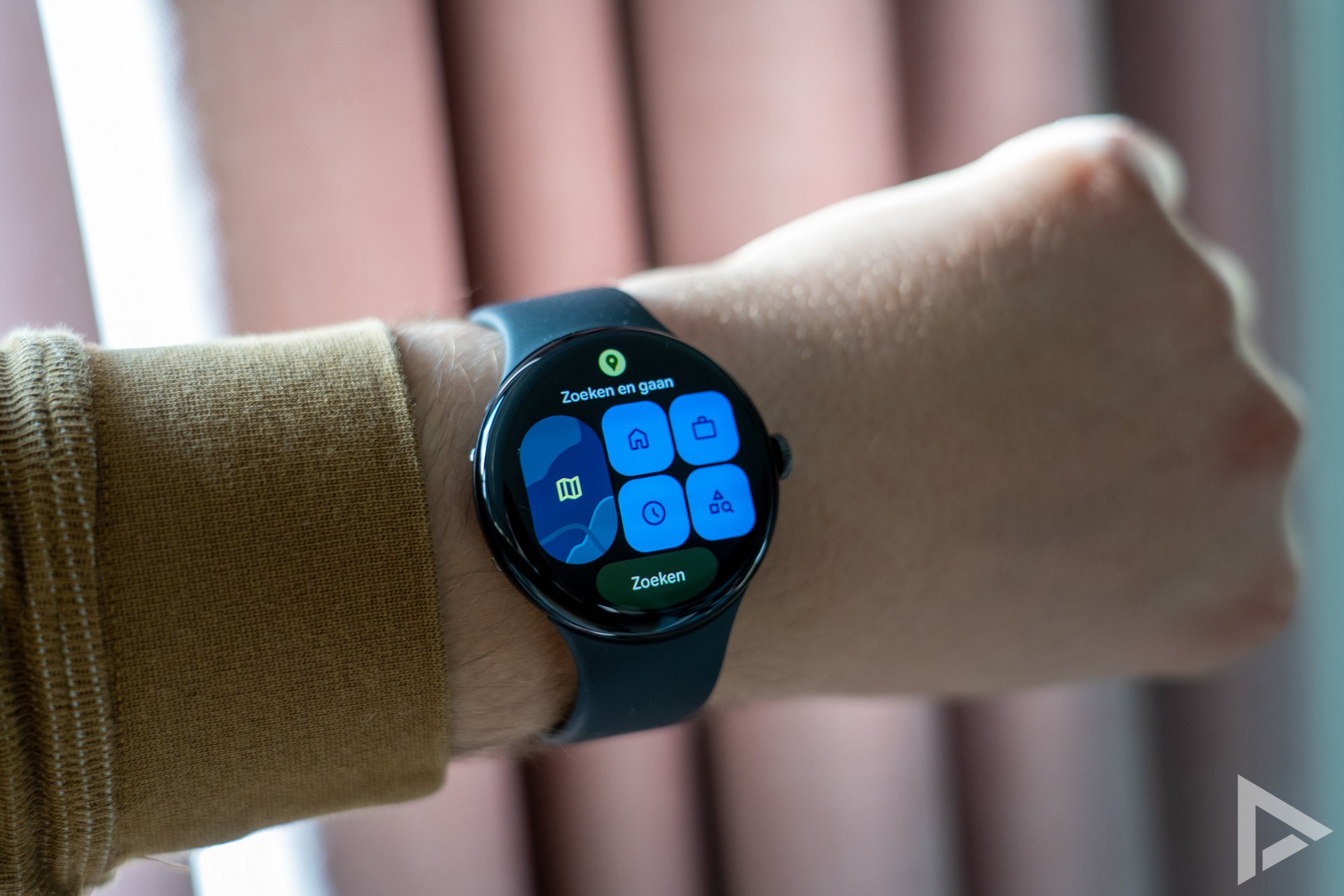
Gestures (or swipes) make it easy to find your way through the menus. In addition, from the home screen, you can go through the various 'widgets'. This gives you access to the weather, the music player, your sleep schedule, pedometer, calendar, Google Maps and other useful tools. Of course, you can also add and remove widgets yourself.
The Pixel Watch 4 features several handy motion actions. For instance, you can bring the watch to your mouth and start asking Gemini a question. Useful to quickly find out what the weather will be tomorrow, or if there are any upcoming activities on the agenda.
Health and exercise
A smartwatch is often also used to track your health and your activities. So that is certainly possible with the Google Pixel Watch 4. All data is collected in the Fitbit app. Different watch faces also give you more insight into things like your steps, calories burned and heart rate. Because of course, these things are also tracked with the smartwatch.
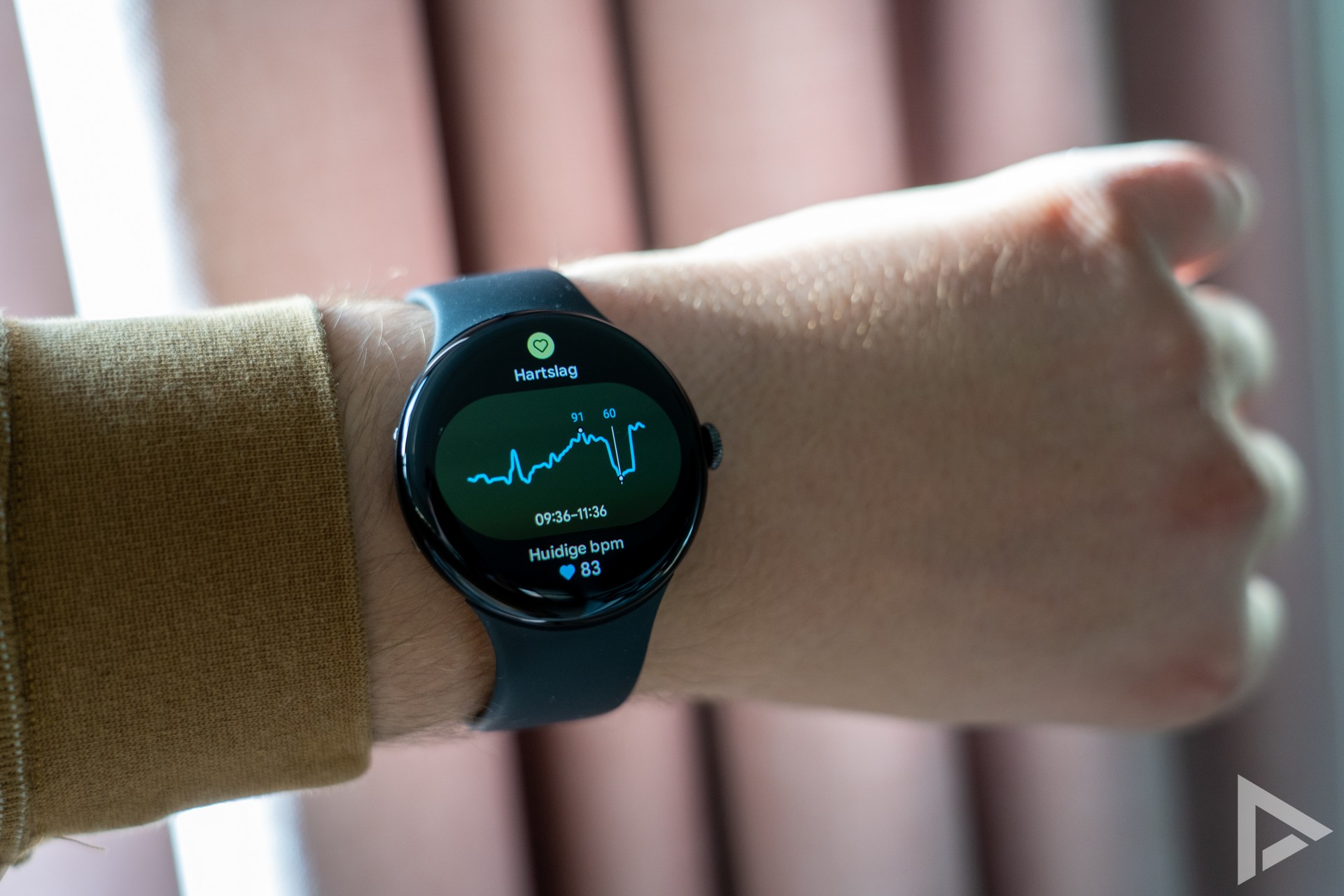
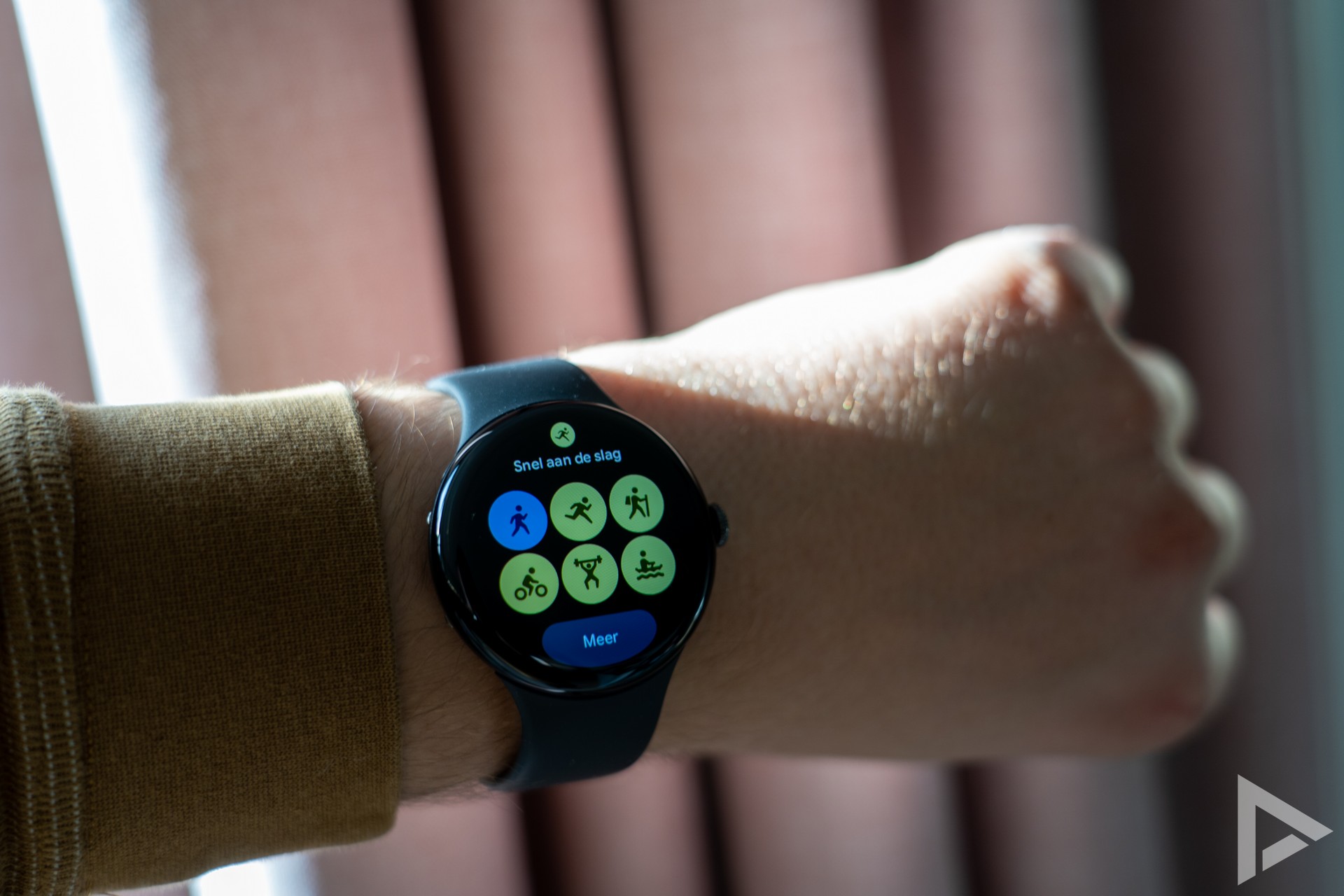
Tracking your activity is easy on the Pixel Watch 4. With a swipe to the right on your watch the workouts you can track. Whether walking, running, cycling, swimming, badminton, dancing, golf or padel, it can all be tracked. These stats are then stored in your account. You can link the Fitbit app with Health Connect, and this way you can sync certain data to other platforms. It is also possible to post your activities, such as your walk, on to Strava.
If we look at the location tracking of the Google Pixel Watch 4, and for comparison the Garmin Forerunner 965, we see that the two models are actually not much different. Both watches capture the route perfectly. We see more 'pretty shapes' of the route with the Pixel, where the Garmin seems to work more with points. Below is a picture with the two GPX files coming directly from the watches.
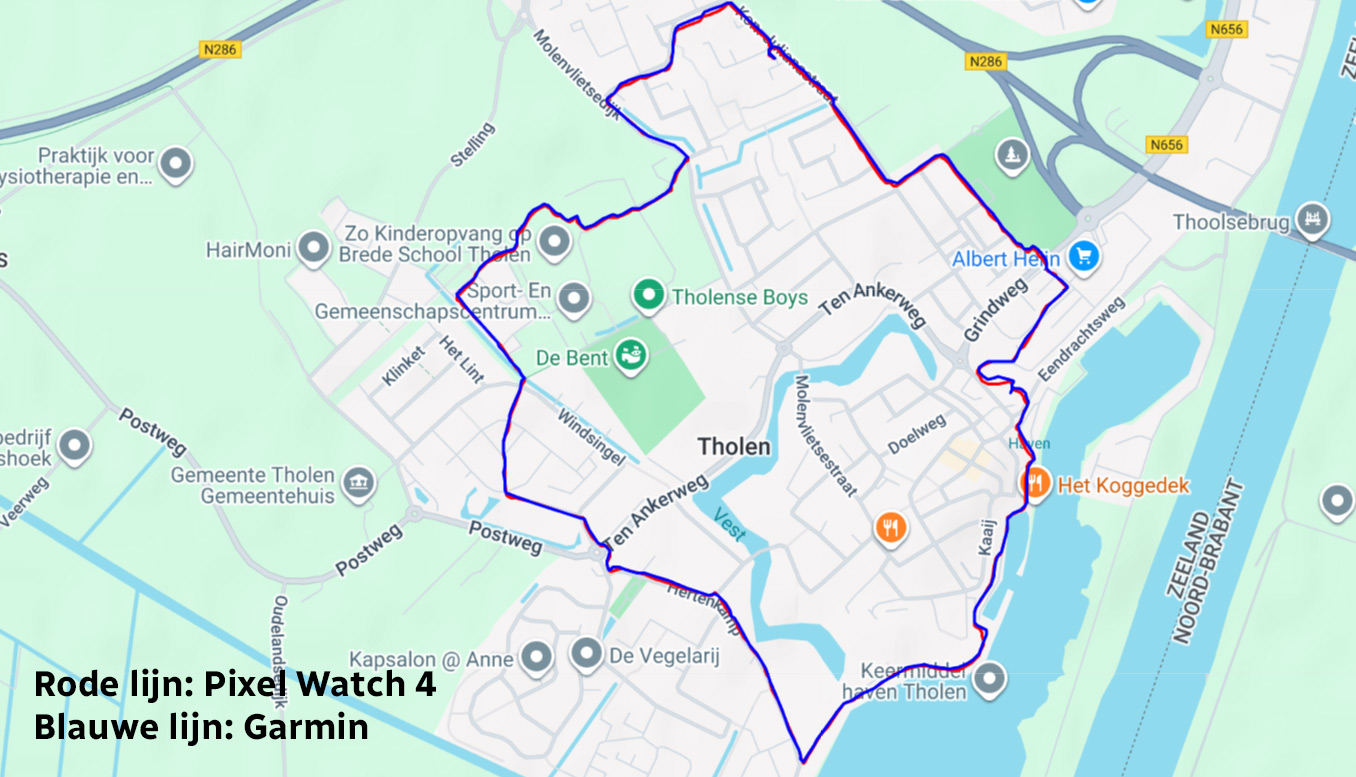
In the Fitbit app, you have access to many things. On the home screen, you can immediately see your progress and any time you need to recover. You also get insight into your activities, as well as your sleep. We'll come back to that in the Pixel Watch 4 review shortly. The coach function in the app helps you with mindfulness or running training to make yourself better. You can also track your nutrition, but this works quite moderately. For instance, Fitbit does not seem to be able to handle Dutch products. This means that adding a pancake, whole-wheat sandwich or a bowl of crackers, cannot be found. Instead, you're better off looking at Yazio, an app that again can be synced with Fitbit. You can read all about this handy app in our Yazio review.
Sleep and activity
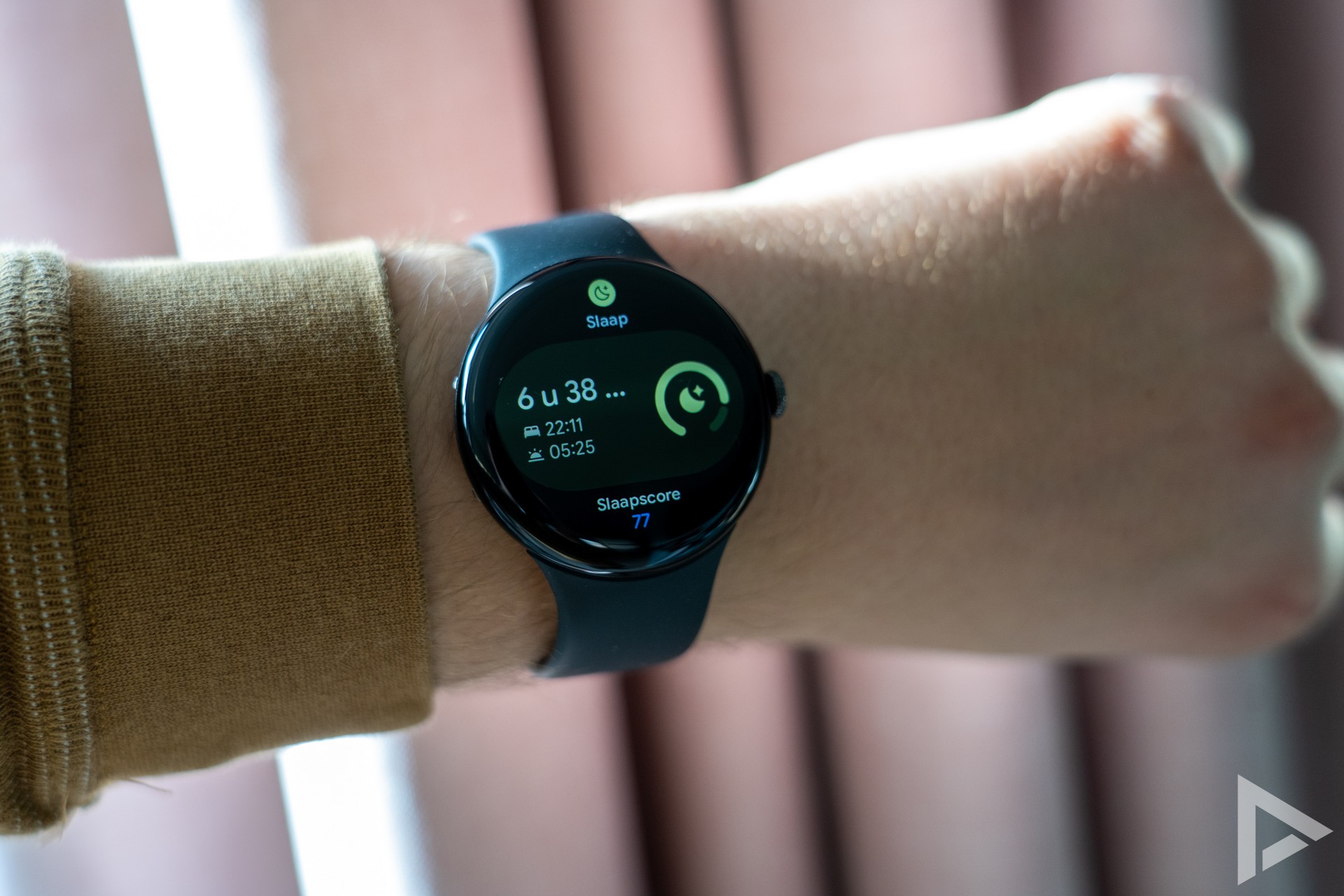
Tracking your sleep is also a common feature for smartwatch owners. This is then also possible with Fitbit's app. You can set the Pixel Watch 4 to sleep mode for the night, so you won't be disturbed by notifications. However, I did wake up once in the middle of the night to notifications because apparently the sleep mode was deactivated. This may have happened accidentally in sleep; it happened once.
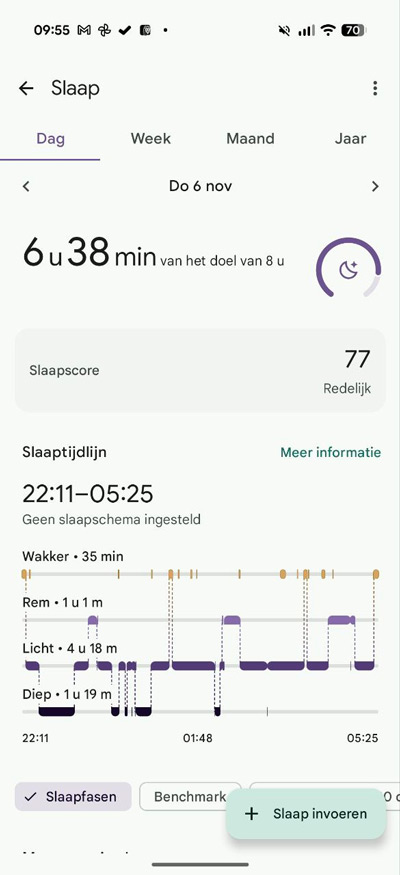
Upon waking up, you get an overview on your watch with the sleep performance. You can also see these back in the app. So you can see what your sleep timeline looked like.Think about the time you were awake, brake sleep, light sleep and deep sleep. It also shows statistics about your sleep, such as heart rate and oxygen variation. This is combined in the Fitbit app with a sleep score. However, the main thing is to keep following your own feelings as well; because a watch can be wrong sometimes, as we also know from Garmin. I don't dare say whether the Pixel or the Forerunner is better. I sometimes find the Garmin a bit negative, while the Pixel is rather a bit optimistic, looking at the score. So somewhere in between.
Battery life and charging
Smartwatches with Wear OS are not always well known for battery life. What about the Pixel Watch 4? The watch has a 455 mAh battery and in practice, it achieves very good battery life. With all-day notifications, two nights of sleep measurement, an hour of walking as a workout with tracking, continuous heart rate measurement and the screen always on (except at night), we reach 48 hours of usage time without any problems. After those two days, the battery is still at 15 per cent. A tidy score, making two days without charging definitely possible. You still have some slack with this if you don't keep the screen switched on.
Charging is done on the special magnetic charger into which you can 'click' the device using magnets. When the watch is in the cradle, you can immediately see how much time charging still takes.
Review
Google has clearly been working on an improved smartwatch, and that results in the Pixel Watch 4. A very nice smartwatch with a nice design and a good battery life of two full days. This along with a nice interface, choice of apps in the Google Play Store and a nice screen. In addition, you have extensive insight into your stats via the Fitbit app and via the watch itself, although this is (slightly) less than, for example, a smartwatch from Garmin, which on the other hand is very detailed. The Pixel Watch 4 will get updates until at least October 2028, which is a bit on the sparse side. Let's hope Google will just continue with updates after that period.
In short, the Google Pixel Watch 4 is a very interesting option if you are looking for a feature-packed smartwatch. You can buy the Pixel Watch 4 at Coolblue, Bol.com, MediaMarkt and Belsimpel.
- Beautiful design
- Fast
- Fine Material 3 interface
- Neat battery life
- Lots of choice of watch faces
- Official update period a bit on the short side
- (Old) notifications sometimes get stuck