Pixel Buds 2a review
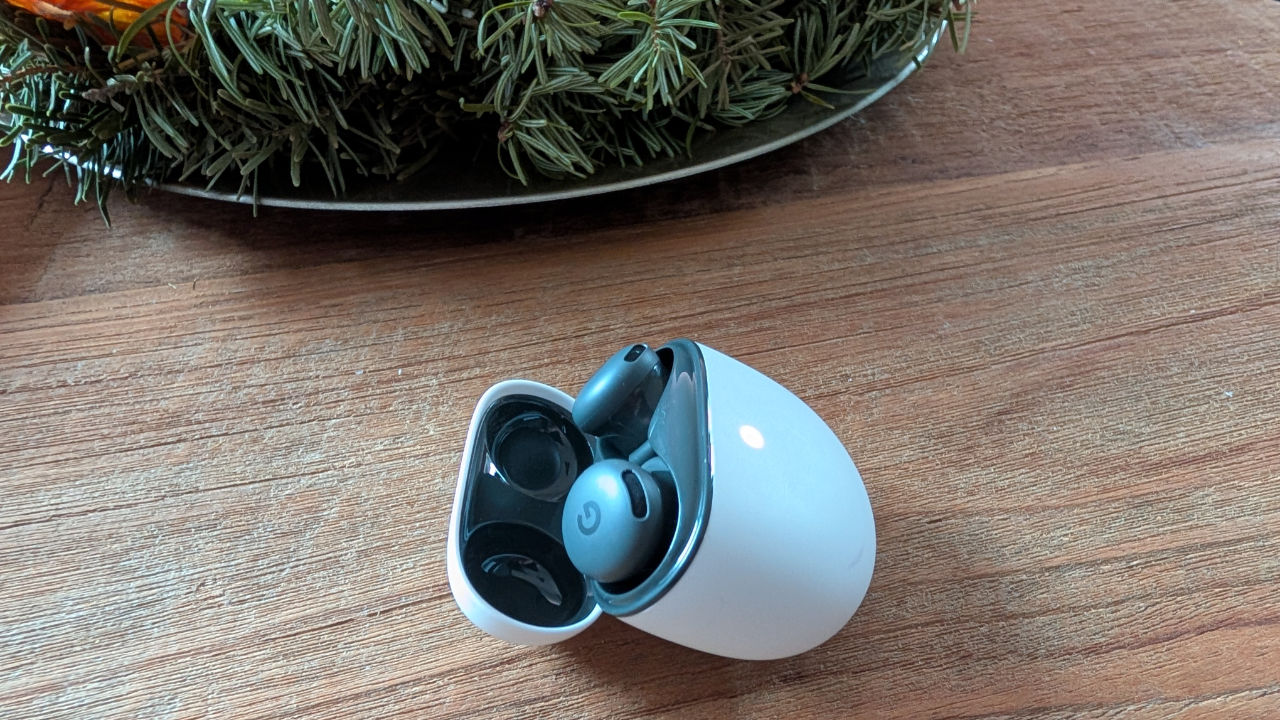
Google has several accessories in its range, and recently the Google Pixel Buds 2a was added. A headset released alongside the 'normal' Pixel Buds Pro 2, the addition of the 'a' indicates that it is a cheaper alternative, without owning a bad product. We also see this with the Pixel smartphones, of which the Pixel 9a was released earlier this year. That device, too, is cheaper than other models.
The big advantage of the Pixel Buds 2a is that there is plenty of extra functionality. Some of this can be found in the form of the Pixel Buds app, but also thanks to the presence of Gemini.
Unboxing
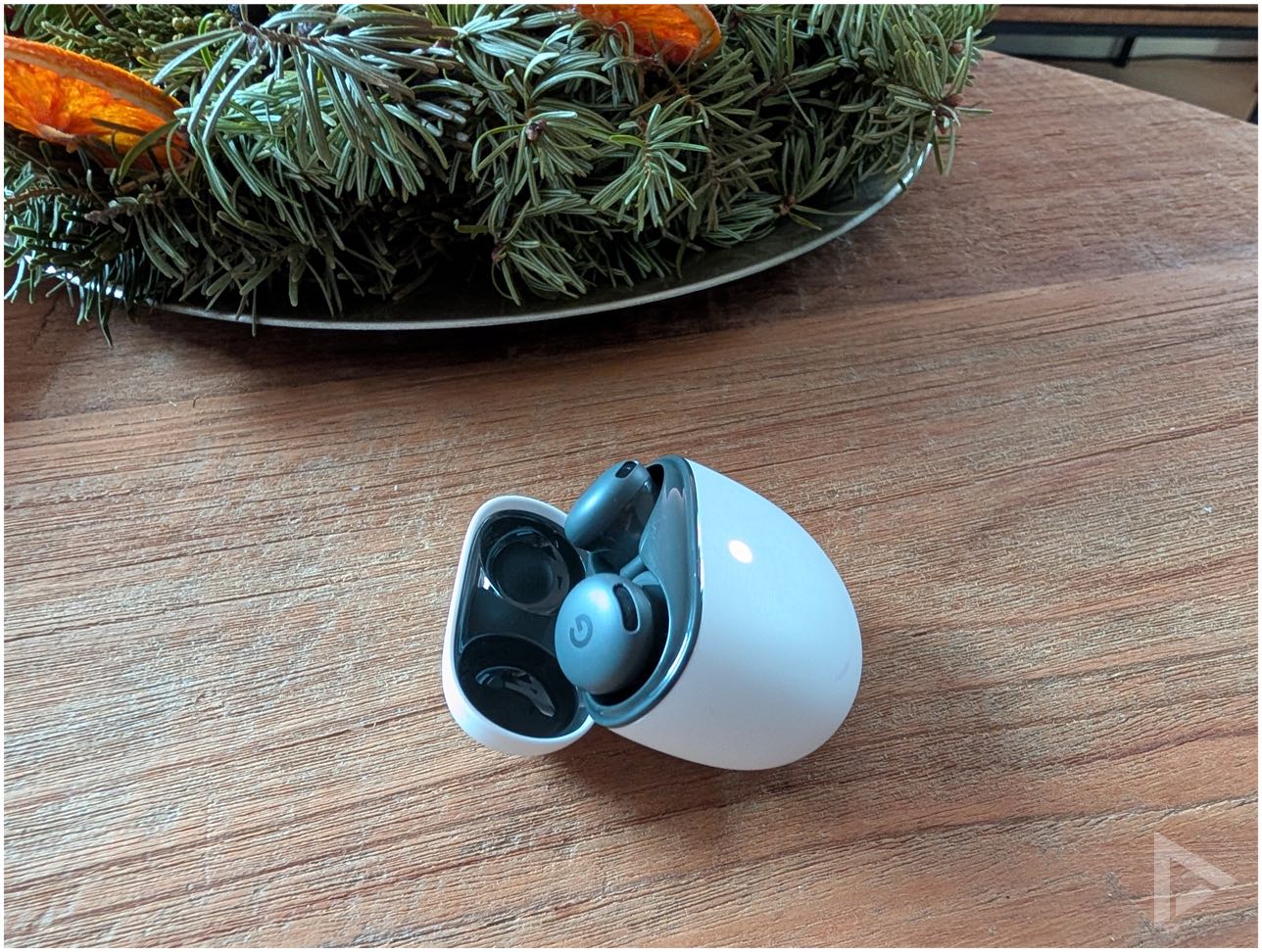
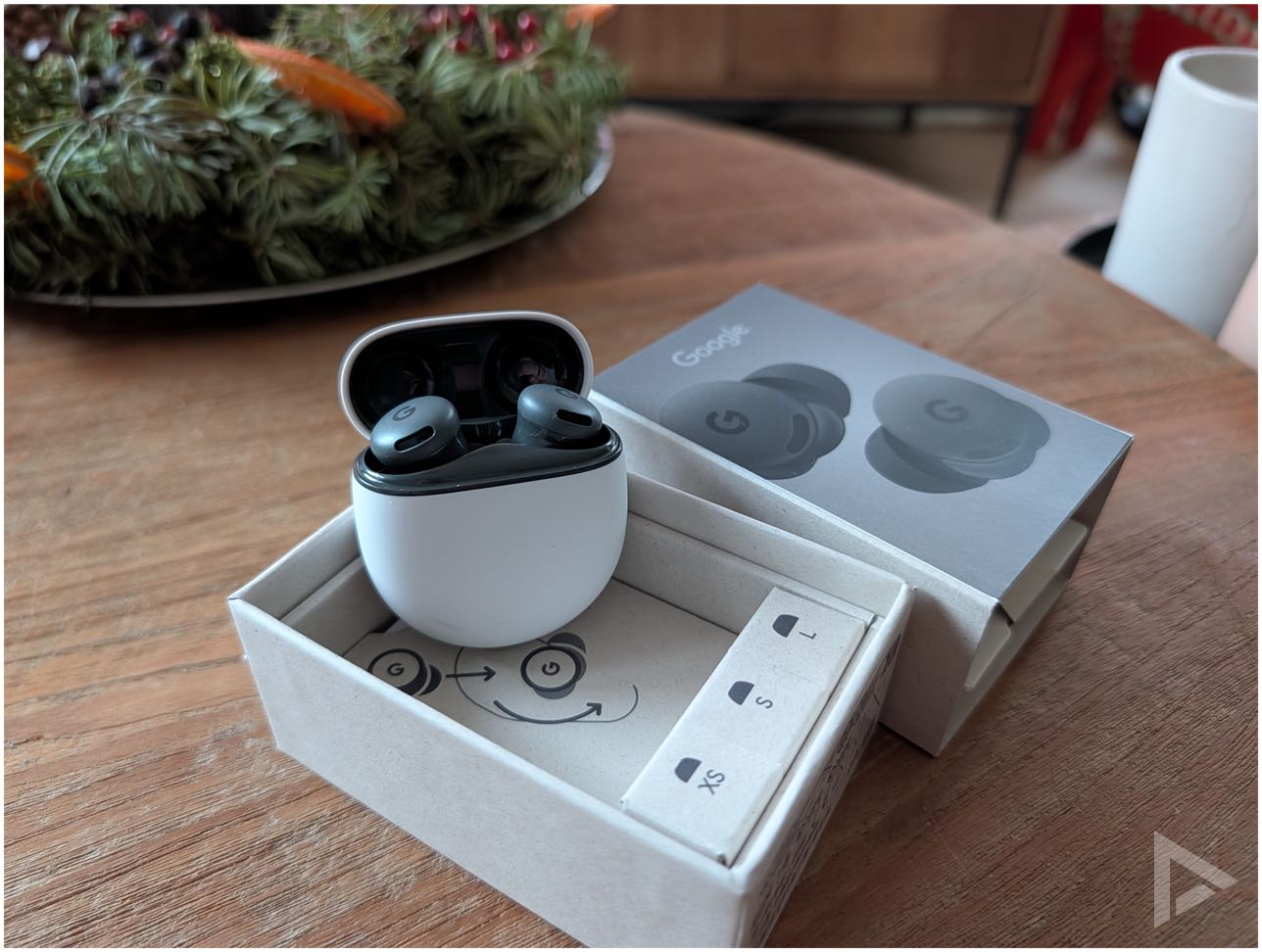
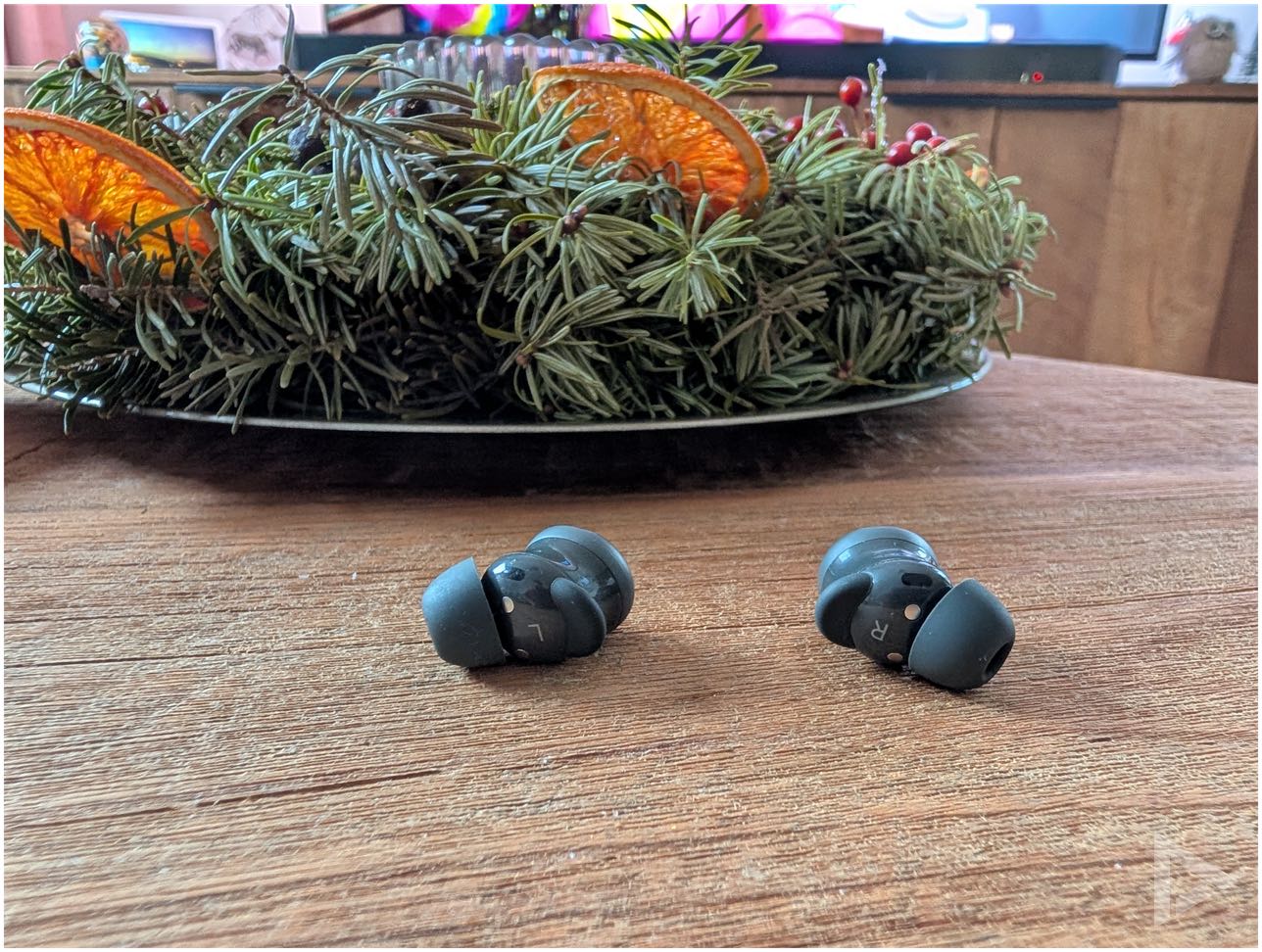
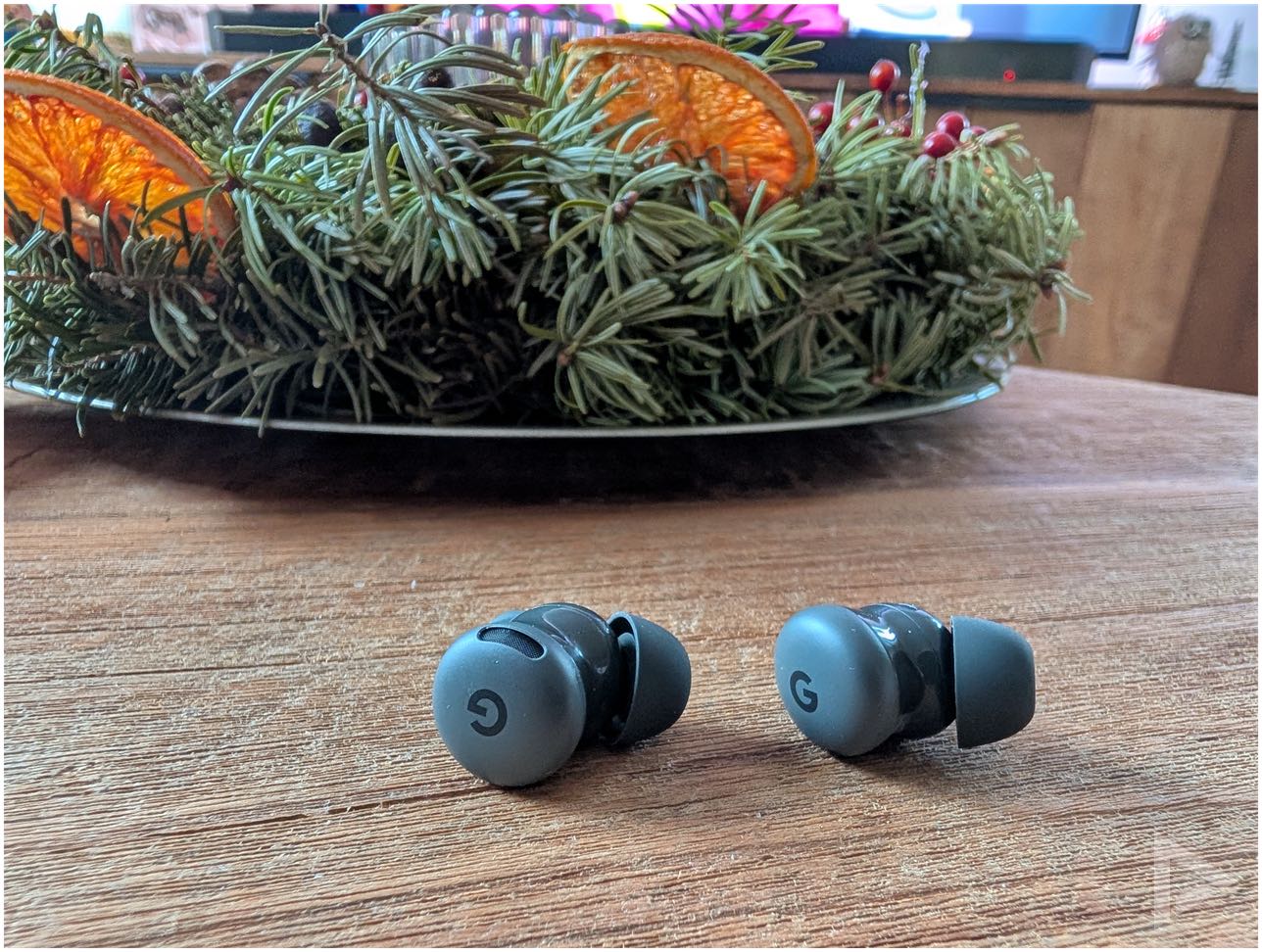
Google delivers the Pixel Buds 2a in a small cardboard box. In it is some paperwork and several sizes of earbuds, so there is a suitable attachment for every ear type. Including the silicone ear buds that come standard on the earbuds, there are four different sizes. A charging cable or charger is not included; you can just use your own USB-C charger for this. What is noticeable is that these are quite small earbuds, without stems, as we know from other earbuds.
Incidentally, the case does get a bit less white here fairly quickly. Some smudges here and there can quickly be found on it. You often wipe them off quickly, but here we miss a more premium experience, because otherwise the product looks well finished and solid.
Features
The Pixel Buds 2a comes in purple and black colours. There is ANC, or active noise cancellation, an IP54 certification so sweat or rain won't be a problem. Google uses an 11mm dynamic driver, and you can access a five-band equaliser via the Pixel Buds app.
Google promises that with active noise cancellation active, the battery will last up to 8 hours. With the charging case where charging via the earbuds results in a battery life of up to 20 hours. If you do not use the active noise cancellation, it is 10 hours and up to 27 hours with the charging case. From our testing, this is pretty close to the mark, although much depends on usage. Whereas the Pro model can be charged wirelessly, with the Buds 2a this is only via the USB-C connector in the case.
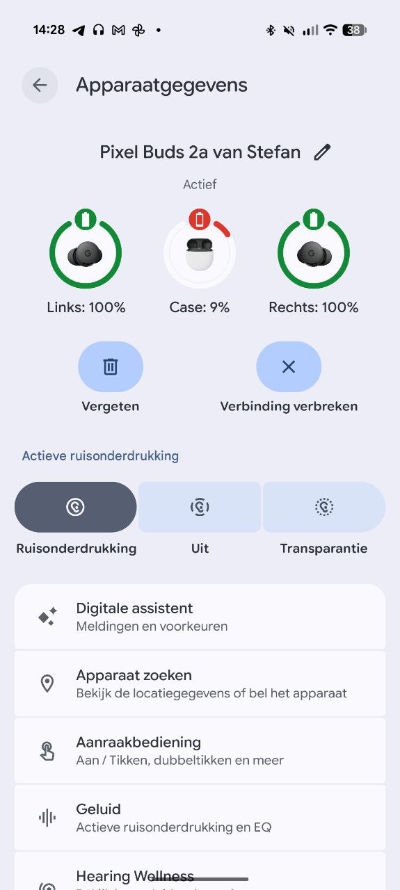
If the battery is low (of the case), you will see this immediately in the Pixel Buds app. You also get a notification on your phone about this. The light indicator on the charging case will then also light up orange.
Pixel Buds app
The earbuds connect easily via Bluetooth. However, you get even more out of the earbuds if you install the Pixel Buds app. You can simply download it from the Google Play Store and it gives you even more options. On the home screen, you can immediately see how the battery is doing. If you lose your earbuds, you can instantly search for the device.
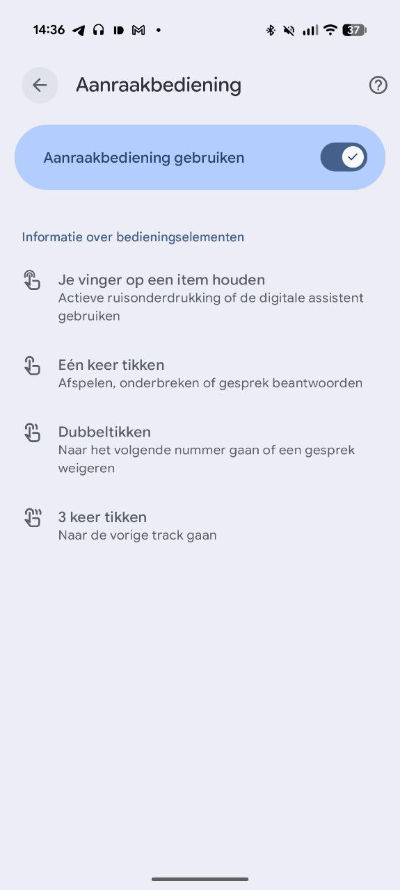
Of course, you can also use the app with adjusting various settings. Including the touch controls. This allows you to switch to noise reduction, or just choose to turn it off or choose transparent. A great pity is that there is no support for swipe gestures, or any other handiness to adjust the volume. However, you can still use touch controls, via tapping. This way, you can pause the earpiece with one tap, or double-tap to reject a call or skip to the next song.
A handy addition in the Pixel Buds app, is the Hearing Wellness. This lets you instantly see how the sound is contributing to exposure. This shows you whether the current number of decibels of your music being played hurts, or if it is within the margins. You see this not only for the current moment, but also for the past 24 hours and the past 7 days.

Gemini
You can also use Google's AI tool called Gemini on the earbuds. You can activate it by holding down an earbud, or by shouting 'Hey Google'. You can also use Gemini Live, and thus make calls. So you no longer need to grab your phone for this.
Sound quality
The Pixel Buds 2a are certainly not bad in-ears when it comes to sound quality. The highs and mids are well represented although the midrange could have stood out a bit more. The bass is good, but it could have popped out just a bit more. The sound is best described as warm without extra punch. The warm-sounding tuning makes the in-ears well suited for most music genres. Of course, you can work with the equaliser to get even more out of the sound quality. For the average audience, the Pixel Buds 2a will more than suffice; for the true music lover, the product is less suitable.
In terms of noise reduction, the Pixel Buds 2a does quite well. The outer piece does not go very far into the ear canal, so sometimes, when the wind is full in, you may hear some wind whistling. It is advisable to twist the earplugs a turn in the ear so that they seal well.
Want to buy Pixel Buds 2a?
Want to get started with the Pixel Buds 2a yourself? You can buy them at Coolblue, Belsimpel and MediaMarkt.
The photos in the review were taken with the Pixel 10 Pro XL (review)
- Great sound
- Neat battery life
- Fine Pixel Buds app
- Gemini integration
- Volume not adjustable via earbuds, like swipe gesture
- Noise reduction a bit sensitive to wind at times