All about charging
Fast charging, quick charge, USB PD, QI2... all terms you may see coming by in the search for a (new) smartphone. Manufacturers stuff their phones with the necessary techniques and technologies, but what do they mean? What can you do with them? And what do all the terms around charging mean? DroidApp lays it out in our handy Charging Guide, with all the information on charging your phone.
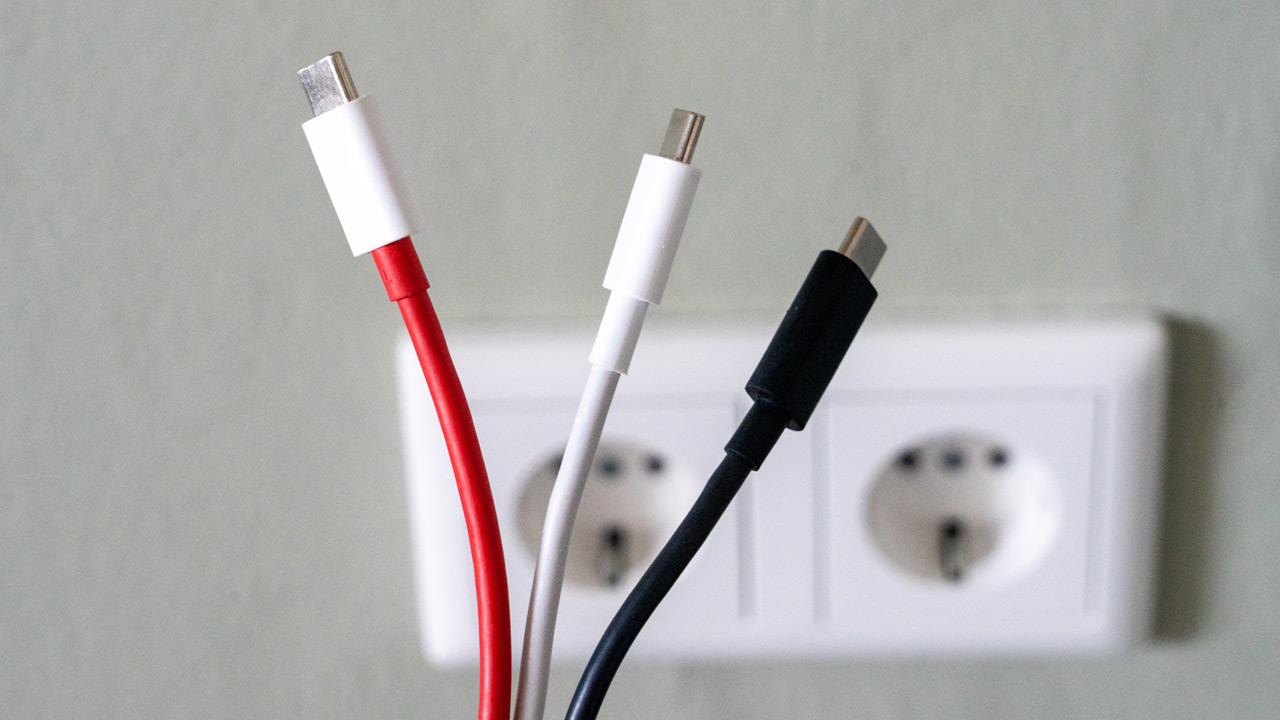
It used to be a jumble of connectors, cables and chargers. For example, a Sony Ericsson had yet another connector than a Nokia, and there were also differences between Nokia's different devices. Lending your cable to a friend or colleague was far from obvious. Today, things are different. In recent years, Micro-USB and USB-C became more the standard, today USB-C, in full USB Type-C, is the common connection for devices. Partly due to decisions made by the EU, you can now charge new devices with the same cable. Even in cars, you now often find these connection ports. A lot more convenient than how this was done years ago. But you can also still charge wirelessly.
USB-C so, that's clear. But did you know that there can still be a lot of difference in charging technologies you can use?
Standard USB charging
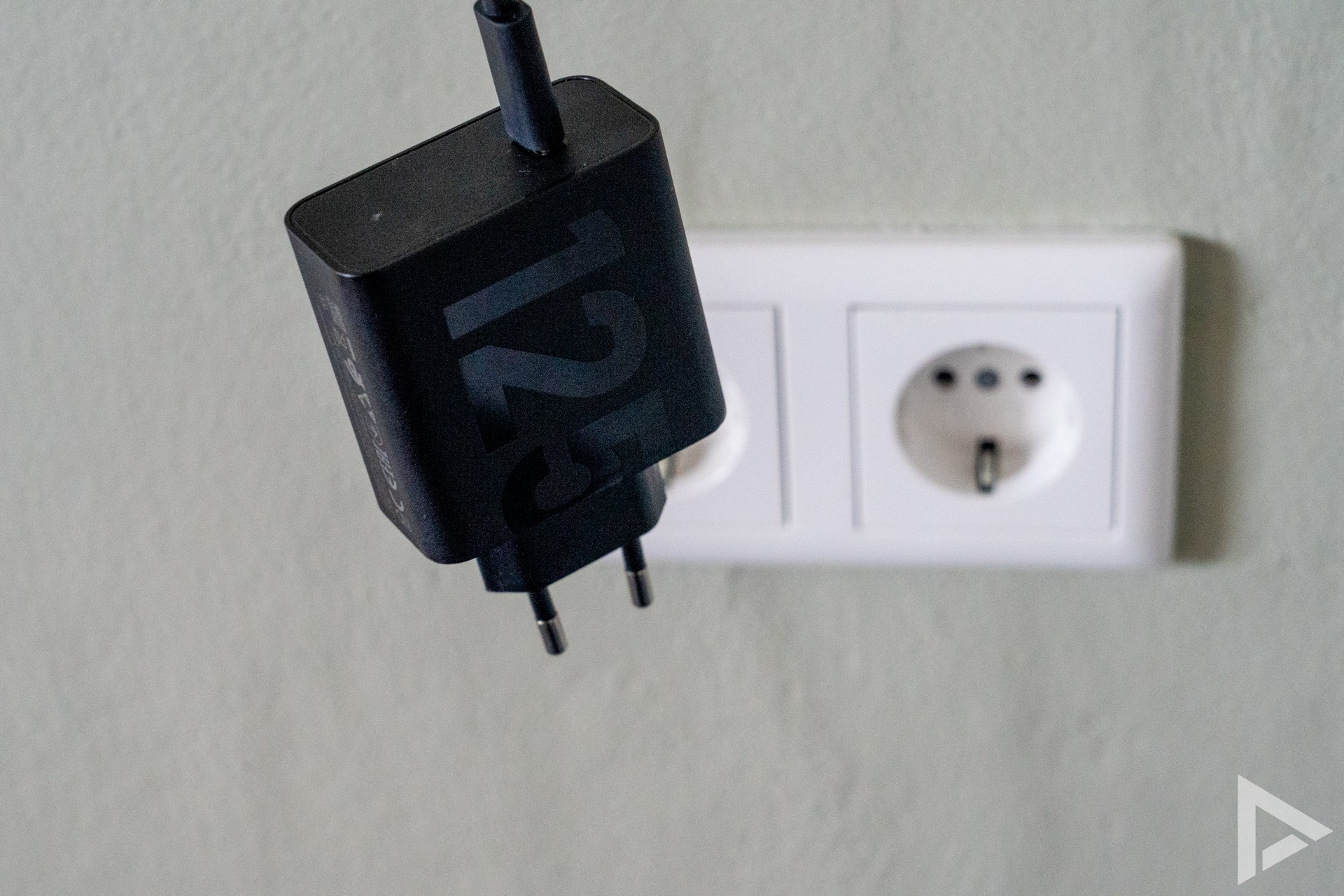
It's the most familiar form of charging: just standard USB charging. Very often we don't see that anymore, especially with the more expensive devices. The charging speed is low, as is the temperature development of your device. Sometimes you may still use this technique, for example if you drive an older car with a built-in USB port. You then actually always charge with a maximum of 5 volts and 2 amps.
USB Power Delivery (or USB-PD)
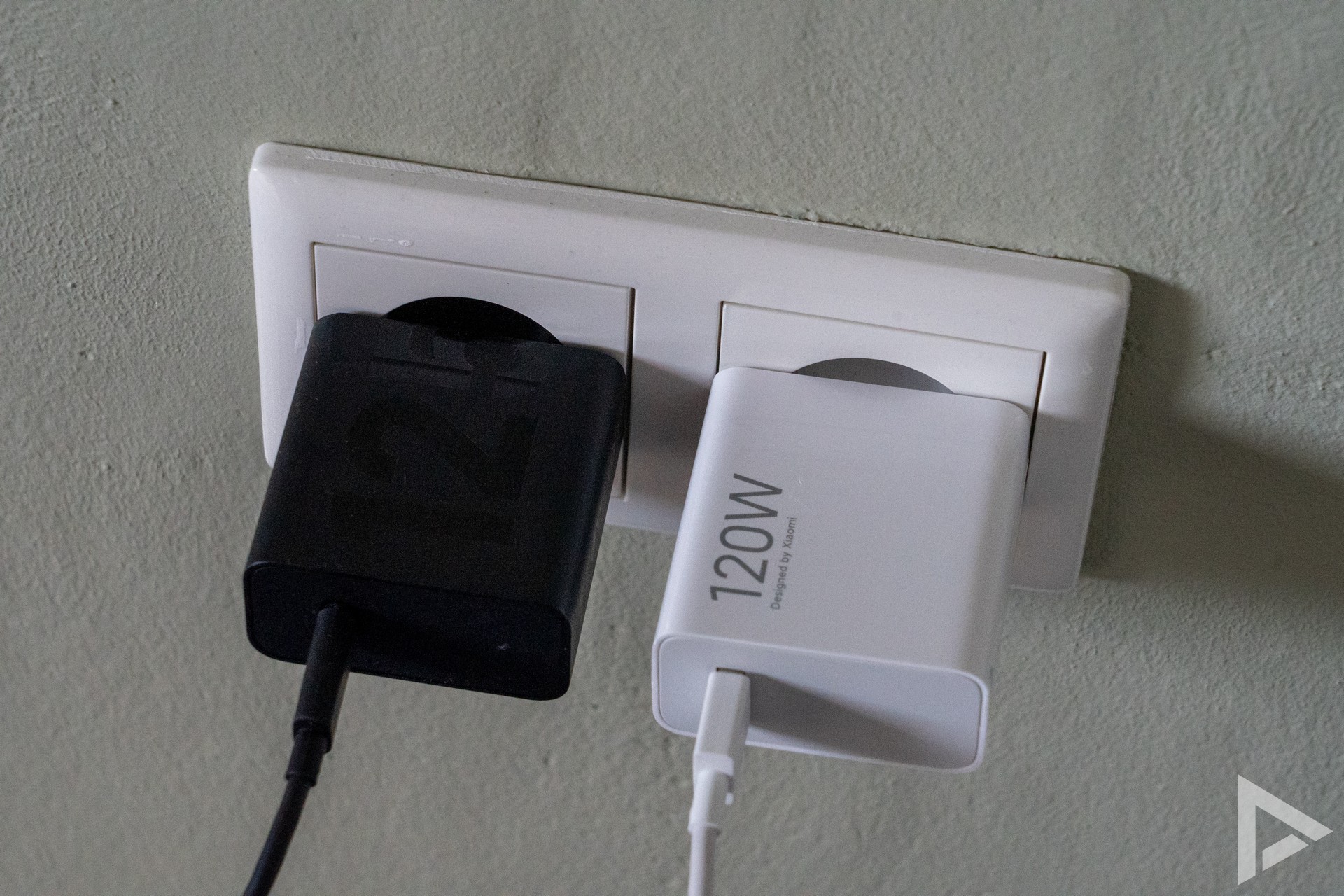
USB Power Delivery is also known by the abbreviation USB-PD. It is a universe charging standard that works via USB-C. Its purpose is to provide a single protocol that allows any device to be charged safely and most efficiently. The charger provides multiple voltage profiles, allowing the device to choose which one to use to charge the device in the most efficient way.
Of USB-PD, there are several 'generations'. In recent years, for instance, both the voltage and the maximum charging power have increased. The most common USB-PD version we see today is mainly USB-PD PPS, which stands for Programmable Power Supply. This can deliver voltage in very small increments, which is ideal for fast-charging smartphones.
Whereas the PPS extension to the PD standard should ensure that you can safely charge your device and keep using it while charging. This is because PPS optimises the charging efficiency during your charging session, while ensuring a lower thermal load on your device, in other words, less heat development.
USB-PD is considered a safe way of charging, which is flexible and can also handle high charging speeds. The biggest advantage is that it is universal, so not only can you quickly charge your smartphone, but also your powerbank or laptop, for example, if it supports USB-PD. To use this, the USB cable should also support this high charging speed.
By default, Power Delivery delivers a maximum of 100 watts of fast charging, at 20 volts and 5 amps. But with EPR, the maximum power is increased to 240 W (48 V/5 A). EPR stands for Extended Power Range. This means that with USB PD EPR, you can charge and use devices with high power consumption, such as laptops and monitors.
Quick Charge
Qualcomm is known for its Snapdragon chipsets. Qualcomm has its own charging protocol called Quick Charge. It comes in several versions and is deployed by many manufacturers. Quick Charge 4 and above is also compatible with USB-PD.
However, it is notable that with Quick Charge 3 and 4, Qualcomm opted for its own implementation of the PPS protocol called INOV ****(Intelligent Negotiation for Optimum Voltage). INOV dynamically adjusts the voltage in 20 mV increments for optimal efficiency and lower heat generation. Basically what USB PD-PPS also tries to achieve. As of QuickCharge 5.0, Qualcomm also adheres to the PPS standard.
Even more fast charging
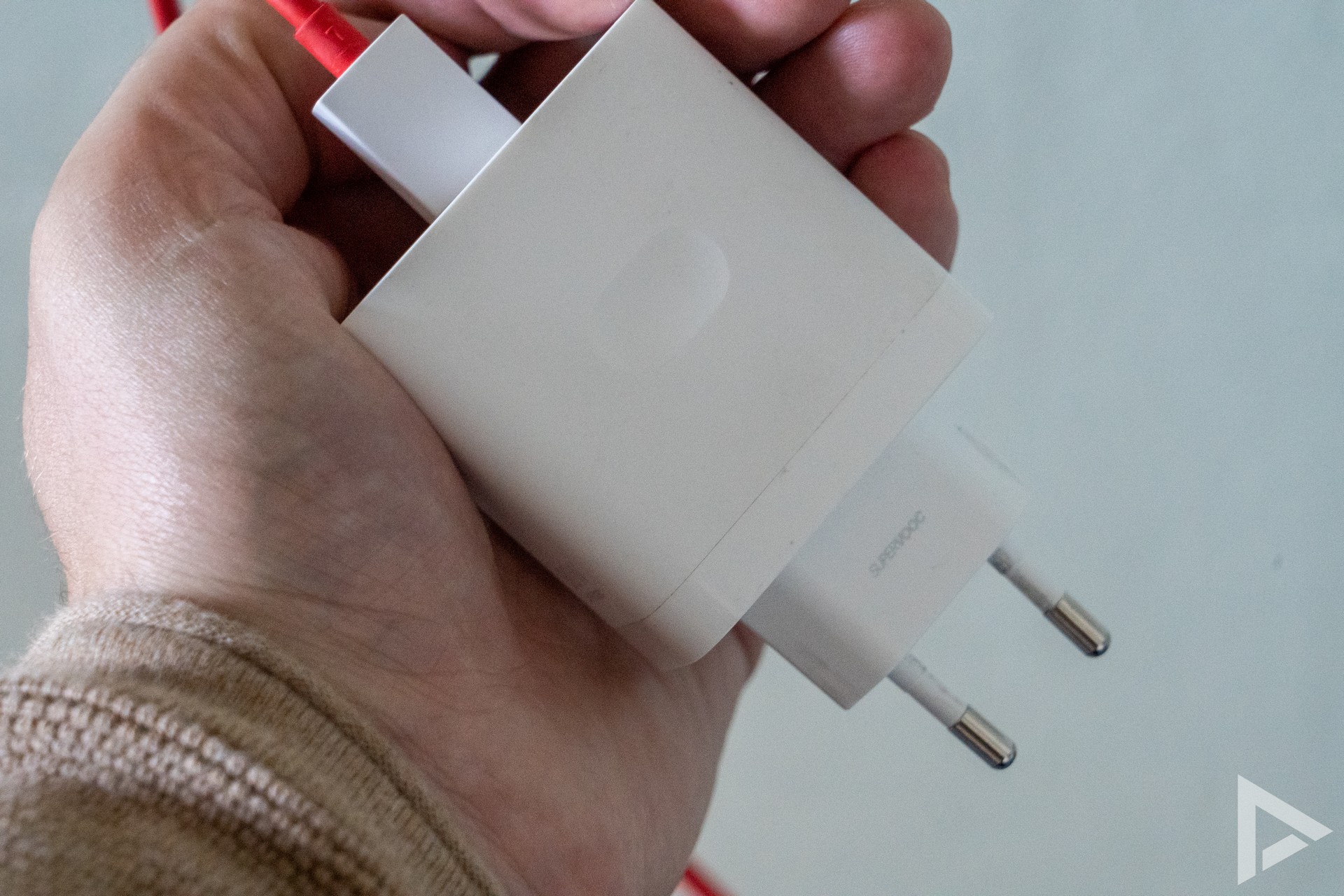
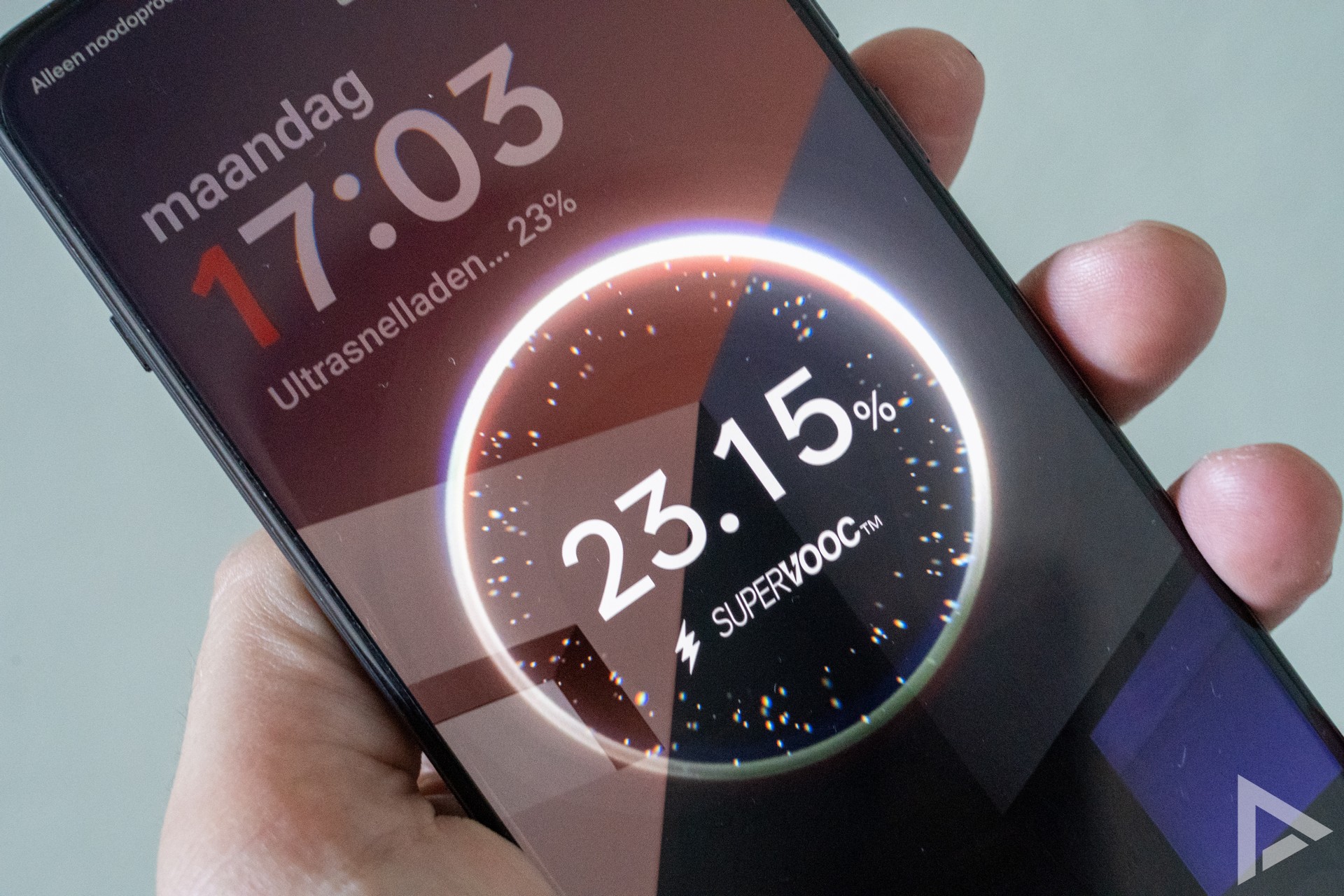
Manufacturers also sometimes still have their own charging protocol and corresponding name. OnePlus, like Oppo, uses SuperVOOC, previously also known as Warp Charge. Xiaomi uses the term HyperCharge and there are a number of other designations. The downside to this is that it often only works with devices from the manufacturer itself, along with a specific charger from the brand.
Qi and Qi2
Wireless charging is referred to as Qi. Years ago, this way of wireless charging was put into various devices. It is a form of inductive charging and officially charges up to 15W. You can find it in various cars, but also in wireless charging accessories from IKEA, for example. One drawback is that the device has to be well placed on the coil, otherwise not much happens.
Qi2 is the successor to Qi and we are now going to see it more and more often. It works with magnets, where the magnetic alignment ensures that both the phone and the coil of the charger are perfectly aligned. This reduces heat build-up and energy loss.
Charging with the use of a metal ring we already know from Apple with MagSafe on the iPhone, but Google is now also on board with this train. PixelSnap, which we see back on the Pixel 10 series, is the same as Qi2 charging, where you can use different accessories. MagSafe, by the way, is slightly different from Qi2.
Qi2 is also likely to be able to handle higher speeds than 15W in the future.
Difference between wired or wireless
Wireless charging can be convenient, but it is less efficient than wired charging. Because inductive charging has a lot of charge loss in the form of heat development, the technology is still limited in terms of charging power. Wired charging takes significantly less time and is also more energy efficient. Moreover, there is also a bit of convenience because with wireless charging, you often cannot use your device.
Thereby, it is good to know that a very high charging speed often sounds impressive, because who wouldn't want to charge their phone with 100W. But in practice, your phone only uses that maximum power for a limited time, after which the charging speed drops; just like an electric car.
Is fast charging harmful?
Faster charging can also affect the life of your battery. Although today's phones increasingly have safeguards for this, it can still cause more wear and tear on the battery. Because charging is done at high power, it creates more heat and stress on the cells. This is something that so-called lithium-ion batteries cannot handle well. This then causes the battery to lose capacity. However, according to sources, fast charging would be less harmful than charging your phone to 100 per cent all the time. Between 20 and 80 per cent charging is recommended to keep battery health in the best condition.
Cables
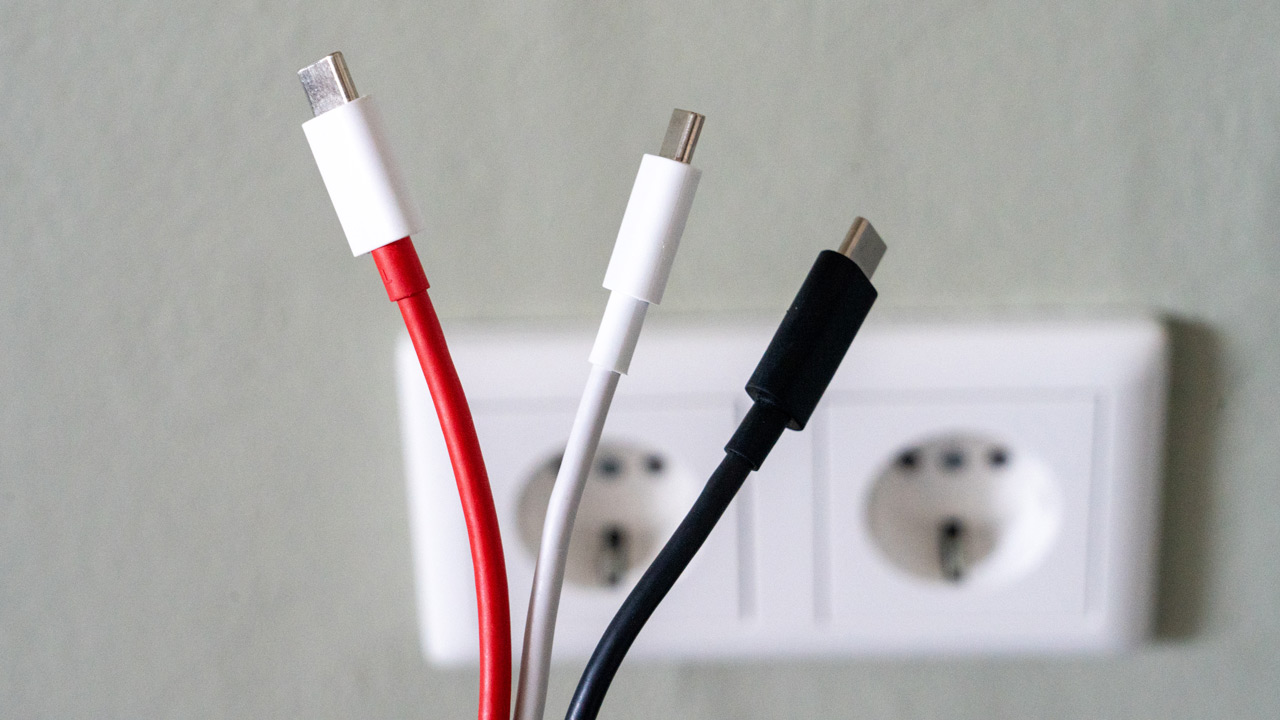
Whether a device really gets its maximum power depends not only on the charger, but also on the cable (and the device itself). The charger and the device together determine the maximum current/voltage within the charging profiles offered by the charger. In this process, the cable only indicates whether this can be done safely. If the three components manage to work out together then the agreed power is applied.
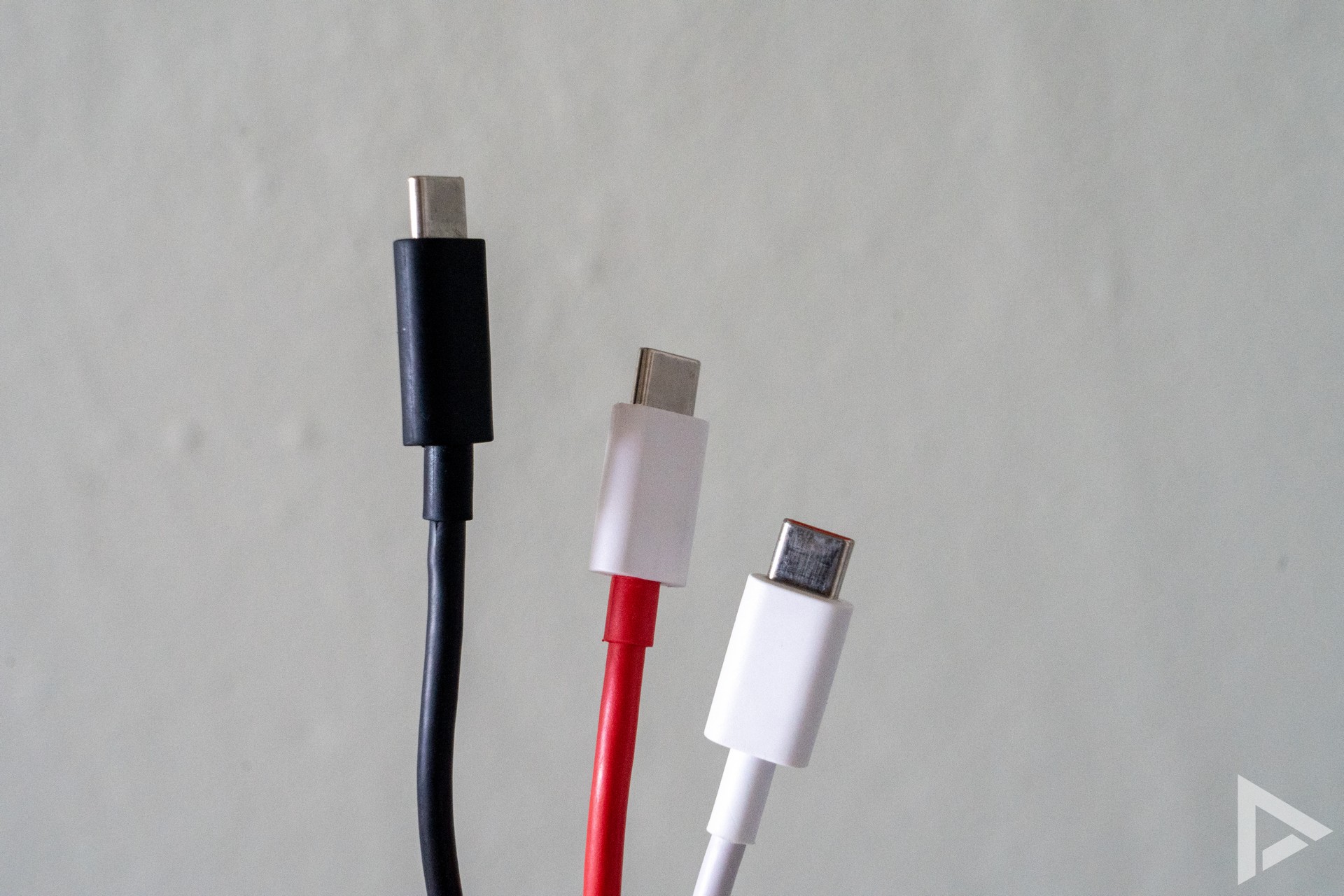
For fast charging above 60W, you need a good USB-C cable that is 5A/e-marked. For example, if your device does not support 100 watts, then a cable that can deliver up to 3A will suffice as it will allow you to charge at a maximum of 60 watts. For powers above 100 W, a so-called EPR cable is needed. This supports higher voltages (28 V, 36 V, 48 V at up to 5 A) and has additional safety measures such as better insulation and materials.
When using cheaper charging cables, this can cause problems with fast charging of your device. For example, if cables claim to have an e-marker and don't, you will notice slower charging. Due to the interplay between device, charger and cable, you can often still charge to a maximum of 3A (60 watts). Thinner cable may also have been used, causing the resistance on the cable to be higher; your phone will then demand less power from the adapter.
How do you prefer to charge your device?