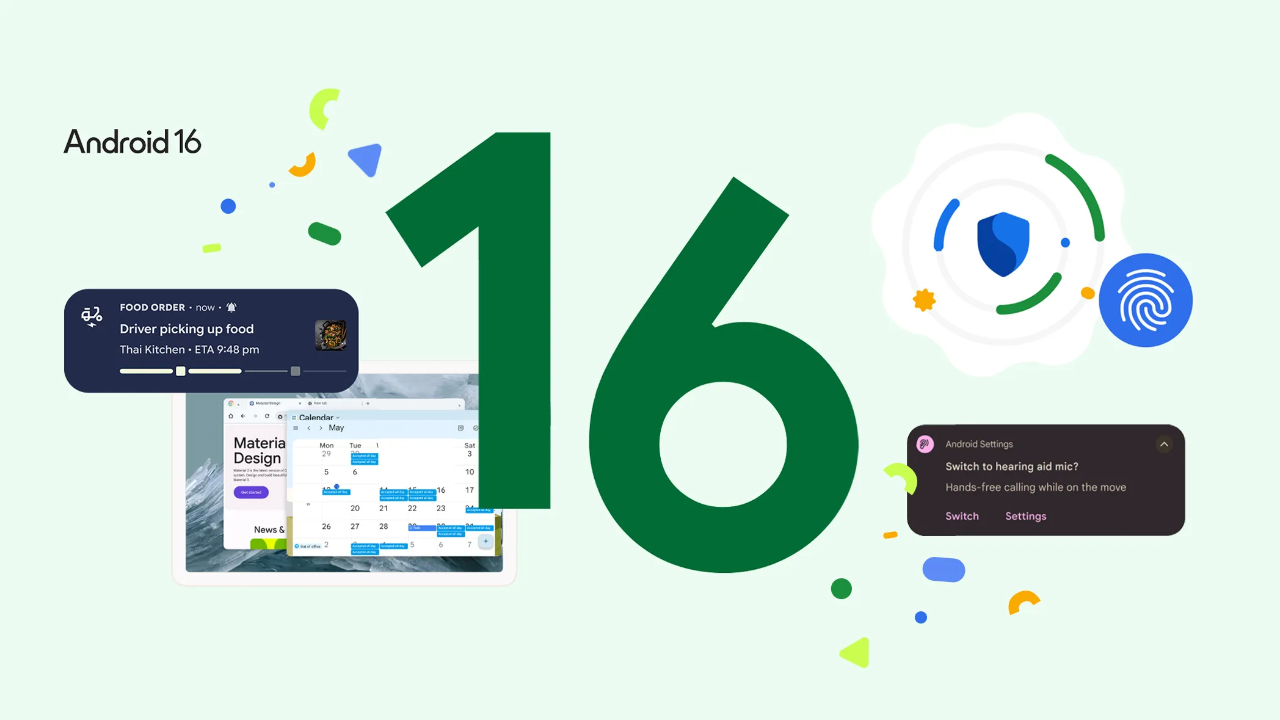
Android 16 QPR3 Beta 2
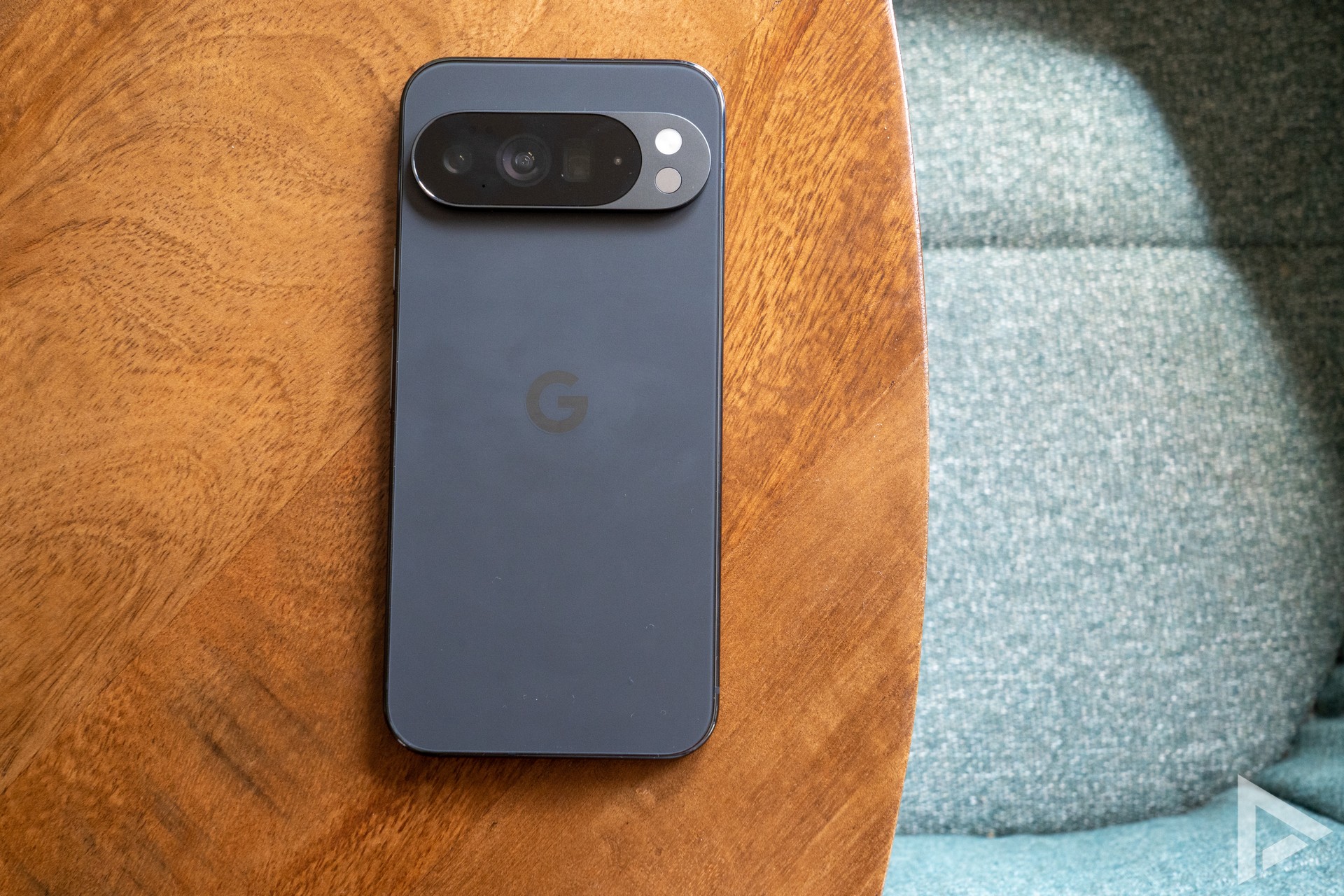
Google has rolled out a new update in the Android 16 beta programme. With the arrival of Android 16 QPR3 Beta 2, we will see a range of new features and improvements. This update is being rolled out through the programme and will be available for the Pixel 6 series and newer. This means it will be distributed for the following models; Pixel 6, Pixel 6 Pro, Pixel 7, Pixel 7 Pro, Pixel 7a, Pixel Tablet, Pixel Fold, Pixel 8, Pixel 8 Pro, Pixel 8a, Pixel 9, Pixel 9 Pro, Pixel 9 Pro XL, Pixel 9 Pro Fold, Pixel 9a, Pixel 10, Pixel 10 Pro, Pixel 10 Pro XL and Pixel 10 Pro Fold.
It is not a huge update, although Google has made significant improvements. These include critical system crashes and device crashing issues. Google has also sorted things out in terms of battery management. Some improvements have also been made in connectivity and interface. The system settings screen has also been inedl just a little differently. We have put down the bug fixes in Android 16 QPR3 Beta 2 below;
- An issue where the app drawer stopped responding while scrolling required adjustments to the way UI elements were displayed.
- Android Auto incorrectly registers long screen time, which negatively affects battery life.
- Graphical glitches and performance degradation when interacting with the notification panel in full-screen mode or PiP mode are fixed by improving the display.
- An issue with excessive battery consumption occurring at night is caused by optimising the power consumption of background processes.
- An issue where the maximum battery charge limit was not respected, causing devices to charge up to 100% instead of the set limit.
- An issue where users experienced slow internet connections over Wi-Fi due to a bug in the Wi-Fi connection.
- A crash when opening radio settings.
- Users experienced a noticeable delay and lack of feedback when switching audio outputs to the speaker during calls; this was fixed by improving the audio routing logic.
- A display issue caused screen flicker when waking the device from Always-On Display mode by updating the system web view.
- There was an issue where certain apps, including Microsoft applications managed through Intune, crashed on startup due to a compatibility issue with the Android system. This issue has now been resolved.
- An issue leading to inconsistent or unsuccessful wireless charging and slow charging via a cable could be fixed by improving the power management system.
- The system was fixed when closing a device with an app open by fixing an issue with activity lifecycle management during device state changes.